Skip to content

19 articles

Performance (page 3)

Finding what makes WordPress and WooCommerce slow: TTFB, Core Web Vitals, the database and caching.

Server response time, the caching layers, the database, the admin and the Core Web Vitals visitors feel. The guides go from the first measurement to the specific fixes; the free tools run the first checks in your browser.

Not covered yet: hosting comparisons with measured tests and media offloading for large WordPress libraries.

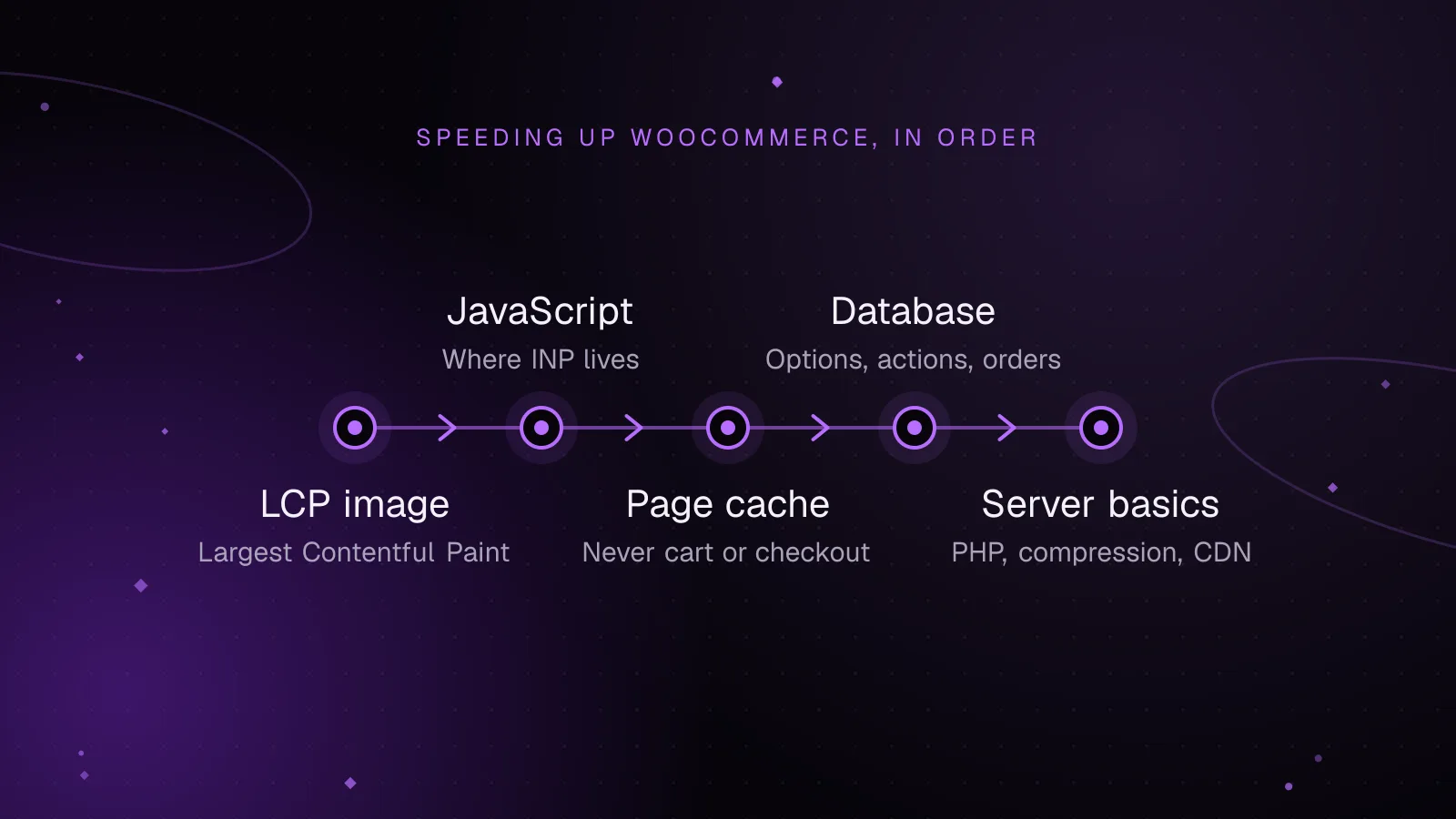
  • Diagram, Speeding up WooCommerce, in order: LCP image, then JavaScript, then Page cache, then Database, then Server basicsPerformance

    5 min read

    How to speed up WooCommerce: a Core Web Vitals guide

    Common causes of a slow WooCommerce store include an oversized hero image, too much JavaScript from plugins and tracking tags, pages that can't be cached, and a database bloated with old sessions, logs and autoloaded options.

    • WooCommerce
    • Performance
    • Core Web Vitals
    Read article