Performance6 min read
Why a cache purge can overload WordPress and how to stop it
Stop a WordPress cache stampede by controlling rebuilds, serving stale data, spreading expiries, and tracing origin and database load after purges.
 By Hamza Ahmad AslamWordPress VIP, Performance & Full-Stack Engineer
On this page
- What causes a WordPress cache stampede
- Why a full page-cache purge can overload the origin
- Why object-cache and transient misses can hit the database hard
- Defense one: use a shared cache lock around the rebuild
- Defense two: keep fresh and stale values under separate keys
- Defense three: spread expiry and refresh before demand
- How to spot database overload after cache purge
- What to do next on a busy WordPress site
- Frequently asked questions
Short answer: A WordPress cache stampede happens when many requests lose the same cached data at once and all try to rebuild it. The fix is to limit rebuilds with a shared lock, keep stale data available during refresh, and spread expiries so misses do not arrive as one burst.
What causes a WordPress cache stampede
A cache stampede, also called a thundering herd, starts with a shared miss. A popular page, object-cache key, or transient disappears. Many requests arrive before a replacement has been stored, so each request repeats the same expensive work.
The work might be a large database query, an API request, a product calculation, or full-page rendering. Caching normally removes that cost from most requests. During a stampede, the cost returns all at once.
The failure often starts because related keys share the same expiry or because an operator clears a broad cache. A deployment can have the same effect if it changes cache namespaces. Popular data then becomes cold at the same moment.
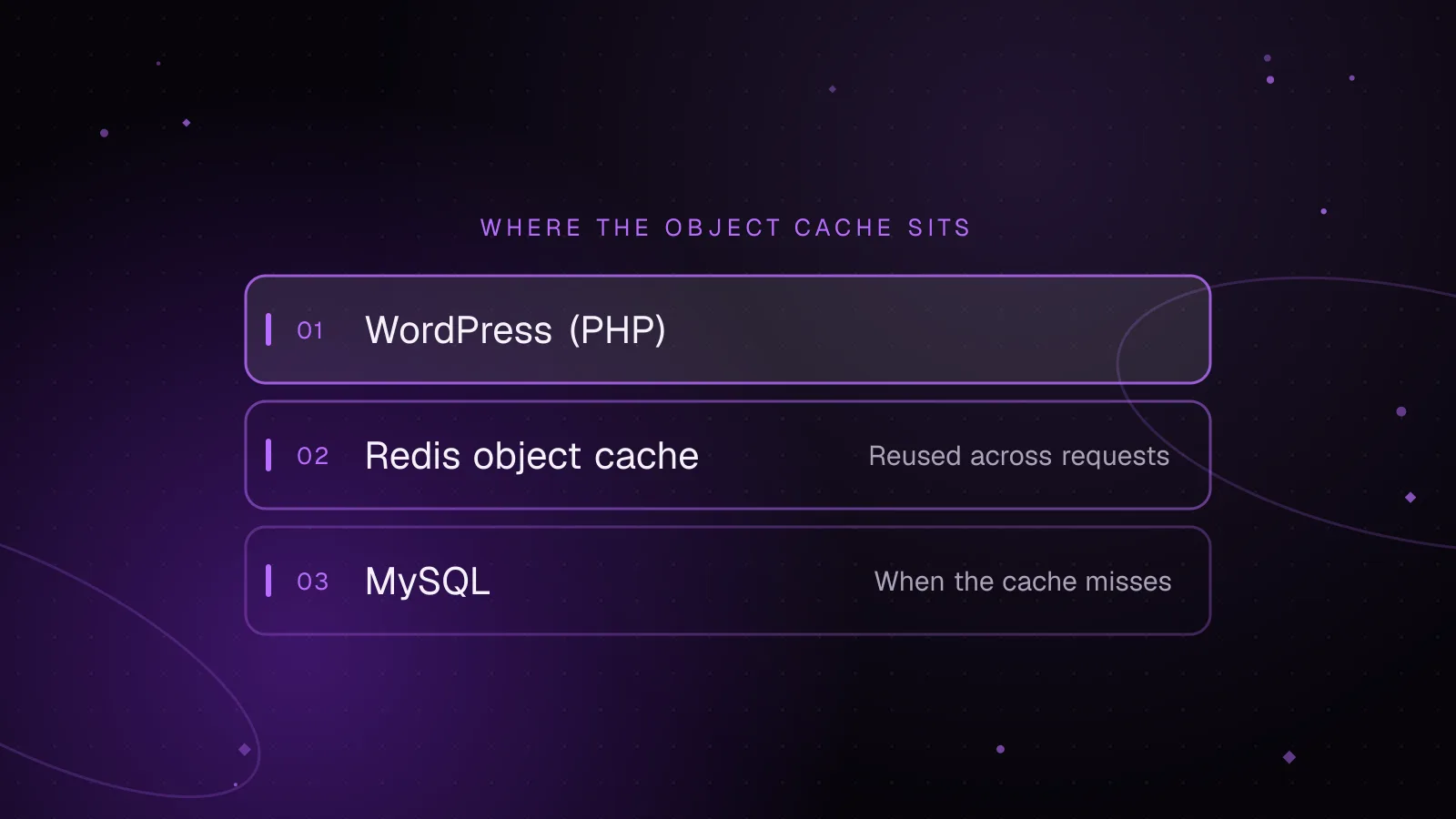
WordPress core's object cache documentation (opens in a new tab) also matters here. The built-in object cache is non-persistent by default, so wp_cache_*() data normally lasts only for one request. Cross-request locking with wp_cache_add() needs a persistent object cache whose add operation works across application workers.
Transients can create the same pattern. The Transients API documentation (opens in a new tab) says an expiration is a maximum lifetime, not a promise that the value will remain available until then. If many requests find the same transient missing, naive transient regeneration lets every request run the rebuild.
Why a full page-cache purge can overload the origin
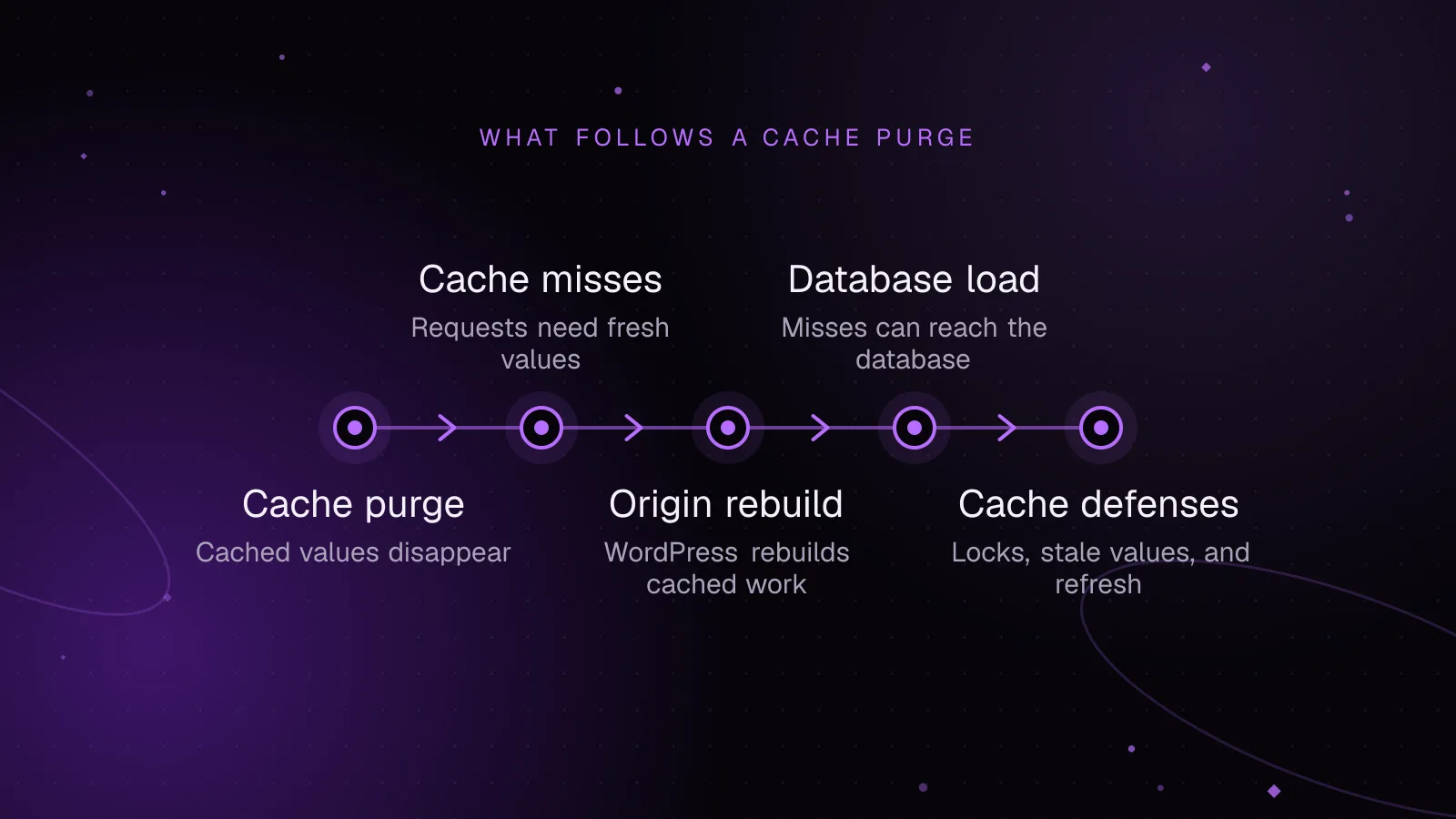
A full page-cache purge turns hot URLs into misses together. The next visitor to each URL reaches PHP, WordPress, the database, and any upstream services needed to render that response. Enough simultaneous misses can consume PHP workers and database connections faster than the cache can warm again.
The safer default is targeted invalidation. Purge the changed post, archive, API response, or dependency set instead of clearing unrelated pages. WordPress VIP documents selective page-cache purging (opens in a new tab) for specific URLs and content, which is the pattern to copy even when your hosting platform uses different controls.
Targeted purges do not remove the need for origin protection. A single product, category, or campaign page can be hot enough to create its own burst. The origin still needs a plan for concurrent misses.
If your CDN supports stale responses during refresh, use that layer too. Cloudflare documents asynchronous stale-while-revalidate (opens in a new tab), where an expired cached response can continue to serve while one background revalidation updates it. Check your own CDN's rules because cache-control behavior differs by platform.
Why object-cache and transient misses can hit the database hard
Object-cache stampedes are smaller in scope than a page-cache purge, but they can be harder to spot. A single key may feed many templates, REST requests, checkout calls, or admin requests.
Suppose a cached catalog summary expires. Every request that misses it runs the same query and calculation. Each result is valid, but the duplicate work creates avoidable database pressure. The first completed request repopulates the cache, yet the other rebuilds are already running.
Transient regeneration has the same race. Code like "get the transient, rebuild if false, then set it" has no coordination between concurrent requests. A busy site can therefore turn one expired value into many identical queries.
The first defense is to make rebuilding exclusive.
Defense one: use a shared cache lock around the rebuild
A cache lock in WordPress needs a store shared by all relevant PHP workers. With a persistent object cache, wp_cache_add() is useful because WordPress only adds the key when that key and group do not already exist.
This example takes its cache and lock lifetimes as configuration. The lock must expire, so a crashed rebuild cannot leave the value blocked forever.
function haa_get_catalog_summary( int $cache_ttl, int $lock_ttl ) {
    $group    = 'haa_catalog';
    $data_key = 'catalog_summary';
    $lock_key = 'catalog_summary_lock';

    $cached = wp_cache_get( $data_key, $group, false, $found );

    if ( $found ) {
        return $cached;
    }

    if ( ! wp_using_ext_object_cache() ) {
        return haa_build_catalog_summary();
    }

    if ( ! wp_cache_add( $lock_key, true, $group, $lock_ttl ) ) {
        return null;
    }

    try {
        $value = haa_build_catalog_summary();

        wp_cache_set( $data_key, $value, $group, $cache_ttl );

        return $value;
    } finally {
        wp_cache_delete( $lock_key, $group );
    }
}
The winning request rebuilds. A request that loses the lock must not start the same rebuild. Its caller can do a bounded wait, return an older value, or use a cheaper fallback.
Do not use this as a cross-request lock when WordPress is using only its default in-memory object cache. Each request would have its own lock key, so every request could still become the winner.
Defense two: keep fresh and stale values under separate keys
Stale while revalidate removes the worst part of a miss: users do not have to wait for the refresh if an acceptable older value exists.
For application data, keep a shorter-lived fresh key and a longer-lived stale key. When the fresh key is gone but stale data remains, return stale data immediately. One request takes the refresh lock and queues the rebuild.
function haa_get_summary_swr(
    int $fresh_ttl,
    int $stale_ttl,
    int $lock_ttl
) {
    $group    = 'haa_catalog';
    $lock_key = 'summary_refresh_lock';

    if ( ! wp_using_ext_object_cache() ) {
        return haa_build_catalog_summary();
    }

    $fresh = wp_cache_get(
        'summary_fresh',
        $group,
        false,
        $fresh_found
    );

    if ( $fresh_found ) {
        return $fresh;
    }

    $stale = wp_cache_get(
        'summary_stale',
        $group,
        false,
        $stale_found
    );

    if ( ! $stale_found ) {
        if ( ! wp_cache_add( $lock_key, true, $group, $lock_ttl ) ) {
            return null;
        }

        try {
            $value = haa_build_catalog_summary();

            wp_cache_set(
                'summary_fresh',
                $value,
                $group,
                $fresh_ttl
            );

            wp_cache_set(
                'summary_stale',
                $value,
                $group,
                $stale_ttl
            );

            return $value;
        } finally {
            wp_cache_delete( $lock_key, $group );
        }
    }

    if ( wp_cache_add( $lock_key, true, $group, $lock_ttl ) ) {
        $config = array(
            'fresh_ttl' => $fresh_ttl,
            'stale_ttl' => $stale_ttl,
        );

        $scheduled = wp_schedule_single_event(
            time(),
            'haa_refresh_summary',
            array( $config )
        );

        if ( ! $scheduled ) {
            wp_cache_delete( $lock_key, $group );
        }
    }

    return $stale;
}

add_action( 'haa_refresh_summary', 'haa_refresh_summary_cache' );

function haa_refresh_summary_cache( array $config ) {
    $group = 'haa_catalog';

    try {
        $value = haa_build_catalog_summary();

        wp_cache_set(
            'summary_fresh',
            $value,
            $group,
            $config['fresh_ttl']
        );

        wp_cache_set(
            'summary_stale',
            $value,
            $group,
            $config['stale_ttl']
        );
    } finally {
        wp_cache_delete( 'summary_refresh_lock', $group );
    }
}
Configure the stale lifetime to outlast the fresh lifetime. The gap is the window in which visitors can receive older data while the replacement is generated.
wp_schedule_single_event() schedules a one-time WP-Cron hook. WP-Cron runs due work when WordPress receives a visit, so treat it as a queue trigger rather than an exact timer.
If cache freshness depends on that queued refresh, monitor WP-Cron runs and overdue scheduled events so you can confirm the job ran.
On a site where Action Scheduler is available, you can queue the refresh there instead. Its official API reference (opens in a new tab) provides async and single-action scheduling functions. Call its scheduling API only after Action Scheduler has initialized.
Defense three: spread expiry and refresh before demand
Jitter means adding a random amount to an expiry. It stops many related keys created together from expiring at exactly the same time.
Keep the base lifetime and jitter range in configuration. Then apply the random offset when each key is written.
function haa_jittered_ttl( int $base_ttl, int $jitter_ttl ): int {
    return $base_ttl + wp_rand( 0, $jitter_ttl );
}

$ttl = haa_jittered_ttl( $base_ttl, $jitter_ttl );

wp_cache_set( $cache_key, $value, $cache_group, $ttl );
Jitter is useful for collections of keys generated in one import, deploy, product sync, or bulk update. It reduces synchronized expiry without changing how readers fetch the data.
Background refresh goes one step further. Refresh expensive values before user traffic needs them. WP-Cron can handle scheduled refresh work. Action Scheduler can fit sites that already use its queue and need job state visible to operators.
Do not schedule every request to refresh the same key. Use a lock or a unique queued action so background work does not become another thundering herd.
How to spot database overload after cache purge
The useful signal is correlation. Record the time of a purge, deployment, cache namespace change, or bulk invalidation. Then line that event up with cache misses and origin work.
Watch these signals together:
- Check edge or page-cache hit and miss data for an abrupt increase in misses.
- Check origin request volume to see whether traffic shifted from cache to PHP.
- Check PHP concurrency or worker saturation to see whether requests began queueing.
- Check database connections, query time, and slow-query volume for the same window.
- Check object-cache misses for the specific groups or keys that feed expensive work.
A stampede has a recognizable shape: a cache event is followed by a burst of origin work, then load falls as hot entries become warm again. A sustained slowdown with normal cache hit rates points somewhere else.
Key-level logging helps when the page cache looks healthy. Log a rebuild start, the cache key, and whether the request won the lock. Keep this diagnostic logging sampled or temporary on a busy production site.
What to do next on a busy WordPress site
Start by separating page-cache misses from object-cache misses. For persistent key behavior and measurement, use the WordPress Redis object cache guide. For edge behavior, invalidation, and cacheability, use the WordPress CDN caching guide.
Then protect the most expensive rebuilds first. Add a shared lock, preserve a stale copy where the data allows it, and jitter related expiries. If purges still produce origin or database pressure that you cannot isolate, the WordPress performance optimization service covers deeper tracing across the cache, PHP, and database layers.
Frequently asked questions
What is the difference between a cache stampede and a normal cache miss?
A normal cache miss sends one request through the expensive path and then warms the cache. A cache stampede happens when many concurrent requests miss the same hot data and repeat that expensive work before the replacement is available.
Can WordPress transients cause a thundering herd?
Yes. If many requests see the same transient as missing, each request can run the same regeneration code unless you coordinate the rebuild. Transient expiration is also a maximum lifetime, so code must be ready for an earlier miss.
Does Redis stop a WordPress cache stampede by itself?
No. Redis makes a persistent object cache fast and shared, but application code can still let many requests rebuild the same missing key. Use shared locking, stale data, or controlled background refresh for expensive values.
Should I purge the whole page cache after every deploy?
Usually, purge only the content or URLs that became stale when your platform supports targeted invalidation. A full purge makes many hot pages cold at once and can push a large share of traffic back to the origin.
Share this article
Enjoyed this? Get the next article by email.
Keep reading
 Performance
7 min read
WordPress Redis object cache: setup and measurement
Set up a WordPress Redis object cache, verify the drop-in, measure hit ratio and evictions, and diagnose slow or failing cache connections safely.
- WordPress
- Redis
- Object Cache
 Performance
5 min read
How to speed up WooCommerce: a Core Web Vitals guide
Speed up WooCommerce step by step: faster LCP images, lighter JavaScript for a better INP, safe page caching and a leaner database.
- WooCommerce
- Performance
- Core Web Vitals
 Performance
8 min read
WordPress CDN caching: cache full pages safely at the edge
Set up WordPress CDN caching safely: cache public HTML at the edge, bypass WordPress and WooCommerce sessions, purge updates, and test every route.
- WordPress
- Caching
- Performance