Performance7 min read
WordPress REST API performance: find slow endpoints and make them fast
Improve WordPress REST API performance by timing requests, shrinking responses, caching safe reads, fixing slow callbacks, and protecting PHP workers.
 By Hamza Ahmad AslamWordPress VIP, Performance & Full-Stack Engineer
On this page
- How to measure WordPress REST API performance
- Time a REST request with curl
- Use Query Monitor to see WordPress work
- Ask the REST API for less data
- Cache public REST reads without mixing users
- Cache custom endpoint work in the object cache
- Fix slow custom endpoints at the source
- Remove expensive query patterns
- Keep remote calls off the critical path
- Make permission callbacks cheap
- Handle authenticated requests and nonces correctly
- Protect PHP workers from expensive endpoints
- What to do next
- Frequently asked questions
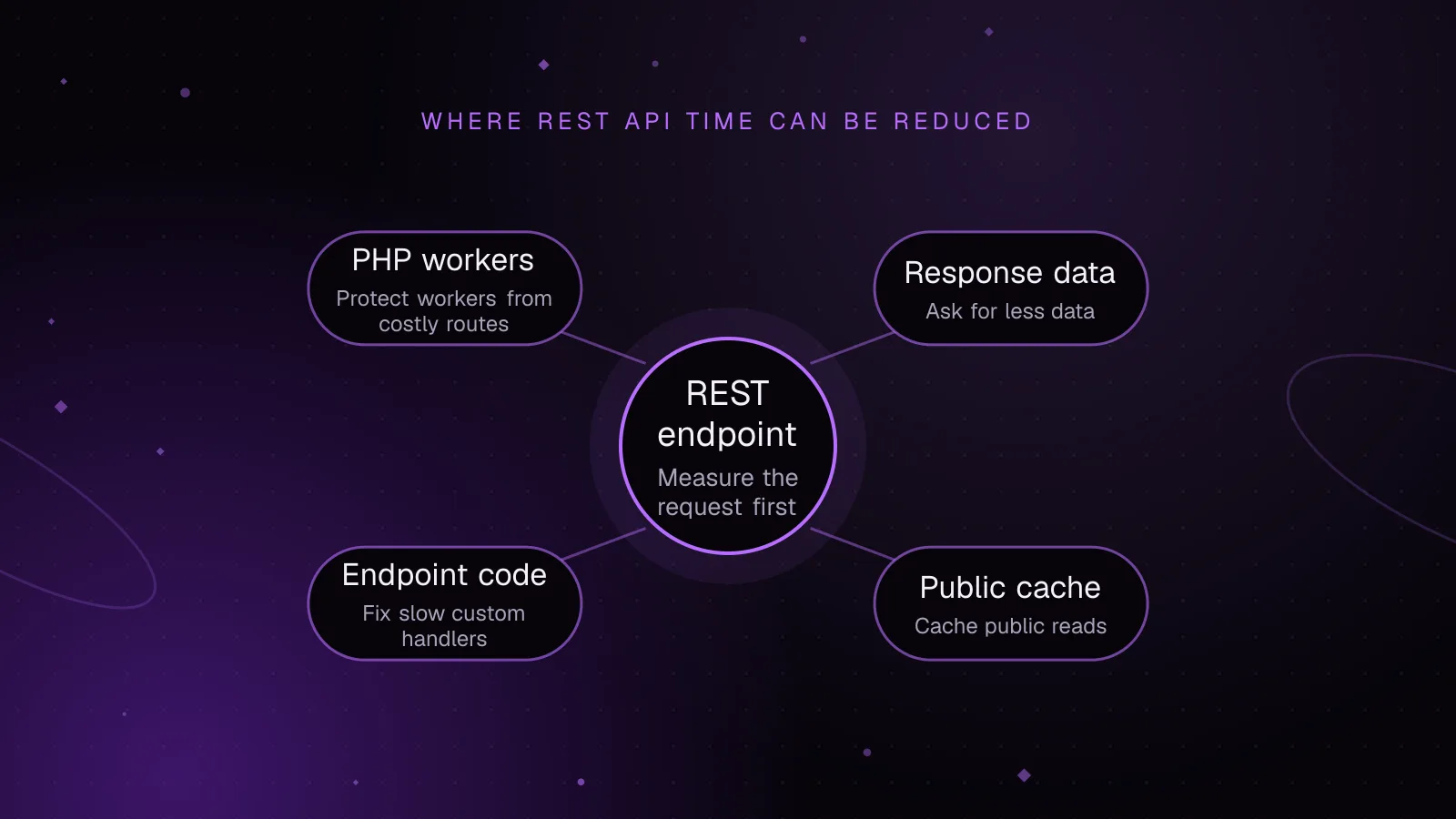
Short answer: WordPress REST API performance improves when you measure the request first, reduce the work each endpoint does, and cache only responses that are safe to share. Start with time to first byte, then trace database queries, remote HTTP calls, response building, authentication and cache behavior before changing code.
How to measure WordPress REST API performance
A browser can tell you that wp-json feels slow, but it does not tell you where the delay starts. Measure the same endpoint from the command line first. Then inspect the WordPress work behind that request.
Time a REST request with curl
This command discards the response body but prints the HTTP status, time to first byte, total transfer time and downloaded body size.
curl --silent --show-error --output /dev/null \
  --write-out 'status=%{http_code}\nttfb=%{time_starttransfer}\ntotal=%{time_total}\nbytes=%{size_download}\n' \
  'https://example.com/wp-json/wp/v2/posts?per_page=10'
time_starttransfer measures from the start of the transfer until the first response byte arrives. It includes connection setup and the time the server spends producing that first byte. time_total includes the full transfer.
Example output, shown only to explain the fields:
status=200
ttfb=0.420
total=0.468
bytes=18432
Run the same request several times from the same machine. Compare like with like: same URL, query string, authentication state and cache state. A warm edge-cache hit and a cold origin request are different tests.
If TTFB is high while the response body is small, the delay is usually before download. If TTFB is reasonable but total time grows with a large JSON body, response size and transfer time deserve attention.
Use Query Monitor to see WordPress work
On a staging site, Query Monitor (opens in a new tab) reports database queries, PHP errors and server-side HTTP requests. For authenticated REST requests, it adds performance and error information to the response when that user can view Query Monitor output.
Query Monitor also provides more debugging information in a qm property when you make an enveloped REST request. Use _envelope for debugging rather than as part of the normal application request.
Use that data to answer three questions: which database calls take time, which component owns them, and whether the endpoint waits on another HTTP service. If a custom callback is slow, measure its parts instead of treating the whole REST request as one black box.
Good WordPress REST API performance comes from separating network time from WordPress execution and downstream dependencies. Fix the layer that is slow.
Ask the REST API for less data
The fastest field to build, encode and transfer is one you did not request. WordPress provides global parameters for this.
The _fields parameter (opens in a new tab) tells WordPress to return only selected response properties. WordPress can skip work for fields that are not needed. Since WordPress 5.3, _fields also supports nested properties.
For an archive that only needs an ID, slug and title:
curl --silent --show-error \
  'https://example.com/wp-json/wp/v2/posts?per_page=5&_fields=id,slug,title'
Use per_page to match the number of records the screen or integration needs. For native collection endpoints, WordPress REST API pagination allows per_page values from 1 through 100, and the posts endpoint defaults to 10. The pagination documentation (opens in a new tab) also documents the X-WP-Total and X-WP-TotalPages response headers.
A smaller per_page value can reduce query work, object preparation, JSON encoding and transfer size. Do not request 100 records just because the API permits it.
_embed asks WordPress to include related resources in the response. That can save client round trips, but it also adds server work and payload. Leave _embed off when the client does not use embedded data. Since WordPress 5.4, you can limit _embed to selected link relations when you need only some related resources.
Cache public REST reads without mixing users
A REST URL is not automatically uncacheable. The important split is public versus user-specific data.
WordPress core sends no-cache headers for logged-in REST requests by default. Hosting and CDN rules decide what happens to anonymous responses. On WordPress VIP, for example, unauthenticated, non-error GET and HEAD REST responses are cached for one minute, while authenticated front-end API requests bypass the page cache. The WordPress VIP REST API guidance (opens in a new tab) documents that behavior.
For edge caching, cache only public read requests whose response does not depend on a login cookie, an Authorization header or per-user state. The cache key must distinguish query strings such as _fields, page, per_page and filters. Purge or expire the response when its source data changes.
Cache custom endpoint work in the object cache
The WordPress object cache is useful for repeated expensive calculations. Core's default object cache lasts only for the current request. A persistent object-cache backend is required for the value to survive into later REST requests.
This callback uses a post cache "last changed" token in its key. When WordPress changes that token, later requests build a new key. The example uses the documented 0 expiration, which means no explicit expiration, so use this pattern only when every data dependency is represented in the key or invalidated elsewhere.
function my_plugin_get_summary( WP_REST_Request $request ) {
    $version = wp_cache_get_last_changed( 'posts' );
    $key     = 'summary:' . $version;
    $group   = 'my_plugin_rest';

    $found = false;
    $data  = wp_cache_get( $key, $group, false, $found );

    if ( $found ) {
        return rest_ensure_response( $data );
    }

    $data = my_plugin_build_public_summary( $request );

    wp_cache_set( $key, $data, $group, 0 );

    return rest_ensure_response( $data );
}
This is safe only for a public payload that is identical for every caller. If the result depends on the user, locale, permissions, request arguments, terms, options or remote data, those inputs need separate keys or invalidation rules.
Fix slow custom endpoints at the source
Custom endpoints often spend time in three places: database queries, remote services and permission checks. Treat each one separately.
Remove expensive query patterns
Start with Query Monitor's query data for the request. Look for repeated queries, large result sets and a slow query called once for every item in a loop. Fix the query shape before adding a response cache.
Return only the columns and objects the endpoint needs. Paginate collections instead of loading an unbounded result set. If the endpoint repeats the same expensive result across requests, cache that result after its invalidation rules are clear.
Keep remote calls off the critical path
A callback that calls another API makes the REST response depend on that service's latency. WordPress wp_remote_get() uses the WordPress HTTP API, whose documented default timeout is 5 seconds. Query Monitor's HTTP API data reports outbound request timing, response codes, response size and configured timeout.
Cache remote data when its freshness rules allow it. If the endpoint can return previously prepared data, do that instead of waiting on a remote service during every request. Set an explicit timeout for calls whose acceptable wait is shorter than the WordPress default.
Make permission callbacks cheap
A permission_callback runs before the endpoint callback, after authentication has established the current user. Keep it focused on permission checks. Do not put a remote API call or a large report query there.
For the authorization rules that belong in that callback, see how to design WordPress REST API permission callbacks that hold up.
Since WordPress 5.5, register_rest_route() issues a developer notice when a route does not provide permission_callback. Public endpoints can use __return_true; private routes should check the capability or ownership rule required by that endpoint.
Handle authenticated requests and nonces correctly
Cookie authentication is for REST requests made in the context of a logged-in WordPress user. WordPress uses a REST nonce with the wp_rest action to protect those requests from cross-site request forgery.
For manual requests that use WordPress login cookies, send the nonce in the X-WP-Nonce header or _wpnonce parameter. Without the nonce, WordPress sets the current user to anonymous for the REST request even if the login cookie is present. The REST API authentication documentation (opens in a new tab) covers this flow.
A nonce does not replace authentication. It works with the logged-in cookie session.
For external apps and integrations, WordPress has included Application Passwords since WordPress 5.6. They use HTTP Basic Authentication over HTTPS and can be revoked separately from the user's main password.
Authenticated responses need extra care because shared caching can expose user-specific data. Treat them as origin requests unless your cache layer has an explicit, tested private-cache design.
Protect PHP workers from expensive endpoints
A slow endpoint can become a capacity problem when many requests arrive together. Each uncached request can occupy a PHP worker while WordPress queries the database, builds JSON or waits on another service.
Protect workers by reducing work before the request reaches PHP. Edge-cache public GET responses where it is safe, and rate-limit abusive or unusually expensive public routes at the edge or web server.
Inside WordPress, cap collection sizes for custom routes and reject unbounded filters. Avoid front ends that fire many dependent REST calls when one purpose-built endpoint or precomputed payload can return the same view data with less PHP work.
A REST API timeout has no single WordPress setting. The failure can come from the HTTP client, CDN or proxy, web server, PHP runtime, database, or a remote HTTP call inside your callback. Record where the wait occurs before raising any timeout.
What to do next
If REST requests are slow because WordPress itself has a slow first byte, work through the WordPress TTFB diagnostic guide.
If latency rises under concurrency, use the guide to WordPress PHP workers to check saturation and reduce worker time per request.
For a site where REST latency crosses application, database and caching layers, the WordPress performance optimization service covers diagnosis and implementation.
Frequently asked questions
Why is wp-json slow even when normal pages are fast?
A REST endpoint can run different queries, callbacks and remote requests from the front-end page. It may also miss the page cache, especially when authenticated. Time that exact endpoint and inspect its server-side work rather than using page speed as a proxy.
Does the _fields parameter make the WordPress REST API faster?
It can. WordPress can skip preparation for fields you did not request, and the client receives less JSON to download and parse. It will not fix an expensive query or remote call that runs before those fields are prepared.
Can I cache WordPress REST API responses?
Public read responses can be cached when the cache key includes every input that changes the output and you have a clear invalidation or expiry rule. Do not place private or user-specific responses in a shared cache.
Why does my WordPress REST API request time out?
There is no single core REST timeout that explains every failure. Check the client, proxy or CDN, web server, PHP execution, database work and any outbound HTTP request made by the endpoint. WordPress outbound HTTP requests use a documented 5-second default timeout unless code changes it.
Share this article
Enjoyed this? Get the next article by email.
Keep reading
 Performance
5 min read
How to speed up WooCommerce: a Core Web Vitals guide
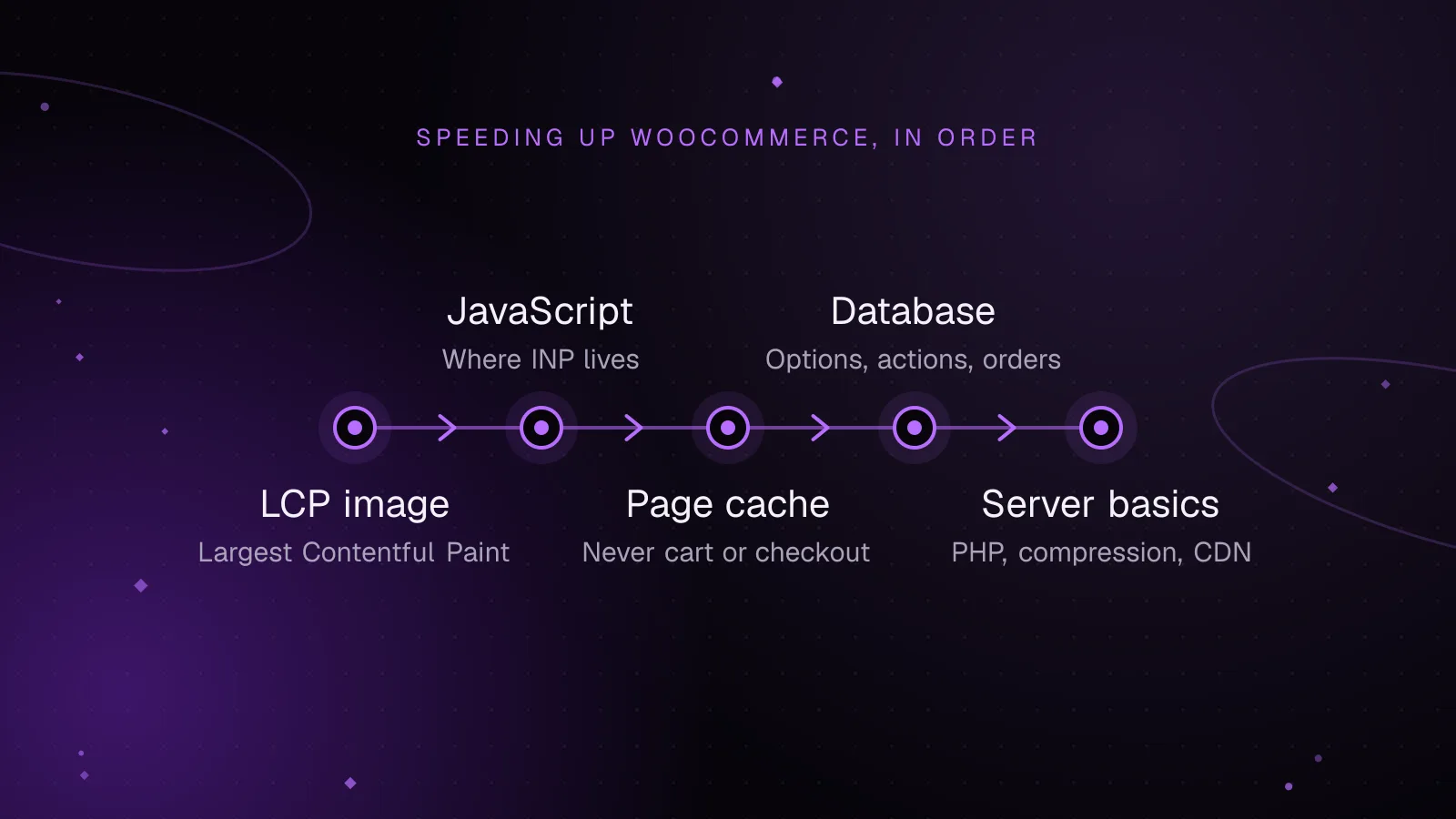
Speed up WooCommerce step by step: faster LCP images, lighter JavaScript for a better INP, safe page caching and a leaner database.
- WooCommerce
- Performance
- Core Web Vitals
 Performance
8 min read
WordPress CDN caching: cache full pages safely at the edge
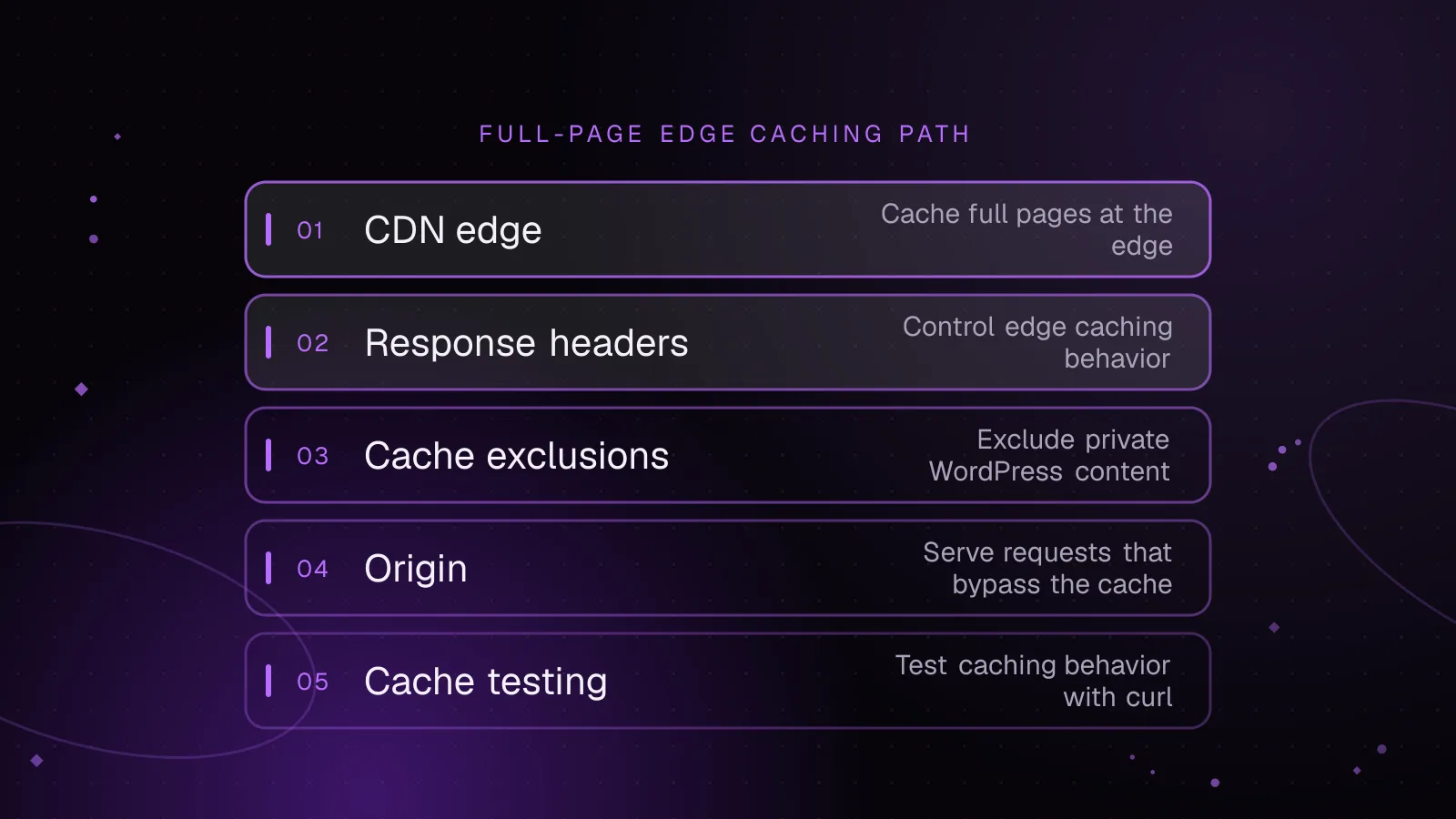
Set up WordPress CDN caching safely: cache public HTML at the edge, bypass WordPress and WooCommerce sessions, purge updates, and test every route.
- WordPress
- Caching
- Performance
 Performance
6 min read
Why a cache purge can overload WordPress and how to stop it
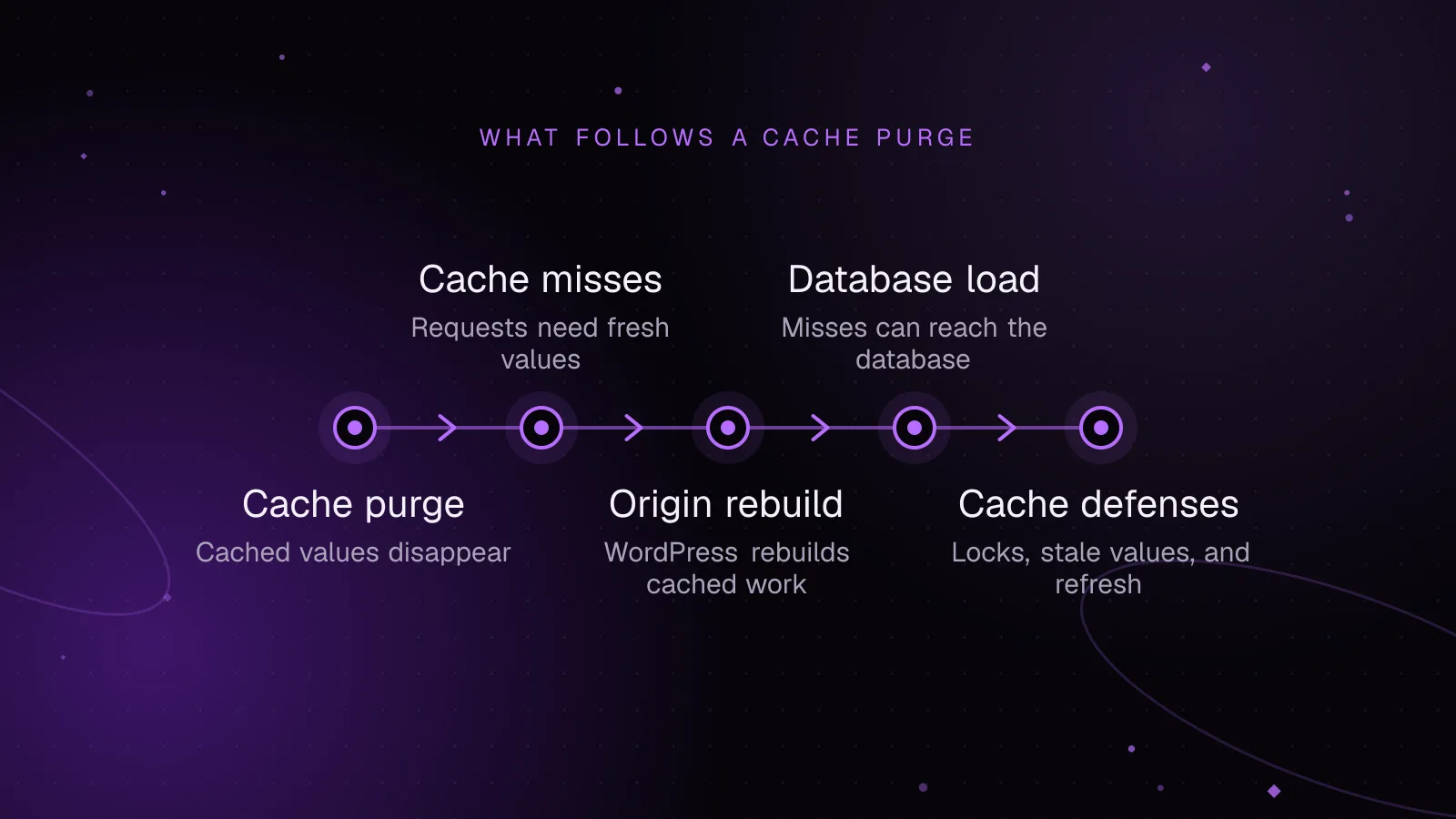
Stop a WordPress cache stampede by controlling rebuilds, serving stale data, spreading expiries, and tracing origin and database load after purges.
- WordPress
- Caching
- Performance