Performance8 min read
WordPress CDN caching: cache full pages safely at the edge
Set up WordPress CDN caching safely: cache public HTML at the edge, bypass WordPress and WooCommerce sessions, purge updates, and test every route.
 By Hamza Ahmad AslamWordPress VIP, Performance & Full-Stack Engineer
On this page
- WordPress CDN caching: what full-page edge caching saves
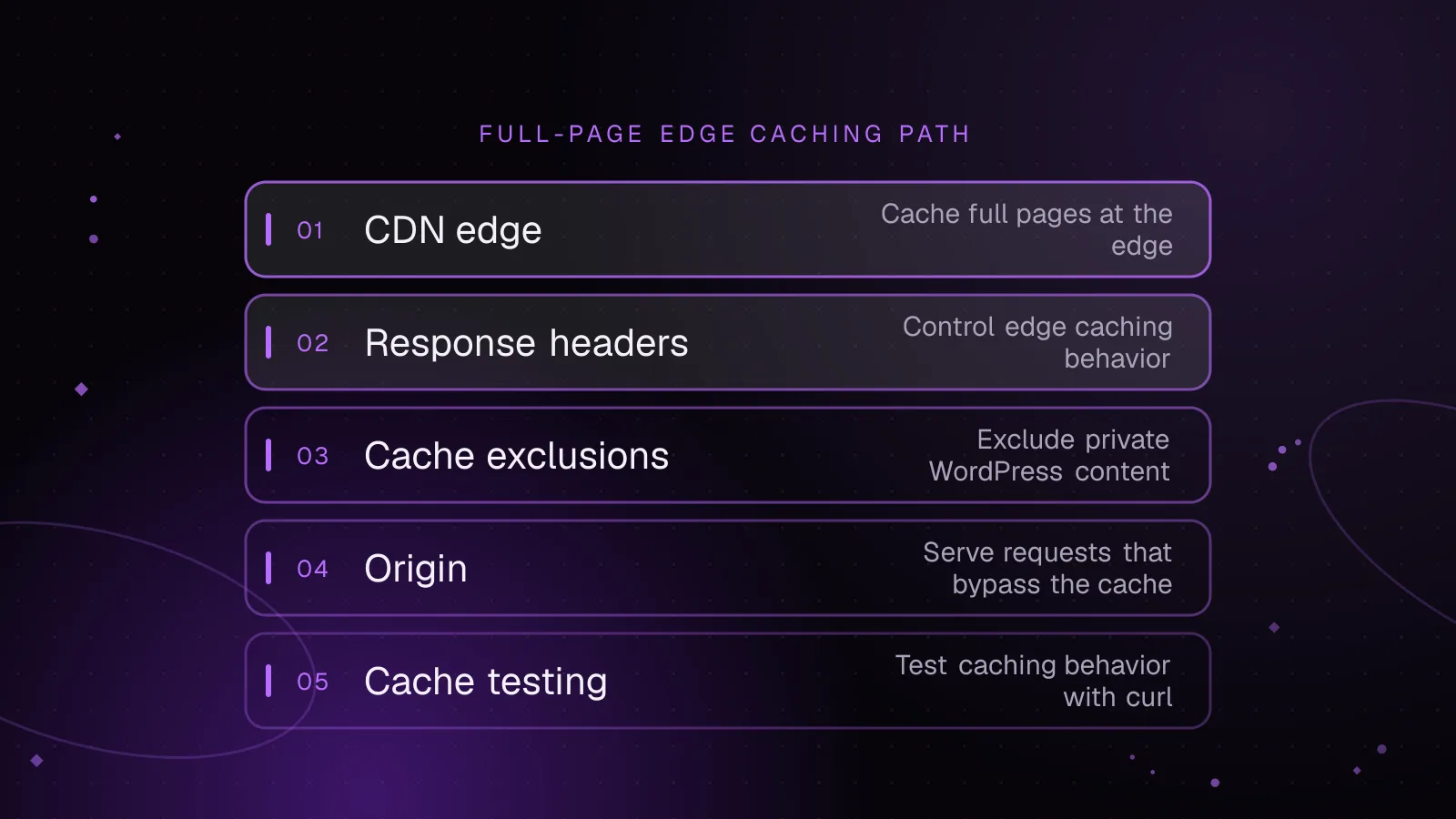
- Which response headers control the edge cache
- What WordPress and WooCommerce must bypass
- How to configure Cloudflare without caching private HTML
- Make public HTML eligible
- Put the WordPress and WooCommerce bypass rule later
- Decide whether APO fits the site
- How to purge without creating an origin traffic spike
- Which mistakes make edge HTML caching unsafe or ineffective
- How to test WordPress CDN caching with curl
- What to do next
- Frequently asked questions
Short answer: WordPress CDN caching is safe when the CDN stores only anonymous, public HTML and bypasses requests that can vary by user, session, cart, preview, or admin state. Cache static assets broadly, cache full pages selectively, purge changed URLs, and verify the response headers before trusting the policy in production.
WordPress CDN caching: what full-page edge caching saves
A normal CDN caches static files such as images, CSS, JavaScript, and fonts. That reduces bandwidth and keeps repeat asset requests away from WordPress, but the HTML request can still reach PHP, the object cache, and the database.
Full-page edge caching stores the generated HTML at the CDN. A cache HIT can therefore avoid the WordPress application and origin for that response. This is where edge HTML caching can reduce server work and improve time to first byte for anonymous traffic.
The tradeoff is correctness. A public post is usually suitable for shared caching. A personalized toolbar, cart, account page, nonce-bearing response, commenter form, or preview is not. If TTFB stays high after static files are cached, confirm that uncached HTML is the slow layer before changing cache policy.
Which response headers control the edge cache
Cache-Control is the main response header. public says a response may be stored by shared caches. no-store says it must not be stored. no-cache allows storage but requires validation before reuse.
s-maxage sets freshness for shared caches and overrides max-age there. Browsers ignore s-maxage, so this pattern can keep browser freshness at zero while allowing a shared cache to retain public HTML:
<?php
header( 'Cache-Control: public, max-age=0, s-maxage=7200' );
That PHP line is only an example of the header itself. Do not emit it unconditionally from WordPress. Your application must first classify the response as anonymous public HTML and ensure no private content or session-specific cookie is being sent.
Cloudflare documents how it interprets origin Cache-Control directives (opens in a new tab). The example uses 7200 seconds, the same value in Cloudflare's documented default TTL for a 200 response (opens in a new tab) when no cache directives or Expires header are present. An Edge TTL set by a Cache Rule can override origin freshness, so decide whether the origin or Cloudflare owns the policy.
Set-Cookie is a warning sign. With Origin Cache Control enabled, Cloudflare does not cache a response carrying Set-Cookie. If an Eligible for cache rule also forces an Edge TTL that ignores origin cache control, Cloudflare can strip Set-Cookie and cache the response. Do not use that combination across unclassified HTML.
Vary tells a shared cache that responses differ according to request headers. Cloudflare can use Vary with Cache Rules when the relevant headers are configured. Use it only for headers that change the representation, because each variant can create another cache entry. Vary: * bypasses cache.
For diagnosis, read cf-cache-status and Age. CF-Cache-Status: MISS means the request did not use an existing cached object. HIT means Cloudflare served the response from cache. Age on a cached response reports the object's age in Cloudflare since admission or revalidation.
What WordPress and WooCommerce must bypass
Do not build a cache-everything WordPress policy without exclusions. WordPress documents the wordpress_logged_in_[hash] cookie as the frontend indicator that a user is logged in. Its WordPress cookie documentation (opens in a new tab) also documents commenter cookies such as comment_author_{HASH}.
Bypass these request classes:
- Bypass
/wp-admin/and/wp-login.php. - Bypass requests containing a
wordpress_logged_in_cookie. - Bypass preview URLs. Core preview links include
preview=true, and autosave previews can also carrypreview_idandpreview_nonce. - Bypass WooCommerce Cart, Checkout, and My Account using the actual page paths configured on that store.
- Bypass requests carrying WooCommerce cart or session cookies.
- Bypass commenter cookies if the rendered comment form contains remembered visitor data.
- Audit membership, currency, language, pricing, and personalization plugins for any cookie that changes server-rendered HTML.
WooCommerce currently documents woocommerce_cart_hash, woocommerce_items_in_cart, and the wp_woocommerce_session_ prefix for cart and customer-session state. The WooCommerce cookie reference (opens in a new tab) explains those cookies and other storefront cookies.
Treat stateful cookies as a request-level bypass, not as cache-key dimensions. Creating one cached page per session wastes cache space and makes the policy harder to verify.
Cart fragments are a separate browser-side mechanism. Keep their browser-side refresh behavior separate from the edge HTML policy.
How to configure Cloudflare without caching private HTML
A safe Cloudflare setup makes public HTML eligible for cache, then applies a later bypass rule to any overlapping private or stateful requests. Cloudflare documents that the last matching Cache Rule wins (opens in a new tab) when rules set conflicting cache eligibility.
Make public HTML eligible
Create a Cache Rule for the hostname and public HTML routes you want to cache, then set Cache eligibility to Eligible for cache. Keep API and AJAX endpoints outside that rule unless they have their own reviewed cache policy. Keep origin Cache-Control in charge unless you have a specific reason to override it.
Do not force a fixed Edge TTL across every response from WordPress. That can override no-store, private, or other origin instructions depending on the selected Cache Rule settings. It can also turn an accidental Set-Cookie response into shared content.
To cache everything safely on WordPress, make only anonymous public pages eligible after defining the necessary exclusions.
Put the WordPress and WooCommerce bypass rule later
For an example store whose account routes use /cart/, /checkout/, and /my-account/, this Cloudflare Rules language expression matches requests that should bypass cache:
(
  http.request.uri.path eq "/wp-admin"
  or starts_with(http.request.uri.path, "/wp-admin/")
  or http.request.uri.path eq "/wp-login.php"
  or http.request.uri.path eq "/cart"
  or starts_with(http.request.uri.path, "/cart/")
  or http.request.uri.path eq "/checkout"
  or starts_with(http.request.uri.path, "/checkout/")
  or http.request.uri.path eq "/my-account"
  or starts_with(http.request.uri.path, "/my-account/")
  or http.request.uri.query contains "preview=true"
  or http.request.uri.query contains "preview_id="
  or http.request.uri.query contains "preview_nonce="
  or http.cookie contains "wordpress_logged_in_"
  or http.cookie contains "comment_author_"
  or http.cookie contains "woocommerce_"
  or http.cookie contains "wp_woocommerce_session_"
)
Set Cache eligibility to Bypass cache for this rule, and place it after any broader eligible rule that could also match. Replace the three WooCommerce paths with the real store paths. This combines cookie-based bypasses with path and preview exclusions.
The broad woocommerce_ match includes the documented cart cookies and other WooCommerce cookies. The separate wp_woocommerce_session_ match is still required because that session cookie has a different prefix.
Decide whether APO fits the site
Automatic Platform Optimization is Cloudflare's WordPress-aware HTML caching option. Cloudflare's current APO documentation says it can cache HTML, bypass known logged-in, session, and WooCommerce cookies, exclude paths such as checkout, and purge changed WordPress content when used with the Cloudflare WordPress plugin.
APO and custom Cloudflare WordPress cache rules solve overlapping problems. If you use APO, inspect its bypass behavior and response headers before layering broad custom rules over it. A custom rule that ignores origin controls can defeat assumptions made by a WordPress-aware cache policy.
How to purge without creating an origin traffic spike
A full-page cache needs invalidation when content changes. On publish or update, purge the affected canonical URL and any other cached pages whose rendered HTML changed, such as relevant archive or listing pages.
Cloudflare supports single-URL purges and cache-tag purges. URL purging is precise. Tags let related objects be grouped, which helps when one content change affects several URLs.
Avoid purge-everything as the normal publish action. Clearing the whole zone removes warm static assets and HTML at once, so subsequent requests return to the origin while the cache fills again. Targeted purges keep unrelated objects warm.
If your cache key includes unusual request properties, confirm that the purge method addresses the same key. A purge that misses a variant can leave stale HTML available even though the main URL appears fresh.
Which mistakes make edge HTML caching unsafe or ineffective
Caching a page that sets a session cookie is the highest-risk mistake. Inspect both Set-Cookie and request cookies. If a page creates state, find out why before making it cacheable.
Query strings can quietly split the cache. Cloudflare's default cache key includes the query string, so /product/?utm_source=a and /product/?utm_source=b can become separate objects. Exclude only parameters proven not to affect content. Never ignore all query parameters if previews, search, filters, currency, or commerce behavior can change the response.
Error responses need an explicit policy. Cloudflare can cache some error status codes by default when no cache headers are present. Cloudflare also lets you set status-specific TTL behavior. For full-page rules, avoid forcing a long Edge TTL across every status code.
Do not use Vary: Cookie as a shortcut for WordPress sessions. It can create excessive variants and is harder to reason about than bypassing known authentication, commenter, cart, and session cookies.
How to test WordPress CDN caching with curl
Test from a logged-out state, then test every bypass case separately. Run each URL twice from the same location so the first request can populate the edge and the second can prove reuse.
curl -I https://example.com/sample-page/
curl -I https://example.com/sample-page/
Example output from the first request could look like this. These values are illustrative, not measurements from a real site:
HTTP/2 200
cache-control: public, max-age=0, s-maxage=7200
cf-cache-status: MISS
Example output from the second request could look like this:
HTTP/2 200
cache-control: public, max-age=0, s-maxage=7200
cf-cache-status: HIT
A public page reaching HIT is only half the test. Repeat the same two-request check for cart, checkout, account, login, admin, and preview URLs. Those requests must never report CF-Cache-Status: HIT.
curl -I https://example.com/cart/
curl -I https://example.com/cart/

curl -I https://example.com/checkout/
curl -I https://example.com/checkout/
Also simulate a cart cookie against a normally cacheable page:
curl -I -H 'Cookie: woocommerce_items_in_cart=1' https://example.com/sample-page/
The exact non-HIT status can vary with your Cloudflare configuration. The requirement is that the response is not served from a shared cached object for that stateful request.
What to do next
Start with one anonymous page and one WooCommerce stateful page. Run their headers through the free WooCommerce cache headers checker, then add the cache and bypass rules and repeat the two-request tests. If mini-cart refresh requests are part of the problem, check the WooCommerce cart fragments guide.
Publish a small content change and verify that the affected URL is purged. If MISS requests are still slow, follow the WordPress TTFB diagnostic guide before raising TTLs. For site-wide work across PHP, database, object cache, and CDN behavior, see the WordPress performance optimization service.
Frequently asked questions
Should I cache WordPress HTML at Cloudflare?
Yes, for anonymous public pages that do not vary by user or session. Exclude admin, login, previews, logged-in users, and ecommerce or personalized routes before making HTML eligible for cache.
Why does cf-cache-status keep showing MISS?
Repeated MISS responses usually mean the object is not being reused, the cache key keeps changing, or the response is not cacheable. Check query strings, Set-Cookie, Cache-Control, cache eligibility, and whether your requests reach the same Cloudflare edge location.
Should WooCommerce product pages be cached at the CDN?
Public product pages can be cached for anonymous visitors if they do not contain visitor-specific output. Requests with WooCommerce cart or session cookies should bypass the shared page cache, and cart, checkout, and account pages should remain uncached.
Is s-maxage better than max-age for WordPress HTML?
s-maxage is useful when you want a shared cache to keep HTML while browsers revalidate sooner. It does not replace bypass rules, because a shared-cache TTL is unsafe if the response can vary by login, cart, account, preview, or other session state.
Share this article
Enjoyed this? Get the next article by email.
Keep reading
 Performance
5 min read
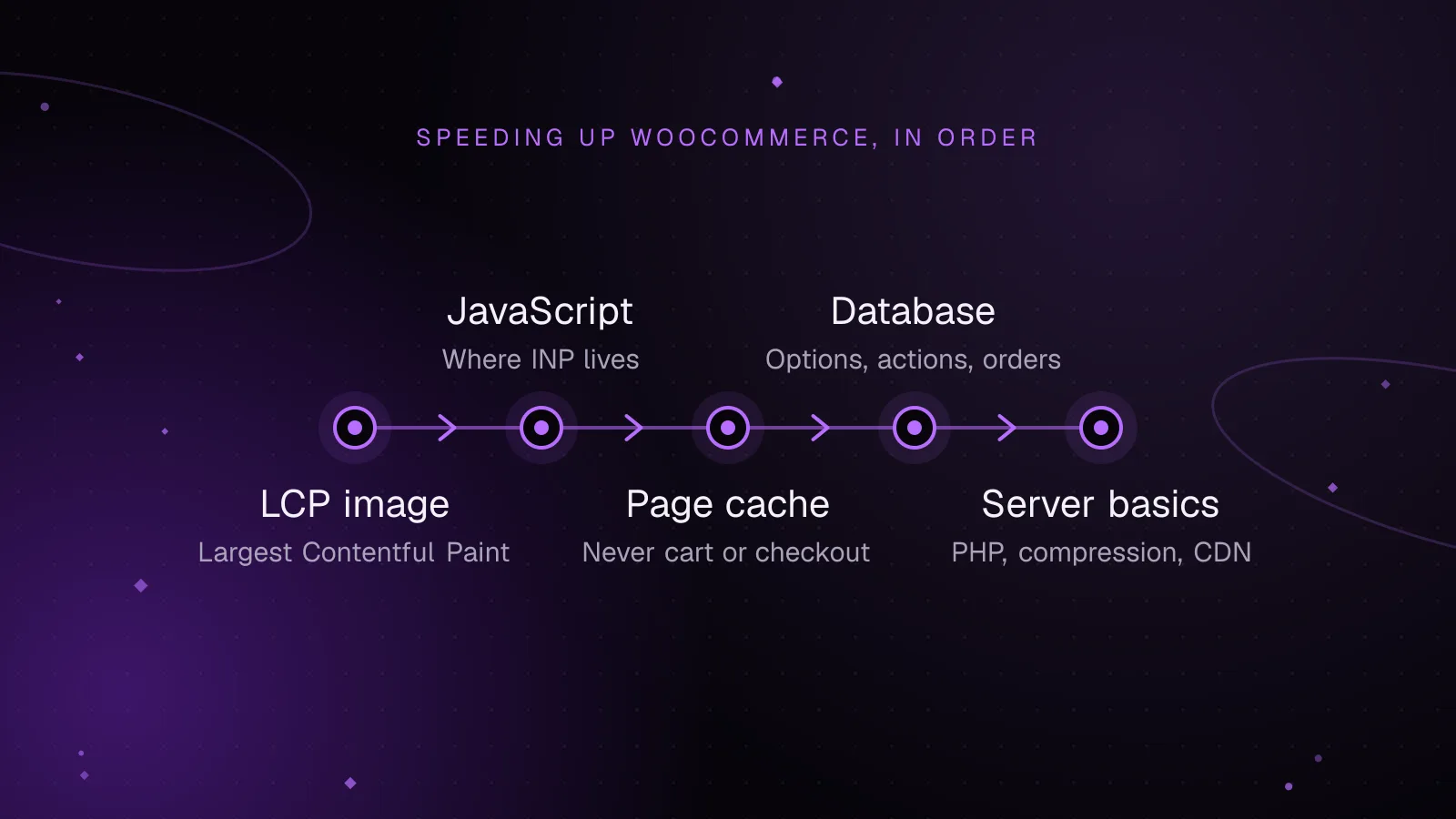
How to speed up WooCommerce: a Core Web Vitals guide
Speed up WooCommerce step by step: faster LCP images, lighter JavaScript for a better INP, safe page caching and a leaner database.
- WooCommerce
- Performance
- Core Web Vitals
 Performance
8 min read
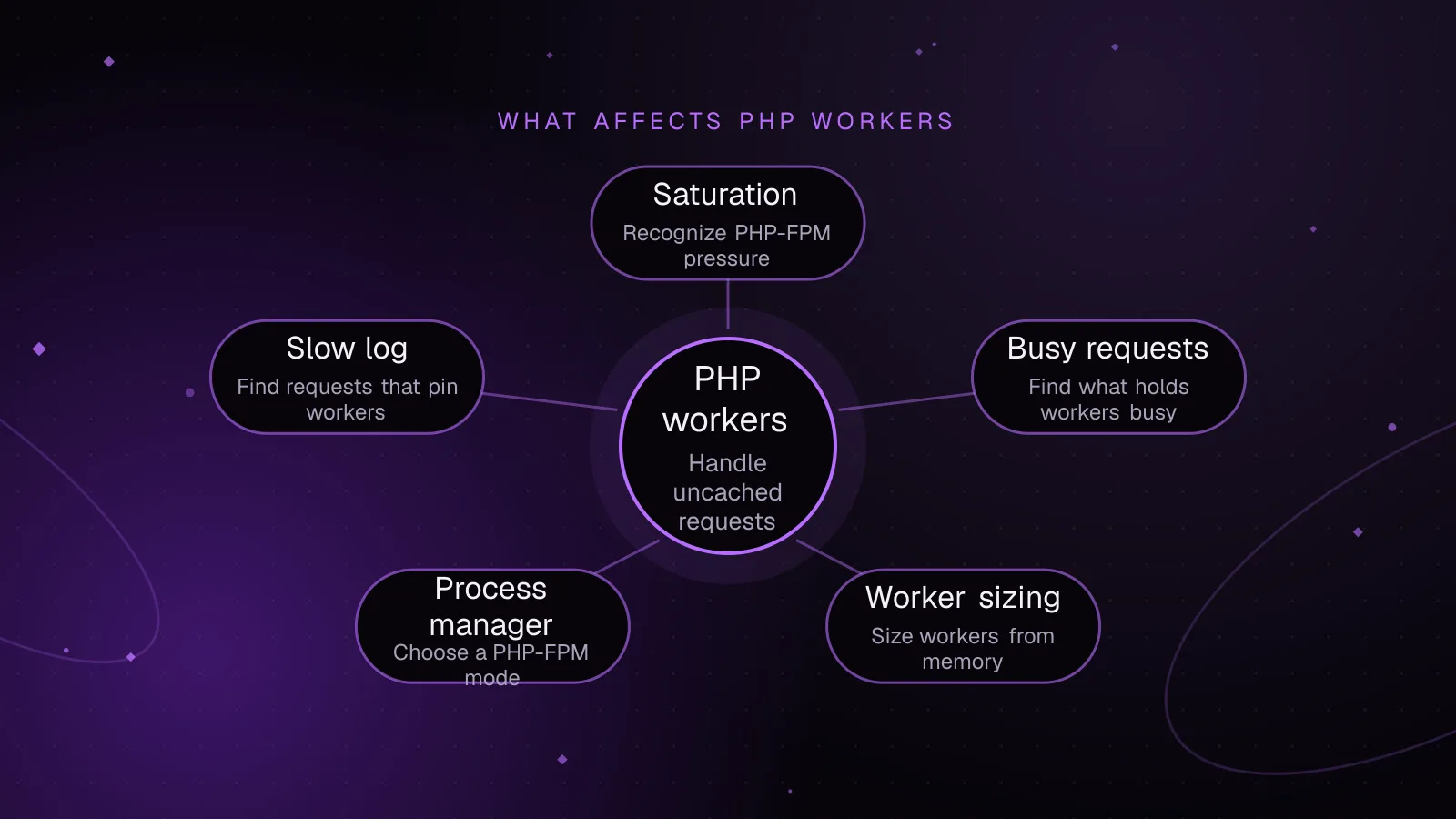
WordPress PHP workers: size them, spot saturation and use fewer
Learn how to size WordPress PHP workers, confirm PHP-FPM saturation, read queue metrics and slow logs, and reduce worker demand safely under load.
- WordPress
- PHP
- Performance
 Performance
8 min read
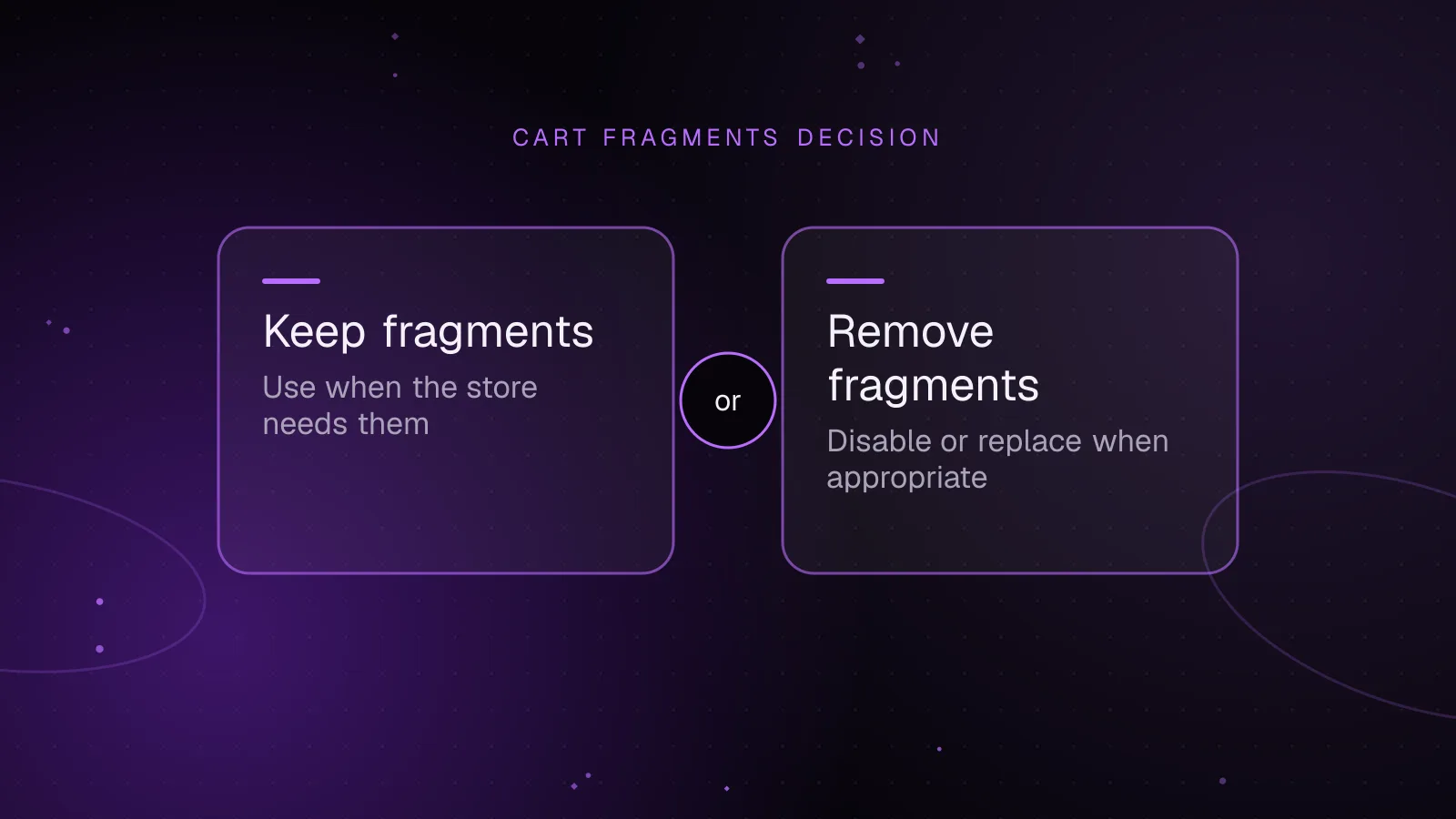
WooCommerce cart fragments: what they cost and when to remove them
Learn what WooCommerce cart fragments cost, why get_refreshed_fragments appears, how caching interacts, and how to disable it safely when appropriate.
- WooCommerce
- Performance
- Caching