Performance8 min read
WordPress PHP workers: size them, spot saturation and use fewer
Learn how to size WordPress PHP workers, confirm PHP-FPM saturation, read queue metrics and slow logs, and reduce worker demand safely under load.
 By Hamza Ahmad AslamWordPress VIP, Performance & Full-Stack Engineer
On this page
- How WordPress PHP workers handle uncached requests
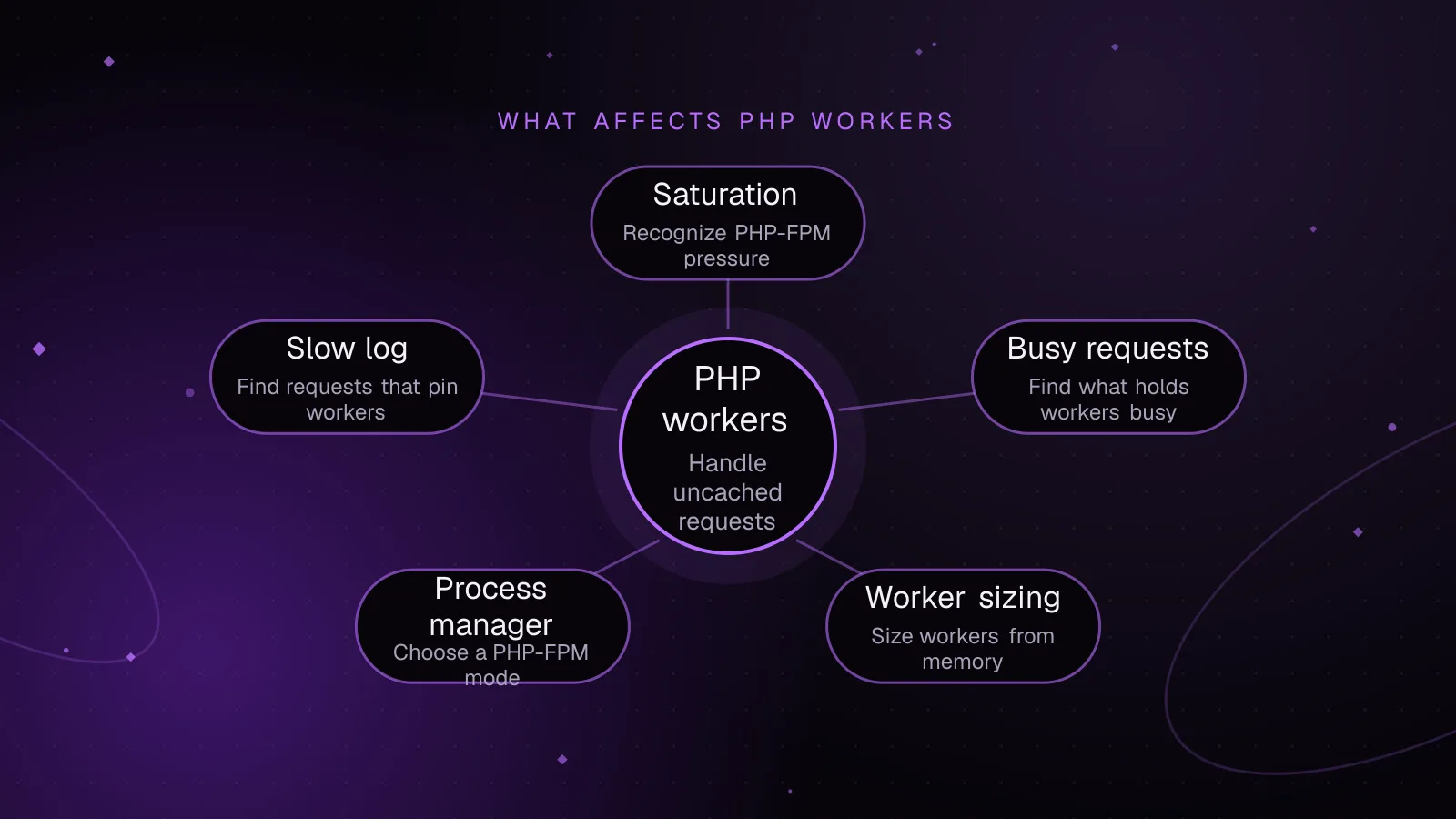
- How to recognize PHP-FPM saturation
- What holds PHP workers busy
- How to size pm.max_children from memory
- Which PHP-FPM process manager to choose
- How the slow log finds requests that pin workers
- How to use fewer workers without reducing capacity
- What to do next
- Frequently asked questions
Short answer: WordPress PHP workers are PHP-FPM child processes that execute uncached PHP requests, and pm.max_children caps how many a pool can serve at once. Size the pool from measured worker memory and available RAM, then confirm saturation with the PHP-FPM status page and logs before adding workers.
How WordPress PHP workers handle uncached requests
A PHP-FPM worker is a child process that accepts a FastCGI request and runs PHP for it. PHP documents pm.max_children as the limit on simultaneous requests a pool can serve in its FPM configuration reference (opens in a new tab). One busy child handles one request until that request finishes.
That matters because WordPress usually runs through index.php, wp-admin, admin-ajax.php, REST endpoints, or another PHP entry point. If ten requests reach PHP at the same moment and all take time to finish, they need up to ten available workers to run concurrently. Once every allowed child is busy, later FastCGI requests wait in the listen queue.
A full-page cache hit served before PHP changes the path. A CDN, reverse proxy, or web-server FastCGI cache can return stored HTML without sending the request to PHP-FPM, so no PHP worker is occupied. An object-cache hit inside WordPress is different. WordPress has already started PHP, so that request still uses a worker even if Redis makes database work faster.
WooCommerce makes this distinction especially important. Cart, Checkout, and My Account contain customer-specific data and should stay dynamic, as the WooCommerce caching guidance (opens in a new tab) explains. Those requests therefore tend to reach PHP instead of being served as shared full-page cache hits.
On managed hosting, the provider may expose a worker count without giving you access to the FPM pool file. Treat that number as a concurrency limit defined by the platform, then use the host's monitoring to check whether requests are waiting. On a VPS you control, pm.max_children is the pool setting you can size directly.
How to recognize PHP-FPM saturation
Worker saturation usually appears under concurrency rather than during a single quiet request. TTFB can rise as requests wait before PHP begins useful work. A 502 Bad Gateway on WordPress or a 504 response can appear when the web server cannot get a usable upstream response in time, but neither status proves that worker exhaustion is the cause.
The strongest evidence comes from PHP-FPM itself. Enable pm.status_path for the pool and expose it only to trusted internal clients. PHP warns that the status page can reveal request URLs and resource information, so it should not be public. The current PHP-FPM status page documentation (opens in a new tab) defines the fields to watch. If the main pool is too busy to answer status requests, pm.status_listen can provide status through a separate invisible pool.
Focus on these values:
- Watch
listen queue. A value above zero means requests are waiting for a free process. - Compare
active processeswithtotal processes. If all processes are active during the slowdown, the pool has no idle capacity at that moment. - Watch
max active processesto see the highest concurrency reached since FPM started. - Check
max children reached. A value of one or more means the pool has hit its configured child limit since the last restart. - Track
slow requestsif the slow log is enabled.
Example output below is illustrative, not a measurement from a real site:
pool:                 www
process manager:      dynamic
accepted conn:        24831
listen queue:         6
max listen queue:     19
listen queue len:     128
idle processes:       0
active processes:     24
total processes:      24
max active processes: 24
max children reached: 7
slow requests:        31
That snapshot shows a busy pool with no idle workers and queued requests. It also shows that the child limit has been reached since the pool started. One snapshot is not enough to size a server, so collect status data during the actual slowdown.
Check the FPM error log at the same time. Current PHP-FPM emits a warning in the form server reached pm.max_children setting (...), consider raising it when the pool reaches the configured maximum. Treat that as evidence to investigate capacity, not an instruction to raise the value blindly.
What holds PHP workers busy
Any request that reaches WordPress through PHP-FPM can occupy a worker until PHP finishes. The expensive cases are often dynamic requests that either do a lot of local work or spend time waiting on another system.
Common sources include:
- Uncached front-end pages that miss the CDN or full-page cache.
- Logged-in traffic that commonly bypasses shared page caching.
admin-ajax.phpcalls from the dashboard, themes, or plugins.- REST API requests that are not answered by an upstream cache.
- WooCommerce cart, checkout, account, and other session-sensitive responses.
- Scheduled PHP work when
wp-cron.phpexecutes through the web stack. The WordPress Cron handbook (opens in a new tab) explains how WordPress schedules time-based tasks. - Waiting on payment gateways, shipping providers, license servers, search services, or other remote APIs.
The last case is easy to miss. A worker waiting on a remote HTTP response is still occupied even if the local CPU is mostly idle. Enough slow outbound calls can exhaust a pool without high CPU usage.
How to size pm.max_children from memory
Start with memory because pm.max_children can create that many child processes. Then check CPU, database capacity, and external dependencies, because memory alone does not tell you how much useful concurrency the whole stack can sustain.
Measure worker memory under representative load, not only after a restart. On Linux, this command calculates average resident set size for processes whose title contains php-fpm: pool:
ps -eo rss=,args= | awk '/php-fpm: pool/ {sum += $1; n++} END {if (n) printf "Average RSS: %.1f MiB across %d workers\n", sum / n / 1024, n; else print "No PHP-FPM pool workers found"}'
RSS is useful for a conservative first pass, but it counts resident shared pages in each process. Multiplying average RSS by the worker count can therefore overstate physical memory use. Proportional set size, when available from the operating system, gives a better allocation of shared pages.
Next, reserve memory for everything outside the FPM children. That includes the operating system, web server, database, Redis if local, OPcache shared memory, monitoring agents, and filesystem cache. Do not treat every free byte as worker capacity.
Use this as a ceiling calculation:
maximum children by memory =
floor((RAM available to FPM children) / (observed memory per child))
For a purely illustrative sizing example, assume a server has 8192 MiB of RAM, you reserve 2048 MiB for non-FPM use, and loaded workers average 128 MiB RSS:
RAM available to FPM children = 8192 MiB - 2048 MiB = 6144 MiB

memory ceiling = floor(6144 MiB / 128 MiB) = 48 children
That result is not a recommendation to set pm.max_children = 48. It is a memory ceiling based on the example inputs. Leave room for process variation and traffic spikes, then validate the chosen limit against CPU load, database connections, queue growth, and request latency.
Which PHP-FPM process manager to choose
PHP-FPM supports static, dynamic, and ondemand. The same PHP-FPM configuration reference defines all three modes.
With static, FPM keeps exactly pm.max_children child processes. This gives a fixed process count, but those children remain present even when traffic is quiet.
With dynamic, FPM changes the number of children within configured bounds. pm.start_servers controls how many are created at startup, while pm.min_spare_servers and pm.max_spare_servers control the desired idle range. pm.max_children remains the hard cap.
With ondemand, children are created when requests arrive. Idle children can be removed after pm.process_idle_timeout. This can reduce idle process memory for low-traffic pools, with the tradeoff that new requests may need a child process to be spawned.
A pool excerpt can look like this. These values are illustrative and must be sized for the host:
[www]
pm = dynamic
pm.max_children = 24
pm.start_servers = 4
pm.min_spare_servers = 4
pm.max_spare_servers = 8

pm.status_path = /fpm-status

request_slowlog_timeout = 5s
slowlog = /var/log/php-fpm/www-slow.log
For dynamic, the three spare-server directives shape how much ready capacity FPM keeps around. They do not replace sizing pm.max_children.
How the slow log finds requests that pin workers
Capacity problems often come from request duration, not only worker count. PHP-FPM can capture a PHP backtrace when a request exceeds request_slowlog_timeout, writing it to the file configured by slowlog.
PHP documents the default request_slowlog_timeout as 0, which means disabled. Set a threshold that is useful for the application, then inspect repeated stack traces. The slow log can point to plugin code, database calls, filesystem work, or HTTP requests that repeatedly hold workers.
Use it with the status page. A growing listen queue tells you that demand is waiting. Slow-log traces tell you what some occupied workers were doing long enough to cross your threshold.
Do not confuse the FPM slow log with a MySQL slow query log. The FPM trace covers PHP execution. A slow database query may appear in the PHP stack, but database timing still needs database-level measurement if you need the SQL cause.
How to use fewer workers without reducing capacity
The goal is not to keep worker counts artificially low. The goal is to make each request finish sooner and prevent avoidable requests from reaching PHP.
Cache anonymous HTML before PHP where the response is safe to share. A cache hit at the CDN or web server removes that request from the FPM queue entirely. For WooCommerce, keep customer-specific pages and sessions out of shared full-page caches.
Fix slow PHP paths before raising concurrency. A request that falls from several seconds to a much shorter duration frees its worker sooner and raises effective throughput without increasing pm.max_children.
Move non-interactive work away from the visitor response when possible. Email sending, feed imports, report generation, image processing, and remote synchronization can run through background queues. If that background work still runs through the same FPM pool, it can still compete with web traffic, so isolate or schedule it where your platform allows.
Set explicit timeouts on outgoing HTTP calls. WordPress accepts a timeout argument through WP_Http::request(), and the current WordPress HTTP API reference (opens in a new tab) documents a default of 5 seconds. Choose a timeout that fits the dependency rather than allowing a remote service to occupy workers longer than the request can tolerate.
$response = wp_remote_get(
    'https://api.example.com/resource',
    array(
        'timeout' => 3, // Example value. Adjust for the dependency.
    )
);
Handle WP_Error and failed status codes in the calling code. A timeout limits how long that specific HTTP operation waits, but retries, chained calls, and fallback logic can still extend the total PHP request.
What to do next
Start with the WordPress TTFB diagnostic guide to prove which layer is slow before changing FPM limits. If the problem is concentrated in wp-admin, use the slow WordPress admin troubleshooting guide to separate AJAX, queries, cron, and plugin work.
On WooCommerce stores, check whether unnecessary background requests are adding load with the WooCommerce cart fragments guide. If you need a full measurement and remediation pass across caching, PHP, database, and application code, see the WordPress performance optimization service.
Frequently asked questions
How many PHP workers does a WordPress site need?
There is no fixed worker count that fits every WordPress site. Measure loaded process memory, leave RAM for the rest of the stack, then validate pm.max_children against real concurrency, queue depth, CPU, and database capacity.
Can too many PHP workers make WordPress slower?
Yes. More FPM children can consume more RAM, increase CPU contention, and create more simultaneous database work. If the host starts swapping or another shared dependency saturates, raising pm.max_children can make latency worse.
Why does PHP-FPM saturation cause 502 or 504 errors?
Saturation can leave requests queued long enough for a web server or proxy timeout to expire, or it can coincide with an unavailable FPM upstream. A 502 or 504 is not proof of worker exhaustion, so confirm the queue, active process count, FPM logs, and upstream logs.
Does Redis reduce the number of PHP workers I need?
A persistent object cache can shorten some WordPress requests by avoiding repeated database work, which may reduce how long workers stay busy. It does not bypass PHP, so each request that reaches WordPress still occupies a worker while PHP runs.
Share this article
Enjoyed this? Get the next article by email.
Keep reading
 Performance
7 min read
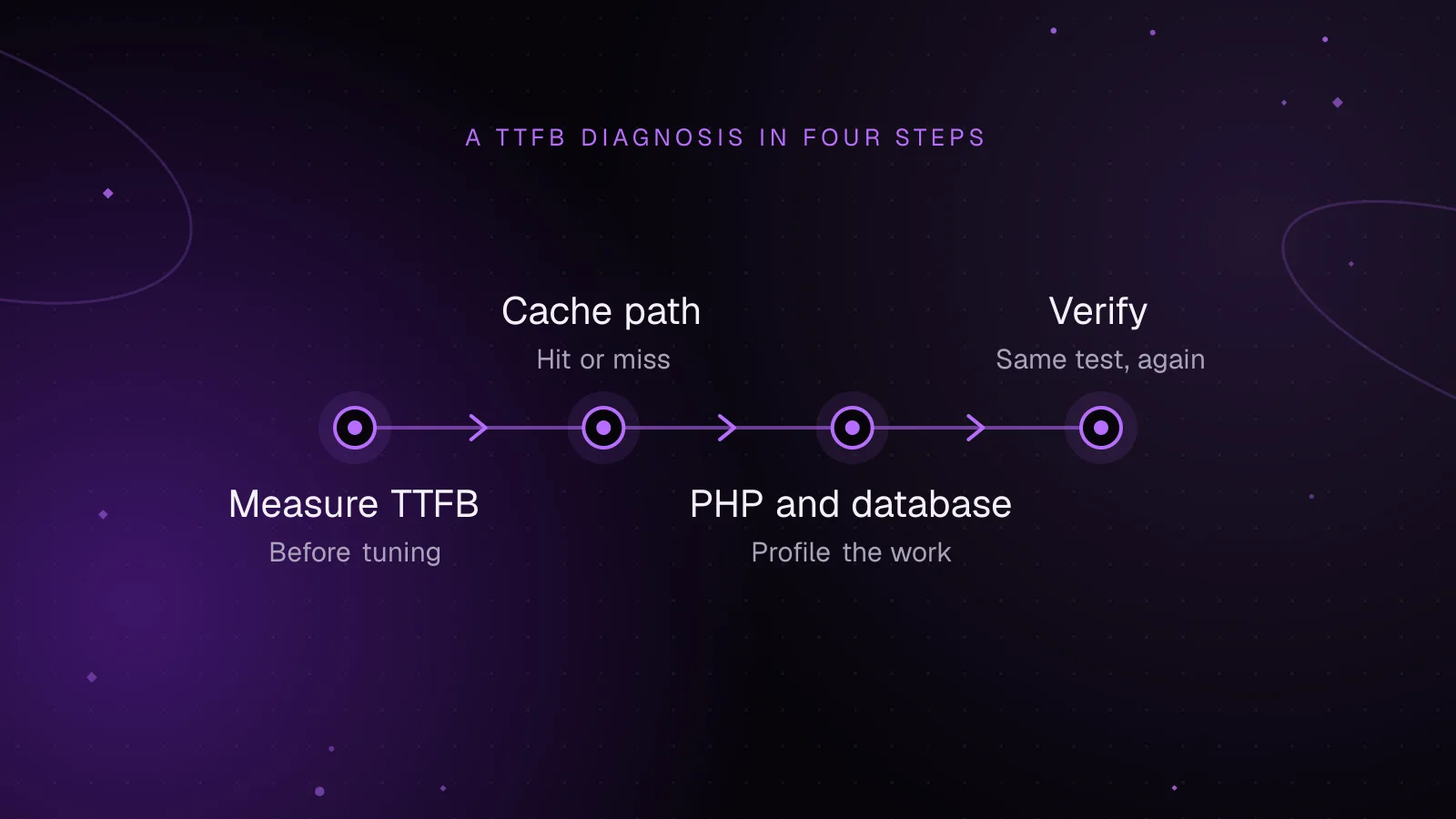
How to reduce WordPress TTFB: a diagnostic guide
Reduce WordPress TTFB by separating CDN, network, PHP-FPM, database, cache, and WordPress delays with repeatable diagnostic tests.
- WordPress
- TTFB
- Performance
 Performance
7 min read
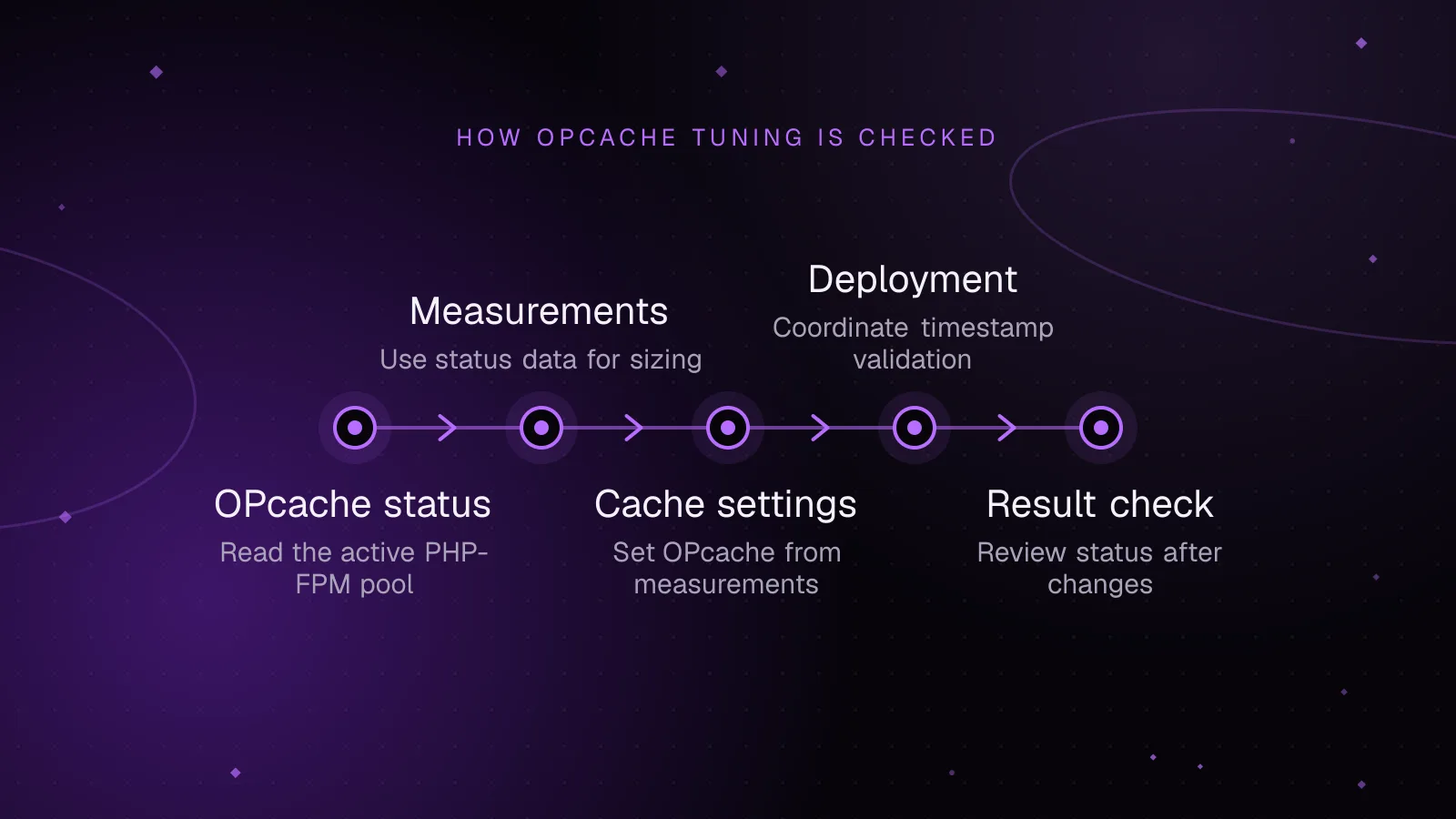
WordPress OPcache settings: size it, check it and keep it warm
Set WordPress OPcache settings from cache usage, PHP file counts and deploy behavior, then verify memory, resets and warm-up safely after changes.
- WordPress
- PHP
- Performance
 Performance
5 min read
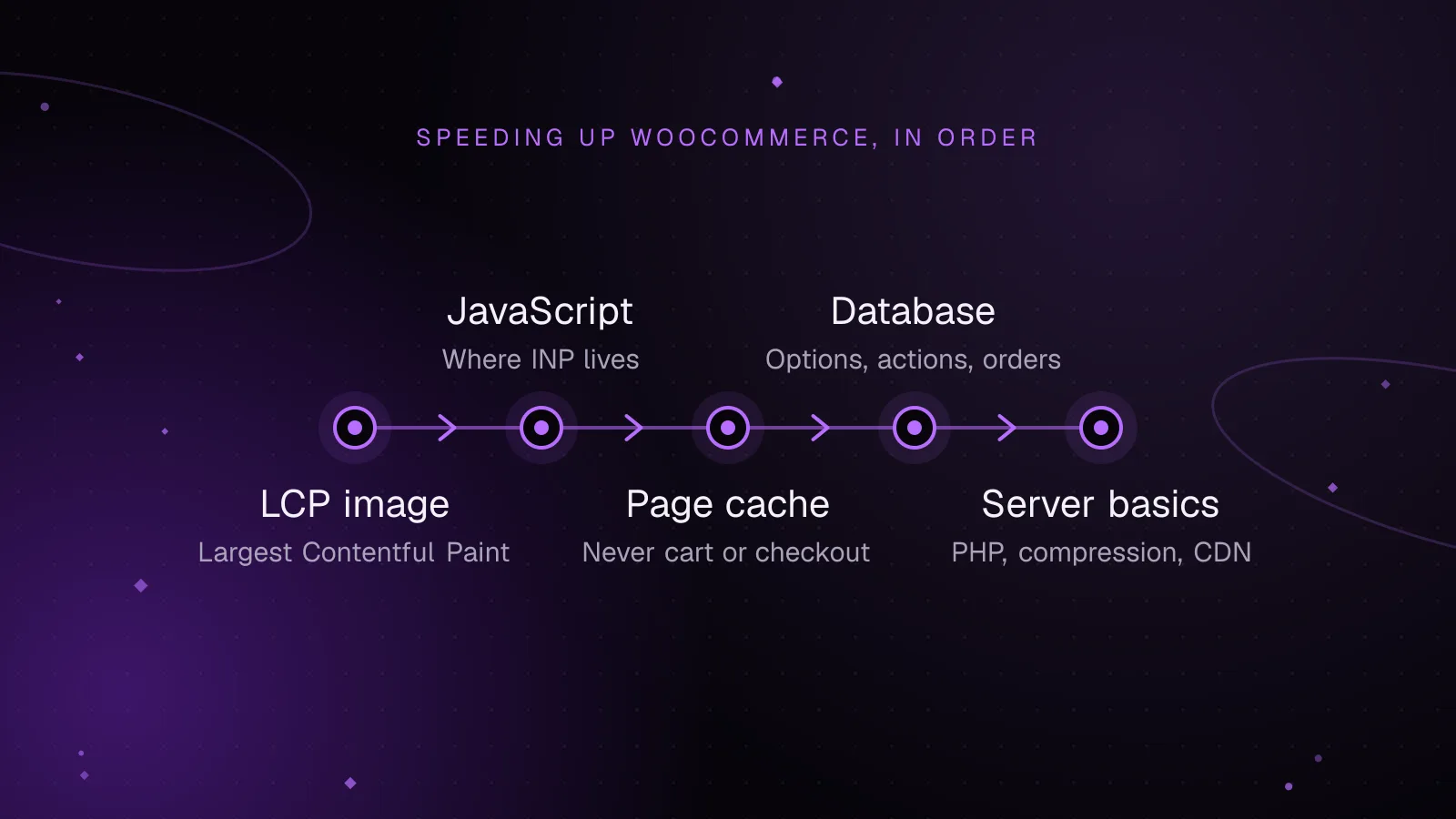
How to speed up WooCommerce: a Core Web Vitals guide
Speed up WooCommerce step by step: faster LCP images, lighter JavaScript for a better INP, safe page caching and a leaner database.
- WooCommerce
- Performance
- Core Web Vitals