Performance7 min read
WordPress OPcache settings: size it, check it and keep it warm
Set WordPress OPcache settings from cache usage, PHP file counts and deploy behavior, then verify memory, resets and warm-up safely after changes.
 By Hamza Ahmad AslamWordPress VIP, Performance & Full-Stack Engineer
On this page
- What OPcache changes for WordPress
- How to read OPcache status from the right PHP-FPM pool
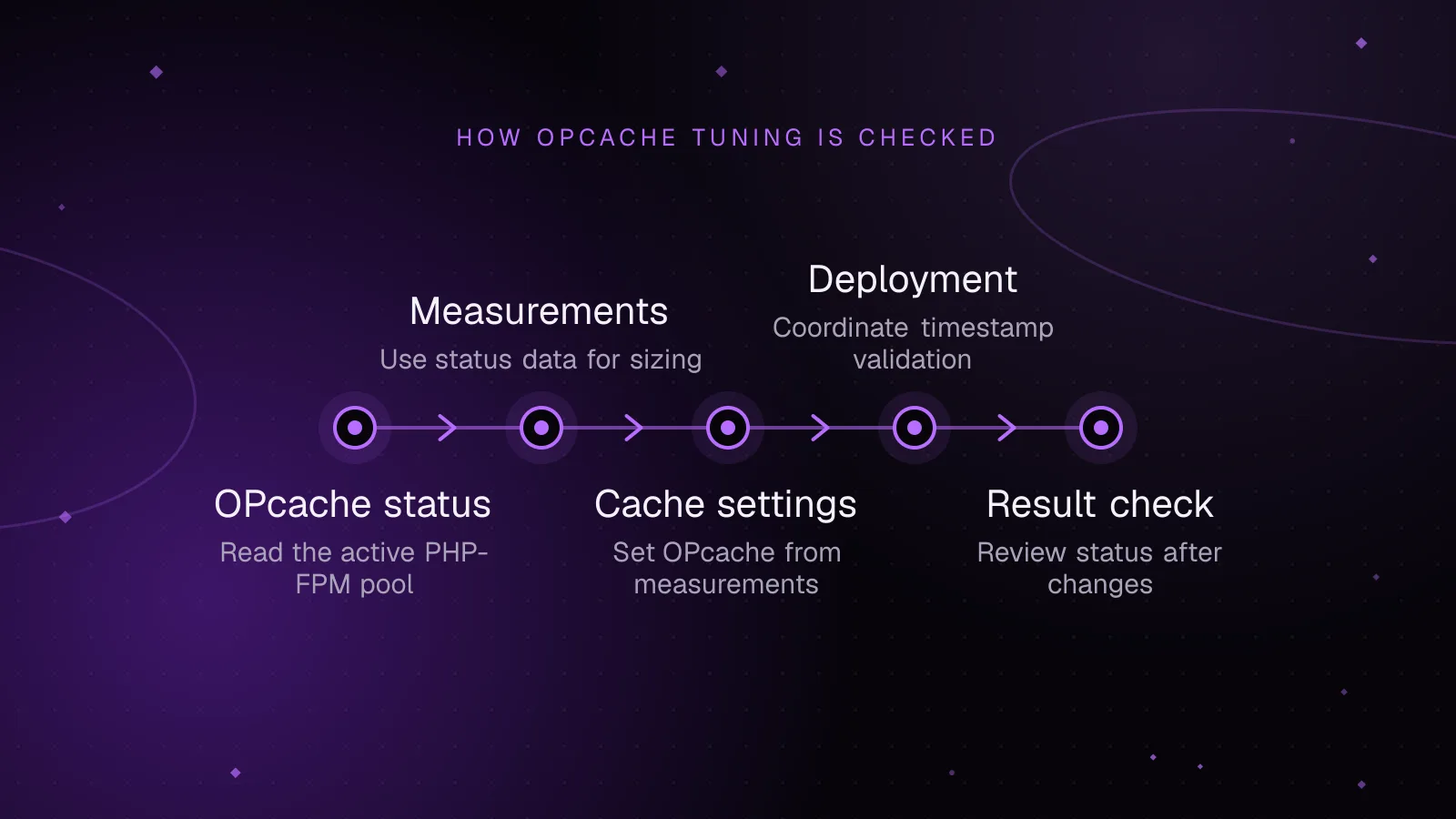
- How to size WordPress OPcache settings from measurements
- Size opcache.memory_consumption from used and free memory
- Size interned_strings_buffer from its own status block
- Size opcache.max_accelerated_files from file counts and cache keys
- How timestamp validation should work with deployments
- Why preloading and JIT are later tuning steps
- How to check the result after a change
- What to do next
- Frequently asked questions
Short answer: WordPress OPcache settings should be sized from the cache your PHP-FPM workers are using, not from a copied tuning block. Check the live OPcache status, count the PHP files in the active release, then make deployment resets and warm-up part of the release process.
What OPcache changes for WordPress
OPcache stores compiled PHP bytecode in shared memory. PHP can then reuse that bytecode instead of loading, parsing and compiling the same script on each request. The PHP OPcache manual (opens in a new tab) describes that shared-memory cache directly.
That matters whenever a request reaches PHP. A full-page cache hit may avoid WordPress completely. An uncached page, wp-admin request, REST request or checkout still boots PHP and loads WordPress code.
OPcache removes repeated compile work from that path. It does not make database queries, remote API calls or application logic disappear. Treat it as one layer in PHP request cost.
A healthy cache should have room for the scripts your workload reaches. It should also survive deployments without serving stale bytecode.
How to read OPcache status from the right PHP-FPM pool
Run the check through the same web server and PHP-FPM pool that serves the site. A shell command such as php status.php runs the CLI SAPI instead. PHP documents opcache.enable_cli separately, and its default is disabled.
opcache_get_status() (opens in a new tab) returns the state of the current in-memory cache. Passing false skips the per-script list, which keeps the response smaller.
Do not publish a raw status page. Cache status reveals paths, memory use and runtime details. Put the endpoint behind network controls and a secret, use HTTPS, and remove it when you no longer need it.
This small endpoint supports a protected GET for status and a protected POST for a deploy reset:
<?php

$expected = getenv('OPCACHE_STATUS_TOKEN');
$provided = $_SERVER['HTTP_X_OPCACHE_TOKEN'] ?? '';

if ($expected === false || $expected === '' || ! hash_equals($expected, $provided)) {
    http_response_code(403);
    exit;
}

header('Content-Type: application/json');

if ($_SERVER['REQUEST_METHOD'] === 'POST') {
    $reset = opcache_reset();

    if (! $reset) {
        http_response_code(503);
    }

    echo json_encode(['reset' => $reset]);
    exit;
}

$status = opcache_get_status(false);

if ($status === false) {
    http_response_code(503);
    echo json_encode(['error' => 'OPcache unavailable']);
    exit;
}

echo json_encode([
    'opcache_enabled' => $status['opcache_enabled'],
    'cache_full' => $status['cache_full'],
    'restart_pending' => $status['restart_pending'],
    'memory_usage' => $status['memory_usage'],
    'interned_strings_usage' => $status['interned_strings_usage'],
    'opcache_statistics' => [
        'num_cached_scripts' => $status['opcache_statistics']['num_cached_scripts'],
        'max_cached_keys' => $status['opcache_statistics']['max_cached_keys'],
        'oom_restarts' => $status['opcache_statistics']['oom_restarts'],
        'hash_restarts' => $status['opcache_statistics']['hash_restarts'],
    ],
]);
Set OPCACHE_STATUS_TOKEN as a server-side environment variable available to the target FPM pool. Give the deployment system the same secret. Request the status through the site URL so the code executes in that pool:
curl --fail --silent --show-error \
  -H "X-OPcache-Token: $OPCACHE_STATUS_TOKEN" \
  https://example.com/_opcache.php
If traffic spans multiple PHP-FPM masters or containers, check each runtime instance. One response should not be treated as the state of every host.
Example output, with illustrative values:
{
  "opcache_enabled": true,
  "cache_full": false,
  "restart_pending": false,
  "memory_usage": {
    "used_memory": 94371840,
    "free_memory": 37748736,
    "wasted_memory": 2097152,
    "current_wasted_percentage": 1.56
  },
  "interned_strings_usage": {
    "buffer_size": 16777216,
    "used_memory": 12582912,
    "free_memory": 4194304,
    "number_of_strings": 65000
  },
  "opcache_statistics": {
    "num_cached_scripts": 8420,
    "max_cached_keys": 16229,
    "oom_restarts": 0,
    "hash_restarts": 0
  }
}
Read several fields together. cache_full should stay false after the site is warm. free_memory shows remaining bytecode space. oom_restarts and hash_restarts tell you whether capacity has forced restarts. max_cached_keys shows the hash capacity PHP selected.
How to size WordPress OPcache settings from measurements
Start with the live status after normal traffic has exercised the site. Then compare cache use with the PHP files that can be loaded by the active release.
PHP lists the current directive defaults and limits in its OPcache runtime configuration (opens in a new tab). The defaults shown here are a reference point, not a recommendation for every site:
opcache.enable=1
opcache.memory_consumption=128
opcache.interned_strings_buffer=8
opcache.max_accelerated_files=10000
opcache.validate_timestamps=1
opcache.revalidate_freq=2
Size opcache.memory_consumption from used and free memory
opcache.memory_consumption sets the shared memory size in megabytes. Read memory_usage.used_memory, free_memory and wasted_memory after the cache has warmed under normal traffic.
Increase the setting when the cache cannot hold the working set or repeated out-of-memory restarts appear. Do not size it from the WordPress database size or PHP memory limit. Those measure different things.
Recheck after plugin, theme or vendor dependency changes. A release can change the compiled-code footprint even when traffic stays the same.
Size interned_strings_buffer from its own status block
An interned string is a shared copy of repeated string data. OPcache exposes a separate interned_strings_usage block with buffer, used and free memory.
If that buffer is close to full after warm-up, give it more room and check again. If it has ample free space, increasing it further has no sizing case behind it.
The directive is opcache.interned_strings_buffer, measured in megabytes. PHP documents a larger maximum on 64-bit systems since PHP 8.4, but the useful value still comes from your status data.
Size opcache.max_accelerated_files from file counts and cache keys
opcache.max_accelerated_files limits the number of script keys in the OPcache hash table. PHP rounds the configured value to one of its supported hash capacities.
First change into the resolved active release directory, then count its PHP files:
find . -type f -name '*.php' -print | wc -l
That count is an upper bound, because a request will not execute every PHP file. Compare it with num_cached_scripts after representative traffic has warmed the application.
Choose a setting that can hold the working set and expected release growth. Then confirm max_cached_keys is comfortably above the scripts that become cached. If hash_restarts rises, the hash table needs more capacity.
Do the count against the active release only. Keeping old releases under the same search path can make the shell count misleading even though those files are never loaded.
How timestamp validation should work with deployments
opcache.validate_timestamps controls whether OPcache checks files for changes. When it is enabled, opcache.revalidate_freq sets how often those checks happen. The documented default for revalidate_freq is two seconds.
For mutable servers, timestamp validation gives PHP a way to notice changed files. For immutable releases, you can disable timestamp validation only if every deployment has a reliable cache reset or PHP-FPM restart.
When validation is disabled, opcache.revalidate_freq is ignored. Filesystem changes do not take effect until the cache is reset or invalidated, or the relevant PHP runtime is restarted. That makes the deployment sequence part of correctness.
A deployment hook can POST to the protected FPM endpoint after the new release becomes active:
curl --fail --silent --show-error \
  --request POST \
  -H "X-OPcache-Token: $OPCACHE_STATUS_TOKEN" \
  https://example.com/_opcache.php
opcache_reset() (opens in a new tab) clears the in-memory opcode cache. The next requests load and compile scripts again.
Do not replace that call with php -r 'opcache_reset();' and assume PHP-FPM was cleared. That command runs in CLI, not the target FPM request context.
On a multi-node site, reset every PHP runtime instance that can serve the new release. A load balancer request may reach only one node, so target nodes directly through your deployment network or restart each relevant FPM service.
After the reset, warm the application with normal smoke requests through the same production path. Include the dynamic routes that matter for the release. A single front-page hit will not load every admin, checkout or plugin code path.
Why preloading and JIT are later tuning steps
PHP preloading can compile and execute a preload script when the server starts. The selected functions and classes then stay available across requests. The PHP preloading documentation (opens in a new tab) also states that preloaded code requires a process restart to clear.
That changes deployment behavior. An opcache_reset() call does not replace the process restart required for preloaded code. If you preload application files, your release process must account for that lifecycle.
Preloading can reduce repeated setup for code that every request needs. WordPress installations often load different plugin and request paths, so measure the target code before adding that operational constraint.
JIT is different. It can turn PHP opcodes into native machine code for selected hot code paths. It does not remove database waits, HTTP calls or queueing for PHP workers.
For OPcache JIT on WordPress, profile first. If the request is dominated by I/O or application work outside CPU-heavy PHP loops, JIT is solving a different problem.
JIT arrived in PHP 8.0. Since PHP 8.4, opcache.jit defaults to disable; the JIT remains off by default. Get normal OPcache sizing, deployment resets and request profiling right before testing it.
How to check the result after a change
Restart or reload PHP-FPM when the changed directive requires it, then let representative traffic warm the cache. Query the protected status endpoint again from the target pool.
Check these signals together:
- Confirm
opcache_enabledis true andcache_fullremains false. - Watch
used_memory,free_memoryandwasted_memoryafter warm-up. - Compare
num_cached_scriptswithmax_cached_keys. - Check that
oom_restartsandhash_restartsare not increasing. - Require the deploy reset hook to return a successful
resetresult.
Repeat the check after a code release that changes plugins, themes or Composer dependencies. Capacity that fits one release may be too small for the next.
What to do next
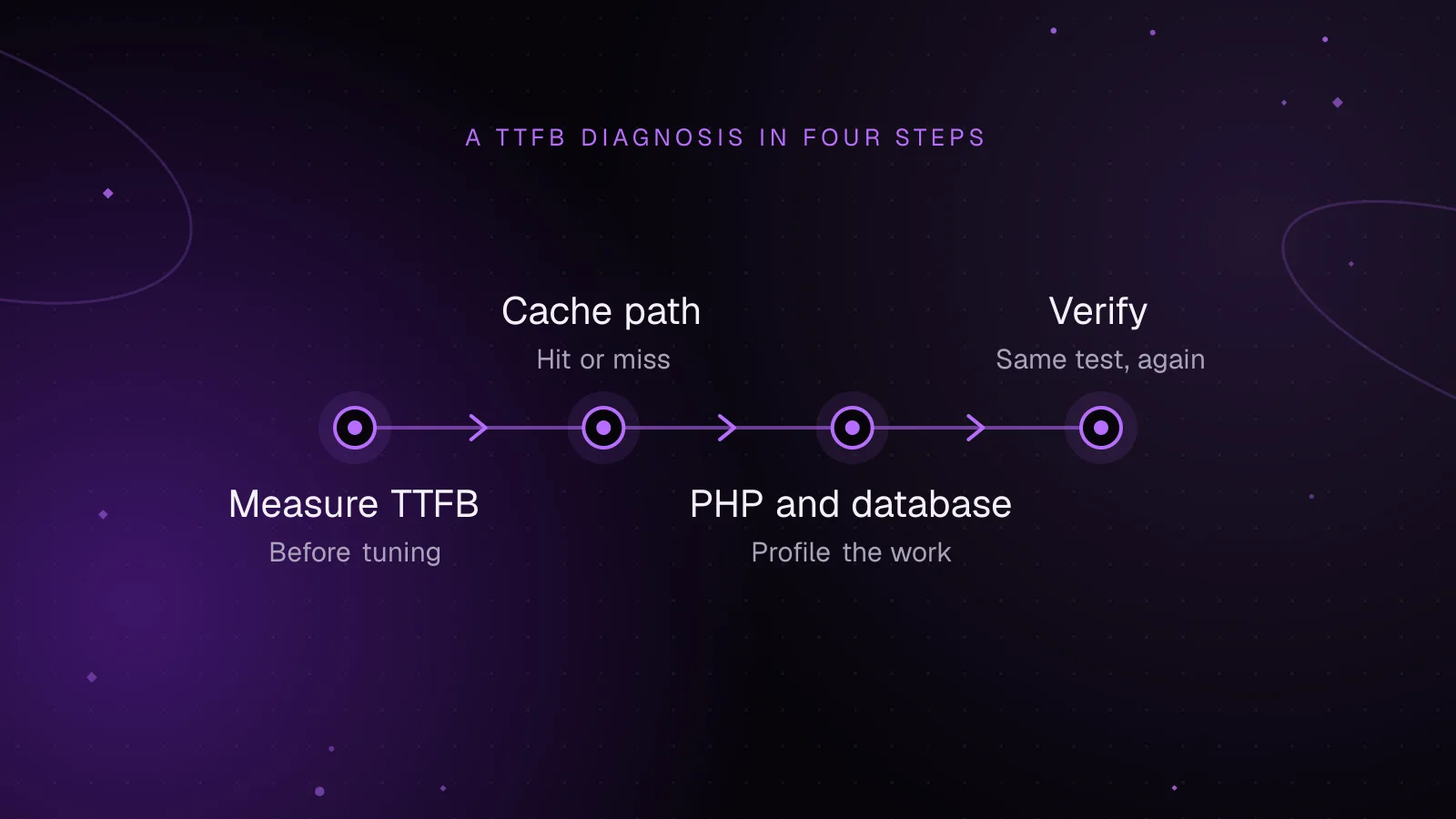
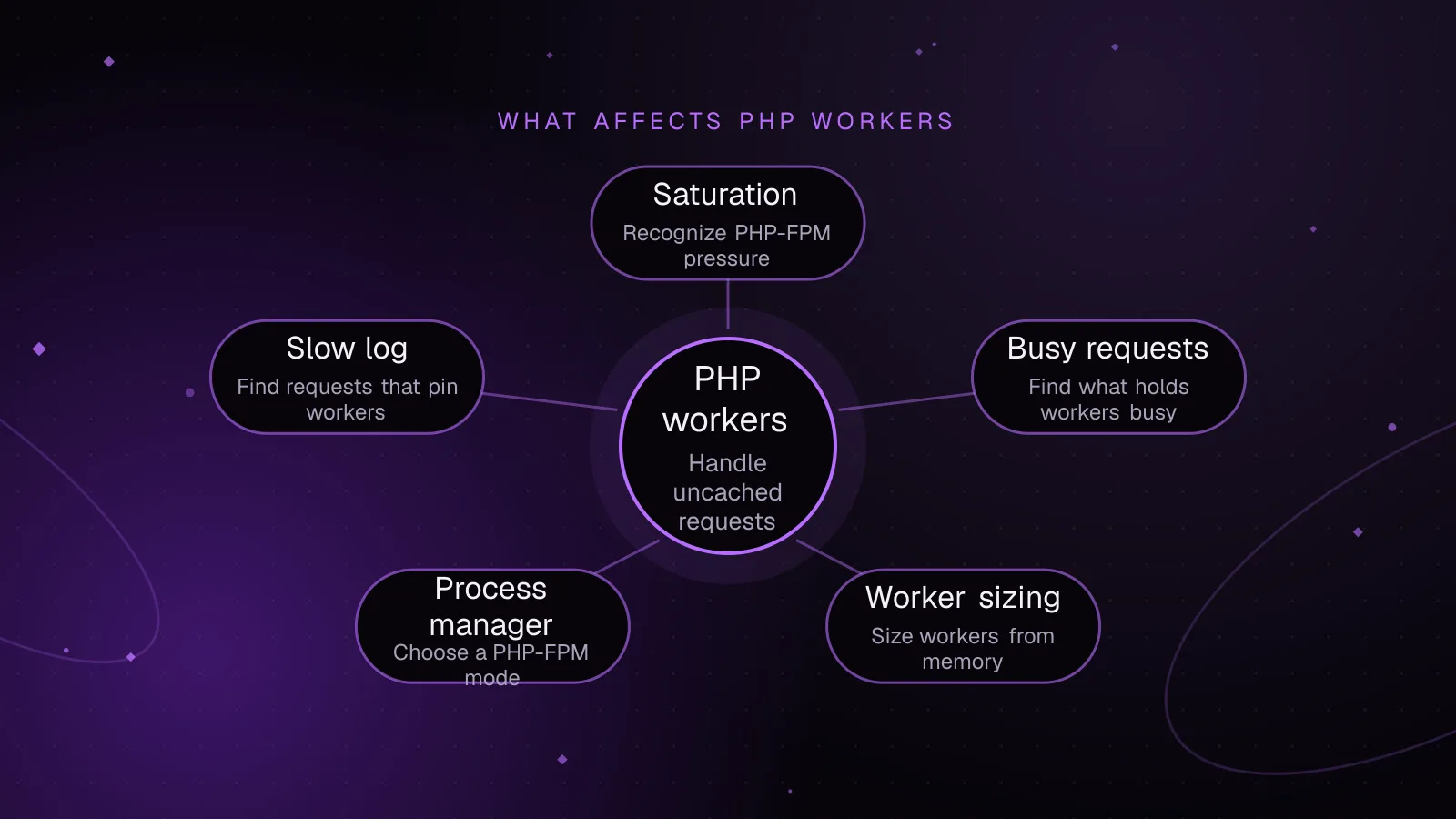
If PHP requests still queue under load, check how WordPress PHP workers affect concurrency. If OPcache looks healthy but uncached responses are still slow, use the WordPress TTFB diagnostic guide to trace the remaining request time.
If uncached REST requests are the slow path, use the WordPress REST API performance guide for finding slow endpoints and reducing their own work.
For a production review that covers PHP, caching and request-level bottlenecks together, see the WordPress performance optimization service.
Frequently asked questions
What are good OPcache settings for WordPress?
Good settings are the ones that hold your site's warmed PHP working set without memory or hash restarts. Start from live opcache_get_status() data and the PHP file count in the active release, then change one capacity setting at a time.
Should I disable opcache.validate_timestamps on WordPress?
You can disable it on an immutable deployment only when every release reliably resets the FPM OPcache or restarts the relevant PHP process. If files can change in place, keep timestamp validation enabled so PHP can detect updates.
How can I tell if WordPress has filled OPcache?
Check cache_full, memory_usage.free_memory, oom_restarts, num_cached_scripts, max_cached_keys and hash_restarts from the FPM cache. One low-free-memory reading is less useful than the status after normal traffic has warmed the site.
Does OPcache JIT make WordPress faster?
JIT targets CPU-heavy PHP execution, while many WordPress requests also spend time on database work, remote calls and I/O. Profile the request first, and treat JIT as a separate test after the normal opcode cache is sized and deployed correctly.
Share this article
Enjoyed this? Get the next article by email.
Keep reading
 Performance
7 min read
How to reduce WordPress TTFB: a diagnostic guide
Reduce WordPress TTFB by separating CDN, network, PHP-FPM, database, cache, and WordPress delays with repeatable diagnostic tests.
- WordPress
- TTFB
- Performance
 Performance
8 min read
WordPress PHP workers: size them, spot saturation and use fewer
Learn how to size WordPress PHP workers, confirm PHP-FPM saturation, read queue metrics and slow logs, and reduce worker demand safely under load.
- WordPress
- PHP
- Performance
 Performance
5 min read
How to speed up WooCommerce: a Core Web Vitals guide
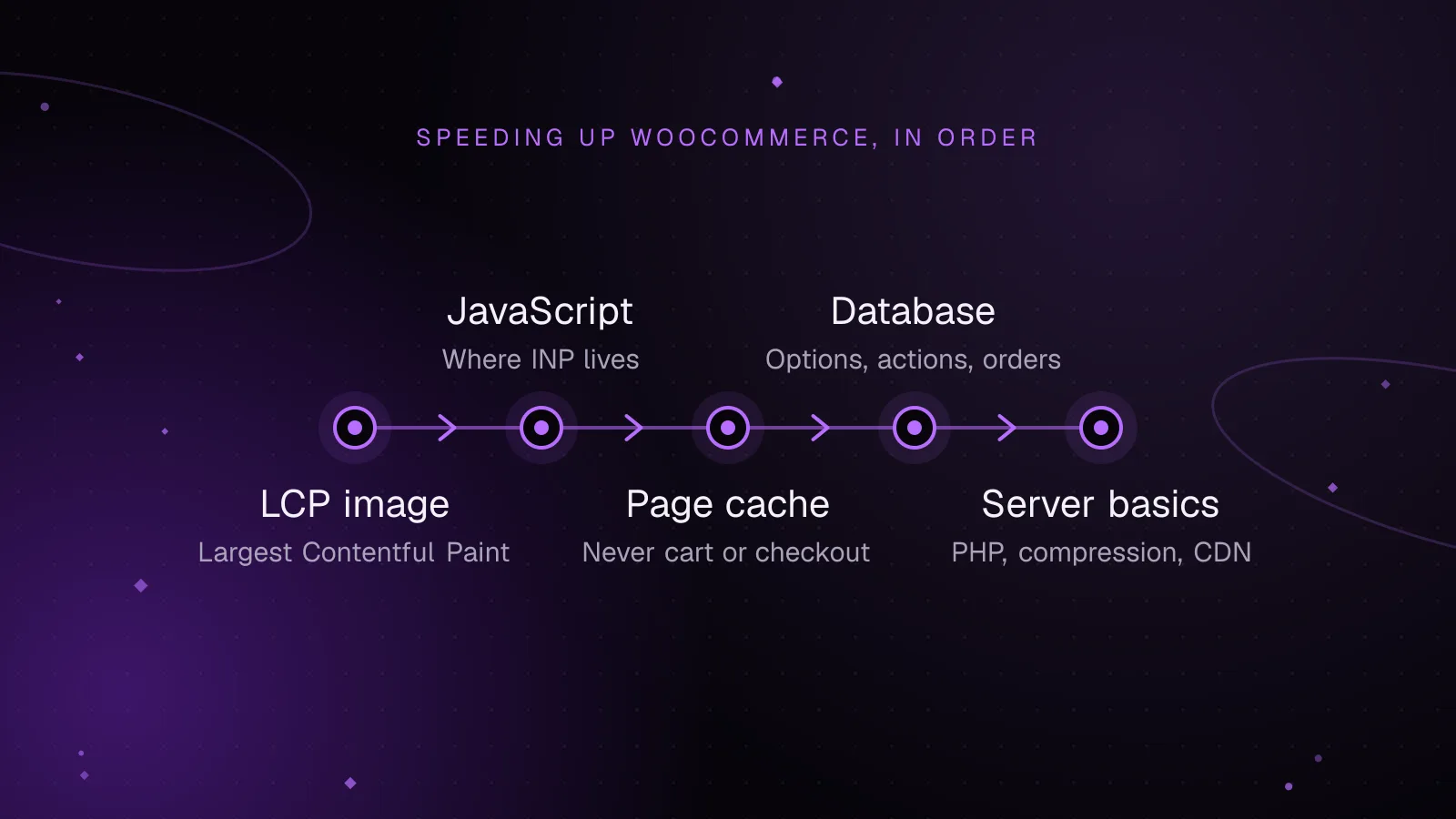
Speed up WooCommerce step by step: faster LCP images, lighter JavaScript for a better INP, safe page caching and a leaner database.
- WooCommerce
- Performance
- Core Web Vitals