Performance8 min read
WooCommerce cart fragments: what they cost and when to remove them
Learn what WooCommerce cart fragments cost, why get_refreshed_fragments appears, how caching interacts, and how to disable it safely when appropriate.
 By Hamza Ahmad AslamWordPress VIP, Performance & Full-Stack Engineer
On this page
- What WooCommerce cart fragments do
- Why get_refreshed_fragments can cost more than its file size
- What changed in WooCommerce 7.8
- How to check whether the store is loading cart fragments
- Check the browser Network panel
- Search the returned HTML
- When to remove WooCommerce cart fragments
- How page caching and the woocommerce_items_in_cart cookie interact
- What to test after disabling or replacing the script
- What to do next
- Frequently asked questions
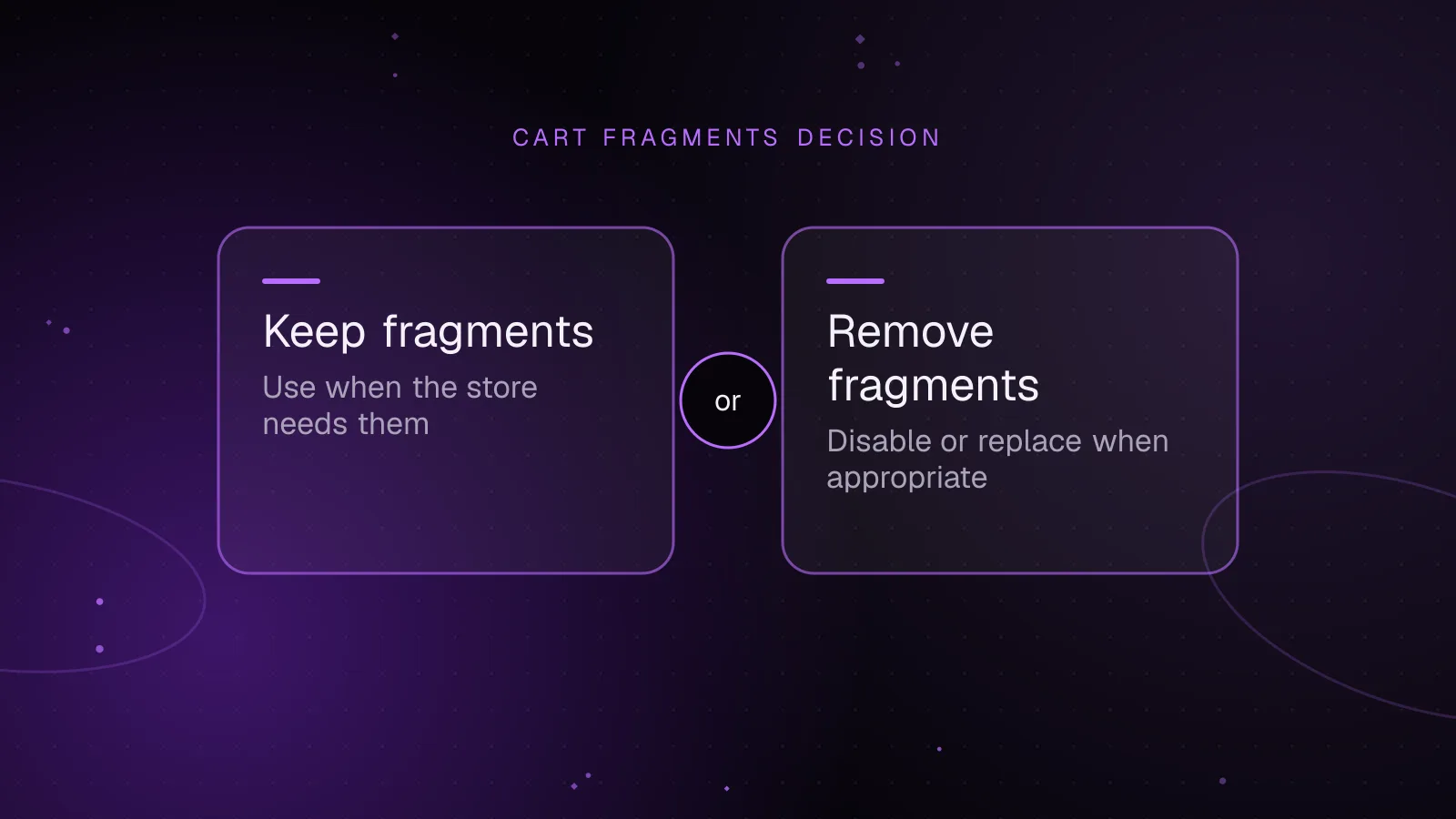
Short answer: WooCommerce cart fragments keep a legacy mini cart synchronized after cart changes, but the refresh request reaches PHP and cannot use a normal full-page cache. Since WooCommerce 7.8, core no longer loads the script on every route by default, so remove it only after you identify why it is present and confirm that no visible cart depends on it.
What WooCommerce cart fragments do
The legacy mechanism has two parts. WooCommerce registers the wc-cart-fragments script, and that JavaScript can request fresh cart markup from the get_refreshed_fragments endpoint. The current WooCommerce cart-fragments.js source (opens in a new tab) posts to a WooCommerce AJAX URL that resolves to a URL such as /?wc-ajax=get_refreshed_fragments.
WooCommerce describes the mechanism in its cart fragments developer note (opens in a new tab). The response contains HTML fragments and a cart hash. Core uses the returned fragment to replace div.widget_shopping_cart_content, which is the legacy WooCommerce mini cart widget container.
The script also stores fragment data in browser storage. It can reuse stored markup when the stored cart hash matches the woocommerce_cart_hash cookie. It refreshes after WooCommerce cart events, after stale fragment data expires, when another tab changes the stored cart hash, and in some browser history cases.
If you searched for an admin-ajax cart request, distinguish the routes. Current WooCommerce core uses its wc-ajax URL for the bundled fragment request. WooCommerce also registers WordPress AJAX handlers for the same action, but a normal current wc-cart-fragments request is usually the wc-ajax=get_refreshed_fragments POST.
Why get_refreshed_fragments can cost more than its file size
The JavaScript file itself is not the main concern. A fragment refresh creates a dynamic HTTP request after the page is delivered. That request reaches WordPress and WooCommerce, loads the shopper's session and cart state, renders mini cart HTML, calculates a cart hash, and returns JSON.
A normal full-page cache cannot satisfy that work safely. The bundled script sends a POST request, and WooCommerce sends no-cache headers for its WC AJAX requests. More importantly, the response is specific to the shopper's current cart. Serving one shopper's mini cart response to another shopper would be wrong.
This means a cached product page can still be followed by uncached PHP work. If the script runs on pages that have no cart UI, that work provides no visitor-facing benefit. Under concurrent traffic, repeated dynamic requests can consume PHP workers and add database or object-cache activity even while the main HTML remains cached.
Do not treat the presence of one request as proof that it is the store's main bottleneck. Check its duration, frequency, server concurrency, and whether it appears for empty carts, active carts, logged-out visitors, and logged-in customers. Then compare it with the rest of the request waterfall and server traces.
What changed in WooCommerce 7.8
Before WooCommerce 7.8, core enqueued the cart fragments script globally. In WooCommerce 7.8, that global enqueue was removed. The WooCommerce 7.8 release note (opens in a new tab) states that the script is now enqueued when the Mini Cart widget is used.
The later developer note adds two other cases that can still bring it back: a third-party script can declare cart-fragments as a dependency, or custom code can enqueue it explicitly. Some themes also hard-code the legacy cart widget into templates, so the store owner may not see a widget added through the admin screen.
That change matters when diagnosing a current store. Seeing wc-cart-fragments on every page does not mean WooCommerce core still loads it globally. Find the component that requests it. The source may be the legacy widget, a theme header, a plugin dependency, or custom theme code.
The Mini-Cart block is different from the legacy Mini Cart widget. WooCommerce's developer note states that the block does not use the cart fragments API. The current block remains the preferred route when a theme can use it, because it avoids this legacy refresh path while still providing live cart UI.
How to check whether the store is loading cart fragments
Check the browser Network panel
Open a private window so you can test a clean logged-out session. Open DevTools, select Network, load a representative page, then filter for get_refreshed_fragments. Also test after adding a product because cart activity can trigger a refresh even when the initial page load reused stored fragments.
Inspect the request method and URL. For current core behavior, expect a POST to a URL containing wc-ajax=get_refreshed_fragments. Record whether it appears on the home page, product pages, category pages, blog posts, and any marketing pages where the header differs.
Repeat the test with an item already in the cart. A clean empty-cart visit and an active-cart visit can take different paths because cookies and stored fragments affect what the browser already knows.
Search the returned HTML
Search the page source for wc-cart-fragments or cart-fragments. WordPress commonly prints a script element whose ID includes the registered script handle, although optimization plugins can combine or rewrite scripts.
You can make the same check from a shell. Replace the example URL with a real public page:
curl -sL https://example.com/ | grep -Eo 'wc-cart-fragments|cart-fragments(\.min)?\.js'
Example output, shown only to illustrate a match:
wc-cart-fragments
cart-fragments.min.js
No match does not prove the script never runs. A performance plugin may rewrite asset URLs, inject scripts later, or serve different HTML by device or cookie. The Network panel is the stronger check because it shows what the browser requests.
When to remove WooCommerce cart fragments
Keep the script wherever a legacy mini cart needs to update without a full page reload. That includes a header cart count, drawer, or widget whose markup depends on WooCommerce fragments. Removing the script while leaving that UI in place can produce a stale count or stale cart contents on cached pages.
If you want to disable cart fragments only on selected pages, dequeue the script on pages with no cart display. WordPress documents wp_dequeue_script() (opens in a new tab) as the function for removing a previously enqueued script. Run your callback late enough on wp_enqueue_scripts that WooCommerce, the theme, or another plugin has already enqueued the handle.
This example removes the script only from two static pages. Use slugs or IDs that match pages where your theme renders no mini cart, cart count, or fragment-dependent header element:
<?php
function haa_dequeue_cart_fragments_on_static_pages() {
    if ( is_page( array( 'about', 'contact' ) ) ) {
        wp_dequeue_script( 'wc-cart-fragments' );
    }
}

add_action( 'wp_enqueue_scripts', 'haa_dequeue_cart_fragments_on_static_pages', 100 );
Do not turn that snippet into a broad site-wide rule until you have mapped the header and cart behavior. A theme can render the same header on pages that do not look related to WooCommerce. A plugin can also expect fragment events or data without displaying the stock widget.
If you need a live mini cart across most of the site, removal may trade server work for broken state. In that case, switching from the legacy widget to the Mini-Cart block is usually the cleaner architecture. Check extension and theme compatibility before replacing customized mini-cart markup or JavaScript.
How page caching and the woocommerce_items_in_cart cookie interact
Page caching and cart fragments solve different problems. A full-page cache stores reusable HTML for requests that can share the same response. Cart fragments update shopper-specific cart UI after that HTML has arrived.
WooCommerce documents woocommerce_items_in_cart and woocommerce_cart_hash as session cookies that help determine when cart contents change. It also uses a wp_woocommerce_session_ cookie to associate a shopper with stored session data. The WooCommerce caching guidance (opens in a new tab) lists these cookies and warns that cart, checkout, and account pages must not be cached as ordinary public pages.
The woocommerce_items_in_cart cookie does not itself refresh the mini cart. In the legacy script, it is used when deciding whether an empty-cart widget should be hidden. The script compares the woocommerce_cart_hash cookie with a stored hash when deciding whether stored fragments are valid.
Caching layers can also use WooCommerce cookies as bypass signals. That behavior belongs to the cache configuration, not to the cookie itself. If a CDN or server cache ignores session-sensitive cookies and caches personalized HTML, removing cart fragments can expose stale cart counts that the AJAX refresh previously corrected after page load.
This is why a fragment change and a cache change should be tested together. Confirm which URLs are cacheable for anonymous visitors, which cookies cause a bypass, and whether an active-cart shopper receives public cached HTML followed by a correct dynamic cart state.
What to test after disabling or replacing the script
Test from separate clean browser sessions. Include at least one logged-out session with an empty cart, another with an active cart, and a logged-in customer if accounts are part of the normal purchase flow.
| Test | What to verify |
|---|---|
| Add to cart | The product is added and any visible cart count updates correctly. |
| Mini cart | Contents, quantities, subtotal, and remove actions reflect the current cart. |
| Cached page | A cached product or content page does not show another session's cart state. |
| Navigation | The cart stays correct after moving between cached and uncached pages. |
| Logged-in customer | Account state and cart UI remain correct after login and navigation. |
| Back button | Returning through browser history does not leave a visibly stale cart. |
Clear relevant page and CDN caches before the final pass. If an optimization plugin delays JavaScript, test with that production setting enabled. Also test the exact theme header used on mobile, because mobile and desktop headers can use different cart components.
What to do next
First, verify the pages and cache state rather than changing PHP from a waterfall screenshot alone. Paste representative response headers into the free WooCommerce cache headers checker, then use the WordPress CDN caching guide to confirm where full-page caching starts and where cart cookies cause a bypass.
If the store has broader response-time problems, work through the guide to speeding up WooCommerce so fragment requests are judged beside PHP, database, assets, and cache behavior. For a store that needs code, cache, and checkout changes reviewed together, the WooCommerce speed optimization service covers that wider performance work.
Frequently asked questions
Why is get_refreshed_fragments still running on every page?
Since WooCommerce 7.8, core does not enqueue cart fragments globally by default. A legacy Mini Cart widget, a theme that hard-codes it, a plugin dependency, or custom enqueue code can still load the script across the site.
Can I disable wc-cart-fragments completely?
Yes, if no visible or hidden feature depends on its fragment updates. Test the cart count, mini cart, AJAX add-to-cart flow, cached pages, and customer sessions before making the removal site-wide.
Does the WooCommerce Mini-Cart block use cart fragments?
WooCommerce's developer guidance states that the Mini-Cart block does not use the legacy cart fragments API. That makes it a useful replacement when the theme and installed extensions support the block.
Does disabling cart fragments stop products being added to the cart?
Disabling the fragment script does not by itself remove WooCommerce's cart or add-to-cart logic. It can stop legacy mini-cart markup and counts from refreshing after a cart change, which can make the interface look wrong even though the cart state changed on the server.
Share this article
Enjoyed this? Get the next article by email.
Keep reading
 Performance
5 min read
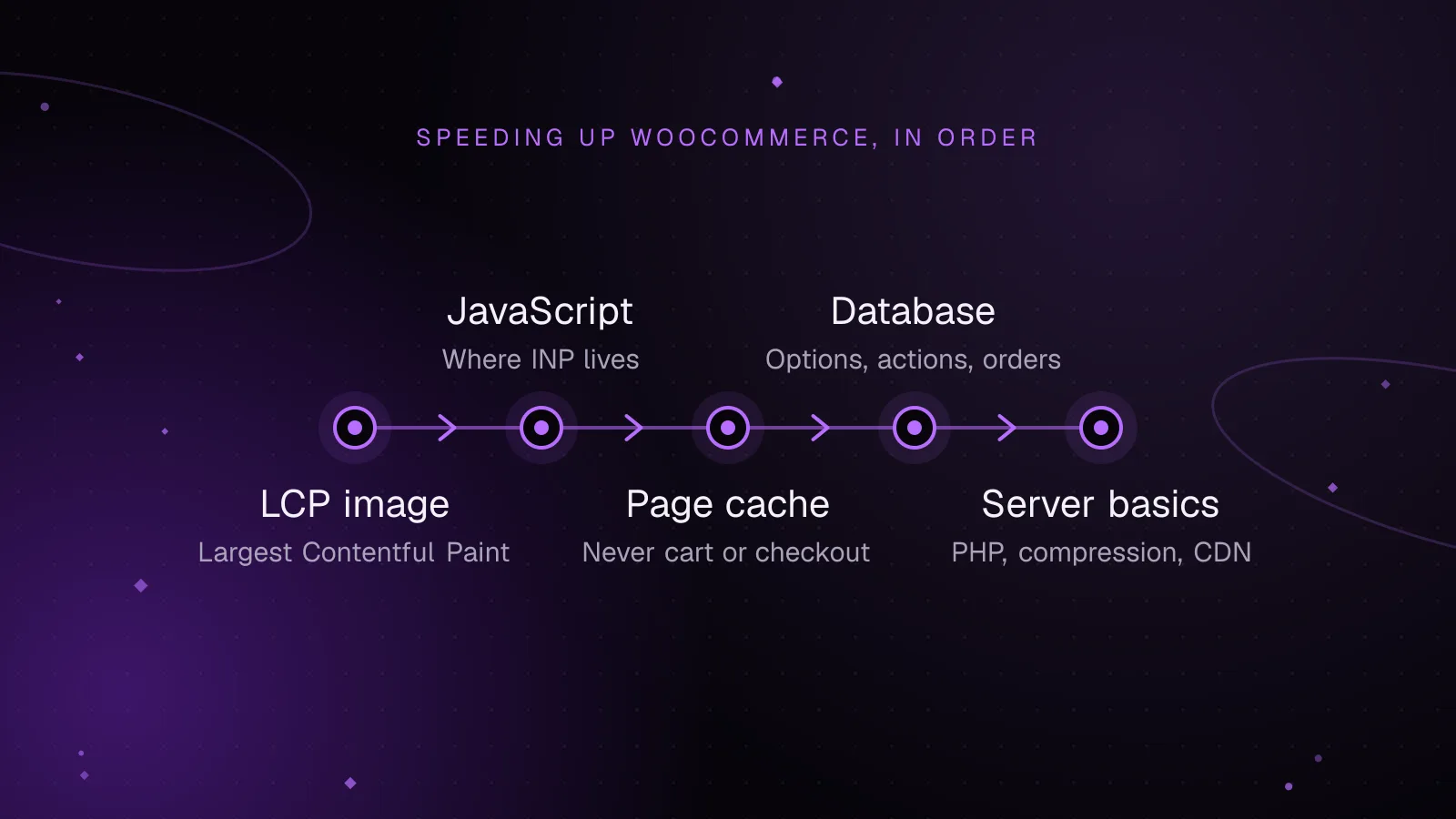
How to speed up WooCommerce: a Core Web Vitals guide
Speed up WooCommerce step by step: faster LCP images, lighter JavaScript for a better INP, safe page caching and a leaner database.
- WooCommerce
- Performance
- Core Web Vitals
 Performance
8 min read
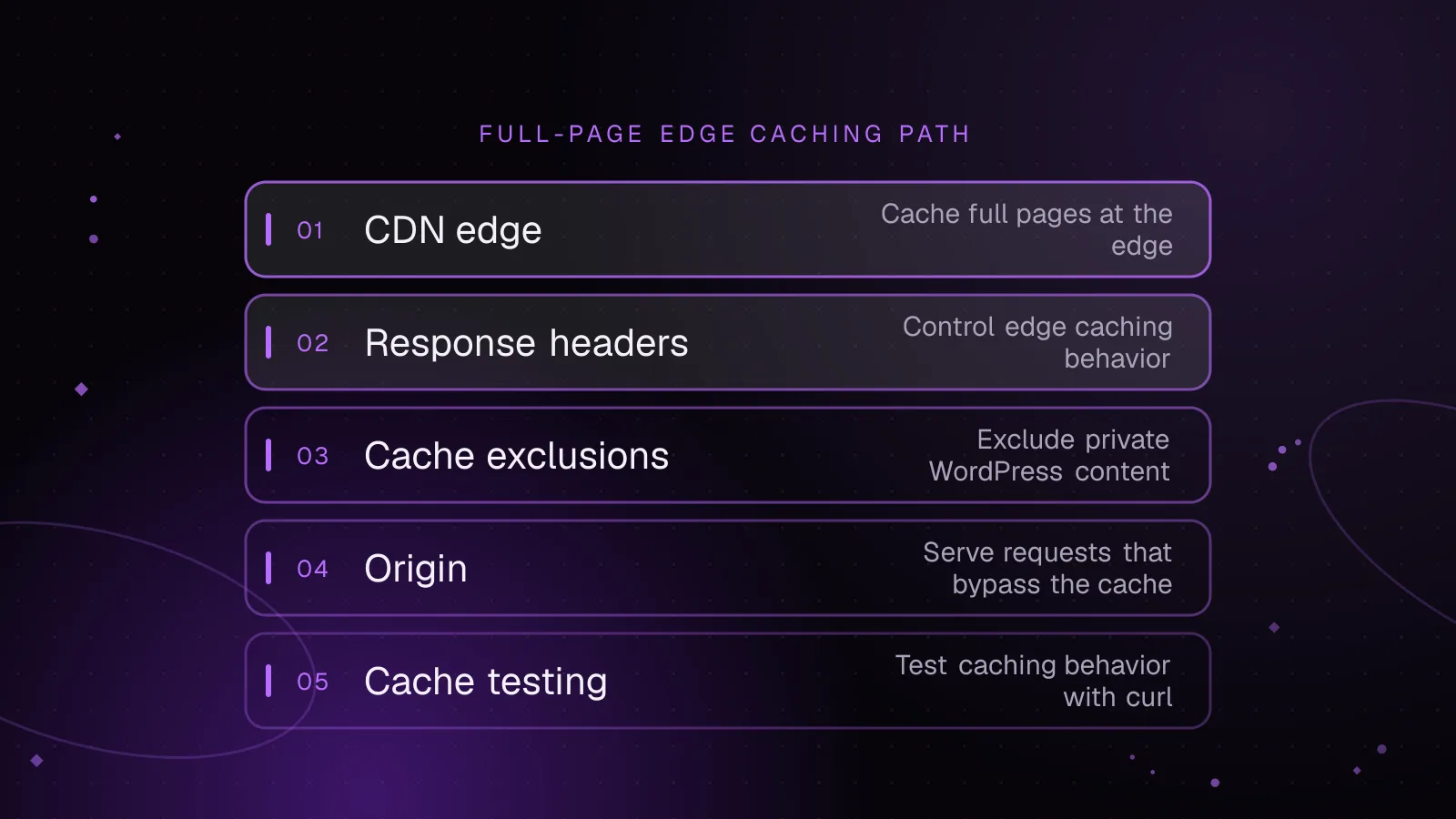
WordPress CDN caching: cache full pages safely at the edge
Set up WordPress CDN caching safely: cache public HTML at the edge, bypass WordPress and WooCommerce sessions, purge updates, and test every route.
- WordPress
- Caching
- Performance
 Performance
7 min read
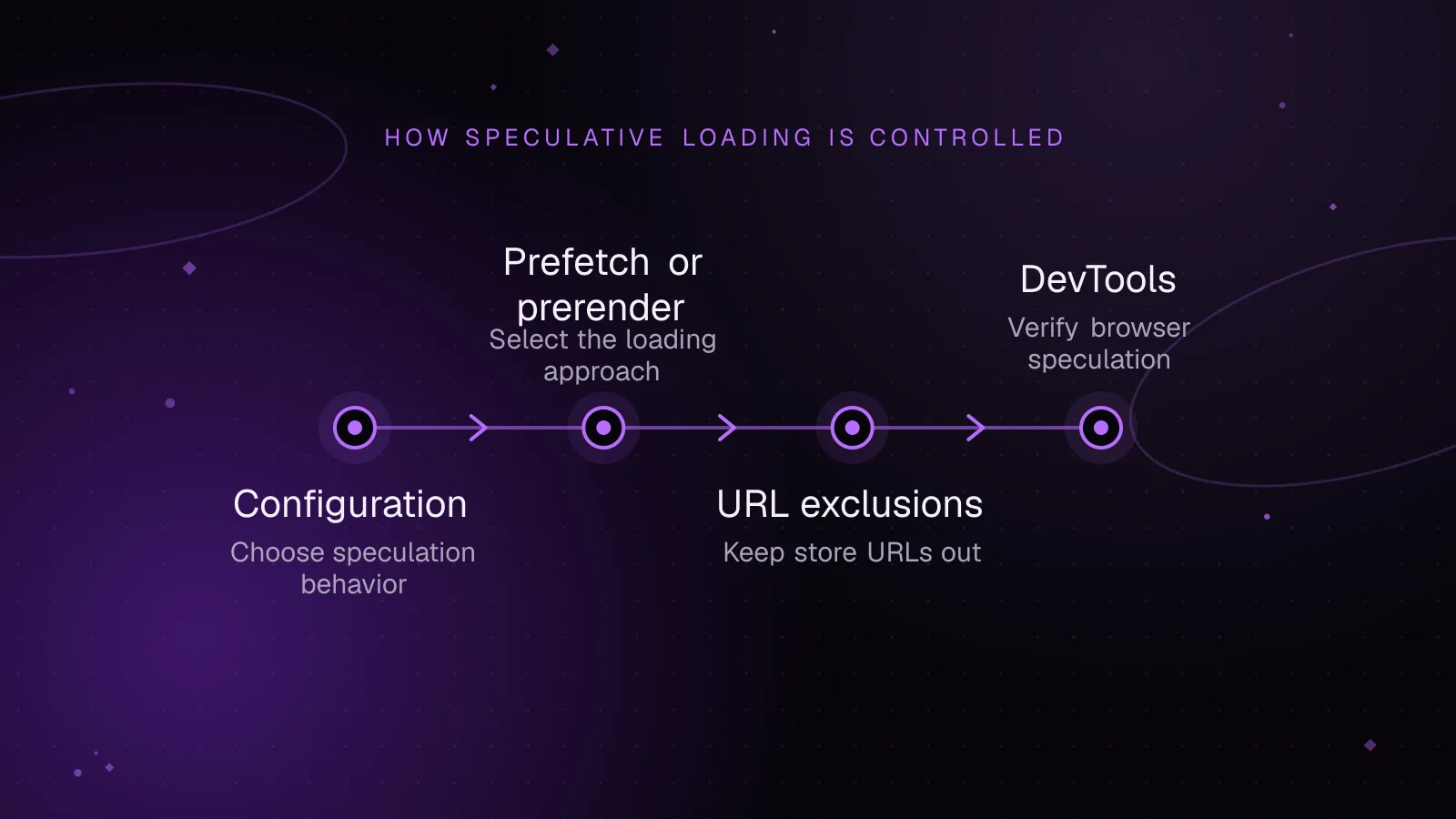
WordPress speculative loading: faster navigation without breaking a store
Tune WordPress speculative loading for WooCommerce, exclude risky URLs, verify browser behavior in DevTools, and measure navigation and server cost.
- WordPress
- Performance
- WooCommerce