Performance8 min read
PageSpeed good, Core Web Vitals failed: read the right data
See why PageSpeed can look good while Core Web Vitals fail, separate lab from field data, check scope and coverage, and choose the right next test.
 By Hamza Ahmad AslamAI & WordPress Developer | Speed Optimization & Site Security
On this page
- PageSpeed good, Core Web Vitals failed: read the scope first
- Annotate the report before diagnosing WordPress
- Compare devices and time windows before comparing numbers
- Inspect coverage limits before treating missing field data as a result
- Choose the next diagnostic from the mismatch
- Why a good lab run can coexist with a failed field assessment
- Use the failure to pick the right performance guide
- Frequently asked questions
If PageSpeed looks good but Core Web Vitals failed, check the data source before you change WordPress. The green Lighthouse score and the failed Core Web Vitals assessment can both be correct because they measure different populations, time periods and conditions.
PageSpeed good, Core Web Vitals failed: read the scope first
PageSpeed Insights puts two measurement systems on one report. Its field section comes from the Chrome User Experience Report, or CrUX. Its lab section comes from Lighthouse. Google describes that split in its PageSpeed Insights CrUX guide (opens in a new tab).
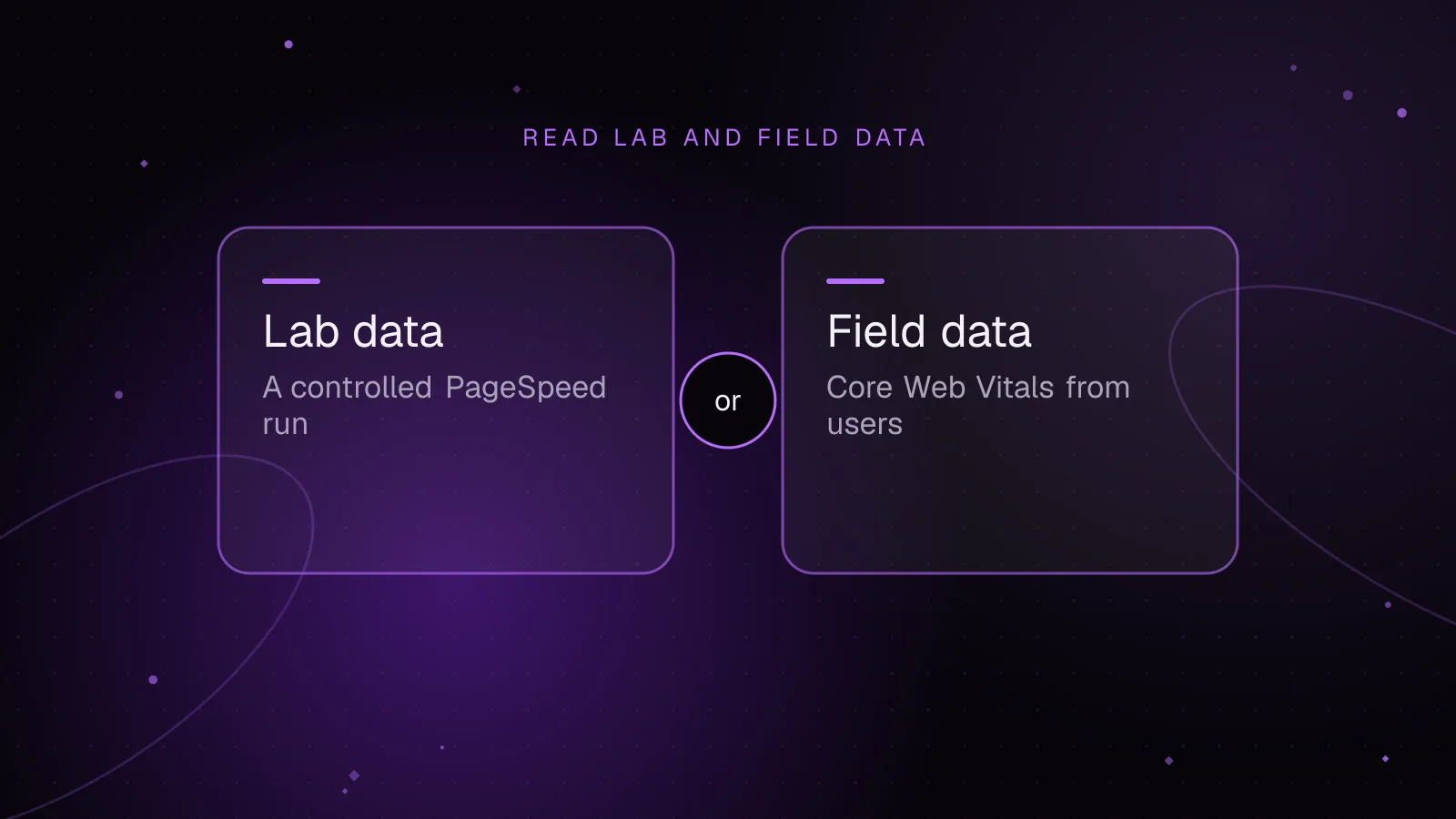
Field data answers, “What did eligible Chrome visitors experience?” Lab data answers, “What happened in this controlled test?” A strong lab score does not cancel a poor field result.
Before reading any metric, record four labels:
| Label | Values you may see | What it changes |
|---|---|---|
| Source | CrUX field data or Lighthouse lab data | Visitor history versus one controlled run |
| Scope | This URL or Origin | One page versus aggregated pages on the origin |
| Device | Mobile or desktop | Different visitor and test conditions |
| Time | Previous 28 days or current run | Rolling history versus a test performed now |
CrUX reports the 75th percentile for the Core Web Vitals. When all three metrics have sufficient data, a pass requires LCP, INP and CLS to be in the good range at that percentile. The current good thresholds are LCP at 2.5 seconds or less, INP at 200 milliseconds or less, and CLS at 0.1 or less.
The page versus origin label matters as much as the number. If a URL has insufficient CrUX data, PageSpeed Insights can fall back to origin-level data. If the origin also lacks enough data, the field section can show no data while the Lighthouse test is still available.
Annotate the report before diagnosing WordPress
Copy this table beside the PageSpeed report you are reading. Fill the PageSpeed rows from the report in front of you. Do not move a Lighthouse value into a field-data row just because a field value is missing.
This site publishes its own real-visitor Core Web Vitals on its performance page, field data from its own visitors, and lists the Lighthouse score budgets it holds itself to. The public page gives enough information to demonstrate the labeling step without inventing a PageSpeed value.
| Source | Scope | Measurement type | Device or segment | Window | Verified value or status | What you can conclude |
|---|---|---|---|---|---|---|
| PageSpeed Insights, “This URL” | Exact URL | CrUX field | Mobile or desktop | Previous 28 days | Unavailable in this published comparison | Copy only what your live PSI report shows |
| PageSpeed Insights, “Origin” | Whole origin | CrUX field | Mobile or desktop | Previous 28 days | Unavailable in this published comparison | Use only if PSI says the field data is origin-level |
| PageSpeed Insights, Lighthouse | Exact tested URL | Lab | Mobile or desktop run | Current run | No verified value published here | Treat it as a diagnostic run, not visitor history |
| hamzaahmadaslam.com public RUM | Site-level visitor measurement | Field, collected by the site | Phones under 768 px | Rolling 28 days | 75th percentile after 50 page loads for the device class; “Collecting” with a running count until then | Open the performance page and read the current status |
| hamzaahmadaslam.com public RUM | Site-level visitor measurement | Field, collected by the site | Larger screens | Rolling 28 days | 75th percentile after 50 page loads for the device class; “Collecting” with a running count until then | Open the performance page and read the current status |
On that performance page, a metric appears as the 75th percentile once 50 page loads have arrived for that device class in the rolling 28-day window. Until then it shows “Collecting” with a running count. Open the page when you audit the site and read the current status there. That 50-load rule belongs to this site’s reporting system, not CrUX. Google does not disclose the exact CrUX popularity threshold.
Do not equate the site’s “phones under 768 px” bucket with a CrUX device label. They come from separate measurement systems with separate segmentation rules.
Compare devices and time windows before comparing numbers
The pagespeed field data vs lab data mismatch often comes from time and population rather than a broken tool.
CrUX in PageSpeed Insights covers a rolling 28-day collection period. Its values can move as older visits leave that window and newer visits enter it. A deployment today can improve a lab run immediately while the field number still contains weeks of earlier traffic.
Lab data has the opposite property. It is current, but narrow. Google’s lab and field data explanation (opens in a new tab) notes that a lab test uses one device, one network and one location, while field data contains the range of devices, networks, locations and user behavior seen in visits.
That difference also explains why the PageSpeed performance score can change when the page did not change. Lighthouse documents score variation from changing underlying conditions, including dynamic content and traffic routing. A single score is therefore a sample, not a permanent property of the URL. See Google’s Lighthouse performance scoring documentation (opens in a new tab).
Compare like with like:
- Match mobile field data to mobile diagnostics first.
- Keep URL-level field data separate from origin-level field data.
- Compare field periods that contain the same deployment when checking whether a release helped.
- Repeat a lab run when one result is far from the others, then inspect the metric and trace rather than averaging the headline score into a new target.
Inspect coverage limits before treating missing field data as a result
“No data” is not a pass, fail or speed grade. It means the requested CrUX record is unavailable at that scope.
Google’s CrUX methodology (opens in a new tab) says pages and origins must be publicly discoverable and sufficiently popular to appear. Google does not publish the exact visitor threshold. CrUX also contains only eligible Chrome experiences, so it does not represent every visit to the site.
That explains why two sites can show different kinds of field data in PageSpeed Insights. One URL may have enough data for a URL-level record, another may show only origin data, and another origin may show no field data.
INP has another coverage wrinkle. A visit with no qualifying click, tap or key interaction has no INP value for that page load (opens in a new tab). PageSpeed’s CrUX guide also notes that some pages can lack sufficient INP data and be assessed on the other available Core Web Vitals.
For a low-traffic WordPress page, do not read origin fallback as proof that the tested template is slow. First find whether the failing field result belongs to the URL or to the origin.
Choose the next diagnostic from the mismatch
The next test should follow the failing measurement. Chasing the Lighthouse total can send you toward code that is unrelated to the visitor problem.
| What the report shows | What it means | Next diagnostic |
|---|---|---|
| URL field LCP is poor and lab LCP is also poor | Both sources point at loading | Use the lab trace to identify the page-specific loading cause |
| URL field INP is poor while the lab score looks healthy | Visitor interactions are the missing context | Reproduce the affected flows and use the guide to find the interaction behind poor WordPress INP |
| Origin field data is poor but URL field data is unavailable | The failing value may come from other pages | Check representative high-traffic templates before editing the tested page |
| URL field data is good but one Lighthouse run is weak | The controlled run found a diagnostic condition that is not visible at field p75 | Repeat the controlled test and inspect the specific metric or audit |
| No URL or origin field data exists | CrUX cannot give you a field verdict at that scope | Use repeatable lab tests plus your own visitor measurement if available |
| Field CLS is poor but load-time lab CLS is low | Post-load shifts or other visitor conditions may be involved | Follow the field-versus-lab checks in web.dev’s CLS diagnostic guidance (opens in a new tab) |
INP deserves the same source discipline. Google recommends starting with field evidence when it exists, then reproducing the slow interaction in the lab. Its INP optimization guidance describes that field-to-lab sequence.
This is the point where “lighthouse vs crux” stops being a debate. Field data selects the problem worth investigating. Lab data helps reproduce a cause under controlled conditions.
Why a good lab run can coexist with a failed field assessment
A Core Web Vitals failure is based on the field assessment, not the Lighthouse performance score. The field result summarizes eligible visits over the rolling collection window. The lab score summarizes the conditions of the current Lighthouse run.
The two sources can also observe different behavior. A user may scroll far enough to trigger content that shifts later, or interact with a menu, filter or checkout control that a load-only lab run never touches. Web.dev notes that field CLS covers the page lifecycle, while load-focused lab testing can miss post-load shifts.
A good lab run therefore tells you that the tested page performed well under that run’s conditions. It does not tell you that the 75th percentile of visitors passed every Core Web Vital.
Use the failure to pick the right performance guide
Once you have identified the failing scope and metric, move to the guide that owns that problem. For a store where loading, checkout or front-end work is the next task, use the WooCommerce Core Web Vitals performance guide instead of tuning a generic Lighthouse score.
If the mismatch spans templates, devices or visitor segments and you need page traces plus field-data interpretation, the WordPress performance optimization service covers that diagnostic work.
Frequently asked questions
Does a Lighthouse score of 100 mean Core Web Vitals will pass?
No. Lighthouse is a lab test, while the Core Web Vitals assessment in PageSpeed Insights uses CrUX field data. A perfect lab score can coexist with a field failure if eligible visitors had slower LCP, INP or CLS during the field window.
How long does PageSpeed field data take to reflect a fix?
PageSpeed Insights uses a rolling 28-day CrUX window that is updated daily. A new release enters that window gradually, so the field value can move over time rather than switching immediately after deployment.
Should I trust URL data or origin data in PageSpeed Insights?
Use URL-level data when you are diagnosing that specific page and PageSpeed says URL data is available. Origin data is useful for the site as a whole, but it aggregates experiences across pages and should not be treated as proof that one tested URL has the same problem.
Why can PageSpeed show field data for one page but not another on the same WordPress site?
CrUX has separate eligibility and popularity checks for pages and origins. A busy page can qualify for URL-level data while a lower-traffic page falls back to origin data or has no URL-level field record.
How this article was made: drafted with AI assistance from a researched brief, then checked against primary documentation before publishing.
Share this article
Enjoyed this? Get the next article by email.
Keep reading
 Performance
8 min read
Fix INP in WordPress by finding the slow interaction
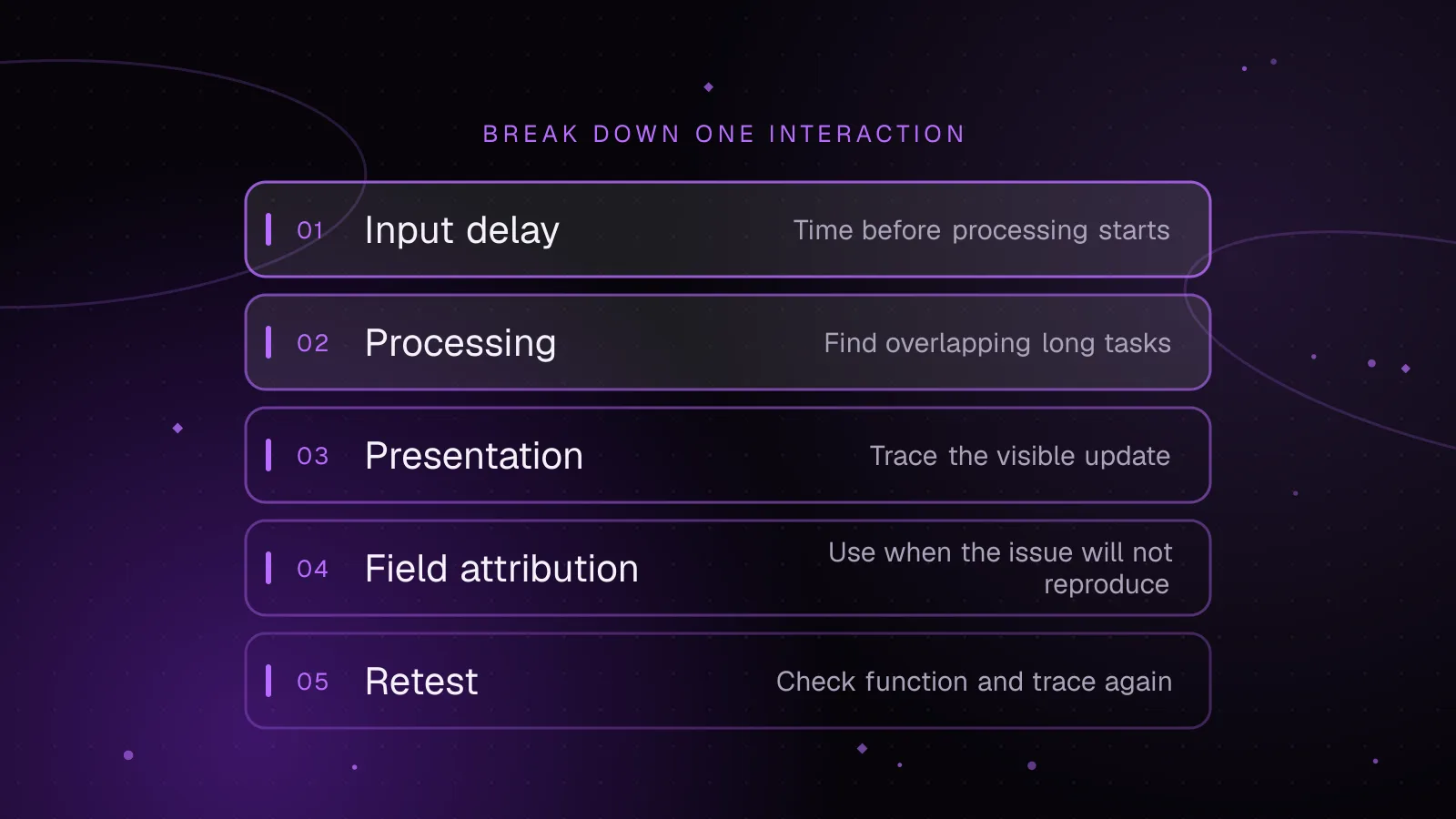
To fix INP in WordPress, start by reproducing the exact tap or key interaction that feels slow, then record it in Chrome DevTools and split its delay into input, processing, and presentation.
- WordPress
- Core Web Vitals
- Performance
 Performance
7 min read
WordPress LCP image optimization: make the largest image load first
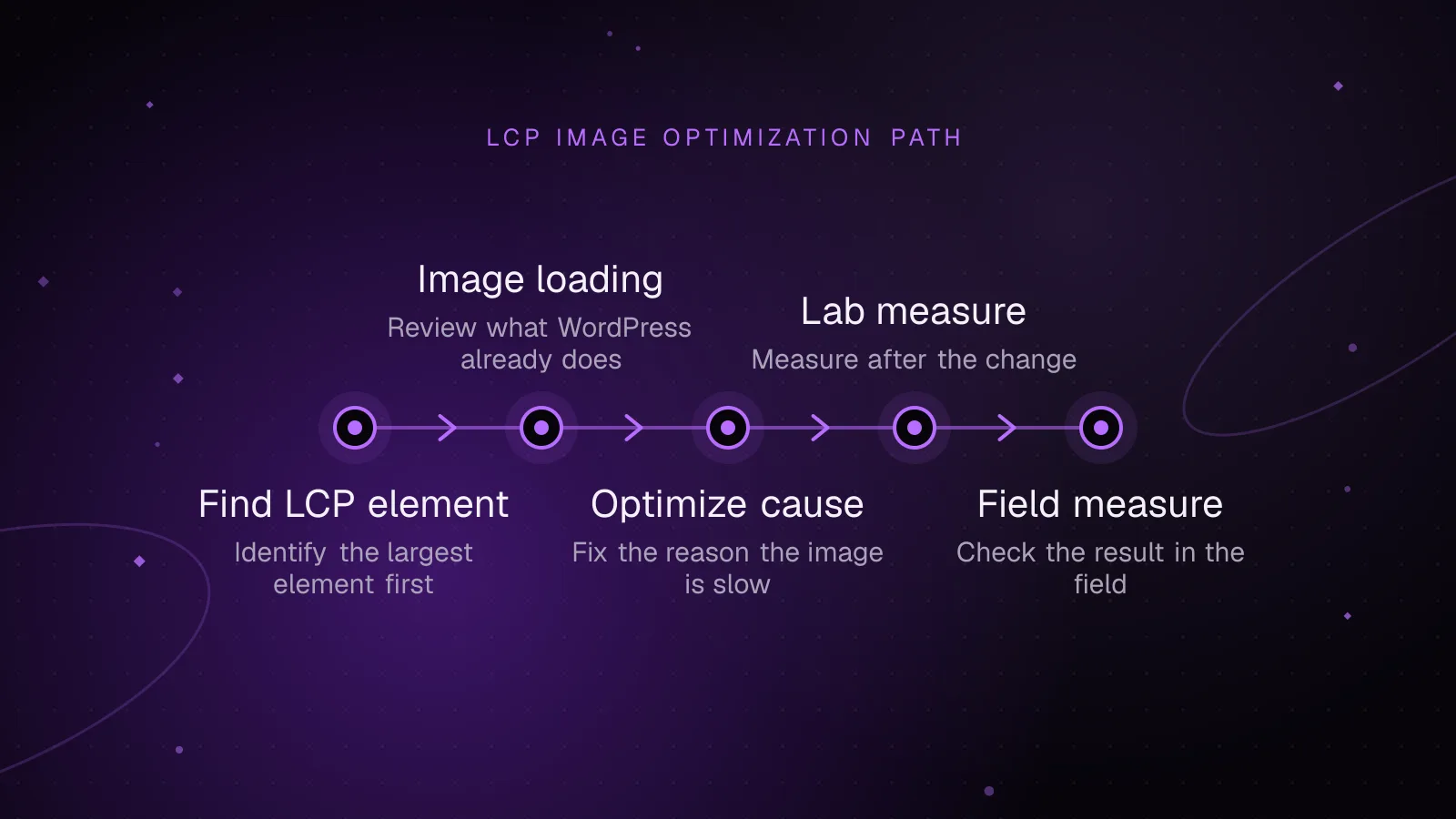
A slow WordPress LCP image usually needs three things: early discovery, high fetch priority, and a file sized for the space it occupies. Find the actual LCP element first, then remove accidental lazy loading, fix responsive image markup, preload late-discovered backgrounds, and retest.
- WordPress
- Core Web Vitals
- Performance
 Performance
7 min read
WordPress speculative loading: faster navigation without breaking a store
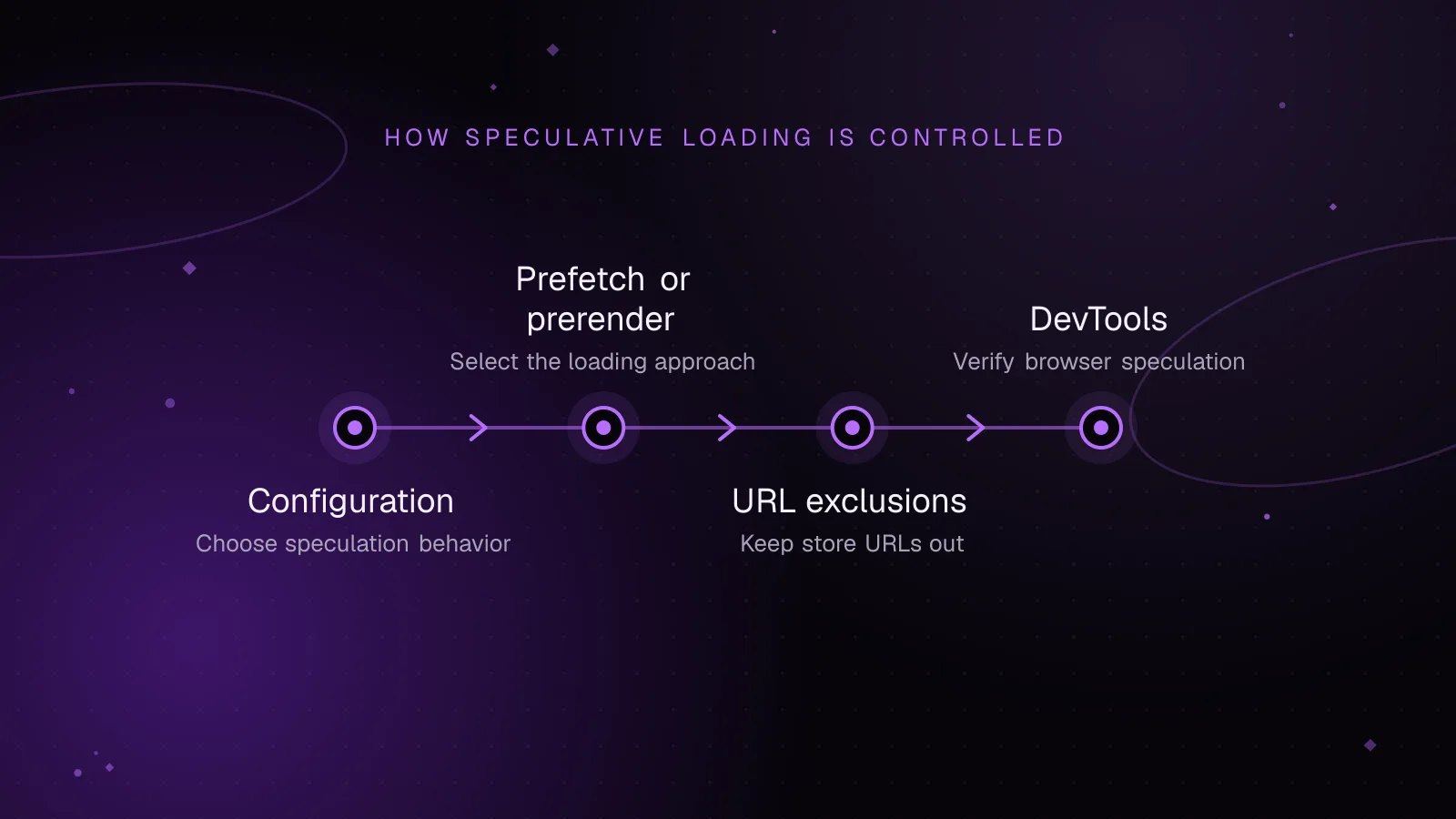
WordPress speculative loading can make page-to-page moves feel faster by asking the browser to fetch likely destinations before a visitor clicks. On a WooCommerce store, keep dynamic and state-changing URLs out of those rules, then verify what Chrome loads before making the behavior more eager.
- WordPress
- Performance
- WooCommerce