 Monitoring
5 min read
How to monitor WordPress sites without alert fatigue
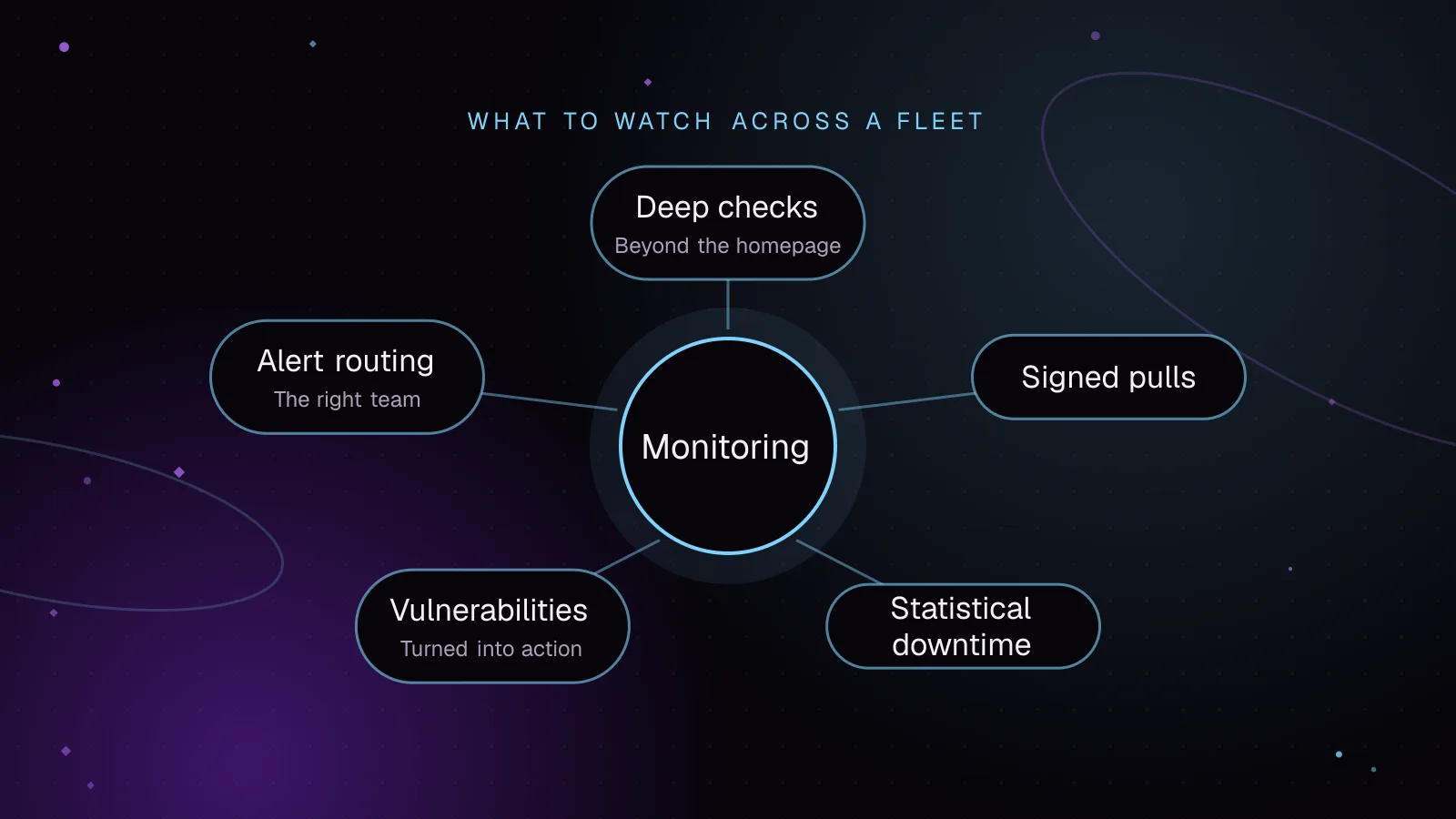
Monitor WordPress sites with signed agent requests, vulnerability checks and alerts grouped by severity. Lessons from building Fleet Sentinel.
- WordPress
- Monitoring
- Security
8 articles
Every article tagged Monitoring, newest first. Search all articles
Monitoring5 min read
Monitor WordPress sites with signed agent requests, vulnerability checks and alerts grouped by severity. Lessons from building Fleet Sentinel.
 Monitoring
7 min read
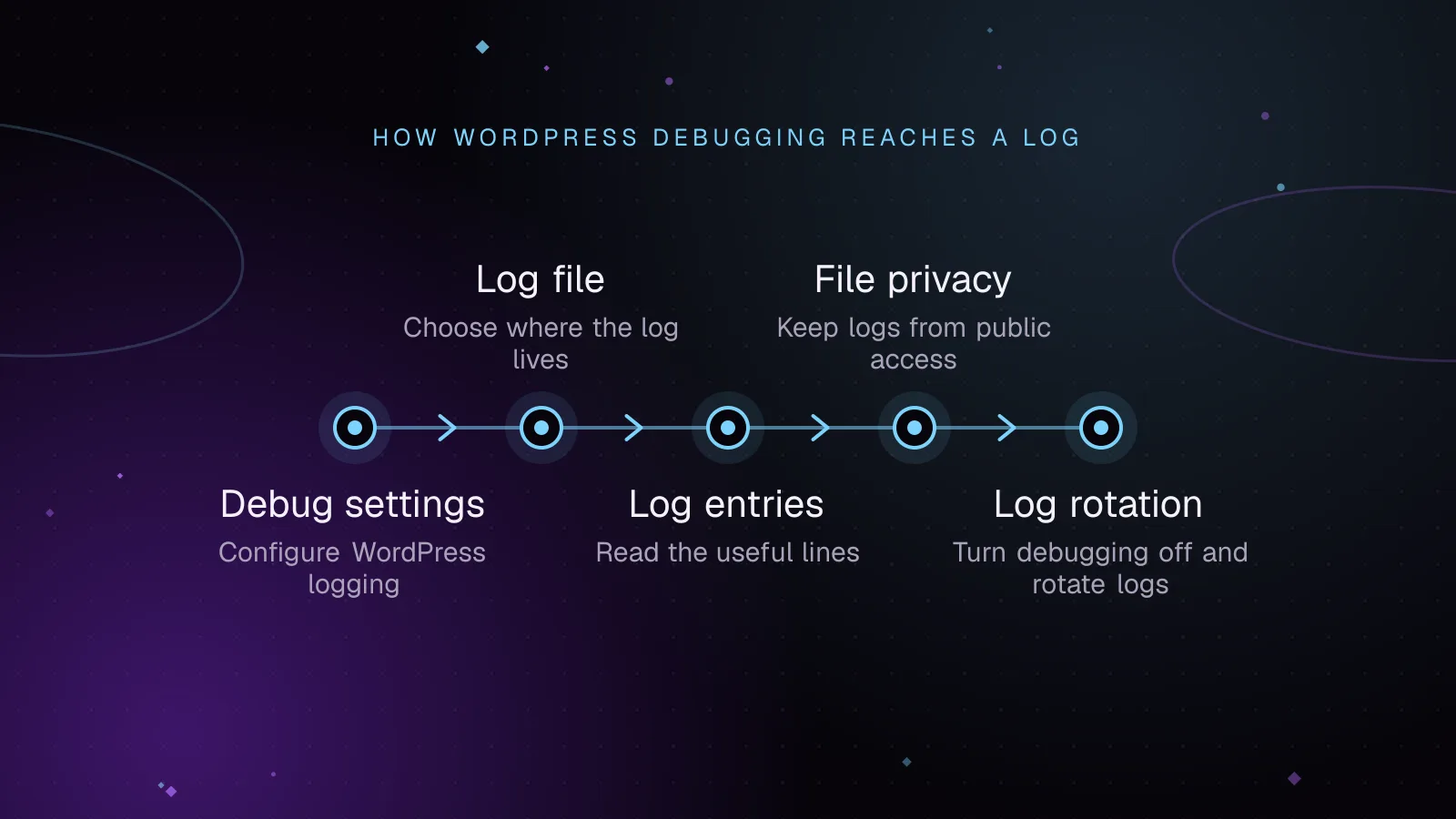
Turn on the WordPress debug log safely, find its file, fix missing logs, read PHP errors, protect access, and rotate or disable logging after debugging.
 Monitoring
7 min read
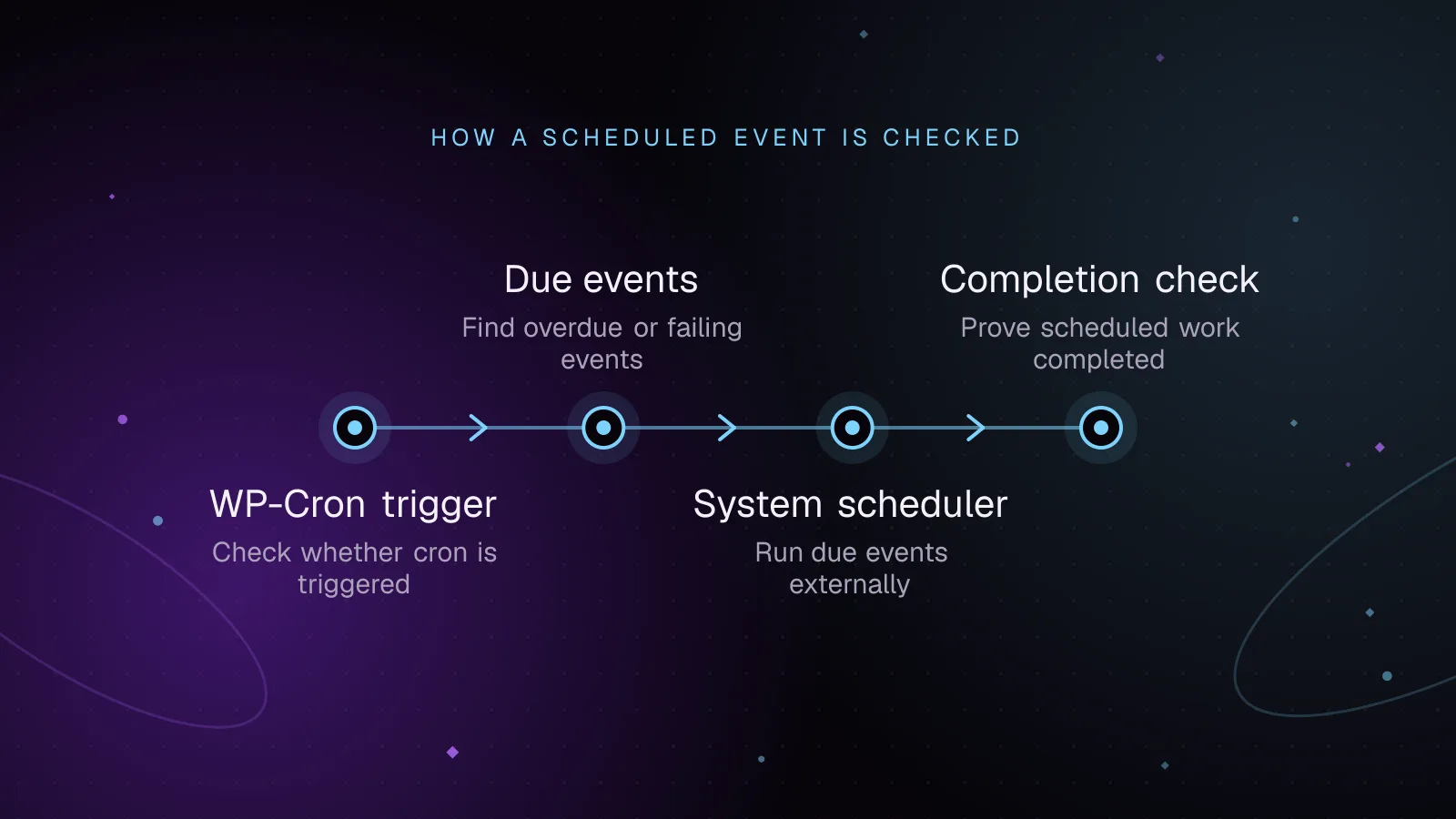
Diagnose WordPress cron not running, find overdue events, test spawning, run due jobs from system cron, and add alerts that prove key jobs finished.
 Monitoring
7 min read
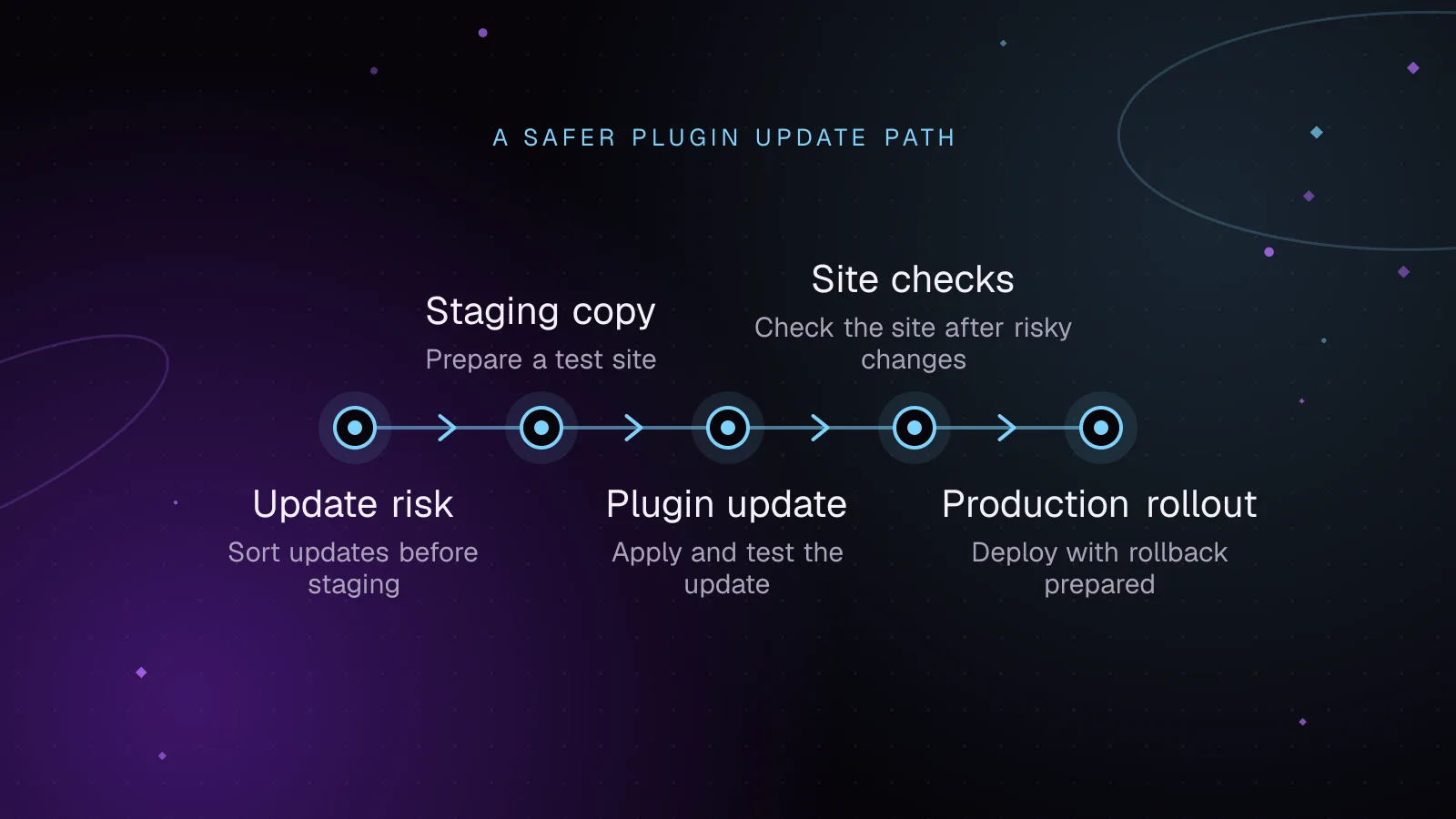
Test WordPress plugin updates on staging, check key site flows, deploy one change at a time, and roll back cleanly if an update causes trouble.
 Monitoring
7 min read
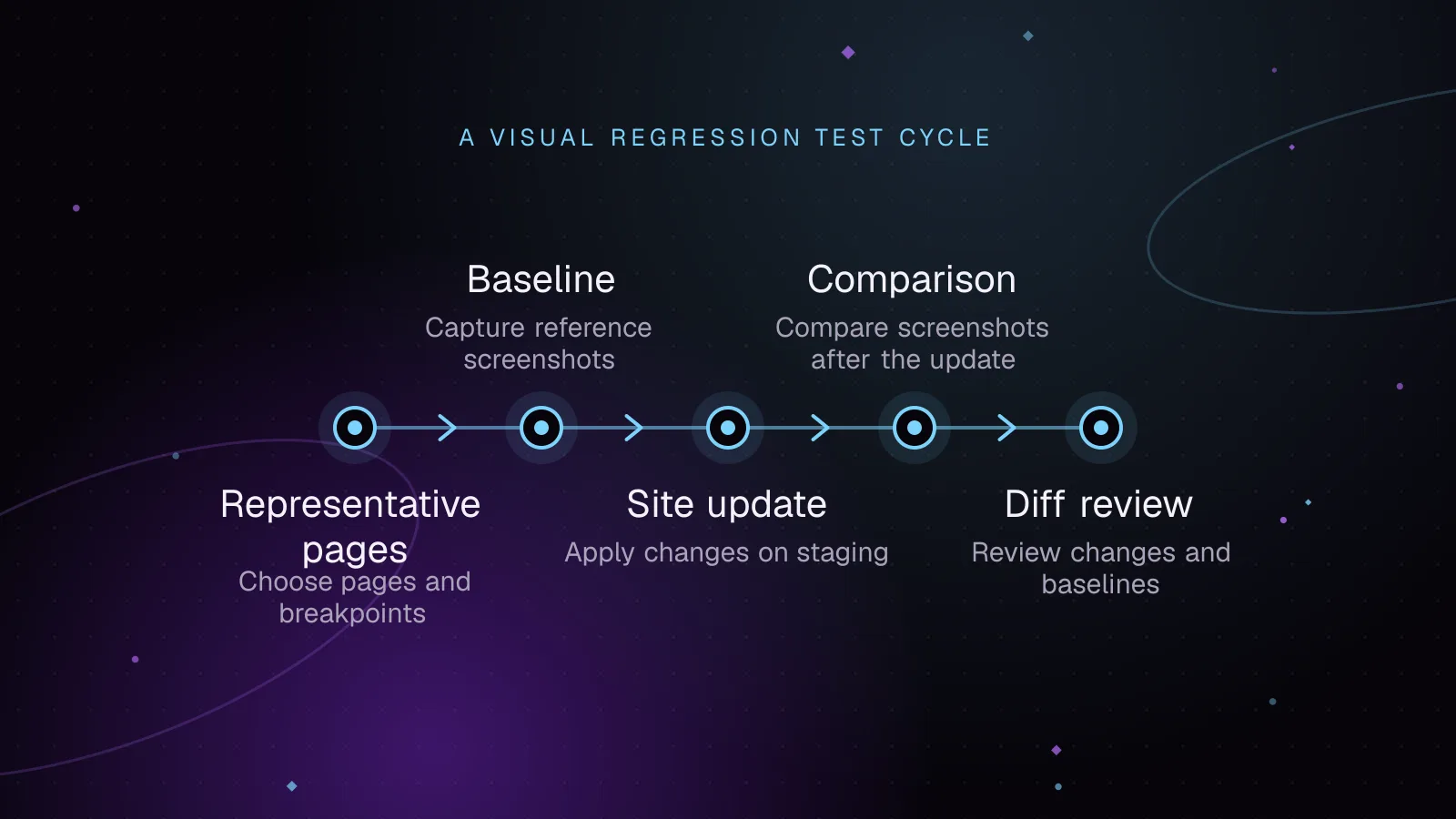
Use WordPress visual regression testing to catch layout breaks after updates, stabilize screenshots, review diffs, and approve baselines safely.
 Monitoring
8 min read
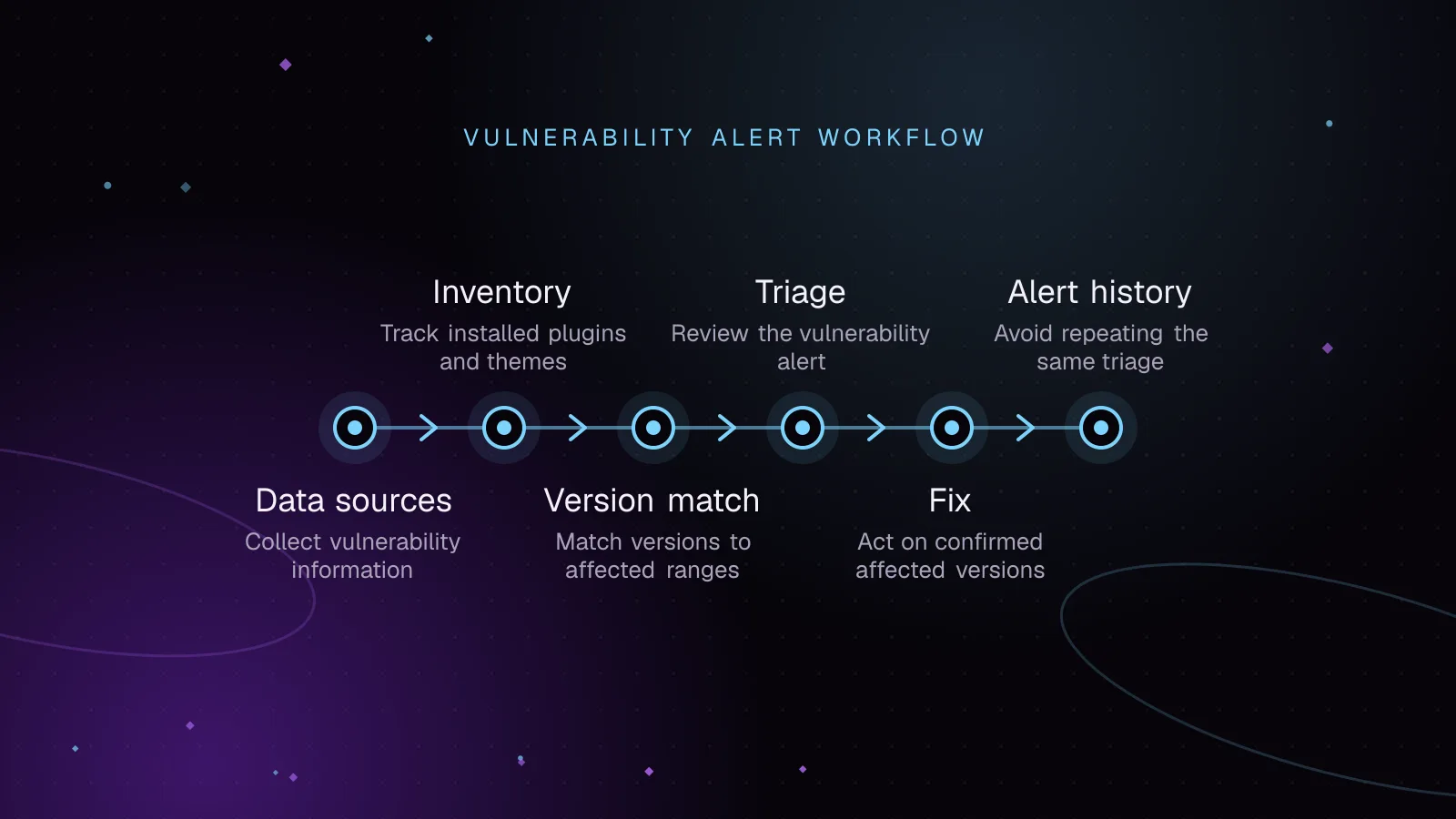
Use WordPress vulnerability monitoring to inventory plugins, match known flaws, triage risk, patch safely, and track closed or abandoned extensions.
 Security
8 min read
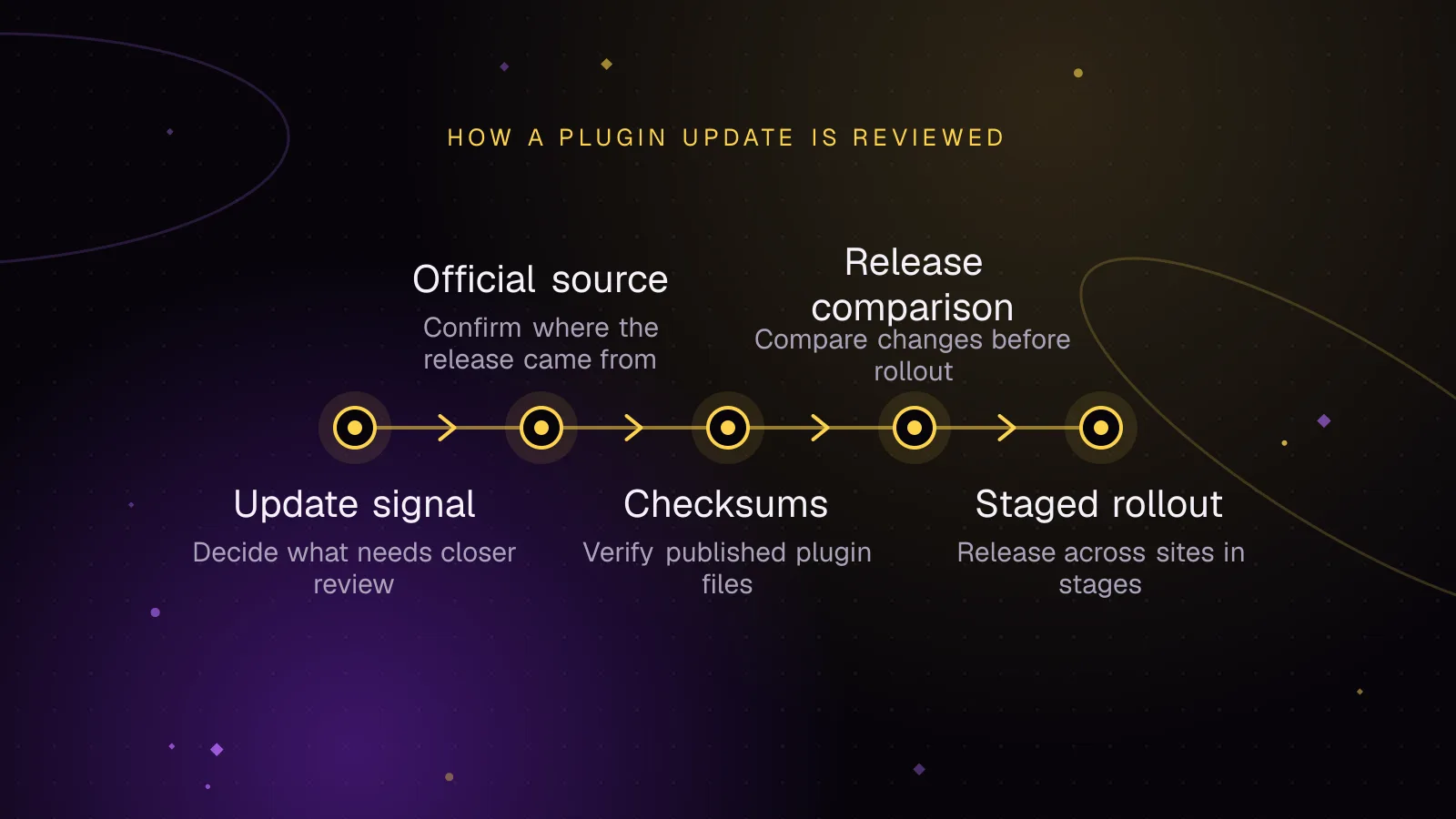
Use WordPress plugin supply chain security checks to verify updates, spot warning signs, stage releases, and respond fast to compromised code.
 Monitoring
8 min read
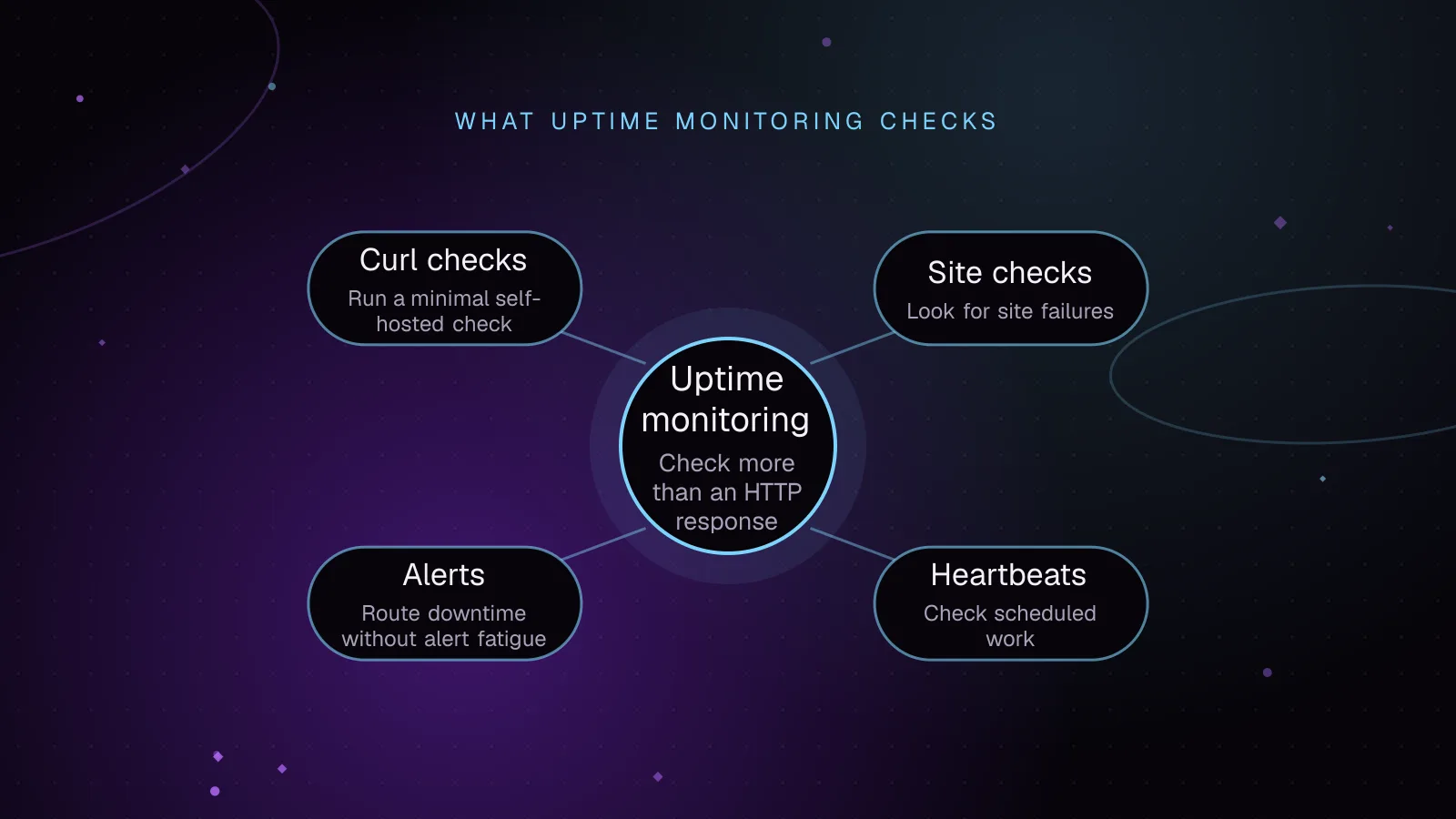
Set up WordPress uptime monitoring that checks key pages, content, checkout, TLS, cron heartbeats and alerts so visitor-facing failures get caught.