Development8 min read
WooCommerce payment gateways for the Checkout block: a working integration
Build a WooCommerce payment gateway Checkout block integration with PHP, JavaScript, Store API processing, compatibility flags, and reliable testing.
 By Hamza Ahmad AslamWordPress VIP, Performance & Full-Stack Engineer
On this page
- Why a WooCommerce payment gateway Checkout block needs two registrations
- How to register the server-side payment method type
- How to register the client-side payment method
- How cart and checkout blocks compatibility is declared
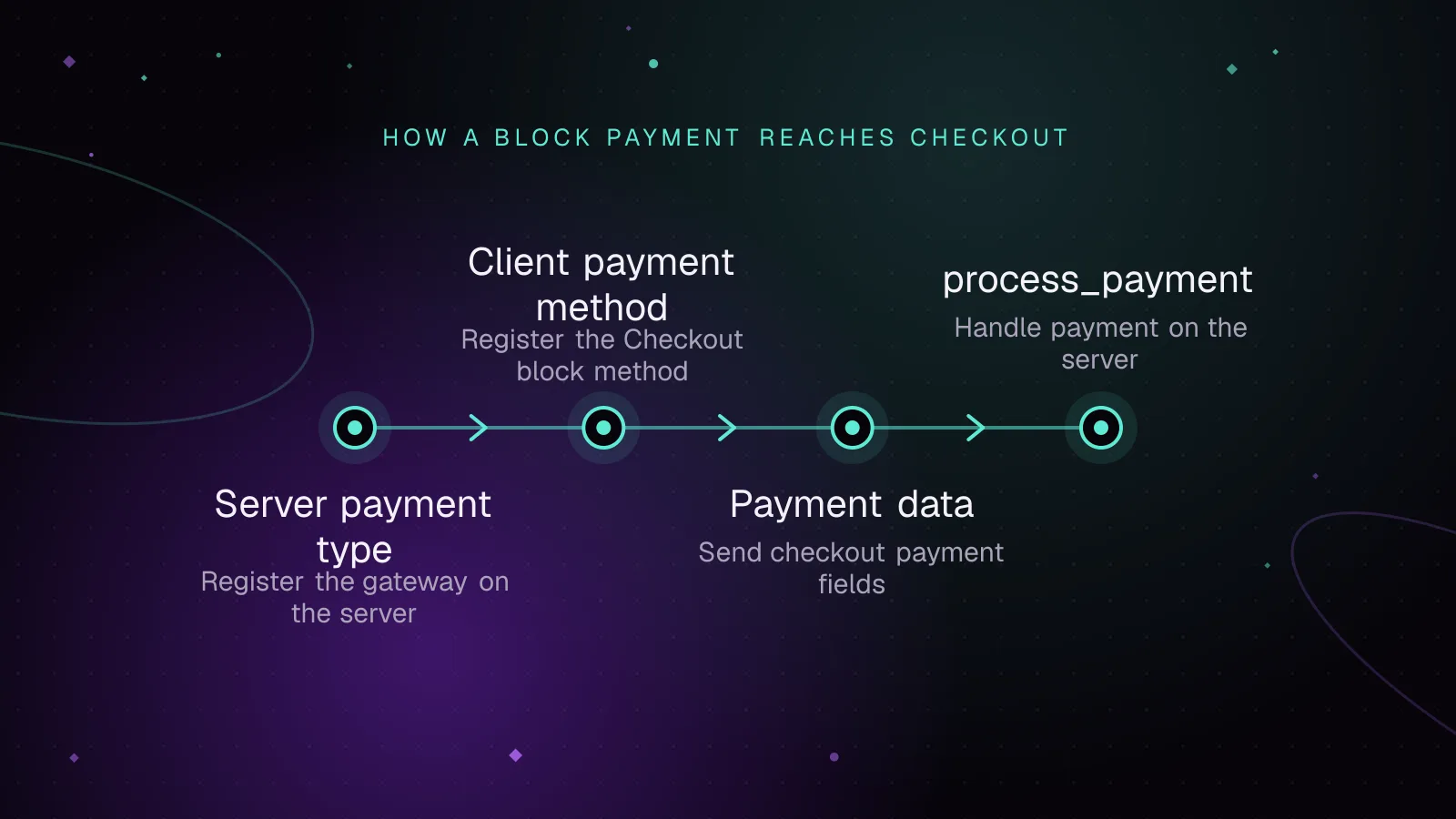
- How payment data reaches process_payment
- How to test before switching the checkout page
- What to do next
- Frequently asked questions
Short answer: A WooCommerce payment gateway Checkout block integration needs a PHP payment method type and a JavaScript payment method registration. Your existing WC_Payment_Gateway can still process the payment, but the block will not list it until both sides are registered with the same gateway ID.
A classic gateway handles settings, availability, and payment processing. The Checkout block uses a separate payment-method registry for its interface. That split explains the common case of a gateway working in classic checkout while disappearing from the block.
Why a WooCommerce payment gateway Checkout block needs two registrations
WC_Payment_Gateway remains the payment-processing class. The Checkout block does not use its classic payment_fields() output to build the payment options shown to shoppers. You must add a block integration beside the legacy payment gateway.
WooCommerce documents the two halves in its payment method integration reference (opens in a new tab). The server half extends AbstractPaymentMethodType. The browser half calls registerPaymentMethod.
Keep one identifier across the legacy gateway, PHP block class, and JavaScript registration. In the examples below, that ID is acme_gateway. A mismatch is one of the first things to check when a gateway is not showing in checkout block.
Also check these points:
- Return
truefrom the block integration'sis_active()when the gateway is enabled. - Make sure the built script loads without a JavaScript error.
- Return a truthy result from
canMakePayment()for the cart you are testing. - Keep the front-end
nameorpaymentMethodIdaligned with the server-side gateway ID.
How to register the server-side payment method type
AbstractPaymentMethodType is the server representation of the block payment method. It exposes the script handle and settings that the browser registration needs. It does not replace your WC_Payment_Gateway subclass.
The example below assumes class-acme-gateway-blocks.php is in the plugin root. Load that file after WooCommerce Blocks has loaded, then register the type on woocommerce_blocks_payment_method_type_registration.
<?php
// In the main plugin file.

use Automattic\WooCommerce\Blocks\Payments\PaymentMethodRegistry;
use Automattic\WooCommerce\Blocks\Payments\Integrations\AbstractPaymentMethodType;

add_action(
    'woocommerce_blocks_loaded',
    function () {
        if ( ! class_exists( AbstractPaymentMethodType::class ) ) {
            return;
        }

        require_once __DIR__ . '/class-acme-gateway-blocks.php';

        add_action(
            'woocommerce_blocks_payment_method_type_registration',
            function ( PaymentMethodRegistry $registry ) {
                $registry->register( new Acme_Gateway_Blocks() );
            }
        );
    }
);
Now add the payment method type. initialize() reads the standard settings array for the gateway. get_payment_method_script_handles() registers the compiled checkout script. get_payment_method_data() exposes values through WooCommerce settings data.
<?php

use Automattic\WooCommerce\Blocks\Payments\Integrations\AbstractPaymentMethodType;

final class Acme_Gateway_Blocks extends AbstractPaymentMethodType {
    protected $name = 'acme_gateway';

    public function initialize() {
        $this->settings = get_option(
            'woocommerce_acme_gateway_settings',
            []
        );
    }

    public function is_active() {
        return filter_var(
            $this->get_setting( 'enabled', false ),
            FILTER_VALIDATE_BOOLEAN
        );
    }

    public function get_payment_method_script_handles() {
        $asset = require __DIR__ . '/build/index.asset.php';

        wp_register_script(
            'acme-gateway-blocks',
            plugins_url( 'build/index.js', __FILE__ ),
            $asset['dependencies'],
            $asset['version'],
            true
        );

        return [ 'acme-gateway-blocks' ];
    }

    public function get_payment_method_data() {
        return [
            'title'       => $this->get_setting( 'title' ),
            'description' => $this->get_setting( 'description' ),
            'supports'    => $this->get_supported_features(),
        ];
    }
}
The generated index.asset.php matters. It gives WordPress the dependency handles and a build-derived version. Do not hard-code an empty dependency array when your source imports WooCommerce packages.
The block integration settings are exposed under a key based on $name. With acme_gateway, the browser reads acme_gateway_data. That link between the PHP name and the JavaScript settings key is easy to miss when adapting an older gateway.
Keep get_payment_method_data() small. Titles, descriptions, and supported features fit here because they are configuration data. Cart-dependent eligibility belongs in the browser's canMakePayment() callback or another supported Store API extension point, not in a cached copy of checkout settings.
How to register the client-side payment method
Use @wordpress/scripts for the build. Its current documentation shows wp-scripts build for a production build and wp-scripts start for development. See the official @wordpress/scripts reference (opens in a new tab).
Install the build tools as development dependencies:
npm install --save-dev @wordpress/scripts @woocommerce/dependency-extraction-webpack-plugin
Do not install @woocommerce/blocks-registry from npm. WooCommerce says to map that import to the registered wc-blocks-registry script with its dependency extraction plugin.
Add the scripts to package.json:
{
  "scripts": {
    "build": "wp-scripts build",
    "start": "wp-scripts start"
  }
}
Because @wordpress/scripts already adds WordPress's dependency extraction plugin, replace that instance with the WooCommerce version in webpack.config.js. Multiple dependency-extraction plugin instances are not supported.
const defaultConfig = require( '@wordpress/scripts/config/webpack.config' );
const WooCommerceDependencyExtractionWebpackPlugin = require(
    '@woocommerce/dependency-extraction-webpack-plugin'
);

module.exports = {
    ...defaultConfig,
    plugins: [
        ...defaultConfig.plugins.filter(
            ( plugin ) =>
                plugin.constructor.name !== 'DependencyExtractionWebpackPlugin'
        ),
        new WooCommerceDependencyExtractionWebpackPlugin(),
    ],
};
Build the production files with:
npm run build
With the default source layout, put the registration in src/index.js. The PHP class uses the name acme_gateway, so the JavaScript registration must use that same ID.
import { registerPaymentMethod } from '@woocommerce/blocks-registry';
import { getSetting } from '@woocommerce/settings';

const settings = getSetting( 'acme_gateway_data', {} );
const label = settings.title || 'Acme Gateway';

const Content = () => <div>{ settings.description || '' }</div>;

registerPaymentMethod( {
    name: 'acme_gateway',
    label,
    content: <Content />,
    edit: <Content />,
    canMakePayment: () => true,
    ariaLabel: label,
    supports: {
        features: settings.supports || [ 'products' ],
    },
} );
content is the shopper-facing payment content. edit is the editor representation. canMakePayment controls front-end availability and may also return a Promise. ariaLabel gives assistive technology a label for the selected payment method.
Treat canMakePayment() as an availability test, not a place to charge the customer. WooCommerce may call it more than once during checkout. Keep expensive provider calls out of it unless your gateway has a specific async eligibility check and you control repeated calls.
For a gateway with card fields, tokenization, or an external SDK, replace Content with that interface. Do not try to reuse the PHP markup from payment_fields(). If the browser must send a token or another payment value, return it as paymentMethodData from the payment setup event exposed to the payment method component.
After npm run build, confirm both build/index.js and build/index.asset.php exist. In the browser, a missing wc-blocks-registry dependency or an exception before registerPaymentMethod() runs will leave the gateway absent even when the PHP side is correct.
How cart and checkout blocks compatibility is declared
Once both registrations work, declare cart_checkout_blocks compatibility. WooCommerce uses FeaturesUtil::declare_compatibility() on before_woocommerce_init for this feature.
Put the declaration in the main plugin file:
<?php

add_action(
    'before_woocommerce_init',
    function () {
        if ( class_exists( \Automattic\WooCommerce\Utilities\FeaturesUtil::class ) ) {
            \Automattic\WooCommerce\Utilities\FeaturesUtil::declare_compatibility(
                'cart_checkout_blocks',
                __FILE__,
                true
            );
        }
    }
);
The Cart and Checkout extensibility documentation (opens in a new tab) says WooCommerce only checks block compatibility for extensions that declare the WC tested up to header in the main plugin file. The payment method integration reference says paymentMethodId should match the gateway's server-side ID because the editor also uses it to detect whether the gateway is compatible with the Checkout block. The compatibility declaration does not register the gateway in the block.
Only declare compatibility after the extension supports the block flow you ship. If this code lives outside the main plugin file, WooCommerce says to pass the main plugin file path instead of that file's __FILE__.
How payment data reaches process_payment
The Checkout block submits the order through the Store API. The Checkout API reference (opens in a new tab) defines payment_method as the selected gateway ID and payment_data as optional data for that gateway.
For legacy support, WooCommerce converts incoming payment_data into $_POST, then calls the selected gateway's process_payment( $order_id ). That means a legacy payment gateway can keep its existing payment-processing method if that method already works from posted payment values.
The browser still has to send every value that process_payment() expects. A field that once came from classic payment_fields() will not appear by itself. Collect the equivalent value in the block interface and return it as paymentMethodData.
That data flow gives you a useful debugging sequence. First confirm the selected gateway ID in the Checkout request. Then inspect payment_data for the keys your gateway needs. If those values reach the request, the legacy bridge can expose them to process_payment() as posted values.
Keep the normal Payment Gateway API contract (opens in a new tab) in the failure path. Add an error notice and return a failure result. The Checkout block can then show the shopper the error.
wc_add_notice( 'Payment failed. Please try another payment method.', 'error' );

return [
    'result' => 'failure',
];
On a successful direct payment, keep the gateway's existing order handling, including payment_complete() where that is the correct outcome. For redirect gateways, keep returning the success result and redirect URL expected by the Payment Gateway API.
Do not assume every classic checkout hook runs in the block flow. If payment processing depends on surrounding shortcode-checkout hooks rather than process_payment(), move that logic to a block-supported path instead of hiding it behind the compatibility declaration.
I built a WooCommerce payment gateway, a 'Try Now, Buy Later' gateway for STRABL, with webhook handling and asynchronous order-state reconciliation. That same separation matters here: checkout submission starts the payment, while later provider events may still decide the final order state.
How to test before switching the checkout page
Keep classic checkout available while you test the block checkout on a staging or test store. Use the provider's published sandbox or test-card values. Exercise success, decline, authentication, redirect, and webhook paths that the provider supports.
Before exposing a new card gateway on a public checkout, plan for automated card validation attempts with the WooCommerce card testing attack detection and prevention guide.
Test webhooks independently from the browser return path. A shopper can close the tab before the provider calls back. Your webhook handler should still reconcile the order to the provider's final state.
Run the same cart through both checkout types before changing the live page. Use products that cover the gateway conditions you support, such as shippable items, virtual items, subscriptions, or saved tokens only when those features belong to your gateway. Confirm the block does not appear for carts your gateway rejects.
Watch both the browser console and the Checkout Store API request during block tests. A PHP registration problem, a failed script load, a false canMakePayment() result, and a provider decline have different failure points. Separating them makes a missing gateway much faster to diagnose.
| Check | Classic checkout | Checkout block | Pass condition |
|---|---|---|---|
| Gateway visibility | Confirm listed | Confirm listed | Same enabled gateway appears where expected |
| Successful sandbox payment | Place order | Place order | Order reaches the gateway's intended paid or pending state |
| Failed test payment | Trigger provider failure | Trigger provider failure | Shopper sees a useful error and can retry |
| Redirect or return | Complete provider flow | Complete provider flow | Shopper reaches the expected order result page |
| Webhook delivery | Send sandbox event | Send sandbox event | Order state updates from the provider event |
| Repeat webhook | Replay the same event | Replay the same event | Handler avoids applying the same provider event twice |
If your webhook queues follow-up work, use the WooCommerce Action Scheduler troubleshooting guide for queue failures rather than adding retry logic to the checkout request itself.
If the gateway reads or writes orders directly through posts or post meta, review that separately against the WooCommerce HPOS migration guide. Block compatibility does not make an order-storage integration HPOS compatible.
What to do next
Start with one gateway ID and make the PHP and JavaScript registrations agree on it. Build the asset, verify the gateway appears, then test payment data, failures, redirects, and webhooks before changing the store's checkout page.
For a gateway that needs a new block UI, provider SDK work, or a larger legacy refactor, the custom WordPress plugin development service covers custom WooCommerce extension work.
Frequently asked questions
Why is my WooCommerce gateway not showing in the Checkout block?
A WC_Payment_Gateway class alone does not register a payment option with the Checkout block. Check the AbstractPaymentMethodType registration, the client registerPaymentMethod call, the shared gateway ID, is_active(), script loading, and canMakePayment().
Do I need to rewrite process_payment for the Checkout block?
Usually not if the existing method accepts the payment values WooCommerce passes to it and does not depend on unsupported classic checkout hooks. The block's legacy bridge converts its payment data to posted values before calling process_payment().
Should paymentMethodId match my legacy gateway ID?
Yes. WooCommerce says paymentMethodId should match the server-side gateway ID used for processing and compatibility detection. If you omit it, the registered payment method's name is used as the default.
Does declaring cart_checkout_blocks compatibility make a payment gateway work?
No. The declaration tells WooCommerce that the extension supports the Cart and Checkout blocks, but it does not register the payment method. In the editor, WooCommerce uses paymentMethodId to detect whether the gateway is compatible with the Checkout block.
Share this article
Enjoyed this? Get the next article by email.
Keep reading
 Development
7 min read
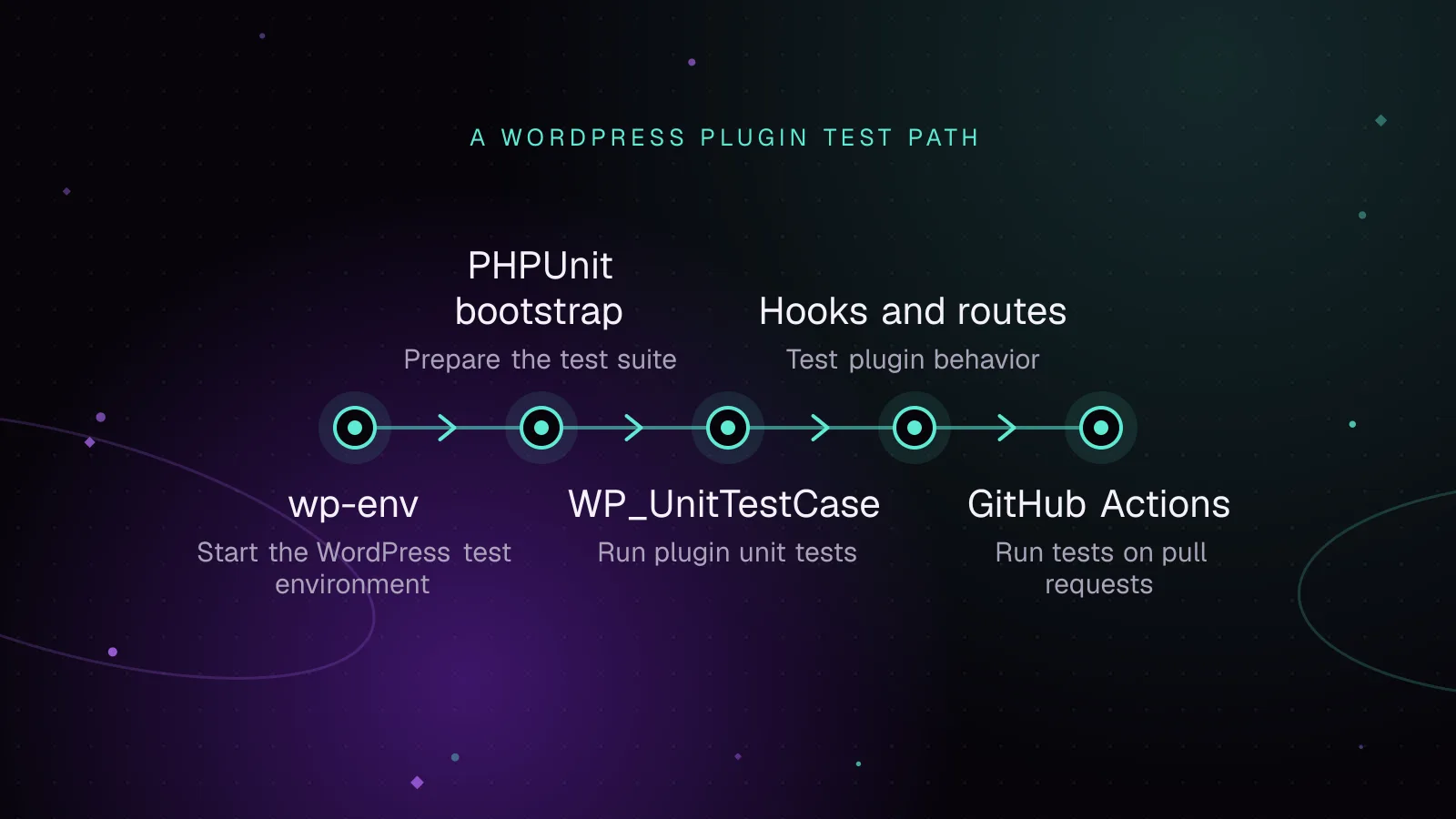
WordPress plugin unit testing with wp-env and PHPUnit
Set up WordPress plugin unit testing with wp-env and PHPUnit, write integration tests, and run the same suite in GitHub Actions on pull requests.
- WordPress
- Plugins
- PHP
 Development
6 min read
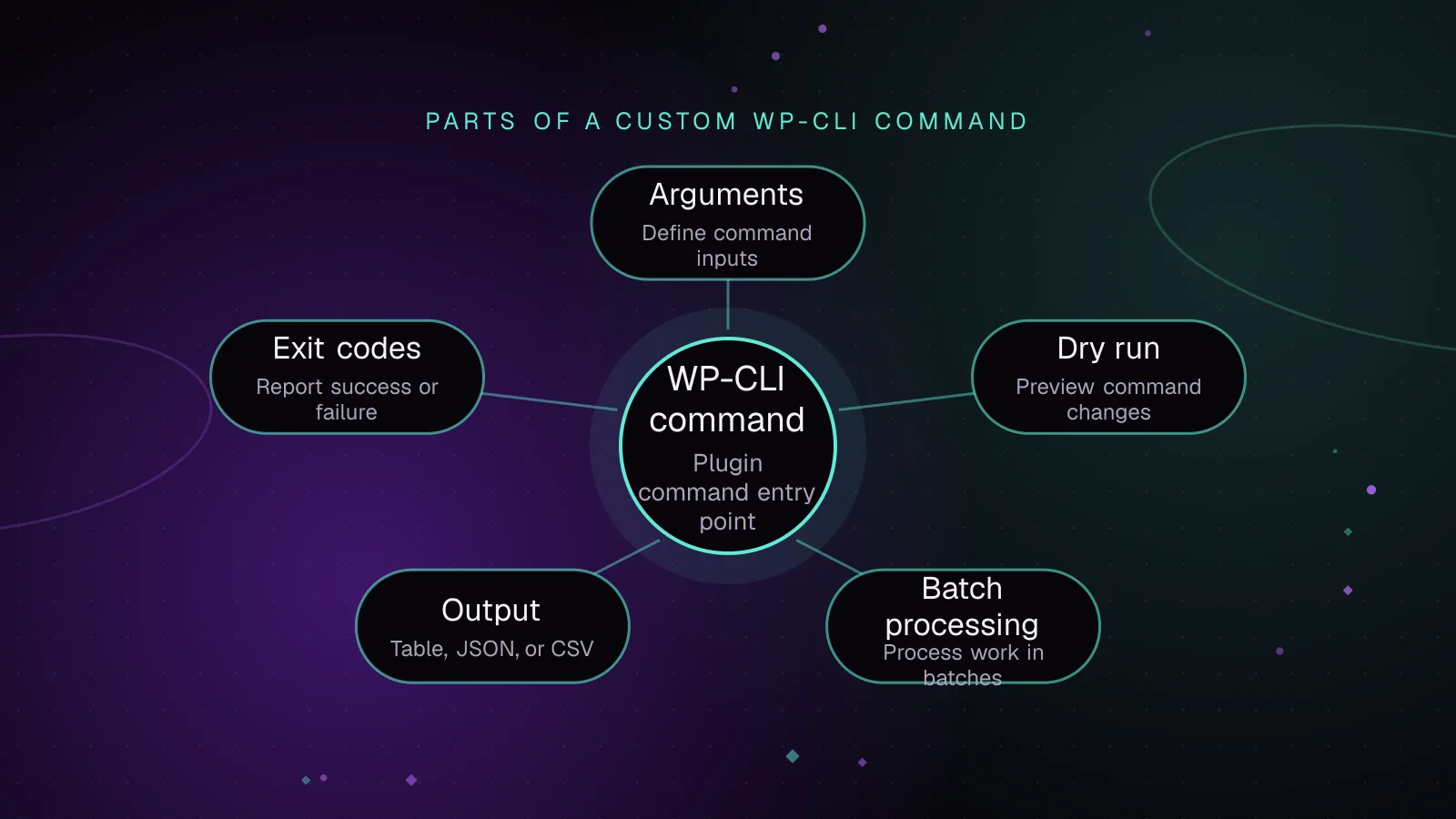
How to write a custom WP-CLI command for your plugin
Build a WP CLI custom command for a plugin with validated arguments, dry runs, batching, progress output, formats, exit codes, staging and cron.
- WP-CLI
- WordPress
- Plugins
 Development
5 min read
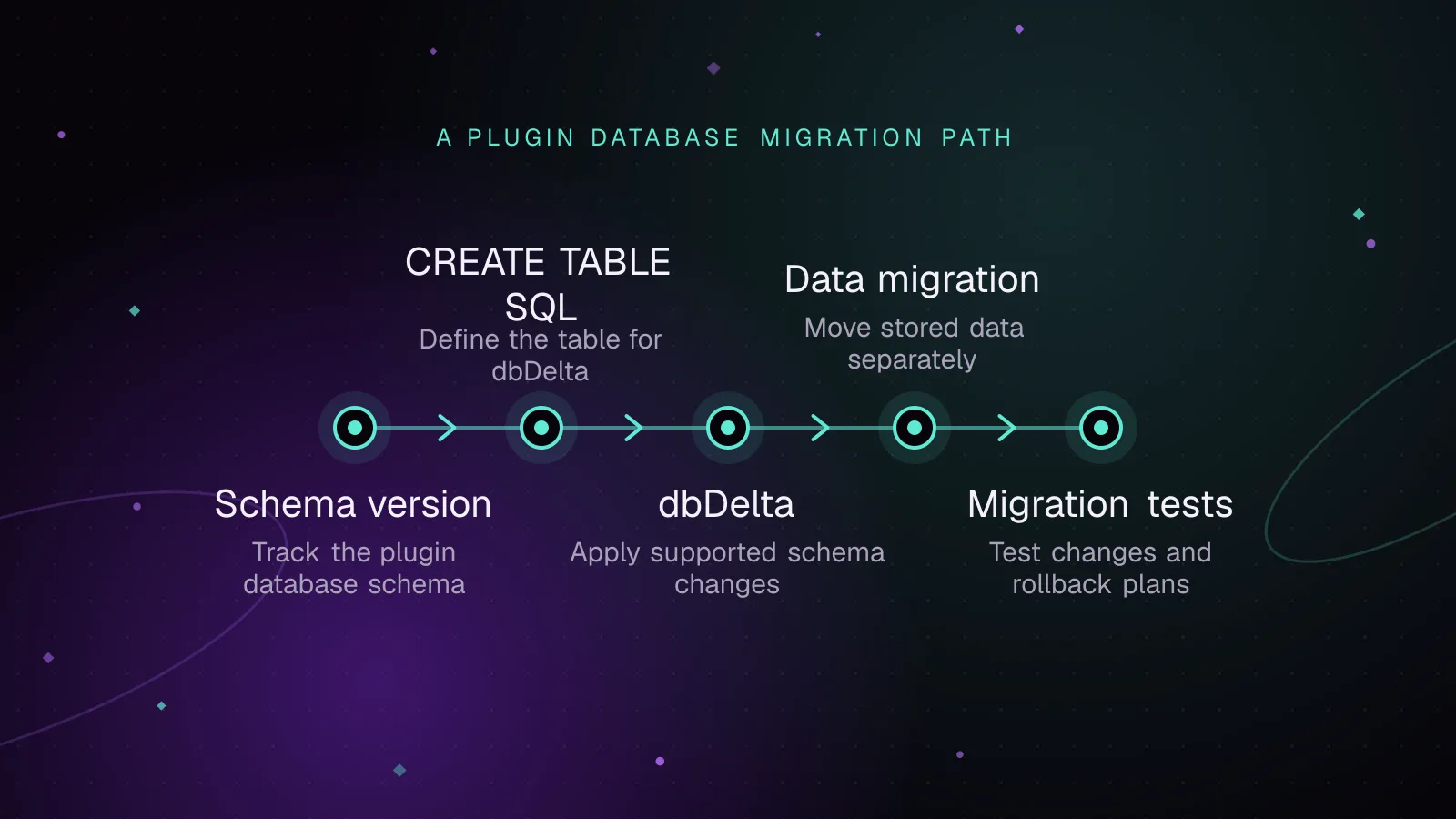
WordPress plugin database migrations with dbDelta, done safely
Run WordPress plugin database migrations safely with dbDelta, schema versions, one-time upgrades, batched data changes, multisite checks and rollback plans.
- WordPress
- Plugins
- Database