Development8 min read
WordPress custom tables vs custom post types for plugin data
Compare a WordPress custom table vs custom post type so you can choose plugin storage by query patterns, scale, editing needs, indexes, and upkeep.
 By Hamza Ahmad AslamWordPress VIP, Performance & Full-Stack Engineer
On this page
- WordPress custom table vs custom post type: what changes
- What a custom post type gives you
- What a custom table gives you
- Which signals point to each storage model
- What WooCommerce HPOS teaches about post storage at scale
- When a hybrid model is cleaner
- What a custom table implementation must account for
- What to do next
- Frequently asked questions
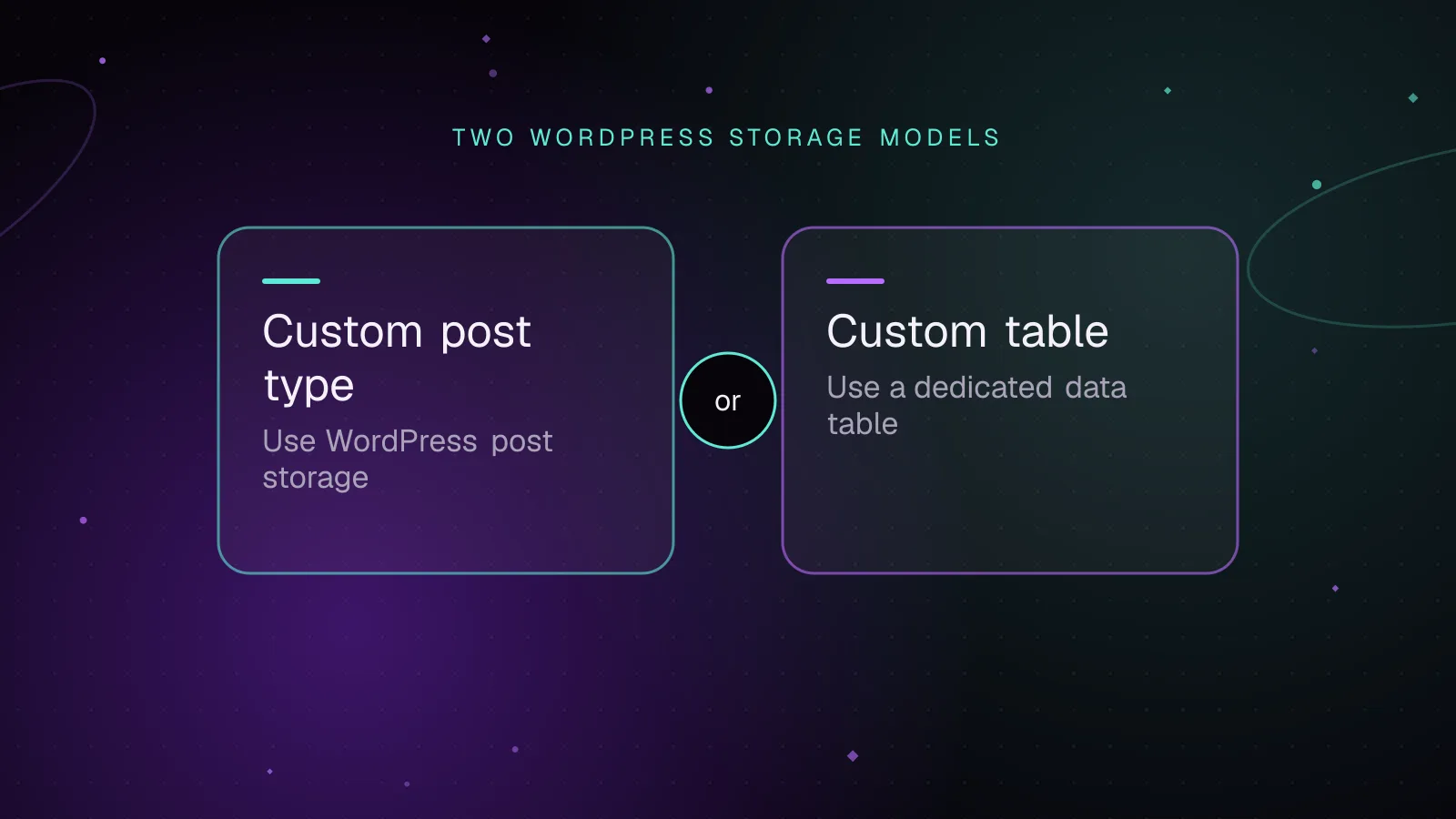
Short answer: For a WordPress custom table vs custom post type decision, use a custom post type when your data behaves like editable WordPress content. Use a custom table when the data is high-volume, query-heavy, or needs typed columns and indexes that match your plugin's access patterns.
WordPress custom table vs custom post type: what changes
The storage choice changes more than table names. A custom post type puts your records inside WordPress's post model. A custom table gives your plugin its own schema and makes you responsible for more of the surrounding behavior.
A custom post type is a strong fit for records that editors create, review, publish, revise, search, or expose through WordPress APIs. A custom table is a stronger fit for events, transactions, measurements, queue-like records, or relationship data that grows without an editorial lifecycle.
The deciding factor is usually the read and write pattern. Volume matters, but a large set of simple records can be easier to handle than a smaller set that needs several metadata filters and sorts on every request.
What a custom post type gives you
WordPress can generate an admin screen for a registered post type when show_ui is enabled. Setting show_in_rest to true exposes it through the REST API and is required for the block editor. The register_post_type() reference (opens in a new tab) also documents built-in support for revisions, taxonomies, capabilities, archives, and export behavior.
Revisions are available when you include revisions in supports. Export is allowed by default through the can_export argument. Post queries also use WordPress's post, term, and metadata cache paths, so a custom post type fits the APIs that core and many plugins already understand.
A basic plugin-owned record type can look like this:
add_action( 'init', function () {
	register_post_type(
		'acme_record',
		array(
			'label'        => 'Records',
			'public'       => false,
			'show_ui'      => true,
			'show_in_rest' => true,
			'supports'     => array( 'title', 'editor', 'revisions' ),
		)
	);
} );
This example uses a post type key below WordPress's 20-character limit. It keeps the records out of public front-end queries while giving editors an admin UI and REST access.
The cost appears when important application fields live in wp_postmeta. WordPress stores post metadata as key/value rows, and meta_value is a longtext column. WP_Meta_Query (opens in a new tab) builds joins and WHERE clauses for metadata filters.
That model is flexible, but it can become awkward when one query filters by several fields, sorts by another field, and runs across a large metadata set. Numeric or date-like values stored as metadata may also need casts during comparisons. That is the part of wp_postmeta scaling that should influence the design before code is written.
Custom post type performance is therefore about query shape, not a rule that post types are slow. Reads by post ID, normal post status, date, taxonomy, or a small amount of metadata fit the native model well. Repeated multi-field metadata reporting is a different workload.
What a custom table gives you
A custom table lets you choose a type for each column and create indexes for the queries your plugin runs often. You can put a timestamp in datetime, a foreign identifier in an integer column, and a status in a short string column. You can then index the combinations used by filters and sorting.
That makes bulk reads and reporting easier to reason about. A query can select only the needed columns and use an index designed for its WHERE, JOIN, and ORDER BY pattern.
You also give up the post model's built-in behavior. A custom database table plugin must provide its own admin screens, REST routes if needed, capability checks, revisions or history if needed, import and export paths, cache rules, schema upgrades, and uninstall policy.
WordPress recommends dbDelta() for creating and updating plugin tables. Its SQL format has specific rules, including one field per line, KEY rather than INDEX, and two spaces after PRIMARY KEY. The plugin table guide (opens in a new tab) documents those rules.
function acme_install_events_table() {
	global $wpdb;

	$table_name      = $wpdb->prefix . 'acme_events';
	$charset_collate = $wpdb->get_charset_collate();

	$sql = "CREATE TABLE $table_name (
		id bigint(20) unsigned NOT NULL AUTO_INCREMENT,
		object_id bigint(20) unsigned NOT NULL,
		event_type varchar(50) NOT NULL,
		occurred_at datetime NOT NULL,
		payload longtext NULL,
		PRIMARY KEY  (id),
		KEY object_time (object_id, occurred_at),
		KEY type_time (event_type, occurred_at)
	) $charset_collate;";

	require_once ABSPATH . 'wp-admin/includes/upgrade.php';
	dbDelta( $sql );
}
The indexes in that example support two plausible access paths: events for one object ordered or limited by time, and events of one type by time. Your indexes should come from the queries the plugin must serve, not from a habit of indexing every column.
Which signals point to each storage model
Use this table before you write the schema.
| Signal | Custom post type | Custom table |
|---|---|---|
| Editors create and revise records | Strong fit | You must build the workflow |
| Block editor or standard admin screens matter | Strong fit | Custom UI required |
| REST API access should follow WordPress content conventions | Strong fit with show_in_rest | Custom routes and controllers required |
| Queries mostly use ID, status, date, taxonomy, or simple metadata | Good fit | Often unnecessary |
| Queries filter and sort on several application fields | Can make meta queries expensive | Strong fit with typed columns and indexes |
| Records are append-heavy logs, events, or measurements | Usually awkward | Strong fit |
| Relationships have their own fields or very high volume | Usually awkward | Junction tables are easier to model |
| Native revisions and WXR export matter | Built in when configured | Must be designed |
| Data should remain editor-friendly content | Strong fit | Often more work than needed |
Editorial workflow is the strongest signal for a custom post type. Query patterns are the strongest signal for a table. Volume becomes decisive when it amplifies a query pattern that already needs several metadata joins or large scans.
If you are unsure, write down the five most common reads, the highest-volume write path, and the retention period. Then inspect the SQL those operations are likely to need before committing to a storage model.
What WooCommerce HPOS teaches about post storage at scale
WooCommerce orders used to rely on the posts and postmeta model. HPOS moved order data to dedicated tables with columns and indexes shaped around order access patterns. WooCommerce's HPOS schema documentation (opens in a new tab) shows separate order, address, operational, and order-meta tables.
The point is not that every plugin should copy WooCommerce. Orders are operational records with frequent filtering, updates, lookups, and reporting needs. Those needs differ from normal editorial content.
HPOS also kept an order meta table for extension data. That is a useful design signal. Put common query fields in typed, indexed columns. Keep less common extension data flexible when it does not justify a first-class column.
HPOS became the default for new WooCommerce installations in WooCommerce 8.2. The official HPOS enablement documentation (opens in a new tab) explains the storage switch and compatibility process.
The broader lesson for a WordPress custom table vs custom post type choice is to design around the workload. A flexible content schema can be the right starting point and still become the wrong long-term store for operational data.
When a hybrid model is cleaner
Some plugins have two kinds of data under one feature. Treating both kinds the same can make either the editor workflow or the query model worse.
For example, a monitoring plugin might store a monitor definition as a custom post type. Editors can name it, change its content, revise it, and manage it in wp-admin. The same plugin can store each check result in a custom table because results are high-volume records read by time range, status, and monitor ID.
The post ID can be stored as an indexed foreign identifier in the custom table. Keep the ownership rule simple and document what happens when the parent post is trashed or deleted.
This split also works for forms and submissions, campaigns and events, rules and execution logs, or reports and raw measurements. Use the content model for what people edit. Use the table for what the application records at scale.
What a custom table implementation must account for
A table is an API contract inside your plugin. Treat schema changes with the same care as PHP changes.
- Store a schema version and run migrations when that version changes. Since WordPress 3.1, the activation function registered with
register_activation_hook()is not called during a plugin update, so upgrades cannot depend only on activation. For a step-by-step upgrade pattern, use the guide to versioned WordPress plugin database migrations with dbDelta. - Design indexes from specific filters, joins, and sort orders. Check query plans before adding indexes that duplicate one another.
- Decide what uninstall means. WordPress distinguishes deactivation from uninstall, so do not remove durable user data just because a plugin was disabled.
- Define multisite scope before naming tables. Decide whether each site's data is separate or network-wide, then make installation, upgrades, and deletion follow that choice.
- Add caching only where repeated reads justify it. Custom-table rows do not get the post model's cache behavior automatically, so your code owns cache keys and invalidation.
- Define deletion rules for parent records and related rows. WordPress will not infer those relationships for your table.
- Test upgrades from every schema version you still support. A fresh install only proves the newest
CREATE TABLEstatement.
For a new build, the custom table should be justified by concrete query or data-model needs. If the records are editorial and the expected queries fit the post model, a custom post type usually removes a large amount of plugin code.
What to do next
Write the expected read and write paths before choosing storage. If an existing plugin already has slow filters or reports, use the guide to slow WordPress database queries to inspect the SQL before changing its storage layer.
For WooCommerce order data, follow the WooCommerce HPOS migration guide instead of treating HPOS as a generic table conversion.
If the decision affects a plugin you are planning to build or replace, the custom WordPress plugin development service covers architecture, data modeling, implementation, and migration work.
Frequently asked questions
Is a custom database table faster than WordPress post meta?
It can be faster for queries that filter, join, or sort on several known fields because those fields can have dedicated types and indexes. Post meta can still be a good fit for sparse or infrequently queried values, so speed depends on the access pattern.
When should I use a custom table in a WordPress plugin?
Use one when records are high-volume, operational, append-heavy, or queried through fields that need their own indexes. A table is also a good fit when relationships need extra columns or when reporting queries would otherwise require repeated metadata joins.
Can I migrate a custom post type to a custom table later?
Yes, but plan it as a data migration rather than a schema rename. You need mapping rules, compatibility handling during rollout, validation, and a rollback path if old code still reads the post model.
Can a plugin use both a custom post type and a custom table?
Yes. A common split is to keep editor-managed definitions in a custom post type and store high-volume events, submissions, or measurements in a custom table. Keep the relationship explicit so deletes, permissions, and cache invalidation remain predictable.
Share this article
Enjoyed this? Get the next article by email.
Keep reading
 Development
5 min read
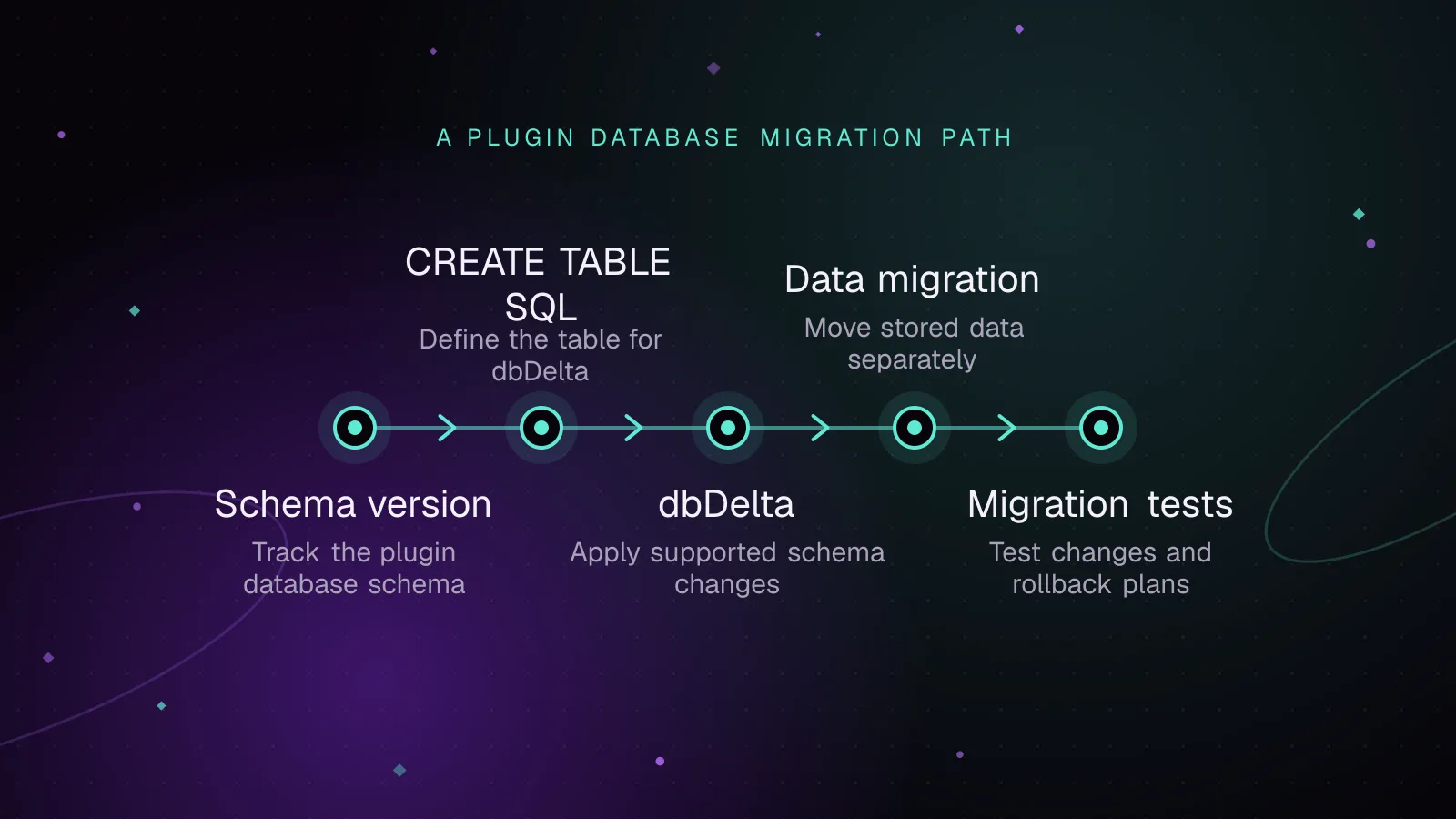
WordPress plugin database migrations with dbDelta, done safely
Run WordPress plugin database migrations safely with dbDelta, schema versions, one-time upgrades, batched data changes, multisite checks and rollback plans.
- WordPress
- Plugins
- Database
 Enterprise
7 min read
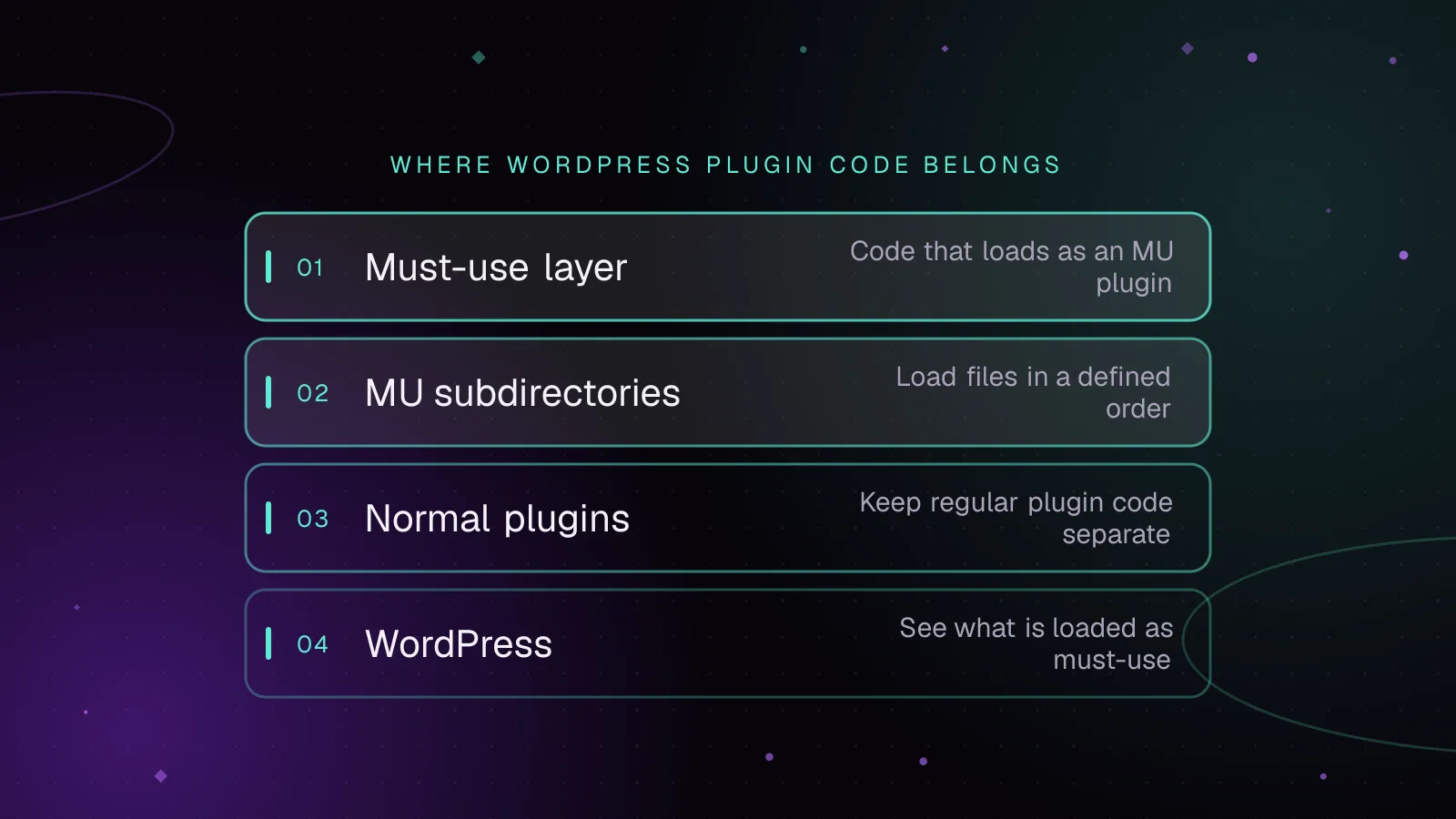
Must-use plugins in WordPress: what belongs there and how to load them
Use WordPress MU plugins safely: choose platform code, control load order, load subdirectories, verify status, and avoid activation and update traps.
- WordPress
- Enterprise
- Plugins
 Development
5 min read
Headless WordPress with Next.js: when it fits
Decide whether headless WordPress with Next.js fits your site. Review plugin compatibility, previews, caching, hosting and the work involved.
- WordPress
- Next.js
- Headless CMS