Development11 min read
Custom WordPress plugin cost: what to include in the brief
Scope custom WordPress plugin cost with sample briefs, a copyable template, acceptance checks, maintenance terms, and a clear estimate method.
 By Hamza Ahmad AslamAI & WordPress Developer | Speed Optimization & Site Security
On this page
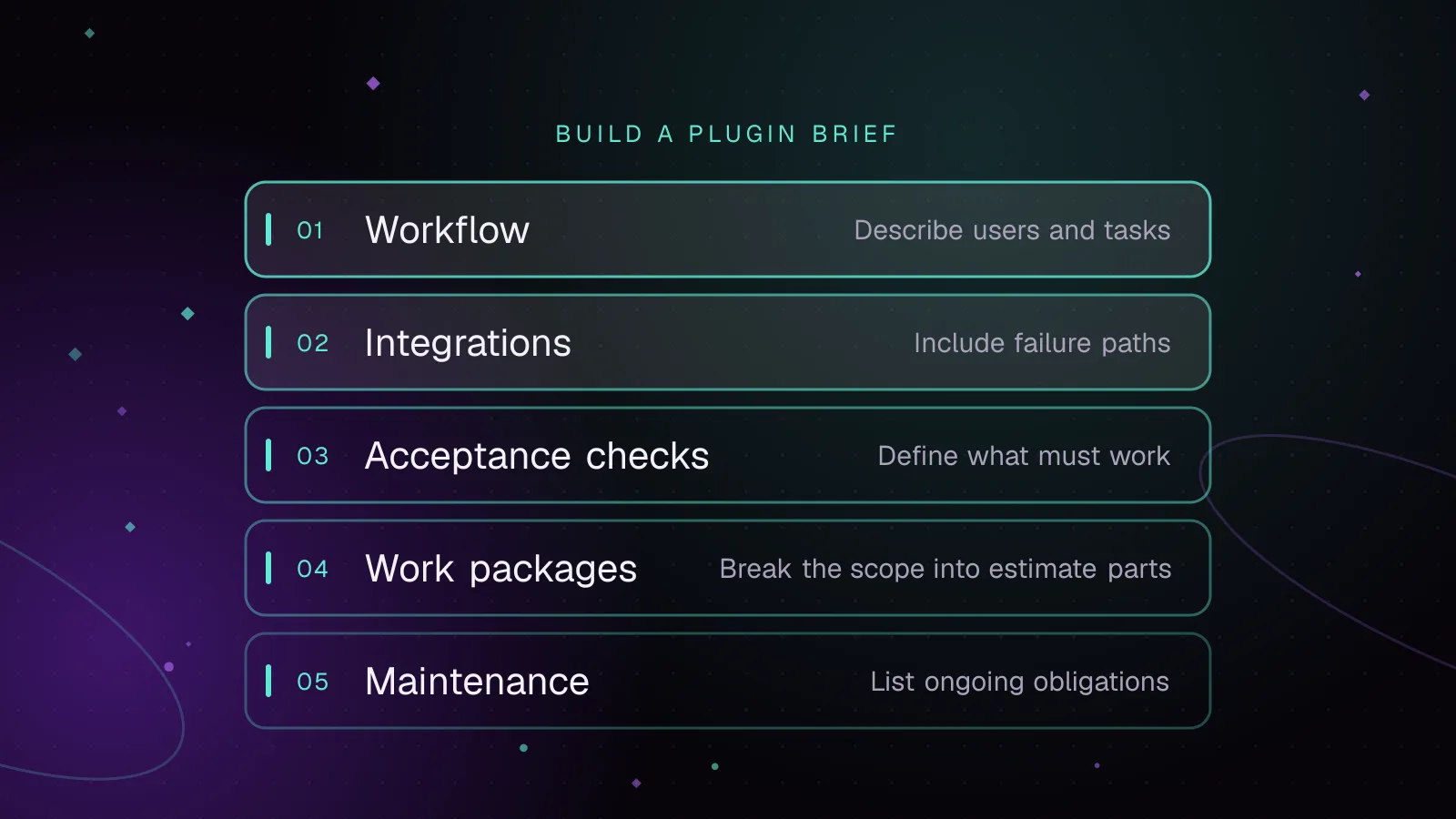
- What drives custom WordPress plugin cost before a quote
- Describe the workflow and users before listing features
- Define integrations and failure paths without designing the implementation
- Agree acceptance checks before agreeing the fixed scope
- Compare three illustrative plugin briefs
- Illustrative sample A: an internal admin utility
- Illustrative sample B: a WooCommerce review workflow
- Illustrative sample C: a WooCommerce fulfillment integration
- Build the estimate from work packages and known rates
- Choose a pricing model after the unknowns are visible
- Budget maintenance by obligation, not by a percentage
- Copy this WordPress plugin project brief
- Turn the brief into a quote request
- Frequently asked questions
A useful custom WordPress plugin cost estimate starts with a brief that turns workflows, users, integrations, failure paths, acceptance checks, and ownership into scope. Give a developer that scope before asking for a fixed price, then price the work from estimated effort using the supplier's agreed rate instead of a generic market band.
What drives custom WordPress plugin cost before a quote
Broad labels such as "simple plugin" or "complex WooCommerce plugin" are weak estimating inputs. A quote becomes more defensible when the developer can identify the actions to build, the paths to test, and the support obligations that remain after launch.
A useful cost breakdown starts with these scope areas:
| Scope area | What to put in the brief | Why it changes the estimate |
|---|---|---|
| Workflow | Trigger, steps, decisions, successful outcome | More branches mean more behavior to build and test |
| Users | Who can view, create, edit, approve, retry, export, or configure | Different permissions create separate application states |
| Data | Inputs, outputs, validation rules, retention, migration needs | More data rules create more development and test cases |
| Integrations | External system, trigger, fields, authentication owner, failure behavior | An external dependency adds states outside WordPress |
| Acceptance | A repeatable action and its expected result | Clear checks define what "done" means |
| Support | Update checks, incident response, small changes, documentation | Ongoing obligations affect the total budget |
| Ownership | Source access, handover, third-party components, maintenance responsibility | The buyer needs to know what remains available after delivery |
If environment compatibility is part of the deliverable, put the supported WordPress and PHP baseline in the brief. WordPress provides Requires at least and Requires PHP fields in its plugin header requirements (opens in a new tab), so compatibility should be an explicit project decision rather than an unstated assumption.
This is also where custom plugin pricing separates from a generic feature list. A request such as "add an approval screen" says little about who can approve, what happens after rejection, what gets recorded, or how the buyer proves the workflow works.
Describe the workflow and users before listing features
Start each workflow with an event, an actor, and an expected outcome.
A useful pattern is:
When [event happens], [user or system] does [action], subject to [rules], and the expected result is [observable outcome].
That format exposes hidden decisions. A request to "let staff approve submissions" still needs answers about who counts as staff, whether approval can be reversed, what happens to rejected records, and who receives a notification.
For each user type, state what that person may:
- view;
- create or submit;
- edit;
- approve or reject;
- retry;
- export;
- delete;
- configure.
WordPress separates roles from capabilities. Its roles and capabilities documentation (opens in a new tab) describes roles as sets of capabilities, and custom capabilities can be used for custom admin or front-end areas.
That distinction belongs in WordPress plugin requirements. "Administrators only" may be enough for a tiny internal tool, but a business workflow often needs permissions based on actions rather than role names.
The current_user_can() reference (opens in a new tab) confirms that the function checks whether the current user has a specified capability. It also discourages checking particular role names directly because that can produce unreliable results.
In my current agency role I build custom ACF-powered plugins for client WordPress sites. The useful part of the brief is the point where business language becomes behavior that both sides can test.
Define integrations and failure paths without designing the implementation
An integration requirement needs more than the other system's name.
For each external system, write down:
- what starts the exchange;
- which records and fields move;
- which system owns each value;
- who supplies credentials and test access;
- what the user should see while the other service is unavailable;
- what should happen after authentication fails;
- how a failed operation becomes visible to support staff;
- whether an authorized user needs a manual retry;
- what should happen if the same event arrives again.
Keep this at requirements level. Retry algorithms, queue design, caching, and request scheduling belong in technical design after the behavior has been agreed.
WordPress provides an HTTP API for communication with external APIs (opens in a new tab). The wp_remote_request() reference (opens in a new tab) shows that the function returns the result of WP_Http::request().
The WP_Http::request() reference (opens in a new tab) shows two different failure cases that a plugin must distinguish. A request-level failure, such as a transport exception, returns WP_Error. If the remote server sends an HTTP response, including an error status such as 401 or 500, WordPress returns a response array whose response.code value contains the HTTP status code.
The brief should therefore define behavior for both transport failures and error responses from the other service. Authentication rejection, invalid data, and a server error need their own expected behavior even though WordPress received an HTTP response.
A sentence such as "sync orders to the fulfillment system" leaves those states open. A scoped version says what triggers the sync, what information is sent, what the expected successful state looks like, and what staff can do when delivery fails.
Agree acceptance checks before agreeing the fixed scope
Acceptance checks let the buyer and developer test the same definition of completion. They should describe an action, setup conditions, and an expected result.
All rows below are illustrative.
| Illustrative check | Procedure | Expected result |
|---|---|---|
| Illustrative permission check | Sign in as a user who lacks the approval capability and open the approval action | Expected: the user cannot perform the approval |
| Illustrative successful workflow | Submit an eligible record and complete the defined approval steps | Expected: the record reaches the agreed final state |
| Illustrative integration failure | Make the configured external service unavailable in a test environment, then trigger the integration | Expected: the failure becomes visible through the agreed support path |
| Illustrative retry check | Retry an illustrative failed operation through the agreed admin action | Expected: the operation is attempted again without creating an unintended duplicate |
| Illustrative exclusion check | Attempt an explicitly excluded workflow | Expected: the plugin does not provide that behavior |
Acceptance checks should cover the paths that change the quote. Permissions, failures, reversal rules, WooCommerce state changes, and external systems usually deserve their own checks when they are in scope.
Do not write "works correctly with WooCommerce" as an acceptance condition. Name the store action, setup, and expected state that the buyer will test.
Compare three illustrative plugin briefs
The following samples contain no market prices. Their purpose is to show how added requirements create more work and future support responsibility.
Illustrative sample A: an internal admin utility
Illustrative workflow: An authorized content team member selects an existing WordPress record, applies an internal status, and sees that status in the agreed admin view.
Illustrative users: Only users with the agreed capability can change the status. Other users may see it only if the brief explicitly permits that.
Illustrative integrations: None.
Illustrative acceptance: An authorized user can set and change the status. An unauthorized user cannot perform the change. The selected status remains attached to the intended record.
Illustrative assumptions: The existing site and record type remain in place. The buyer supplies staging access and confirms the required capability mapping.
Illustrative exclusions: No public-facing interface, external API, data import, reporting dashboard, or automated notification.
The estimate stays narrow because the brief has one workflow, a limited permission model, and no external dependency.
Illustrative sample B: a WooCommerce review workflow
Illustrative workflow: A store team member identifies an order that meets agreed conditions, records a review decision, and exposes the resulting status to the agreed staff users.
Illustrative users: Store staff can review. A separate authorized user can change plugin configuration.
Illustrative integrations: WooCommerce is part of the site context, but there is no external system in this sample.
Illustrative acceptance: Eligible and ineligible orders follow their defined paths. Users without the required capability cannot change the review state. Reversing a decision follows the rule stated in the brief.
Illustrative assumptions: The buyer supplies a staging copy with the WooCommerce extensions that must be supported and identifies the order states used by the business.
Illustrative exclusions: No payment gateway changes, fulfillment API, accounting sync, historical data migration, or new customer dashboard.
This sample creates more estimating work because order state, permissions, reversal behavior, site compatibility, and regression checks all need definition.
Illustrative sample C: a WooCommerce fulfillment integration
Illustrative workflow: An eligible WooCommerce order triggers an outbound fulfillment request. Staff can see whether the operation is pending, successful, or failed according to the states agreed in the brief.
Illustrative users: Store staff can inspect status and perform any approved recovery action. Configuration access is restricted to the agreed capability.
Illustrative integration: An external fulfillment API receives the agreed order fields.
Illustrative failure paths: The brief defines expected behavior for unavailable service, rejected credentials, rejected data, duplicate events, and failed retries. It also states what information staff can see.
Illustrative acceptance: An eligible order produces the expected outbound request. Failed communication follows the agreed support path. An approved retry does not create an unintended duplicate fulfillment request.
Illustrative assumptions: The buyer supplies current API documentation, test credentials, representative test data, and a contact who can answer questions about the external service.
Illustrative exclusions: No redesign of the fulfillment platform, no undocumented third-party behavior, no historical migration unless separately scoped, and no new features outside the stated order workflow.
The larger estimate comes from the extra states and responsibilities. The developer must scope WordPress behavior, WooCommerce behavior, external-system behavior, recovery paths, and support visibility.
Build the estimate from work packages and known rates
A wordpress plugin development cost estimate should map each part of the brief to work that can be estimated and reviewed.
Use owner-authorized or supplier-confirmed rates. Do not fill missing rates with an online average.
A worksheet can look like this:
Discovery cost
= estimated discovery days × agreed day rate

Specified work package cost
= estimated work package days × agreed day rate

Build estimate
= sum of all approved work package costs

Third-party cost
= provider charges confirmed by the owner

Reserved maintenance capacity
= agreed support days per month × agreed support day rate

Approved out-of-scope work
= separately quoted fixed scope
  OR
  actual approved time × agreed hourly/day rate
The estimate should also identify unknowns that block a fixed quote. Common examples are missing API documentation, unavailable credentials, an inherited plugin that has not been reviewed, unclear data migration, unknown extension compatibility, or business rules that different stakeholders describe differently.
Do not hide those unknowns inside a fixed number. Mark each one as an assumption, exclusion, or discovery task.
A fixed price is then a commercial wrapper around a defined scope. The developer can price the accepted work packages and state how changes will be handled.
Choose a pricing model after the unknowns are visible
The right commercial structure depends on how much can be specified before development begins.
| Pricing model | Fits when | Put in writing |
|---|---|---|
| Fixed project price | Workflow, assumptions, exclusions, and acceptance checks are stable | Deliverables, acceptance, change process, payment points, launch scope |
| Hourly or day rate | Discovery is still needed or inherited code and integrations contain material unknowns | Rate, approval process, reporting, spend controls |
| Fixed build plus recurring support | Build scope is stable but the buyer wants ongoing capacity after launch | What the build includes, what maintenance includes, response expectations, change work |
| Fixed build plus a license arrangement | The commercial model includes separately defined rights, updates, hosted services, or reusable supplier-owned components | Exactly what the recurring fee provides |
For a custom WooCommerce or WordPress plugin built for one client, separate the build from deployment, documentation, training, and ongoing support even if the final quote groups some of them together. That makes later changes easier to classify.
Do not call an ongoing service a license fee unless the agreement defines what is being licensed. Ownership, copyright, licensing, and contract language should be reviewed by a qualified legal professional where they matter to the deal.
Budget maintenance by obligation, not by a percentage
Custom plugin maintenance cost should come from the work the buyer expects after launch.
Separate at least three categories:
- Defect handling covers behavior that does not meet the accepted specification, subject to the agreed post-launch terms.
- Maintenance keeps the agreed plugin working with the supported environment and dependencies.
- Enhancements change or extend the accepted specification.
For the question "How many days per month in support over the next year?", do not choose a default from a pricing article. Estimate the recurring workload.
Use this worksheet:
Expected monthly support capacity
= expected compatibility and release-review work
+ expected incident-response capacity
+ approved minor-change capacity
If neither party can identify enough recurring work to reserve support days, time-based support may be clearer. If the plugin affects a business process that needs predictable response capacity, reserve capacity and state exactly what it covers.
The brief should also say who keeps the source repository, who receives technical documentation, who controls external service credentials, who approves releases, and what happens when the maintenance agreement ends.
Copy this WordPress plugin project brief
Complete every section you can before requesting a quote. Mark anything you cannot answer as an assumption or discovery question instead of guessing. Leave the agreed rate, discovery estimate, work package estimates, fixed-price scope, and pre-existing supplier components for the developer to complete with the quote.
PROJECT
Project name:
Business owner:
Technical contact:
Site/staging contact:

PROBLEM
Current workflow:
Problem being removed:
Expected business outcome:

USERS AND PERMISSIONS
User type:
Actions they may perform:
Actions they must not perform:
WordPress capability requirements:

WORKFLOW
Trigger:
Steps:
Decision rules:
Successful outcome:
Reversal/cancellation rules:

DATA
Inputs:
Outputs:
Required fields:
Validation rules:
Existing data involved:
Migration required:
Retention/deletion requirements:

INTEGRATIONS
External system:
Trigger:
Fields sent:
Fields received:
Credential owner:
Test environment available:
Expected success behavior:
Expected unavailable-service behavior:
Expected authentication-failure behavior:
Expected invalid-data behavior:
Expected duplicate-event behavior:
Support visibility:
Manual recovery required:

COMPATIBILITY
Supported WordPress baseline:
Supported PHP baseline:
WooCommerce required:
Required plugins/extensions:
Theme dependencies:
Multisite required:

ACCEPTANCE CHECKS
Check:
Setup:
Action:
Expected result:

Check:
Setup:
Action:
Expected result:

ASSUMPTIONS
-
-
-

EXCLUSIONS
-
-
-

DELIVERY
Source repository handover:
Deployment included:
Documentation included:
Training included:
Post-launch defect terms:
Release approver:

MAINTENANCE
Compatibility review responsibility:
Incident support:
Reserved support capacity:
Minor changes included:
Enhancements billed separately:
Response expectations:
Maintenance end/handover process:

COMMERCIAL INPUTS
Agreed hourly or day rate:
Discovery estimate:
Work package estimates:
Third-party charges:
Fixed-price scope, if applicable:
Change-request method:

OWNERSHIP
Custom code ownership terms:
Pre-existing supplier components:
Third-party licensed components:
Update rights:
Repository access after handover:
Turn the brief into a quote request
First settle the procurement decision. If WordPress may be the wrong place for the business logic, compare a custom WordPress plugin with a SaaS integration before asking developers to estimate the build.
Once the plugin path is settled, send the completed brief when requesting custom WordPress plugin development with a scoped quote. Keep the brief as the source for acceptance, assumptions, exclusions, and change requests rather than replacing it with implementation notes.
After the behavior is stable enough to build, turn suitable acceptance rules into automated checks. The guide to WordPress plugin unit testing with wp-env and PHPUnit covers that implementation step without changing what belongs in the buyer's brief.
Frequently asked questions
How much would you charge for a custom WordPress plugin as a fixed price?
A defensible fixed price needs a defined workflow, acceptance checks, assumptions, exclusions, and an agreed rate or supplier estimate. If API behavior, inherited code, permissions, or data rules are still unknown, price discovery first or make those unknowns explicit rather than guessing a build fee.
How would you price a custom WooCommerce or WordPress plugin for one client?
Estimate discovery, build work, testing, deployment, documentation, and handover as separate work packages, then apply the agreed rate or fixed estimates. Treat post-launch support and later feature work separately so the original build price does not silently include an open-ended support obligation.
Should a plugin project use fixed price, hourly or day rate, or a fixed build fee plus recurring maintenance?
Fixed price fits a stable scope with testable acceptance checks. Time-based billing fits discovery and work with material unknowns, while a fixed build plus recurring support fits projects where the initial deliverable is clear but ongoing maintenance capacity is required.
How many days per month should a custom plugin maintenance plan include?
There is no useful universal number. Estimate the capacity from expected compatibility work, incident response, dependency changes, and approved minor changes; if that workload cannot be forecast, use tracked time and review the support model after you have actual maintenance demand.
How this article was made: drafted with AI assistance from a researched brief, then checked against primary documentation before publishing.
Share this article
Enjoyed this? Get the next article by email.
Keep reading
 Development
8 min read
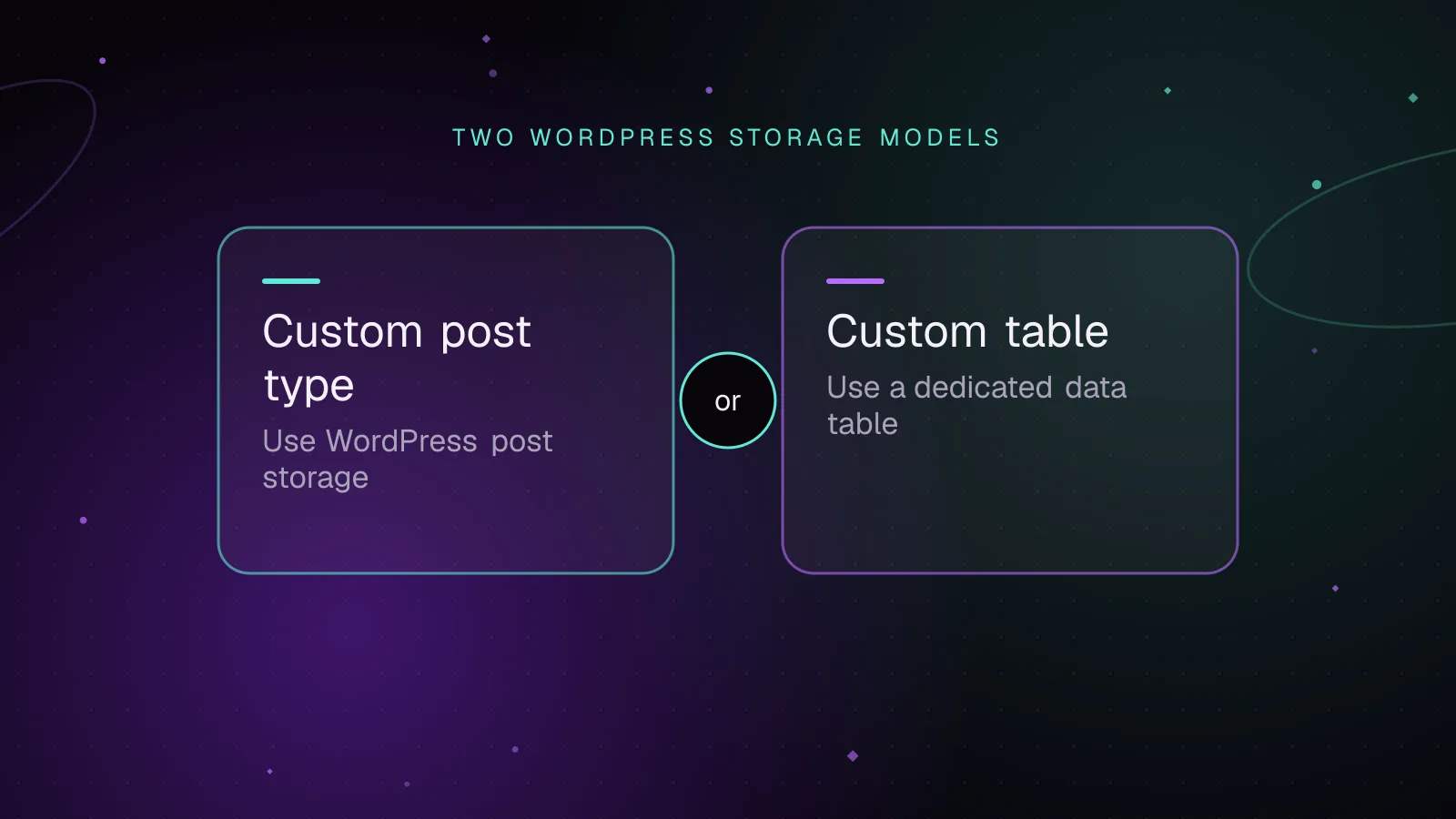
WordPress custom tables vs custom post types for plugin data
For a WordPress custom table vs custom post type decision, use a custom post type when your data behaves like editable WordPress content. Use a custom table when the data is high-volume, query-heavy, or needs typed columns and indexes that match your plugin's access patterns.
- WordPress
- Plugins
- Database
 Enterprise
7 min read
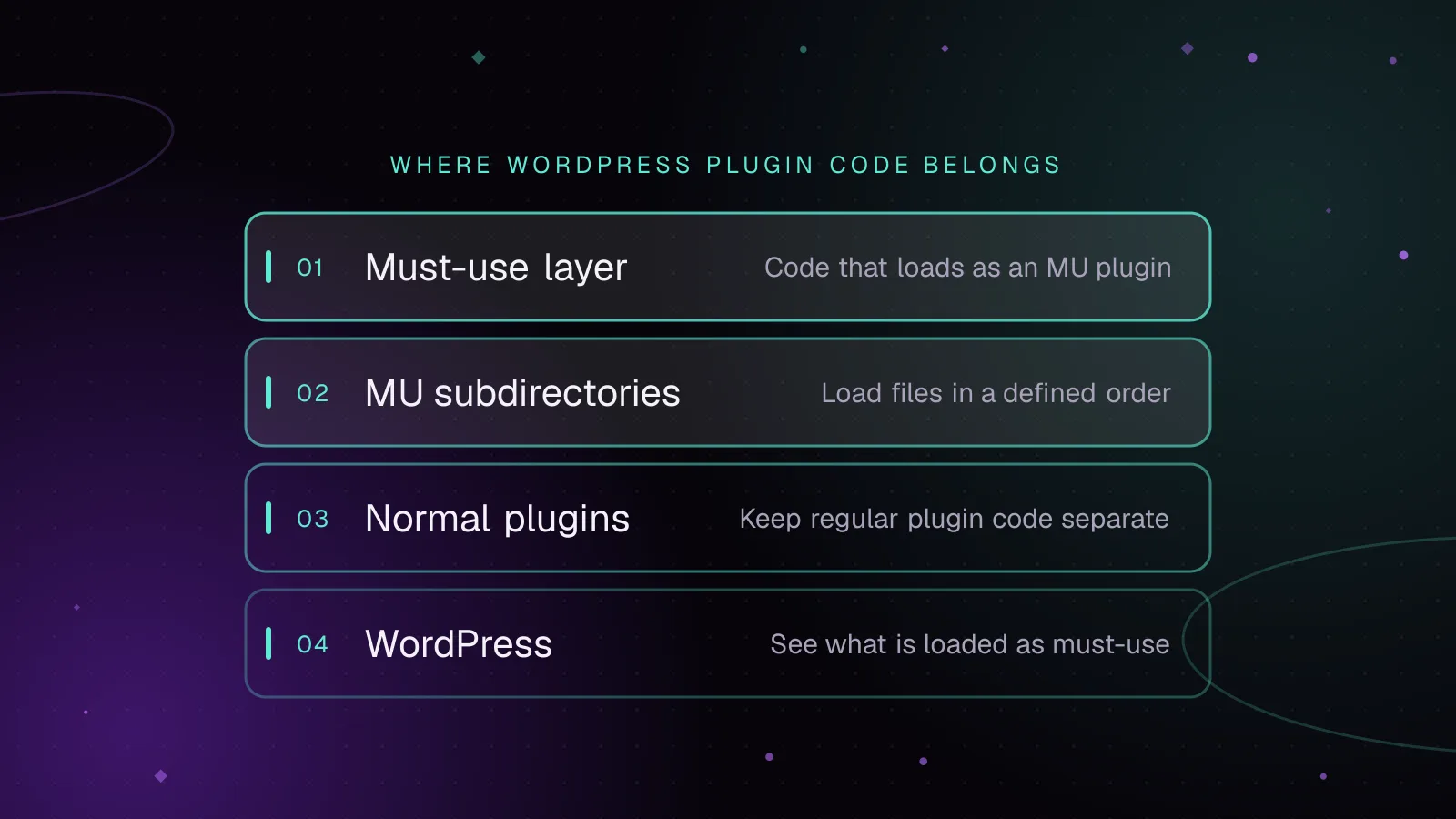
Must-use plugins in WordPress: what belongs there and how to load them
WordPress MU plugins are PHP plugins that WordPress loads automatically from a special directory before normal plugins. Use them for code that is part of the platform and must stay enabled, then keep optional features and third-party packages in the normal plugins directory.
- WordPress
- Enterprise
- Plugins
 Development
5 min read
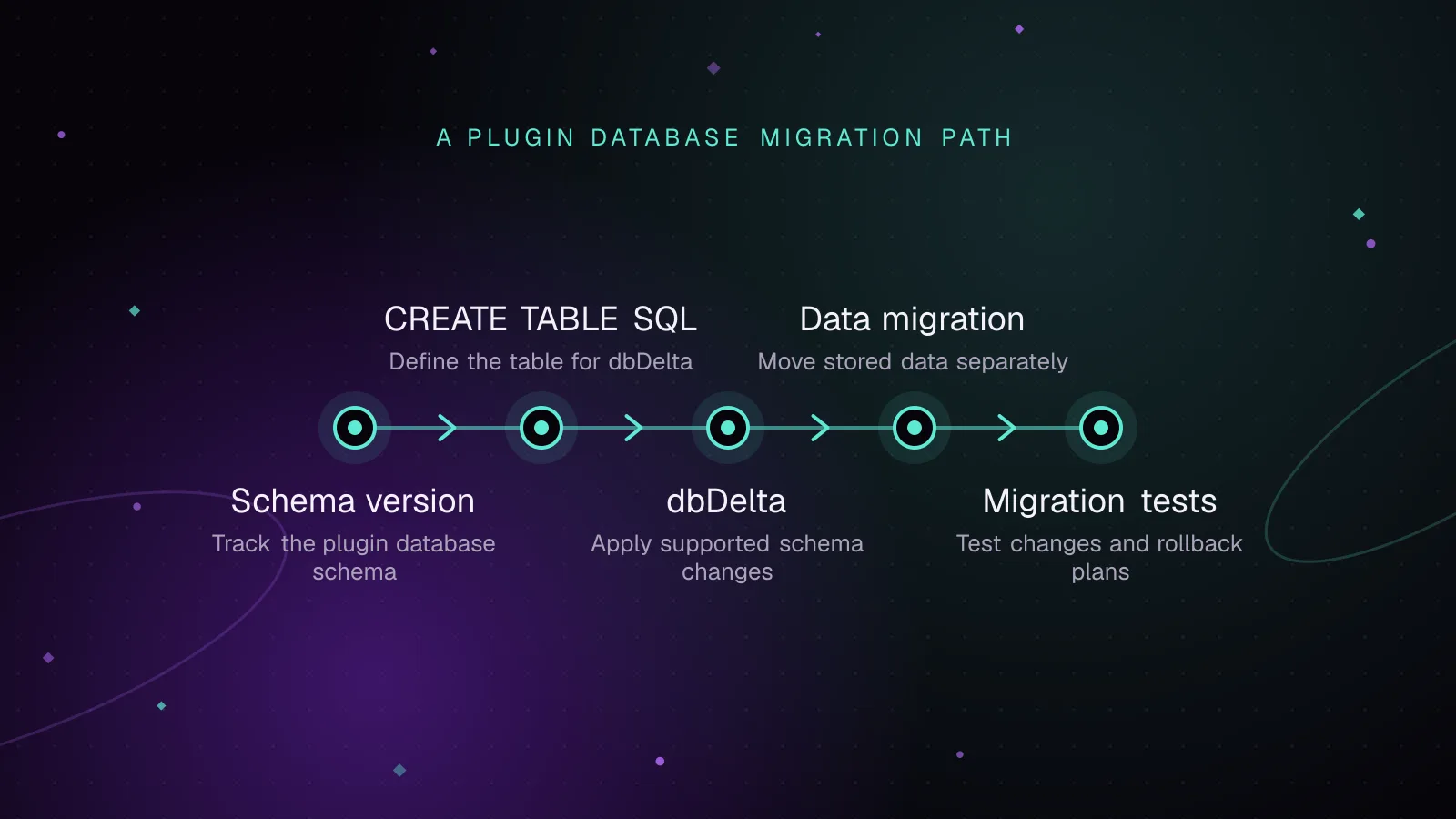
WordPress plugin database migrations with dbDelta, done safely
WordPress plugin database migrations should compare a stored schema version with the version your plugin expects, then run only the missing steps. Use dbDelta() for table creation and supported schema changes, and use explicit, guarded migrations for destructive or unsupported changes.
- WordPress
- Plugins
- Database