Security7 min read
Cloudflare WAF rules for WordPress that block attacks, not customers
Use Cloudflare WAF rules WordPress sites can test safely, protect login and checkout paths, and avoid breaking webhooks, REST API traffic, or cron.
 By Hamza Ahmad AslamWordPress VIP, Performance & Full-Stack Engineer
On this page
- Which Cloudflare WAF rules WordPress owners should use first
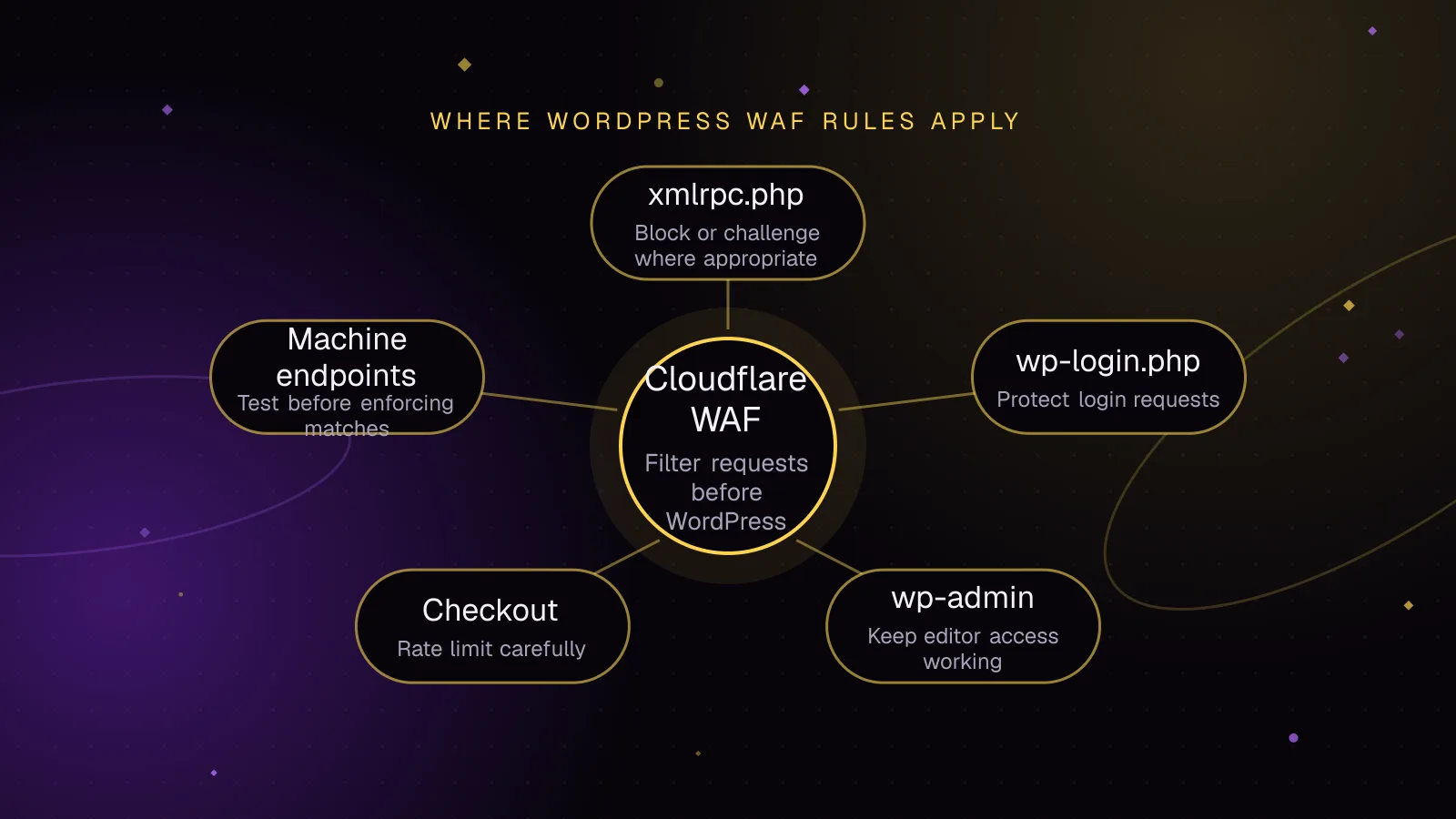
- Rule one: block or challenge xmlrpc.php without breaking services
- Rule two: protect wp-login.php and wp-admin without locking out editors
- Rule three: rate limit login and checkout endpoints carefully
- Never block machine endpoints just because they look unusual
- Test matches before you enforce them
- What to do next
- Frequently asked questions
Short answer: Cloudflare WAF rules WordPress owners deploy should match narrow paths, start in observation mode, and exclude machine-to-machine traffic before enforcement. Use custom rules for path-based blocking or challenges, rate limiting rules for repeated requests, and managed rules for Cloudflare-maintained exploit detection.
Which Cloudflare WAF rules WordPress owners should use first
Cloudflare splits these controls into three different rule types.
Custom rules match request properties and then take an action such as Block, Managed Challenge, or Skip. They are available on every plan. Cloudflare currently documents 5 custom rules on Free, 20 on Pro, 100 on Business, and 1,000 on Enterprise. The Log action is available only on Enterprise. See Cloudflare's custom rules documentation (opens in a new tab).
Rate limiting rules count matching requests and act when the configured rate is reached. Cloudflare documents 1 rule on Free, 2 on Pro, and 5 on Business. Enterprise access depends on application security contract terms. Free can match Path and Verified Bot fields. Pro adds Host, URI, Full URI, and Query. Business adds Method, Source IP, and User Agent. See the rate limiting rules reference (opens in a new tab).
Managed rules are maintained by Cloudflare. The Cloudflare Free Managed Ruleset is available on all plans. The broader Cloudflare Managed Ruleset and Cloudflare OWASP Core Ruleset are available on Pro, Business, and Enterprise plans. See the managed rules availability table (opens in a new tab).
That split matters. A custom rule answers which requests should be treated differently. A rate limiting rule controls repeated matching requests. A managed ruleset checks traffic against Cloudflare-maintained attack rules.
Rule one: block or challenge xmlrpc.php without breaking services
WordPress XML-RPC exposes remote publishing and other methods through xmlrpc.php. WordPress has enabled XML-RPC by default since WordPress 3.5. The API still includes post, media, comment, taxonomy, user, and pingback methods. The WordPress XML-RPC handbook (opens in a new tab) lists the API surface.
If your site does not use XML-RPC, start with an exact path match:
http.request.uri.path eq "/xmlrpc.php"
On Enterprise, use Log first and review the matches. On other plans, inspect the path in Security Analytics before enforcing the rule.
Managed Challenge is available, but remember what the endpoint is for. An XML-RPC client is usually software rather than a person with a browser, so it cannot complete a browser challenge. If you confirm there is no legitimate XML-RPC traffic, Block is the cleaner action.
Do not copy a blanket block onto a site that uses Jetpack, a remote publishing app, or another service that still talks to this endpoint. Confirm those connections first.
If a required service publishes current source ranges, put them in a Cloudflare IP list and exclude the list:
(http.request.uri.path eq "/xmlrpc.php")
and not ip.src in $xmlrpc_allowed_sources
Keep that list tied to the provider's current documentation. A copied set of addresses can become stale and silently break the connection.
Rule two: protect wp-login.php and wp-admin without locking out editors
wp-login.php is a good Managed Challenge target because it is a browser login screen. Blocking it outright can lock out editors whose addresses are not explicitly allowed.
A practical custom rule is:
(http.request.uri.path eq "/wp-login.php")
or
(
  starts_with(http.request.uri.path, "/wp-admin/")
  and http.request.uri.path ne "/wp-admin/admin-ajax.php"
)
Use Managed Challenge for this rule. Keep admin-ajax.php outside the match because themes and plugins can call it from the public front end.
Review your site before expanding the admin match. Some plugins route public requests through paths under wp-admin, including admin-post.php. If a form or integration uses one, exclude that exact path rather than weakening the whole rule.
If editors always use a fixed office or VPN address, you can exempt that source with an IP list. That is optional. Managed Challenge is easier for editors who move between networks.
Do not turn this into a caching rule. Login and admin traffic have different needs from public page caching. If you are also changing edge cache behavior, keep that work in the WordPress CDN caching guide so security and caching changes can be tested separately.
Rule three: rate limit login and checkout endpoints carefully
Cloudflare rate limiting wp-login traffic is useful because repeated authentication attempts have a clear path. Start with:
http.request.uri.path eq "/wp-login.php"
On Business and Enterprise plans, you can narrow the rule to login submissions because the Method field is available:
(http.request.uri.path eq "/wp-login.php")
and (http.request.method eq "POST")
Set Requests per period from your site's observed normal peak. Do not copy a threshold from another site. Cloudflare states that rate limiting is not a precise admission control, so excess requests can reach the origin before mitigation begins. See the rate limiting rules documentation (opens in a new tab).
WooCommerce needs more care. The Checkout block uses the Store API checkout route. The official WooCommerce Checkout API documentation (opens in a new tab) documents GET, PUT, and POST on /wc/store/v1/checkout. Requests normally reach it at /wp-json/wc/store/v1/checkout.
On Business or Enterprise, narrow order submission to POST:
(http.request.uri.path eq "/wp-json/wc/store/v1/checkout")
and (http.request.method eq "POST")
On Free or Pro, Method is not available in the rate limiting expression. A path-only rule would count checkout reads and updates as well as submissions. Observe the route first and use a deliberately conservative threshold if you still need a path-only limit.
Classic WooCommerce checkout can submit through the wc-ajax=checkout query endpoint. Pro and higher plans can match Query in a rate limiting expression. Confirm the request in your browser network panel before creating the rule because payment extensions can change the flow.
Never block machine endpoints just because they look unusual
A WAF rule sees an HTTP request. It does not know which requests are business-critical unless you define that distinction.
Protect these paths with explicit exclusions before adding broad Block or Managed Challenge actions:
- Exclude webhook and payment callback URLs. Payment providers send server-to-server requests and cannot solve browser challenges.
- Preserve REST API routes used by your front end, mobile app, block editor, or integrations. A broad
/wp-json/block can break normal WordPress behavior. - Preserve
wp-cron.phpwhen your own server or scheduler calls it over HTTP. A challenge can stop scheduled tasks even though the request is legitimate. - Preserve plugin callbacks under
admin-ajax.php,admin-post.php, or custom REST namespaces when the site depends on them.
If a gateway webhook is part of your checkout flow, the Checkout block payment gateway integration guide explains how that webhook reconciles orders after payment.
For a broad rule, an exception clause for a known webhook path can look like this. Replace the placeholder with the exact path your provider documents:
not starts_with(http.request.uri.path, "/webhooks/payment-provider/")
Combine exceptions into the final rule expression before enforcement. Avoid a global allow rule for a source address unless you understand which later Cloudflare security checks it bypasses.
Cloudflare WAF rules WordPress stores depend on should also stay separate from response hardening. Use the WordPress security headers guide for browser response headers rather than mixing those changes into WAF rollout.
Test matches before you enforce them
Enterprise customers can set a custom rule to Log, review matches, then change the action to Block or Managed Challenge. Free, Pro, and Business do not have the custom-rule Log action. On those plans, use Security Analytics (opens in a new tab) to inspect incoming traffic for the target path before deploying an enforcing rule. Cloudflare documents Security Analytics as available on all plans.
After enforcement, use Security Events (opens in a new tab) to inspect requests that Cloudflare acted on or flagged. Filter by path, action, source address, user agent, and matched rule. A false positive should lead to a narrower expression or specific exception rather than a broad bypass.
A simple curl check confirms that a path reaches a different response after enforcement:
curl --silent --show-error --output /dev/null \
  --write-out '%{http_code}\n' \
  https://example.com/xmlrpc.php
Example output before enforcement is illustrative. A standard WordPress XML-RPC GET returns 405 Method Not Allowed, as documented by the WordPress IXR_Server::serve() reference (opens in a new tab).
405
Run the same command after enabling a Block custom rule.
Example output after enforcement is illustrative. Cloudflare documents 403 as the default response for a blocking custom rule in its custom rule creation documentation (opens in a new tab).
403
A status code is only a smoke test. Follow it with an editor login, a checkout, a payment callback test from the provider's test mode, and any publishing or app flow that uses the site.
What to do next
Start with one narrow rule, observe its traffic, then enforce it before adding another. Keep a short record of the path, action, exception, and reason for each rule so the next plugin or payment change can be checked against it.
If the site needs ongoing rule review, update testing, and security changes alongside WordPress releases, the WordPress maintenance and security service covers that operational work without mixing it into one-off firewall edits.
Frequently asked questions
Should I block xmlrpc.php with Cloudflare?
Block it only if you have confirmed that nothing on the site needs XML-RPC. If Jetpack, a publishing client, or another service still uses it, add a narrow exception or keep the endpoint available with targeted protection.
Should wp-login.php use Block or Managed Challenge?
Managed Challenge is safer for a normal editor login because a legitimate browser can pass the challenge. Use Block only when access is intentionally restricted by another condition, such as a controlled source network.
Can Cloudflare rate limiting break WooCommerce checkout?
Yes, if the rule is too broad or the threshold is too low. The Checkout block uses Store API requests, and classic checkout can use a query-based AJAX endpoint, so verify the exact requests your store makes before enforcing a limit.
Why do Cloudflare Security Events show legitimate requests?
Security Events show requests that Cloudflare security products acted on or flagged, so legitimate traffic can appear when a rule is too broad. Filter by the matched rule and path, then add the smallest exception that preserves the required request.
Share this article
Enjoyed this? Get the next article by email.
Keep reading
 Security
4 min read
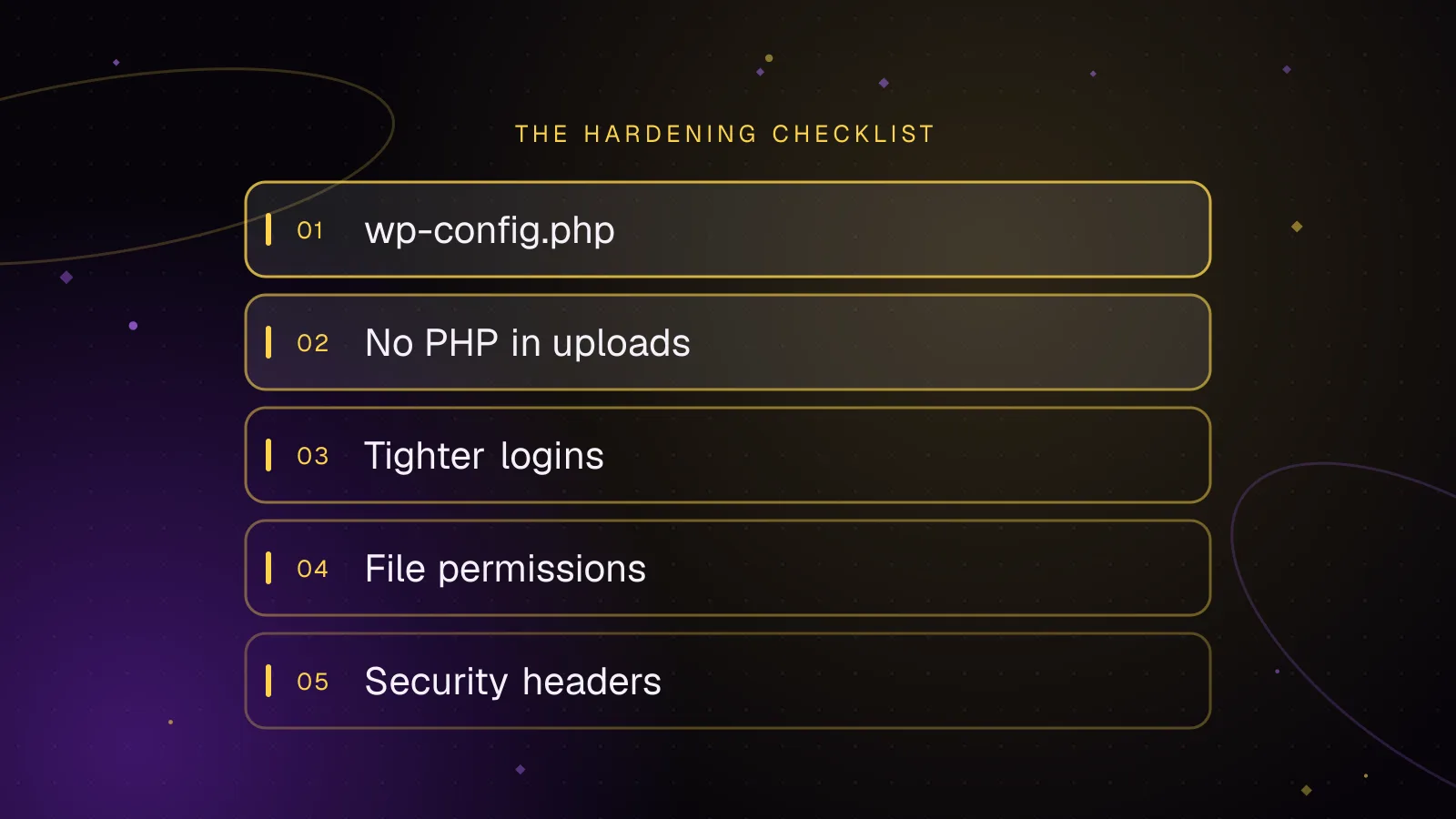
WordPress security hardening: a practical checklist for 2026
A practical WordPress security hardening checklist: updates, logins, wp-config settings, upload rules, headers and what to do after a hack.
- WordPress
- Security
- Hardening
 Security
8 min read
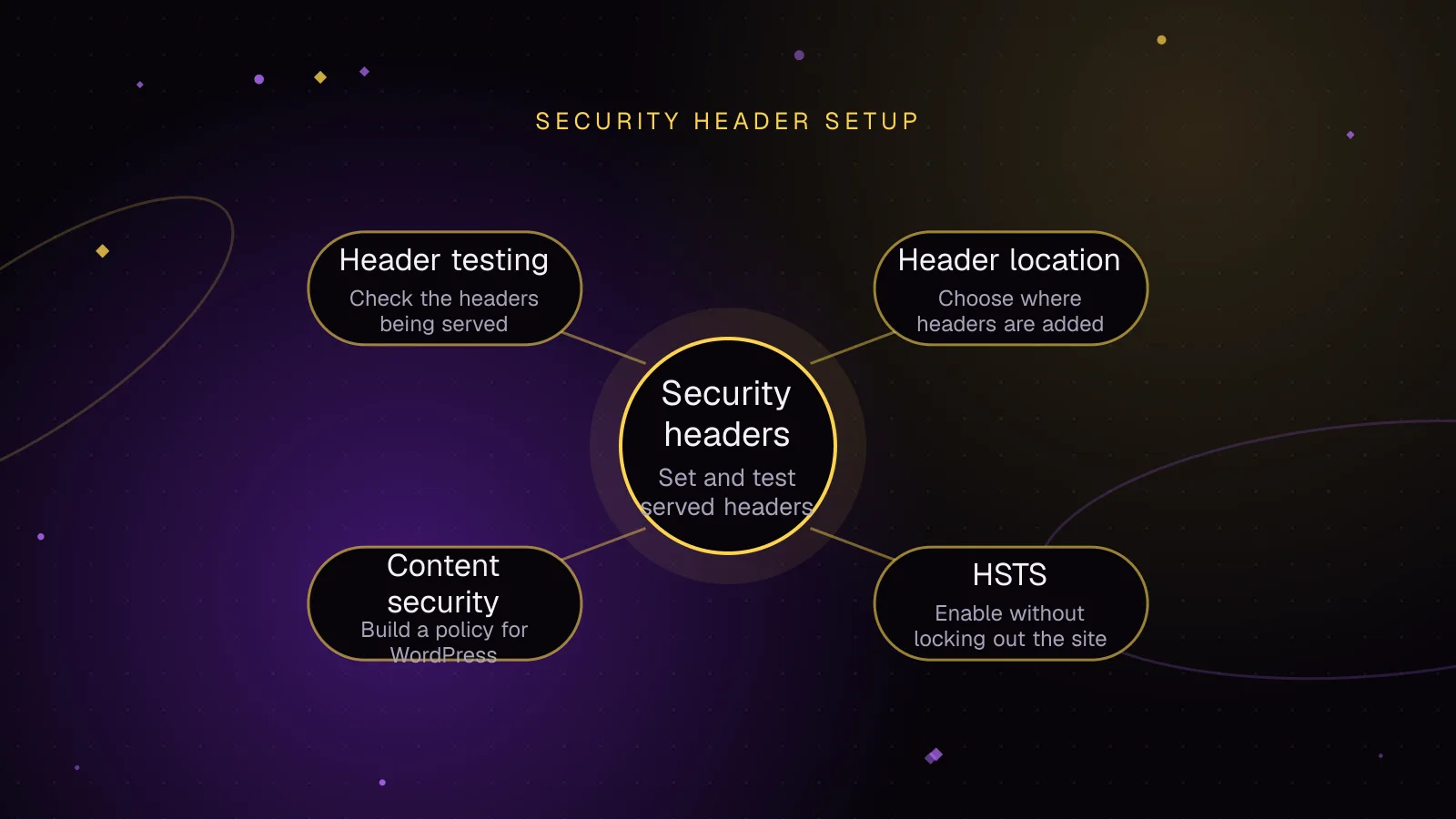
WordPress security headers: what to set and how to test them
Set WordPress security headers safely, test HSTS and CSP, avoid breaking WordPress, and verify every response with curl, DevTools, and Observatory.
- WordPress
- Security
- HTTP Headers
 Security
7 min read
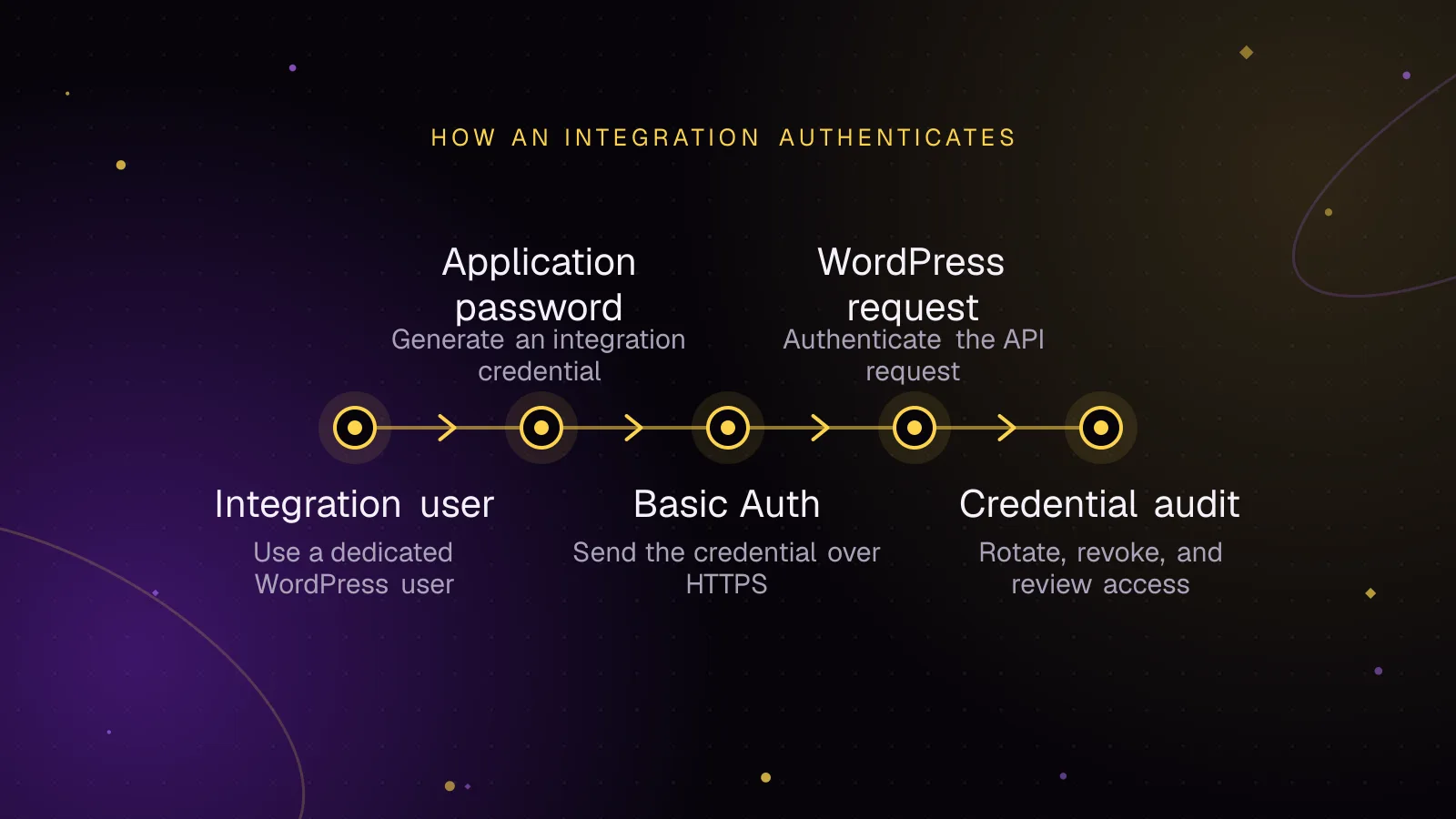
Application passwords for safer WordPress integrations
Use WordPress application passwords for REST API integrations with least-privilege users, HTTPS, rotation, revocation, and practical audit checks.
- WordPress
- Security
- REST API