Security8 min read
WordPress security headers: what to set and how to test them
Set WordPress security headers safely, test HSTS and CSP, avoid breaking WordPress, and verify every response with curl, DevTools, and Observatory.
 By Hamza Ahmad AslamWordPress VIP, Performance & Full-Stack Engineer
On this page
- Which WordPress security headers are worth setting
- Where should you add security headers
- nginx
- Apache and .htaccess
- CDN response headers
- WordPress send_headers
- How to enable HSTS without locking out part of the site
- How to build Content-Security-Policy for WordPress
- Start with Report-Only
- Why nonce-based CSP is difficult with full-page caching
- How to test the headers you serve
- Which old security headers should you avoid copying
- What to do next
- Frequently asked questions
Short answer: Add WordPress security headers at the web server or CDN when you can, then test them before enforcing a strict policy. HSTS and CSP can cause outages if you apply them blindly, so start conservatively, use CSP Report-Only first, and verify cached as well as uncached responses.
Which WordPress security headers are worth setting
The useful headers solve different problems. Do not copy a fixed bundle without checking how the site handles embeds, payment popups, third-party scripts, media, and browser APIs.
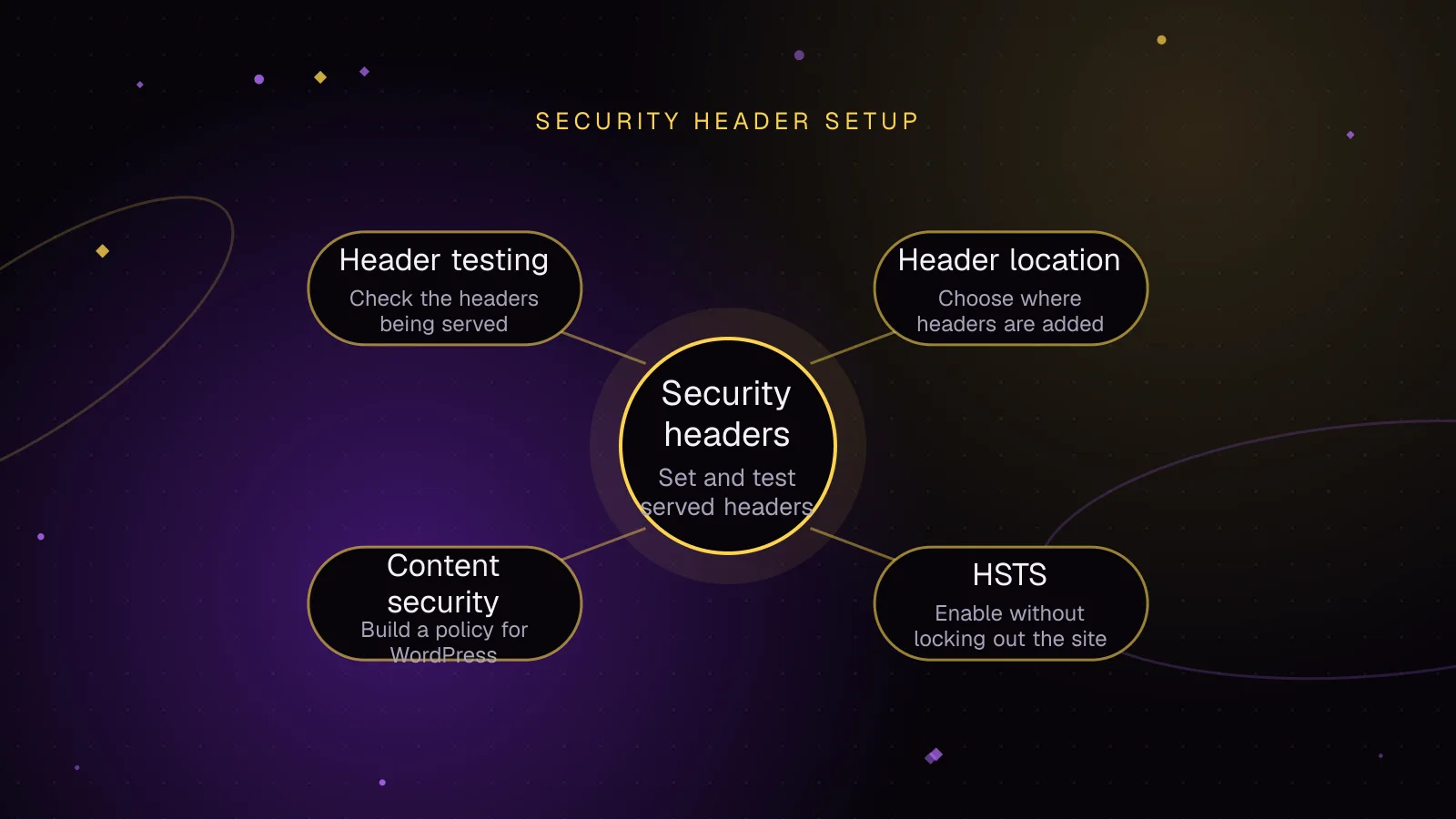
Strict-Transport-Security(opens in a new tab) tells a browser to use HTTPS for future requests to that host. It also prevents users from bypassing certificate errors while the HSTS policy is active.Content-Security-Policy(opens in a new tab) limits which resources and script execution patterns a page may use. Itsframe-ancestorsdirective controls which sites may embed the page, which helps prevent clickjacking.X-Frame-Optionsprovides the olderDENYorSAMEORIGINframing controls.X-Content-Type-Options,Referrer-Policy, andPermissions-Policy(opens in a new tab) cover three separate controls.X-Content-Type-Options: nosnifftells browsers not to override declared MIME types.Referrer-Policycontrols how much referrer information leaves a page.Permissions-Policylimits access to browser features such as camera, microphone, and geolocation, subject to browser support.Cross-Origin-Opener-Policy(opens in a new tab) controls whether top-level documents share a browsing context group. Stricter values can reduce cross-origin opener exposure, but they can also change popup behavior.
For framing, prefer CSP frame-ancestors as the main policy. Keeping X-Frame-Options: SAMEORIGIN can provide a simpler fallback when same-origin framing is acceptable. If another origin must frame a page, express that requirement in frame-ancestors rather than using an obsolete ALLOW-FROM value. Do not leave X-Frame-Options: SAMEORIGIN in place unless blocking that framing in older clients is acceptable.
Permissions Policy deserves the same caution as CSP. Blocking camera, microphone, or geolocation is sensible only when the site does not need those features. A plugin that opens a scanner, recorder, map, or browser permission flow can fail if its required feature is denied.
COOP needs compatibility testing around authentication, checkout, social sign-in, and any integration that depends on window.opener. same-origin is stronger isolation than same-origin-allow-popups, but stronger is not automatically correct for every WordPress site.
Where should you add security headers
Set headers as close to the final response layer as practical. That usually means nginx, Apache, or the CDN. Headers added in PHP are useful when policy depends on WordPress logic, but they only exist when WordPress runs.
nginx
With nginx, add_header can be placed in http, server, or location context. The always parameter makes the header apply regardless of response status.
There is an inheritance trap. Under nginx's default inheritance model, add_header directives inherit from the previous configuration level only when the current level defines no add_header directives of its own. Review nested location blocks before assuming the server-level set reaches every response.
Place these low-risk fields inside the existing HTTPS server block. Add HSTS separately after the checks in the HSTS section below.
server {
    # Existing listen, server_name, TLS, root, and WordPress routing stay here.

    add_header X-Content-Type-Options "nosniff" always;
    add_header X-Frame-Options "SAMEORIGIN" always;
    add_header Referrer-Policy "strict-origin-when-cross-origin" always;
    add_header Permissions-Policy "camera=(), microphone=(), geolocation=()" always;
    add_header Cross-Origin-Opener-Policy "same-origin-allow-popups" always;

    # Existing WordPress routing and PHP configuration stays here.
}
Do not paste this beside existing add_header directives without checking inheritance. A nested location that sets one unrelated header can stop inherited headers from appearing.
Apache and .htaccess
Apache mod_headers supports the Header directive in .htaccess when the server allows the required override. Header always set targets the header table used for responses including errors and internal redirects. This example assumes the same fields are not already emitted by PHP or an upstream.
<IfModule mod_headers.c>
    Header always set X-Content-Type-Options "nosniff"
    Header always set X-Frame-Options "SAMEORIGIN"
    Header always set Referrer-Policy "strict-origin-when-cross-origin"
    Header always set Permissions-Policy "camera=(), microphone=(), geolocation=()"
    Header always set Cross-Origin-Opener-Policy "same-origin-allow-popups"
</IfModule>
Put HSTS in the HTTPS-serving configuration after you have checked every relevant hostname. Avoid adding it to an HTTP-only virtual host because browsers only honor HSTS received over HTTPS.
CDN response headers
A CDN can add security headers after it receives the origin response. Cloudflare Response Header Transform Rules can set, add, or remove response headers before the response reaches the visitor.
This placement is useful when full-page cache or edge cache serves a response without reaching PHP. It also gives you one place to cover static and dynamic responses. Check for duplicate headers if the origin and CDN both set the same field.
WordPress send_headers
WordPress exposes the send_headers action for adding response headers in PHP. The PHP header() function must run before output is sent.
<?php
add_action(
    'send_headers',
    static function () {
        header( 'X-Content-Type-Options: nosniff' );
        header( 'X-Frame-Options: SAMEORIGIN' );
        header( 'Referrer-Policy: strict-origin-when-cross-origin' );
        header( 'Permissions-Policy: camera=(), microphone=(), geolocation=()' );
        header( 'Cross-Origin-Opener-Policy: same-origin-allow-popups' );
    }
);
Use PHP when the value depends on WordPress state. The send_headers action is part of the main WordPress request path, so do not treat it as a universal site-wide layer without testing each entry point.
Do not rely on PHP for a header that must be present on a page served entirely from a reverse proxy, CDN cache, or static cache file. In those cases, WordPress never executes, so the PHP-set header can be absent.
If you are checking WooCommerce cache behavior at the same time, the free WooCommerce cache headers checker helps separate cache status from security-header work.
How to enable HSTS without locking out part of the site
HSTS is easy to add and hard to undo quickly because browsers remember the policy for its max-age. Begin with a short test value, confirm HTTPS on the production hostname, and increase the duration only after the site behaves correctly.
Do not add includeSubDomains until every current subdomain that users may reach supports HTTPS correctly. The directive makes the parent policy apply to subdomains, including hosts that may be operated by another team or legacy service.
Preload requires more commitment. MDN documents that the preload form requires includeSubDomains and a max-age of at least 31536000. Browser preload lists are separate from the HSTS specification, so review the current submission requirements before adding preload or submitting the domain.
Once HSTS is active, certificate mistakes have a sharper failure mode because browsers do not offer the normal bypass for an HSTS host. Certificate issuance, renewal, redirects, alternate hostnames, and subdomains should all be checked first.
How to build Content-Security-Policy for WordPress
Content-Security-Policy in WordPress is usually the part that needs the most testing. WordPress core output, plugins, themes, analytics tools, consent managers, page builders, and embeds can all add scripts, styles, frames, images, or network connections.
A restrictive script-src can block inline scripts. A restrictive style-src can block inline styles. connect-src can affect REST calls or third-party APIs. frame-src can break video, payment, or support embeds. frame-ancestors affects who may embed your own pages, which is a different direction of control.
Start with Report-Only
Use Content-Security-Policy-Report-Only before enforcing the same policy. It reports violations without blocking the resources that would fail under enforcement.
A useful first pass deliberately omits permission for inline scripts and styles so DevTools reveals where they are used:
Content-Security-Policy-Report-Only: default-src 'self'; script-src 'self'; style-src 'self'; img-src 'self' data: https:; font-src 'self' data: https:; connect-src 'self' https:; frame-src https:; frame-ancestors 'self'
Do not promote that line directly to an enforcing Content-Security-Policy. First visit public templates, search, forms, logged-in pages, wp-admin, the block editor, checkout, account screens, and important plugin flows. Then identify every violation by source and decide whether the dependency should be allowed, changed, or removed.
If you collect CSP violation reports on a server endpoint, configure the current Reporting API fields correctly. If you do not have a reporting endpoint, browser DevTools still gives you a practical place to inspect report-only violations during manual testing.
Why nonce-based CSP is difficult with full-page caching
A nonce-based strict CSP requires a fresh, unpredictable nonce for every HTTP response. The same nonce must appear in the response header and on the script or style elements that the browser should accept.
That model conflicts with a full-page cache that replays the same HTML unchanged. If the cached document contains a nonce, the cache can replay that value instead of producing a new one for each response.
A cache-aware design must generate or inject the nonce per response, bypass caching for that response, or choose a different CSP design. Hash-based policies can fit static cached markup better when the inline content is stable.
Do not add 'unsafe-inline' just to silence every violation without understanding the effect. It weakens script restrictions. If a plugin or builder makes a strict policy impractical, document that constraint and tighten the directives you can enforce safely.
How to test the headers you serve
Test the final public URL, not only origin configuration. CDN rules, cache hits, redirects, error responses, and alternate hostnames can change what reaches the browser.
Run:
curl -I https://example.com/
-I makes curl issue a HEAD request and show the response headers. Example output, with values shown only as an illustration:
HTTP/2 200
content-type: text/html; charset=UTF-8
strict-transport-security: max-age=31536000
x-content-type-options: nosniff
x-frame-options: SAMEORIGIN
referrer-policy: strict-origin-when-cross-origin
permissions-policy: camera=(), microphone=(), geolocation=()
cross-origin-opener-policy: same-origin-allow-popups
Repeat the check for representative pages and a cached response. If a CDN is involved, compare a cold path and a path that you know is cacheable. Also inspect redirects and an error response if those paths are part of your header policy.
In browser DevTools, use the Network panel to inspect response headers on the main document. Use the Console to inspect CSP violations. Exercise the editor and plugin flows instead of loading only the home page.
Run the MDN HTTP Observatory (opens in a new tab) against the public hostname as another check. Treat its result as a configuration review, then confirm any suggested change against the site's actual requirements.
Retest after plugin, theme, payment, analytics, consent, CDN, or page-builder changes. Those updates can introduce new script sources, frames, inline code, or browser-feature requirements without changing your server configuration.
Which old security headers should you avoid copying
X-XSS-Protection is deprecated and should not be copied from old hardening snippets. MDN warns that legacy XSS filtering can create vulnerabilities in otherwise safe pages in some cases. Use CSP as the modern browser control instead.
Do not use X-Frame-Options: ALLOW-FROM. Modern browsers do not support it as a current framing policy. Use CSP frame-ancestors when you need to allow specific framing origins.
Avoid setting headers only because a scanner expects them. A header that blocks a required camera flow, payment popup, embed, or editor resource is a production defect even if the scan score rises.
Security headers also do not replace WordPress hardening, patching, authentication controls, least privilege, safe file permissions, or malware response. Use the WordPress security hardening checklist for the wider control set.
What to do next
Add the low-risk headers first, put CSP in Report-Only, test cached and uncached responses, then tighten policy one dependency at a time. Keep the final WordPress security headers configuration in version control or documented hosting configuration so changes are reviewable.
If the site is already compromised, headers are not the recovery procedure. Follow the guide to cleaning a hacked WordPress site before treating header work as hardening.
For ongoing patching, configuration review, and post-change checks, use the WordPress maintenance and security service.
Frequently asked questions
Should I add security headers with a WordPress plugin?
A plugin can add headers when WordPress handles the request, but it cannot guarantee them on responses served before PHP runs. Server or CDN configuration is usually a better place for site-wide headers, while PHP is useful for WordPress-aware conditions.
Can Content-Security-Policy break wp-admin or the block editor?
Yes. A strict policy can block inline code, API connections, frames, or third-party resources used by wp-admin, the editor, or plugins. Start with Report-Only and test authenticated workflows before enforcing it.
Should I use both X-Frame-Options and CSP frame-ancestors?
You can use both when their rules agree. Modern browsers use CSP frame-ancestors for finer control, while X-Frame-Options provides the simpler DENY or SAMEORIGIN model.
Why are my security headers missing on cached pages?
The cache may be serving a stored response without running WordPress, so headers added through PHP never execute. Add the header at the web server or CDN layer, or configure the cache layer to attach it to the final response.
Share this article
Enjoyed this? Get the next article by email.
Keep reading
 Security
4 min read
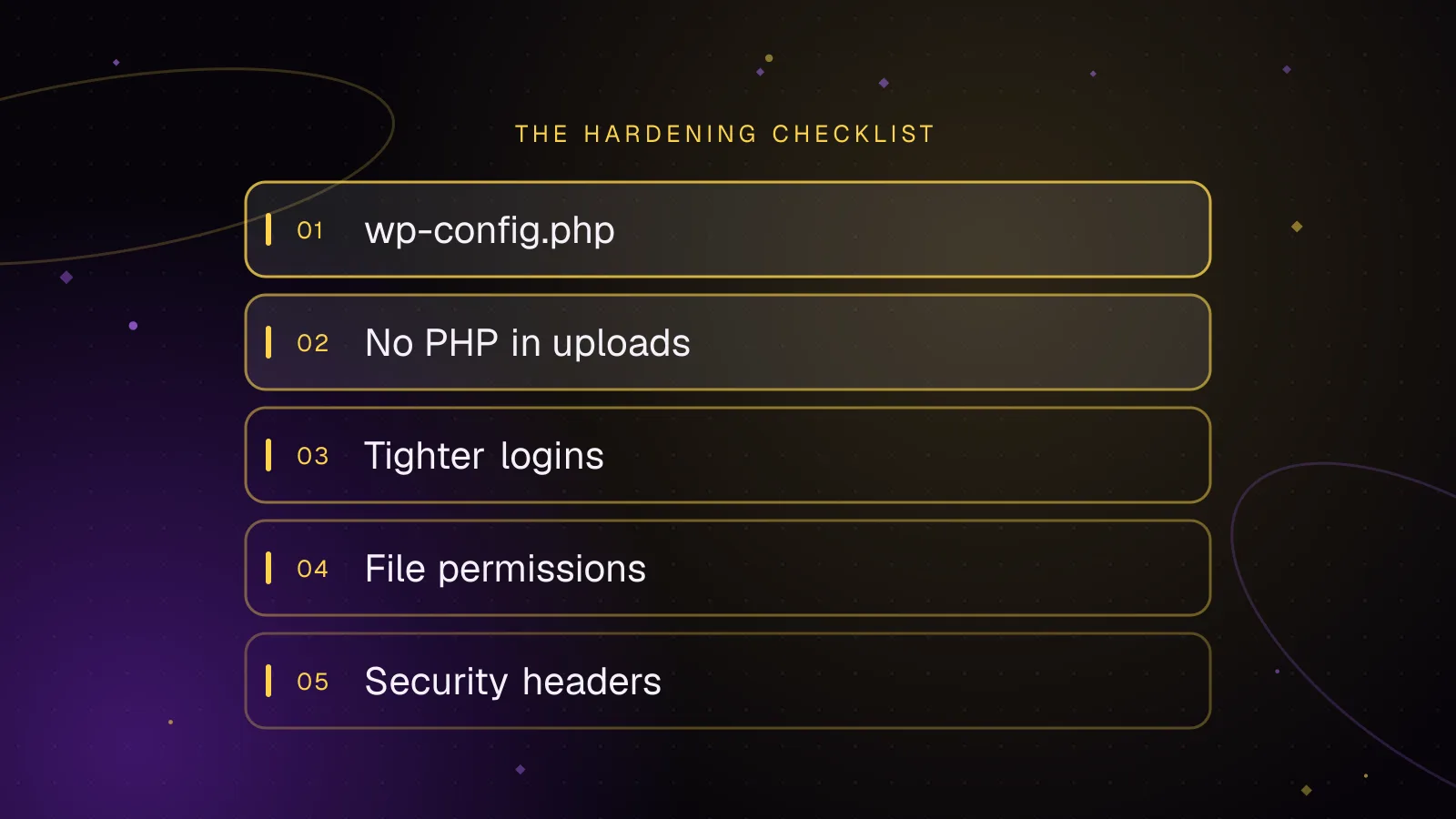
WordPress security hardening: a practical checklist for 2026
A practical WordPress security hardening checklist: updates, logins, wp-config settings, upload rules, headers and what to do after a hack.
- WordPress
- Security
- Hardening
 Security
7 min read
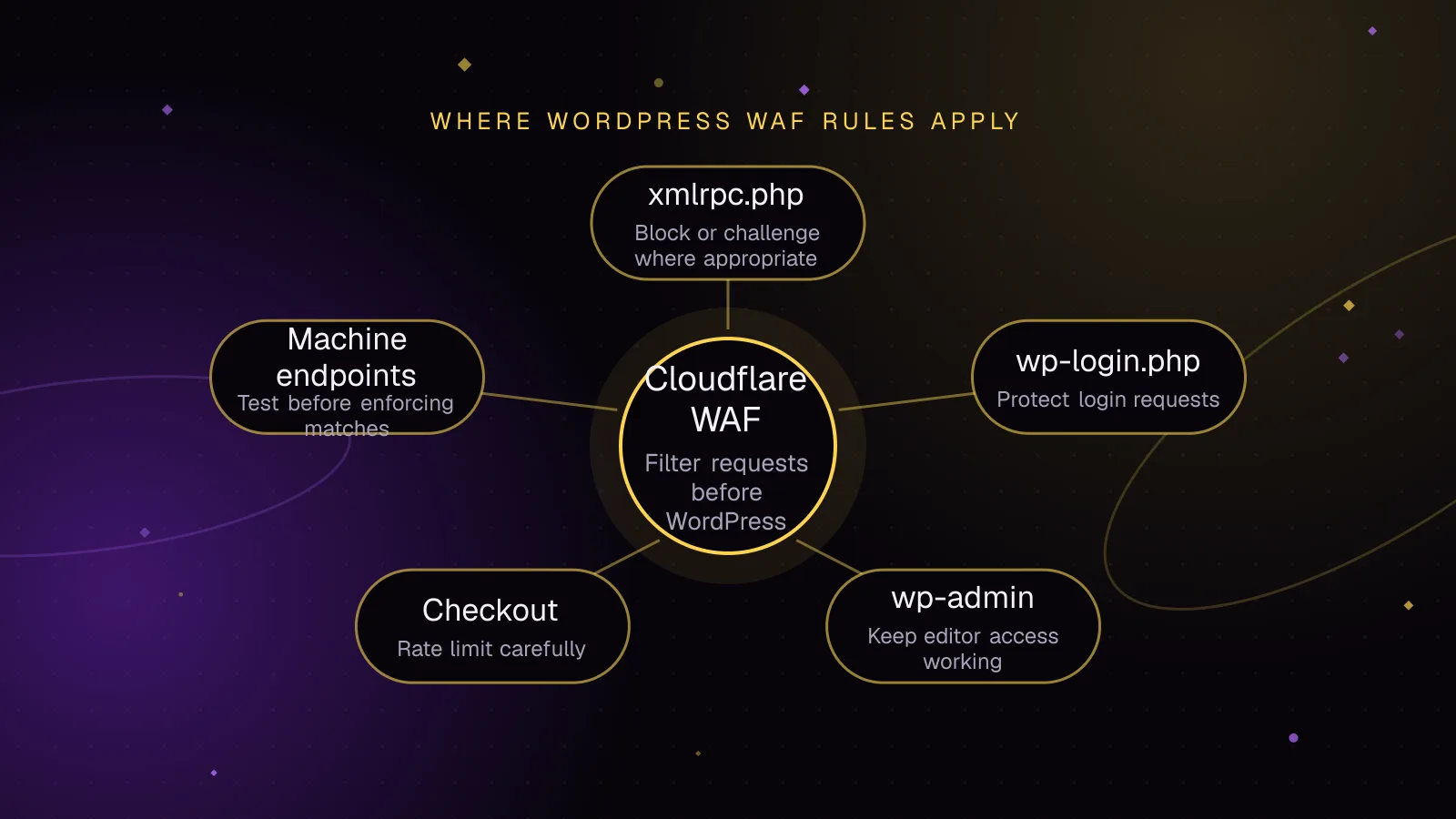
Cloudflare WAF rules for WordPress that block attacks, not customers
Use Cloudflare WAF rules WordPress sites can test safely, protect login and checkout paths, and avoid breaking webhooks, REST API traffic, or cron.
- WordPress
- Security
- Cloudflare
 Security
7 min read
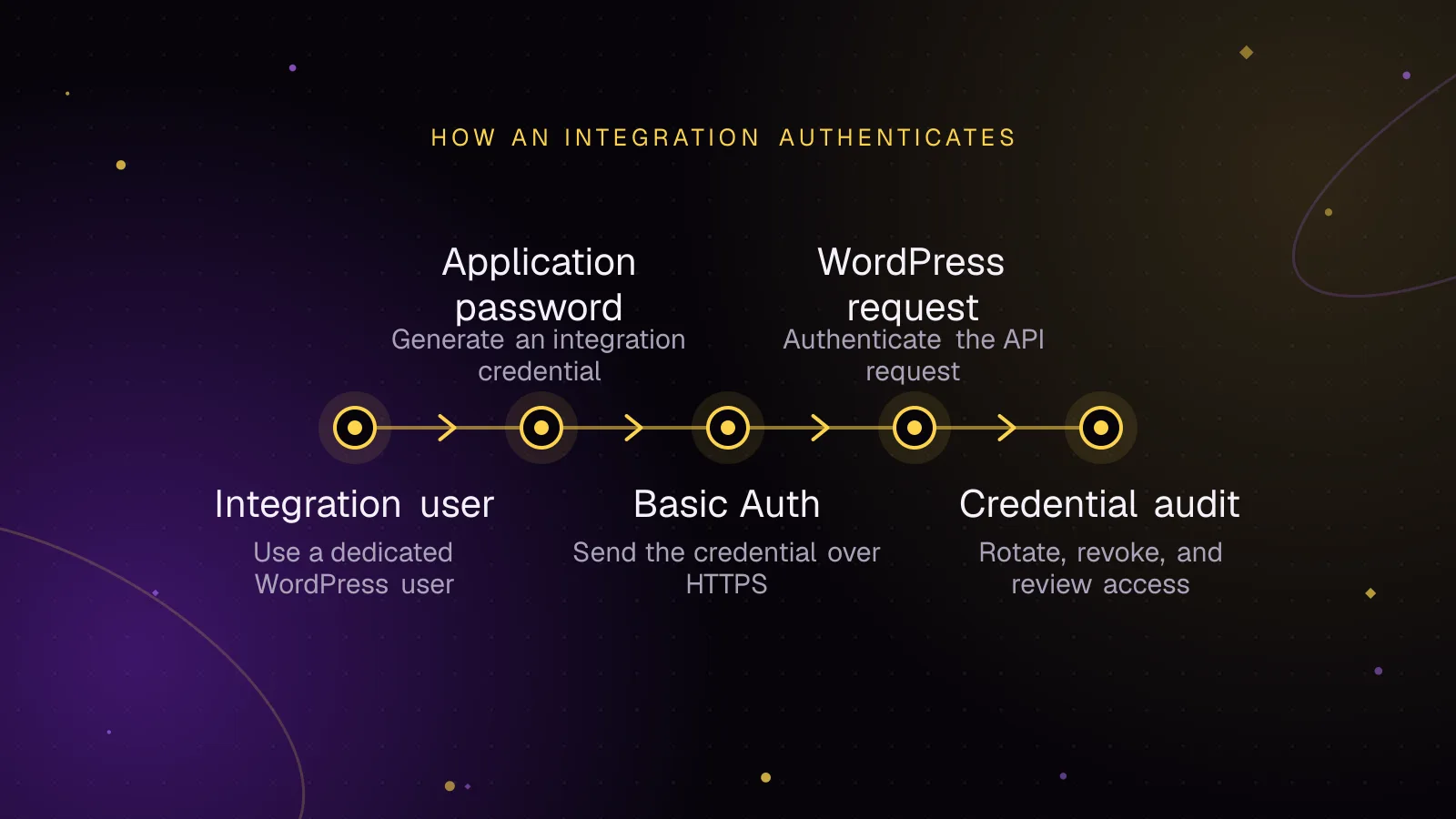
Application passwords for safer WordPress integrations
Use WordPress application passwords for REST API integrations with least-privilege users, HTTPS, rotation, revocation, and practical audit checks.
- WordPress
- Security
- REST API