Enterprise7 min read
High-traffic WordPress architecture: the layers that carry the load
High traffic WordPress architecture explained: edge caching, PHP workers, object cache, database scaling, media offload, and load testing.
 By Hamza Ahmad AslamWordPress VIP, Performance & Full-Stack Engineer
On this page
- How high traffic WordPress requests move through the stack
- How to design for cache hits
- Build cache keys around response identity
- Set TTLs and purge rules together
- Make bypass rules explicit
- How to budget traffic that reaches origin
- How the database layer should scale
- How media should leave the application path
- How to load test before traffic arrives
- Which numbers should observability keep visible
- What to do next
- Frequently asked questions
Short answer: For high traffic WordPress, the edge and full-page cache should absorb most anonymous page views before PHP runs. Capacity problems appear when too much traffic reaches PHP, the object cache, the database, search, or media processing at once. Design each layer so cacheable work stops early and uncached work has a measured budget.
How high traffic WordPress requests move through the stack
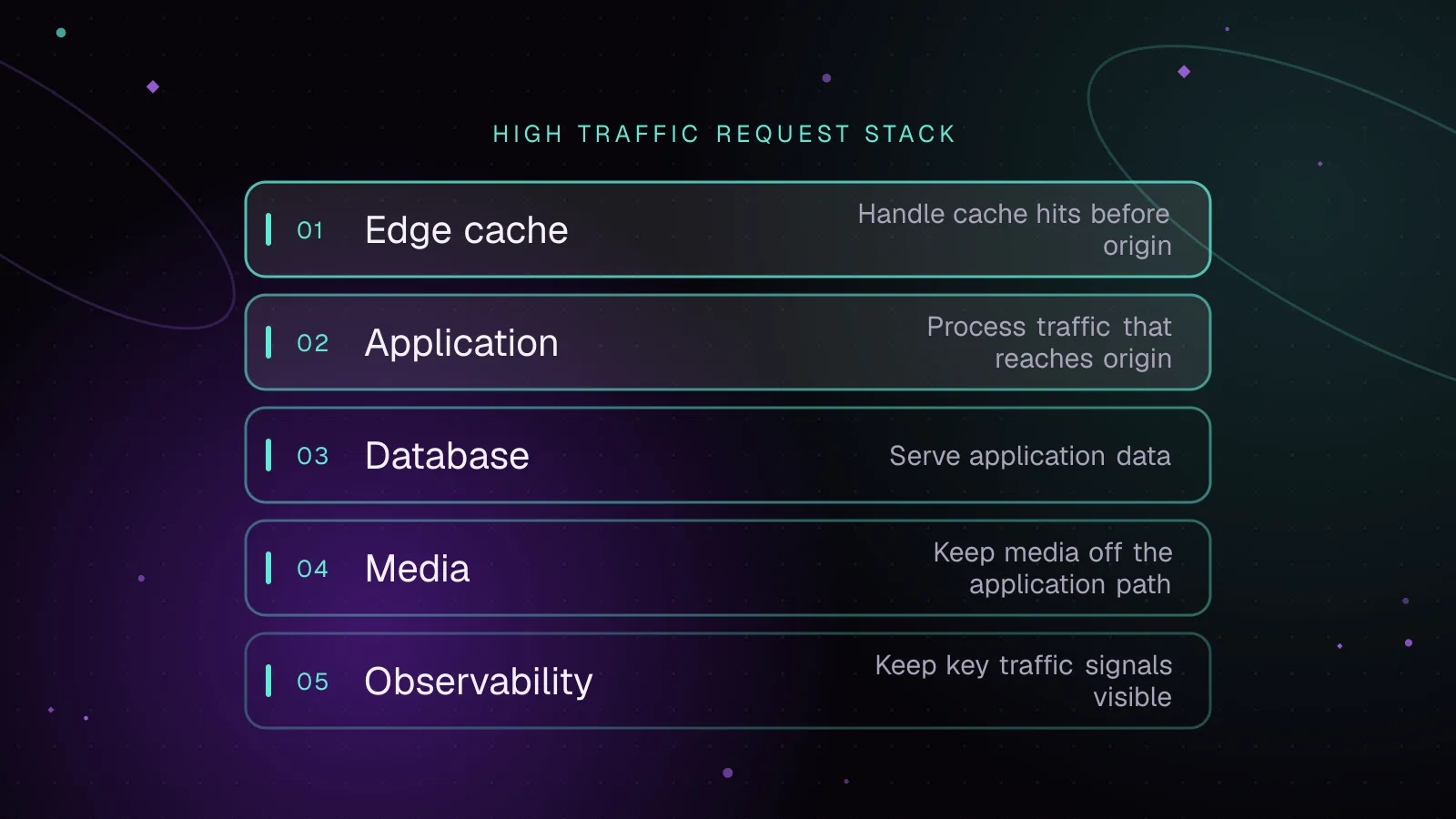
A useful WordPress architecture starts by separating edge work from origin work. The request path looks like this:
Browser
  |
  v
CDN / edge cache
  |
  +--> full-page cache HIT --> response
  |
  +--> MISS or BYPASS
          |
          v
      PHP worker
          |
          +--> persistent object cache
          |
          +--> database writer / read replica
          |
          +--> search service
          |
          +--> media or external services
The CDN terminates the public request close to the visitor and can serve static files or cached HTML. The full page cache is the main protection for PHP because a hit returns a completed response without bootstrapping WordPress. Scaling WordPress at this level is mostly about keeping requests in the cheapest eligible layer. WordPress VIP documents this pattern in its page cache architecture (opens in a new tab).
A page-cache miss consumes a PHP worker. That request may then read from a persistent object cache, query MySQL, call a search service, or fetch remote data. Each extra dependency adds latency and another capacity limit. The persistent object cache helps repeated application reads, but it does not replace full-page caching because PHP must already be running before WordPress can use it.
Search and media should become separate services when their work is expensive. Search can move away from SQL matching, while media delivery can move away from PHP and the origin filesystem.
How to design for cache hits
Build cache keys around response identity
A cache key must distinguish responses that differ.
Common inputs are scheme, host, path, relevant query parameters, language, device variant, or a controlled personalization segment. Do not vary on a cookie merely because it exists. Every added dimension creates more cache entries and lowers reuse.
Query strings are not automatically uncacheable. A cache may include the full query string in its key, ignore selected tracking parameters, or bypass certain parameters by policy. The danger is uncontrolled cardinality. If many unique parameter combinations reach origin, each can behave like a cold URL.
Set TTLs and purge rules together
TTL answers how long a cached response may live without invalidation. Purging answers how quickly a changed object should disappear before that TTL ends. Publishing or updating content should trigger targeted invalidation for the affected URL set when your cache layer supports it.
Avoid treating purge-all as the normal publish path. A broad flush turns hot content cold at the same time and can move a traffic spike from the edge to PHP and MySQL. Prefer URL, tag, surrogate-key, or platform-specific invalidation where your stack supports it.
Make bypass rules explicit
Logged-in sessions, personalized HTML, authorization headers, and state-changing requests normally belong at origin. Cookies only cause a bypass when your cache policy says they do. Personalization can also be cached when the number of variants is bounded and the cache can key those variants safely.
WooCommerce documents that Cart, Checkout, and My Account should remain dynamic, and its caching guidance (opens in a new tab) calls out WooCommerce cookies that caching systems may need to exclude. Product and category pages are different: they are strong full-page-cache candidates when the rendered HTML is not customer-specific.
This Nginx sketch shows the policy shape. The exact upstream, cache zone, cookie rules, and purge mechanism must match your environment.
map $http_cookie $skip_page_cache {
    default 0;
    ~*wordpress_logged_in_ 1;
    ~*woocommerce_items_in_cart 1;
    ~*wp_woocommerce_session_ 1;
}

map $query_string $has_query_string {
    default 1;
    "" 0;
}

location ~ \.php$ {
    fastcgi_cache WORDPRESS;
    fastcgi_cache_methods GET HEAD;
    fastcgi_cache_key "$scheme$request_method$host$request_uri";
    fastcgi_cache_bypass $skip_page_cache $has_query_string $http_authorization;
    fastcgi_no_cache $skip_page_cache $has_query_string $http_authorization;

    # Let origin response headers or your cache policy define freshness.

    # Existing fastcgi_pass and fastcgi_param directives belong here.
}
Nginx documents that fastcgi_cache_bypass can prevent serving from cache and fastcgi_no_cache can prevent saving the response. This example deliberately bypasses all query strings; a production policy can be more selective.
How to budget traffic that reaches origin
Your capacity model should start with requests per second that bypass the full-page cache, not total page views. The same public traffic level can produce very different origin load depending on cache hit ratio, user state, API use, and background work.
Budget these paths separately:
- Treat logged-in page views as origin traffic unless the platform has a safe personalization cache.
- Treat
admin-ajax.phpas application traffic. WordPress routes plugin AJAX requests through that endpoint, so each request can bootstrap WordPress and consume PHP time. - Split REST traffic by behavior. Anonymous read endpoints may be cacheable at your edge, while authenticated or mutating requests must reach application code.
- Keep WooCommerce Cart, Checkout, and My Account dynamic. Test cart actions and Store API traffic separately from cached catalog pages.
- Treat site search as high-cardinality traffic unless you have a cache strategy for common queries.
- Account for WP-Cron and scheduled plugin work. WordPress checks scheduled tasks on page load, so background work can overlap with a traffic event.
For each class, record arrival rate, PHP time, database time, external-call time, and error rate. Then verify that the combined uncached load fits inside worker, database, and downstream service capacity with room for bursts.
How the database layer should scale
Page caching lowers database demand more than any database tuning step because a page-cache hit avoids WordPress entirely. The next defense is the persistent object cache. WordPress core uses a non-persistent object cache by default, while a persistent drop-in can keep cached objects across requests.
Read replicas help when a large share of database work is safe to serve from replicas. HyperDB (opens in a new tab) is a db.php drop-in that supports replication, failover, load balancing, and partitioning. LudicrousDB is another database drop-in with similar stated goals. Neither removes the need to design around replica lag or read-after-write behavior.
Query discipline still matters. Avoid loading large result sets only to discard most of them in PHP. Request the fields, post types, statuses, and ordering the feature needs. Add indexes only after you inspect the actual query and execution plan.
A normal WP_Query should leave result caching enabled. The documented default for cache_results is true, and the related post meta and term cache flags also default to true. The WP_Query reference (opens in a new tab) documents those cache controls.
$query = new WP_Query(
    array(
        'post_type'              => 'post',
        'post_status'            => 'publish',
        'orderby'                => 'date',
        'order'                  => 'DESC',
        'cache_results'          => true,
        'update_post_meta_cache' => true,
        'update_post_term_cache' => true,
    )
);
Search is a separate problem from transactional WordPress queries. Large relevance searches, faceting, and broad text matching can place expensive work on MySQL. A dedicated Elasticsearch or OpenSearch service can move search work away from MySQL. ElasticPress (opens in a new tab) is a WordPress integration for Elasticsearch. If you plan to use OpenSearch, confirm the exact plugin and server compatibility before deployment.
How media should leave the application path
Do not make PHP read and stream ordinary image files during high load. Serve media from a CDN-backed store or platform media layer, with long-lived asset caching and versioned URLs where appropriate.
Image resizing should also avoid becoming synchronous PHP work on a hot request. A managed image service or edge transformation layer can create and cache requested derivatives, while WordPress keeps attachment metadata and generates responsive markup. On WordPress VIP, the platform's image transformation service handles uploads through the VIP File System and serves transformed images through its CDN.
Watch for two failure modes. First, a template can request many unique dimensions and create a large derivative set. Second, cache-busting media URLs can turn reusable images into repeated origin work. Keep size variants intentional and URLs stable.
How to load test before traffic arrives
WordPress load testing should reproduce the real split between cache hits and origin requests. A test that adds a unique query parameter to every request mainly measures bypass behavior. A test that only hits one warm URL mainly measures the cache.
Use a staging environment that matches production architecture. If your hosting provider requires notice before a load test, follow that process. The script below expects one known cacheable path and one known uncached path. Do not point the uncached path at checkout, login, or a mutating endpoint unless the test data and side effects are controlled.
import http from 'k6/http';
import { sleep } from 'k6';

export const options = {
    vus: Number(__ENV.VUS),
    duration: __ENV.DURATION,
};

export default function () {
    const base = __ENV.BASE_URL;
    const cachedPath = __ENV.CACHED_PATH;
    const uncachedPath = __ENV.UNCACHED_PATH;

    http.get(`${base}${cachedPath}`, {
        tags: { request_class: 'cached' },
    });

    http.get(`${base}${uncachedPath}`, {
        tags: { request_class: 'uncached' },
    });

    sleep(Number(__ENV.THINK_TIME));
}
Run it with values chosen from your traffic model, not from a generic benchmark:
BASE_URL="https://staging.example.com" \
CACHED_PATH="/" \
UNCACHED_PATH="/your-known-uncached-route/" \
VUS="<your-vu-count>" \
DURATION="<your-duration>" \
THINK_TIME="<your-think-time-seconds>" \
k6 run high-traffic.js
While it runs, watch edge hit ratio, origin request rate, PHP concurrency, worker queueing, database time, object-cache latency, search latency, external-call latency, and HTTP errors. Ramp gradually and stop when the system reaches your defined safety limit. The useful result is the first constrained layer, not a single requests-per-second headline.
Which numbers should observability keep visible
Keep a small set of signals visible during a high traffic WordPress event:
- Track full-page cache hit ratio and the matching origin request rate.
- Track busy PHP workers, available worker capacity, and any queue or wait time.
- Track database time per request, slow-query volume, connection pressure, and replica health if replicas exist.
- Track object-cache hit ratio, latency, and evictions where your cache backend exposes them.
- Track HTTP error rate by status and route, especially for uncached endpoints.
- Track field Core Web Vitals, especially LCP, INP, and CLS, so backend success is not mistaken for a fast user experience.
Correlate the layers. A falling cache hit ratio followed by PHP saturation and rising database time points to a different problem than stable origin load with worsening LCP.
What to do next
Map the request path first, then measure the uncached routes that can reach PHP. Use the TTFB diagnostic guide to separate edge and origin delay, verify the WordPress Redis object cache setup when Redis is part of the stack, and check WordPress PHP worker capacity before raising concurrency. For platform-specific design and release constraints, review the WordPress VIP development service.
Frequently asked questions
How much traffic can WordPress handle?
WordPress does not have one fixed traffic ceiling. Capacity depends on cache hit ratio, uncached request cost, PHP worker capacity, database performance, external services, and the shape of the traffic.
Do high-traffic WordPress sites need database replicas?
Not always. Replicas help when database reads remain a meaningful bottleneck after page caching, object caching, and query cleanup, but they add routing and consistency concerns.
Is Redis enough to scale WordPress?
No. Redis can provide a persistent object cache, which reduces repeated application and database work after PHP starts. It does not replace a full-page cache that can answer requests before WordPress runs.
Should load tests bypass the CDN cache?
Test both cache hits and intentional origin traffic. If every request is forced past the CDN, you are measuring a failure mode rather than the normal production request mix.
Share this article
Enjoyed this? Get the next article by email.
Keep reading
 Enterprise
7 min read
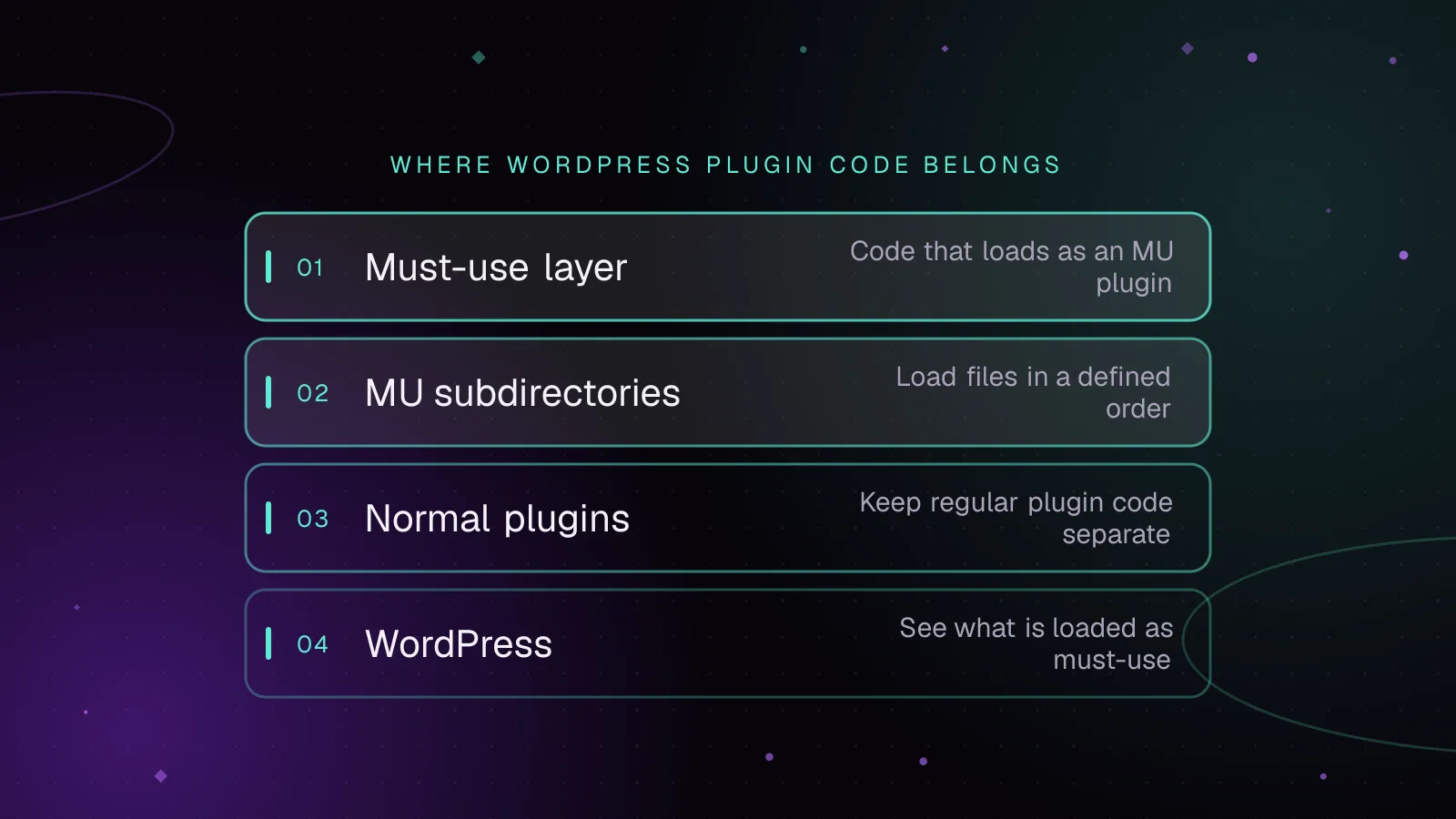
Must-use plugins in WordPress: what belongs there and how to load them
Use WordPress MU plugins safely: choose platform code, control load order, load subdirectories, verify status, and avoid activation and update traps.
- WordPress
- Enterprise
- Plugins
 Enterprise
7 min read
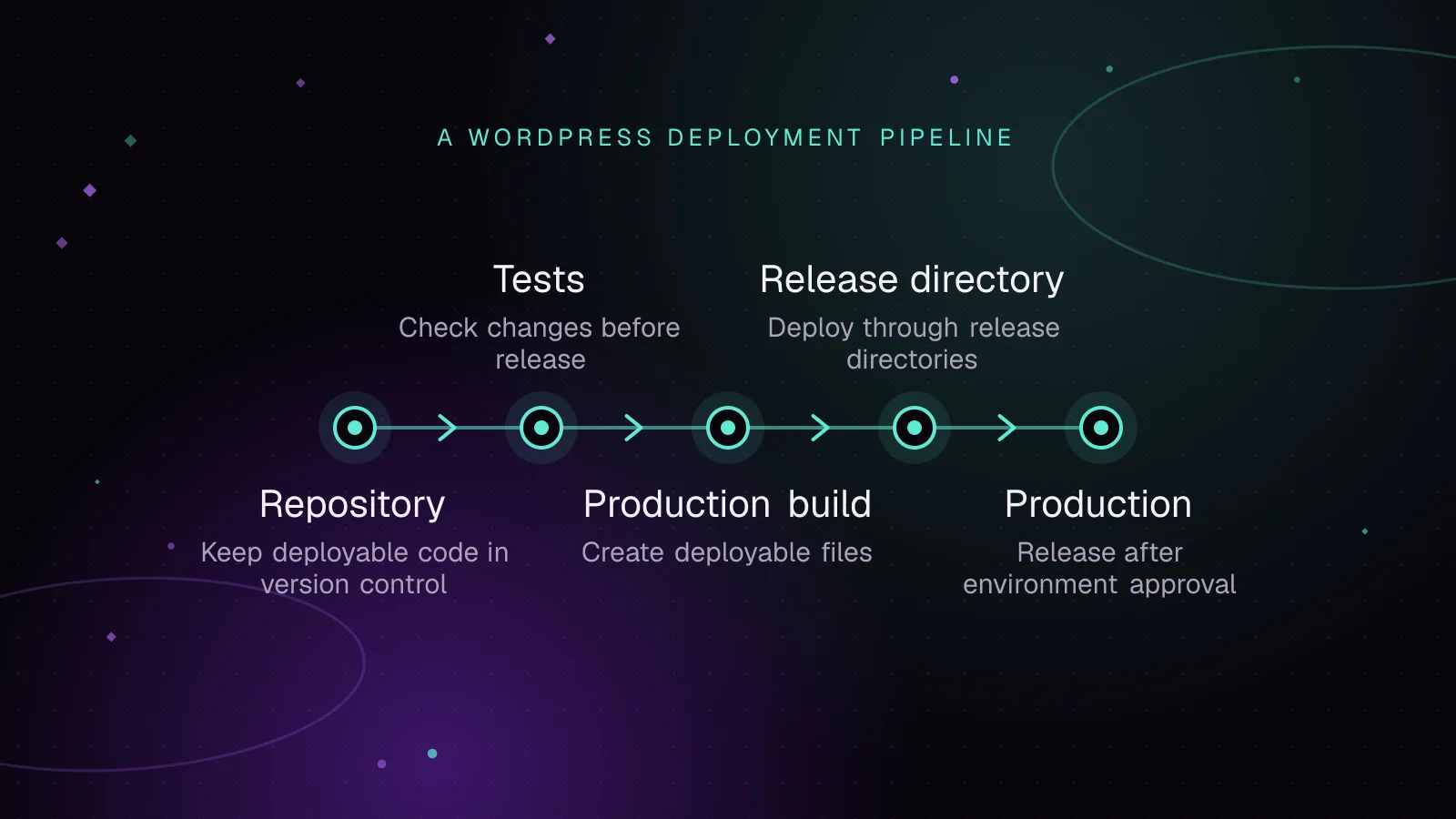
WordPress CI/CD with GitHub Actions: tests, builds and safe deploys
Build a WordPress CI CD GitHub Actions pipeline that tests code, builds assets and Composer dependencies, deploys atomically, and rolls back safely.
- WordPress
- Enterprise
- Automation
 Enterprise
7 min read
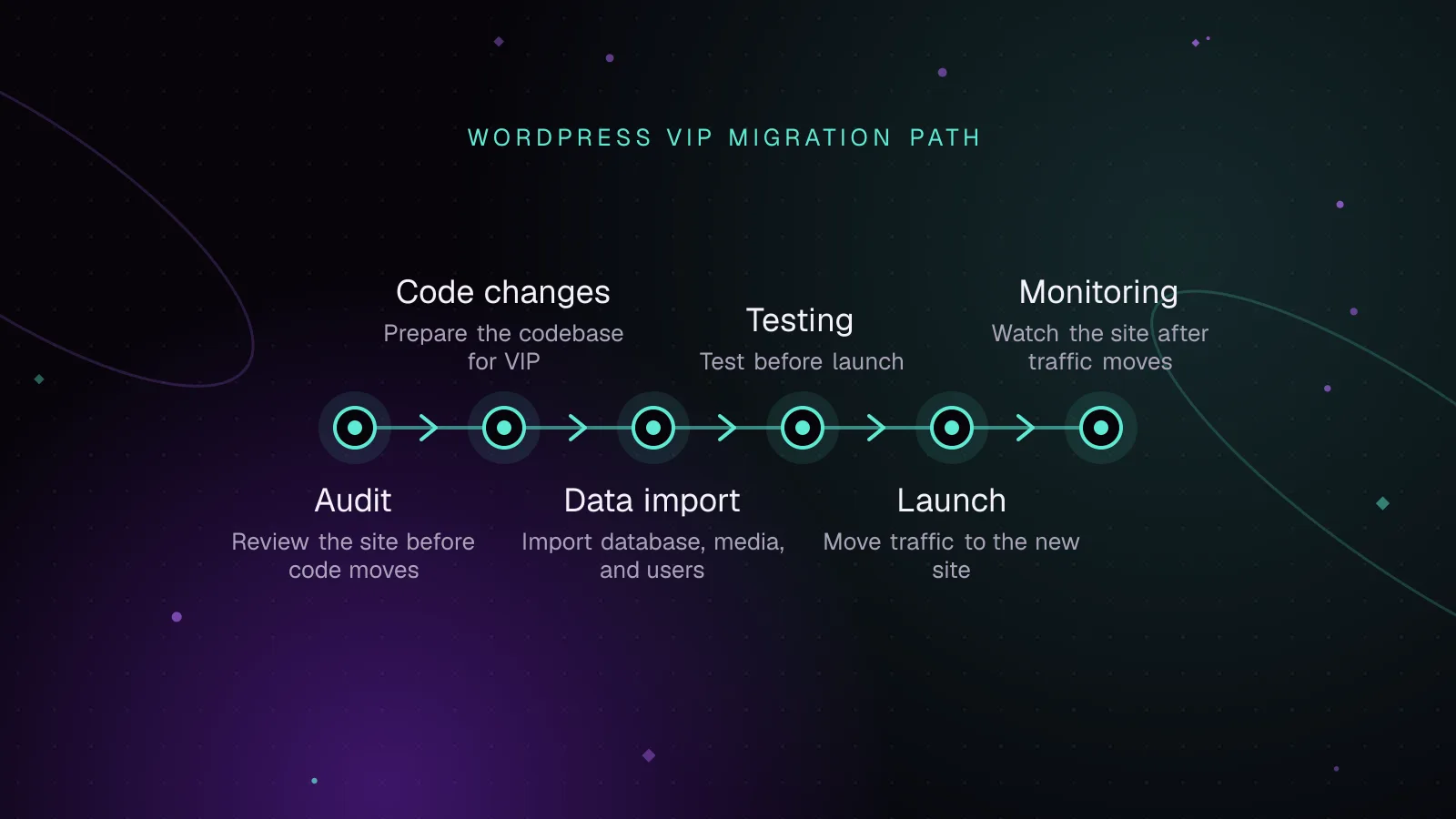
Migrating to WordPress VIP: a technical checklist
Plan a WordPress VIP migration from code audit to imports, testing, DNS launch, rollback, and monitoring with current VIP commands and checks.
- WordPress VIP
- Enterprise
- Migration