Enterprise7 min read
Migrating to WordPress VIP: a technical checklist
Plan a WordPress VIP migration from code audit to imports, testing, DNS launch, rollback, and monitoring with current VIP commands and checks.
 By Hamza Ahmad AslamWordPress VIP, Performance & Full-Stack Engineer
On this page
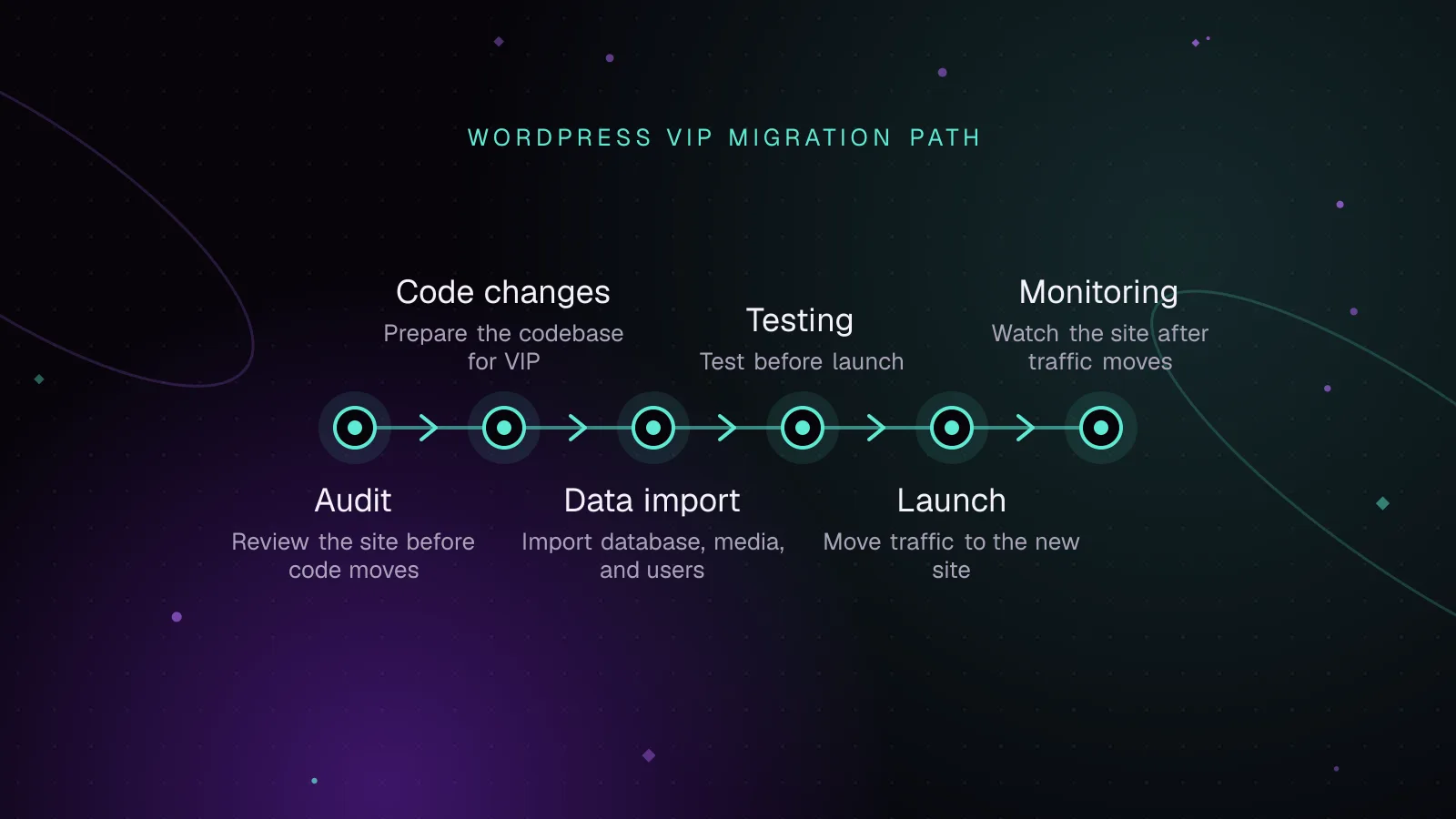
- What should a WordPress VIP migration audit before code moves?
- How should the VIP codebase be laid out?
- Which code changes should happen before the first data import?
- How do you import the database, media, and users?
- What should be tested before launch?
- What should happen on launch day?
- What should be watched after traffic moves?
- What to do next
- Frequently asked questions
Short answer: A WordPress VIP migration is a staged move of code, database content, media, configuration, and launch operations onto VIP's deployment and runtime model. Audit platform incompatibilities first, fit the application into the VIP repository structure, import and test data on VIP, then switch traffic with a documented rollback path.
What should a WordPress VIP migration audit before code moves?
Before you migrate to WordPress VIP, inventory anything that assumes a conventional single-server WordPress host. The biggest blockers are usually code that writes to local disk, duplicate infrastructure plugins, expensive database access, and background jobs built around host-specific cron.
Start with every active, network-active, must-use, and code-activated plugin. Mark why it exists, who owns it, whether it changes storage or caching, and whether VIP already provides the function. VIP supplies a page cache, so page caching or generic server-performance plugins may be redundant or incompatible.
File behavior needs its own pass. VIP web containers are read-only. Media under /wp-content/uploads/ is backed by the VIP File System, while temporary local work belongs in the system temporary directory. Any plugin that writes generated PHP, CSS, exports, lock files, or persistent local state needs review.
Record all custom tables, their schema, indexes, growth pattern, and the queries that hit them. VIP supports custom tables, but migrations should expose missing indexes and table-creation routines before traffic reaches the new platform. Also identify direct SQL tied to an old table prefix or host-specific database behavior.
List every scheduled event and external scheduler. VIP runs WordPress cron events through its Cron Control infrastructure, and the normal /wp-cron.php request path is disabled on VIP. Confirm each recurring job can run through WordPress scheduling rather than a server crontab that will disappear after the move.
How should the VIP codebase be laid out?
A WordPress application repository on VIP is based on the vip-go-skeleton (opens in a new tab). The current VIP documentation lists seven required directories. A practical deploy-oriented tree looks like this:
client-mu-plugins/
images/
languages/
plugins/
private/
themes/
vip-config/
docs/                 # optional
composer.json         # optional
composer.lock         # optional
.phpcs.xml.dist       # optional
themes/ maps to the site's themes, while plugins/ contains regular plugins. Custom code that must load as an MU plugin belongs in client-mu-plugins/. The vip-config/ directory holds application configuration that would commonly live in wp-config.php on another host.
Treat the VIP codebase as deployable application code, not a copy of an old wp-content directory. Remove backup archives, cache directories, generated files, and host control files that are not part of the application. Files outside the supported root structure may not deploy as expected.
Which code changes should happen before the first data import?
Run the VIP PHPCS rules across the entire codebase early, before fixing files one by one. VIP documents the WordPress-VIP-Go standard for local scans. With project-level PHPCS installed, the whole-repository command is:
vendor/bin/phpcs --standard=WordPress-VIP-Go -sp --basepath=. --ignore=vendor .
The flags and standard above follow VIP's current PHPCS scan documentation (opens in a new tab). Treat the first report as an inventory. Fix platform errors first, then review warnings by risk, request frequency, and ownership.
Typical migration changes include removing local filesystem assumptions, replacing redundant cache plugins, and correcting database access that cannot scale safely. Review code that writes on front-end requests, large uncached queries, repeated remote calls, and jobs that attempt too much work inside a normal web request.
For custom tables, keep schema changes repeatable and versioned. VIP's current guidance permits custom tables and recommends WordPress's dbDelta() for table upgrade routines. Check indexes against the actual reads and writes your application performs.
Cron code should schedule named WordPress events and avoid depending on system cron entries from the old host. Test event registration, duplicate prevention, retry behavior, and idempotency. A migration is the wrong time to discover that a publishing feed only runs because an old server has a hidden crontab.
How do you import the database, media, and users?
The VIP import work has two streams: SQL and media. Import SQL into a non-production environment first, validate the result, and repeat the process until it is predictable. Keep the final production import procedure identical except for the target environment and final source data.
VIP-CLI can validate a local SQL file, run search-replace on that local file, and import the result. These commands match the current vip import command reference (opens in a new tab) and vip search-replace documentation (opens in a new tab):
vip import validate-sql migration.sql

vip search-replace migration.sql \
  --search-replace="https://old.example.com,https://example.go-vip.net" \
  --output=migration-vip.sql

vip @example-app.develop import sql migration-vip.sql
Use real source and target domains for the migration. Do not run a blind text replacement with a generic shell tool against a WordPress SQL dump. VIP-CLI's search-replace command exists specifically for a local SQL file and can write a separate output file for review.
A full database import can include WordPress users and user metadata. After import, verify administrator access, editorial roles, multisite membership if applicable, password or SSO flows, and any integration that keys data by user ID. Keep at least one confirmed administrative path available before launch.
Media uses a separate import path. The archive must contain an uploads directory at its top level. VIP-CLI media imports target production, and production media is then shared with associated non-production environments.
vip import validate-files /path/to/uploads

vip @example-app.production import media /path/to/uploads.tgz
Attachment records still live in the database. A file can exist in VIP storage without appearing correctly in the Media Library if the matching attachment data was not migrated. Test representative old and new media URLs after both data and files are in place.
What should be tested before launch?
Use at least one non-production VIP environment for acceptance and performance testing. VIP documents non-production as the place for code testing, and its platform architecture is closer to production than the local development environment for load and cache behavior.
Test the workflows people depend on, not only page rendering. Cover editorial creation and publishing, previews, scheduled posts, media edits, search, feeds, forms, webhooks, SSO, APIs, redirects, email-triggering actions, and any syndication or import process. Include permissions for each editorial role.
Performance tests should include cached and uncached routes, logged-out and authenticated flows, and endpoints that bypass page cache. Watch origin response time, slow queries, PHP errors, page cache hit rate, and object cache hit rate while test traffic runs. A fast cached homepage does not prove an uncached API or editor action is safe.
Use a checklist with an owner and evidence for every gate:
| Phase | Check | Evidence before moving on |
|---|---|---|
| Code audit | Plugin and filesystem review complete | Owners and replacement decisions recorded |
| Code quality | VIP PHPCS scan reviewed | Blocking errors resolved |
| Data | SQL validation and repeat import pass | Content, users, and settings verified |
| Media | Import structure and URLs checked | Representative attachments load |
| Functional QA | Editorial and integration flows pass | Test cases signed off |
| Performance | Cache and origin behavior reviewed | No unexplained errors or regressions |
| Launch | DNS, TLS, redirects, freeze, rollback ready | Named owner for each launch action |
| Post-launch | Logs and user journeys monitored | Issues triaged against launch changes |
What should happen on launch day?
Turn the WordPress VIP migration runbook into a VIP launch checklist with exact owners, commands, domains, and stop conditions. Freeze content on the old site before the final data capture, or define a controlled delta process if a full freeze is impossible. Confirm the final database state before changing traffic.
Verify the production domain is added and verified in VIP before cutover. Point DNS using the values shown in the VIP Dashboard, complete TLS provisioning, and test the final hostname. Keep redirects for retired paths and domain variants separate from the database URL replacement so each can be checked independently.
The rollback plan must distinguish code, data, and traffic. Code on VIP deploys from the branch an environment tracks, so reverting code means deploying an earlier commit to that branch. That does not undo database changes, imported content, or DNS updates. Define what condition stops the launch, which DNS state you can restore, which data snapshot is authoritative, and who can make each change.
During cutover, test the public site, WP Admin, authentication, publishing, forms, feeds, redirects, APIs, and key third-party callbacks from the production hostname. Avoid making unrelated feature changes during the same window. That keeps failures attributable to the migration steps you just performed.
What should be watched after traffic moves?
Start with runtime errors and request behavior. Review VIP Runtime Logs, deployment events, slow queries, New Relic traces if enabled, and the Insights & Metrics panels for origin response codes and response time. Compare new errors with the exact deployment and launch timestamps.
Watch both page cache and object cache hit rates. A cache drop can expose slow origin code that was hidden during acceptance testing. Investigate routes, cookies, query parameters, sessions, or application changes that cause avoidable cache bypasses before traffic pressure turns them into availability problems.
Track user-facing performance as well as server metrics. Monitor field Core Web Vitals (opens in a new tab) for LCP, INP, and CLS, and correlate regressions with templates, assets, third-party scripts, and backend response changes. Keep editorial feedback in the same launch triage process because admin regressions will not appear in public page metrics.
What to do next
Before moving code, compare the migration findings against the WordPress VIP development guide and the high-traffic WordPress architecture guide. Use those reviews to turn each incompatibility into a code, data, or infrastructure task with an owner.
For implementation support, use the WordPress VIP development service. After launch, put the site into the same operational cadence described in the guide to monitoring WordPress sites, with errors, cache behavior, and user-facing performance reviewed together.
Frequently asked questions
Can every existing WordPress plugin be moved to WordPress VIP?
No. Plugins that depend on local filesystem writes, duplicate VIP caching, or assume host-level services may need configuration changes, replacement, or removal. Review each plugin by function and runtime behavior before it enters the VIP repository.
Can I import media directly into a VIP develop environment?
VIP-CLI media imports target the production environment. Media imported to production is shared with associated non-production environments, while Media Library records still depend on the corresponding database attachment data. Plan database and media migration as linked steps.
How should URLs be changed during a WordPress VIP migration?
Use vip search-replace on the SQL file before importing it, rather than using a generic text replacement tool. The command supports --output, so you can write the changed database dump to a separate file and review it before import.
What usually blocks a WordPress VIP launch?
Common blockers are platform-incompatible file writes, unresolved PHPCS findings, missing data or media, broken authentication or integrations, and incomplete DNS or TLS preparation. A launch should also stop if the team cannot state how code, data, and traffic will be recovered after a failed cutover.
Share this article
Enjoyed this? Get the next article by email.
Keep reading
 Enterprise
7 min read
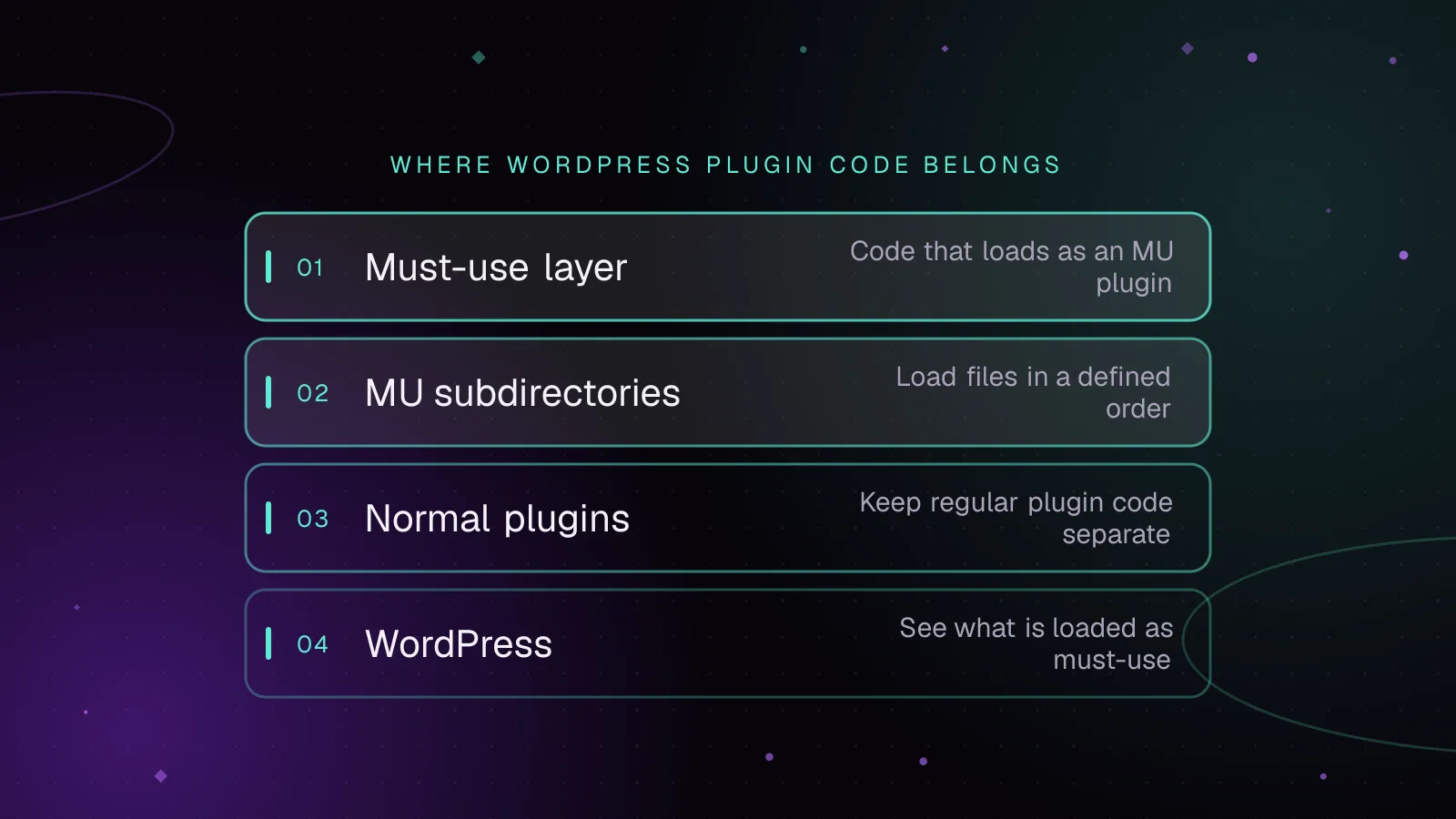
Must-use plugins in WordPress: what belongs there and how to load them
Use WordPress MU plugins safely: choose platform code, control load order, load subdirectories, verify status, and avoid activation and update traps.
- WordPress
- Enterprise
- Plugins
 Enterprise
7 min read
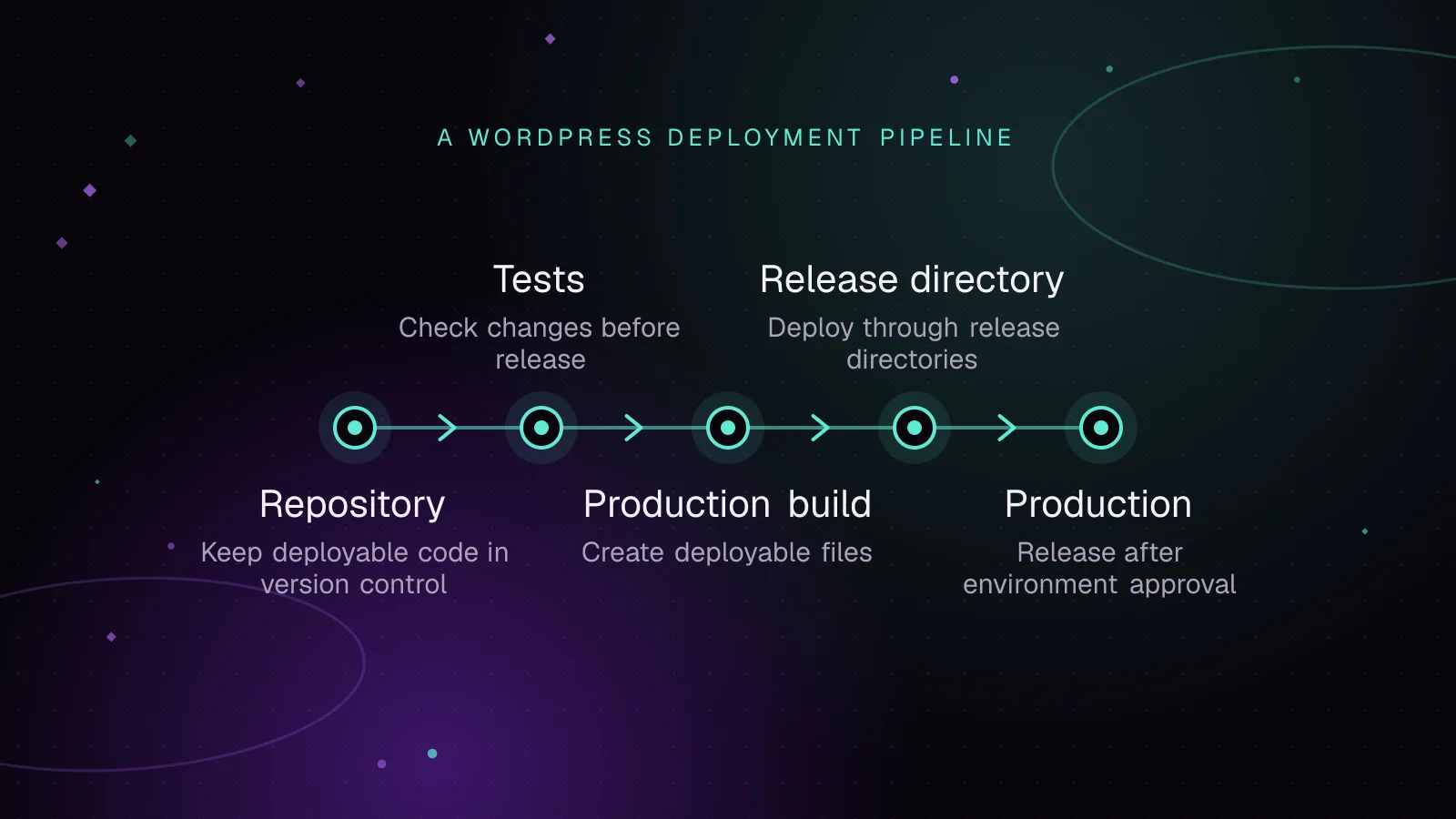
WordPress CI/CD with GitHub Actions: tests, builds and safe deploys
Build a WordPress CI CD GitHub Actions pipeline that tests code, builds assets and Composer dependencies, deploys atomically, and rolls back safely.
- WordPress
- Enterprise
- Automation
 Enterprise
9 min read
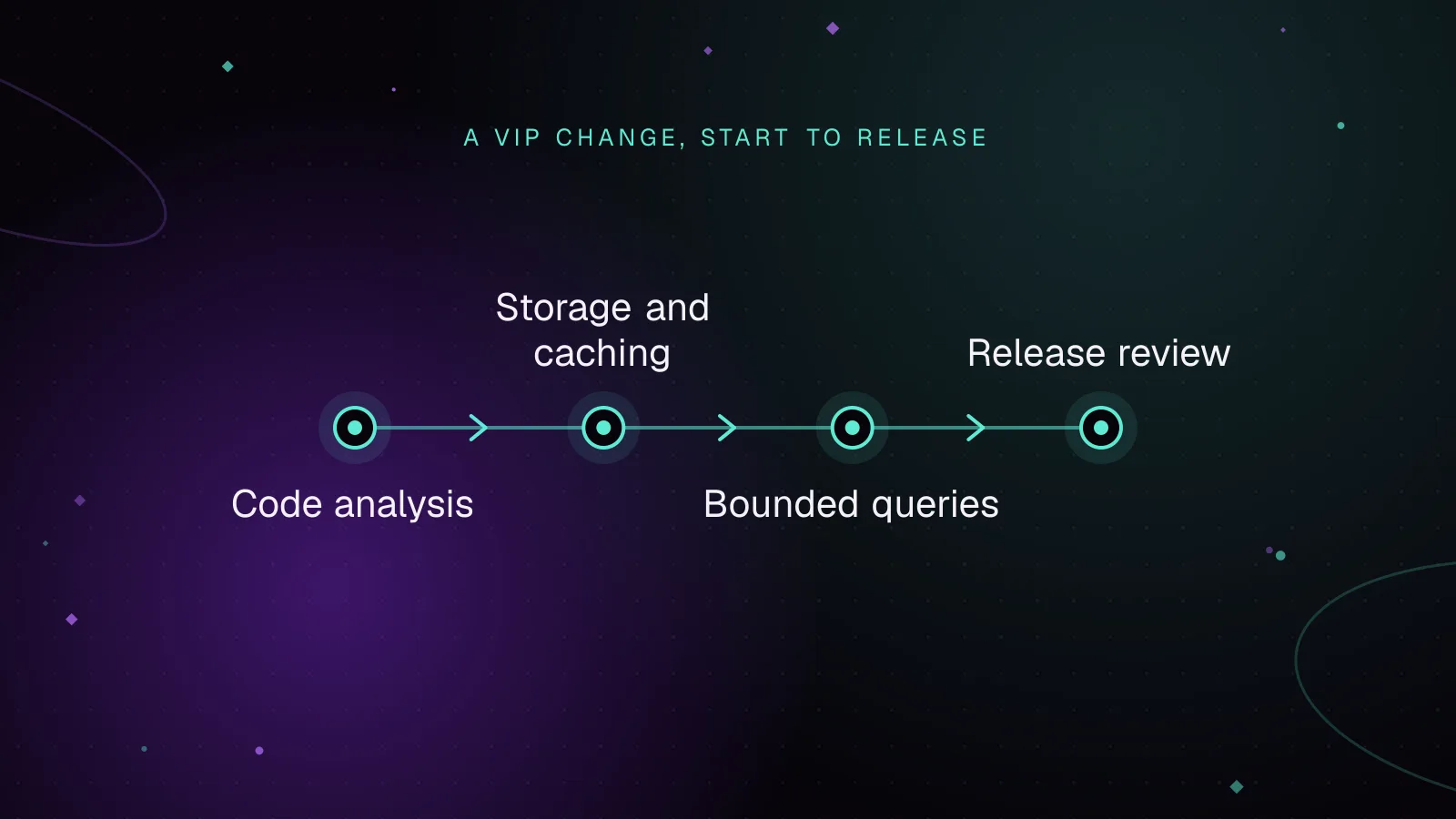
WordPress VIP development: code review, caching and releases
WordPress VIP development guide to pass code review, write cache-safe queries, use VIP-CLI, deploy changes, and verify releases with logs and cache checks.
- WordPress VIP
- Enterprise
- Code Quality