Development8 min read
AI vs rule based automation: when a small business needs AI
Use an AI vs rule based automation test on the same inquiries, compare disagreements and error costs, then choose rules, AI or manual review.
 By Hamza Ahmad AslamWordPress VIP, Performance & Full-Stack Engineer
On this page
- AI vs rule based automation starts with the input
- Use a deterministic baseline before testing AI
- Test the same labeled inquiries both ways
- Give the classifier a closed output shape
- Record disagreements instead of arguing from examples
- Let error cost decide where a person stays involved
- Choose manual, rules, AI or a hybrid from the evidence
- Know what this sample cannot prove
- Build the smallest next step on WordPress
- Frequently asked questions
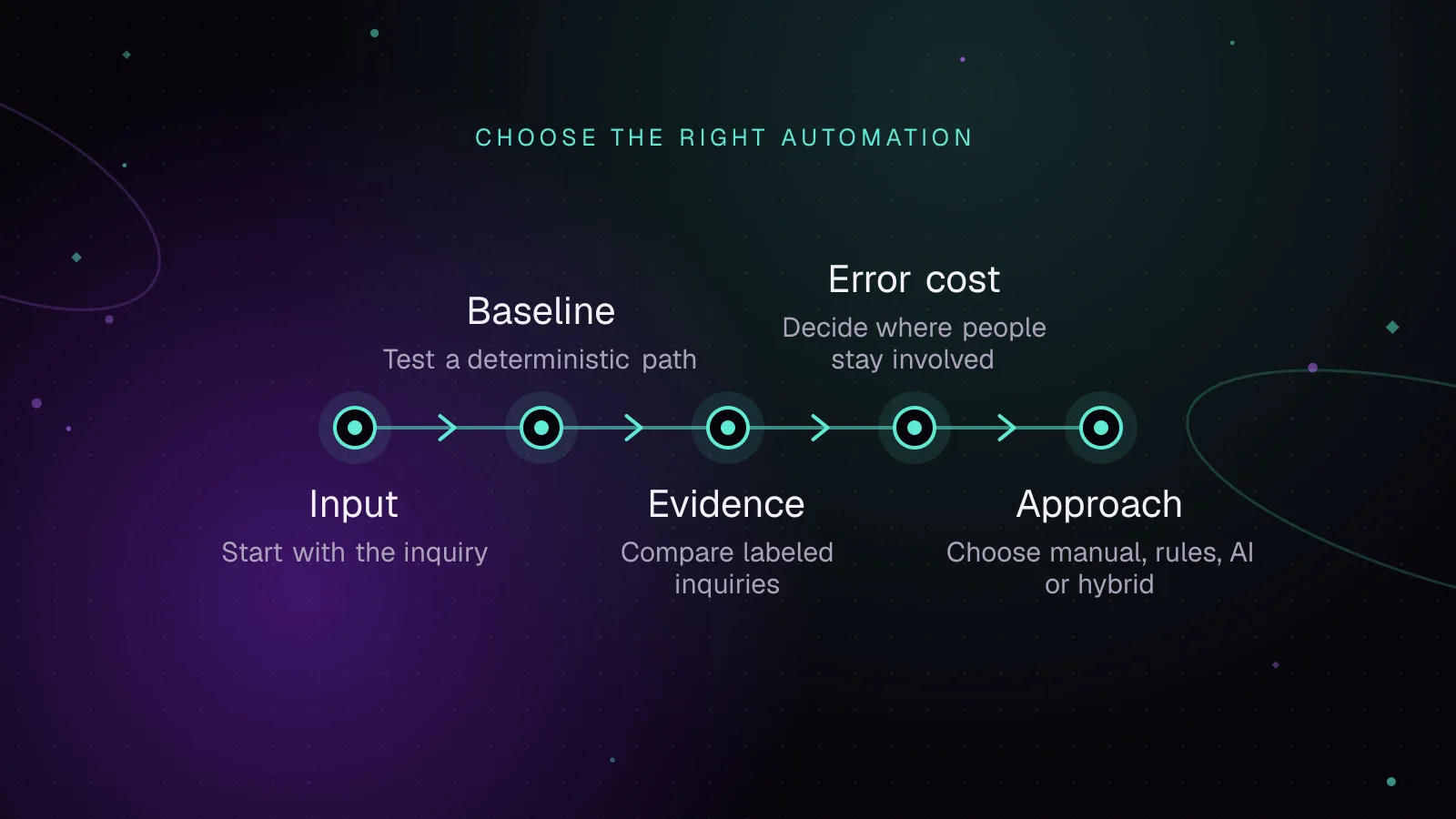
For AI vs rule based automation, use rules when the correct action follows fixed inputs, use AI when the task depends on meaning in messy text, and keep a person involved when a wrong action is costly or hard to reverse. Do not decide from a product label. Run both approaches on the same labeled cases, compare where they disagree, and choose the smallest system that handles the task safely.
AI vs rule based automation starts with the input
Start with one business decision, such as routing a website inquiry to sales, support or billing. Do not judge an entire department as an “AI task.”
Fixed fields favor rules. A country code, product ID, account status, checkbox or selected service can map to a known action. If the business can write the correct mapping before the automation runs, a rule gives you a clear baseline.
Free text changes the problem. “I was charged twice” is easy to classify. “Can you fix the checkout issue and quote a rebuild?” contains two intents. A keyword rule can see “fix” while a person may treat the request as a sales inquiry.
If you are still deciding which business process is a useful automation candidate, start with the broader small-business AI automation decision. This page assumes you already have one task and need to choose its handling method.
The rules based automation vs AI choice gets clearer when you separate three questions:
| Task property | Rule-based start | AI candidate | Manual or review start |
|---|---|---|---|
| Input | Fixed fields or stable codes | Free text with varied wording | Missing context or conflicting facts |
| Correct answer | Can be written as a stable mapping | Requires interpretation | People cannot label it consistently yet |
| Wrong-action cost | Low and reversible | Low or reviewable | High, external or hard to undo |
| Testing | Expected result is exact | Compare against labeled examples | Record why a person had to decide |
Use a deterministic baseline before testing AI
Deterministic means the same input and the same rule version produce the same result. That gives you something concrete to compare with an AI classifier.
For one inquiry-routing task, write the smallest rule set that a developer could implement without a model. The following rule names, keywords, order and routes are illustrative.
- Illustrative rule 1: if the message contains
refund,chargedorinvoice, route tobilling. - Illustrative rule 2: otherwise, if it contains
error,broken,loginorlog in, route tosupport. - Illustrative rule 3: otherwise, if it contains
quote,pricingorproposal, route tosales. - Illustrative rule 4: otherwise, route to
manual_review.
The order matters. An illustrative message containing both “broken” and “quote” reaches the support rule first. Keep that behavior fixed while you test, or you will be comparing a moving baseline with a moving model.
A deterministic vs AI automation test is useful only when both methods receive the same cases and are judged against the same labels.
Test the same labeled inquiries both ways
Create labels before you look at either system’s answer. The label is the route a person says is correct under your written business policy.
The illustrative sample below is deliberately small and deliberately includes ambiguous wording. It is a test design, not a benchmark. Every row, message, route and expected result is illustrative.
| Illustrative row | Illustrative message | Human label, illustrative | Rule result, expected | AI result, expected if it follows main intent |
|---|---|---|---|---|
| Illustrative row 1 | “Please send a quote for a WordPress site.” | sales | sales | sales |
| Illustrative row 2 | “I was charged twice for an invoice. Please help.” | billing | billing | billing |
| Illustrative row 3 | “I cannot log in after resetting my password.” | support | support | support |
| Illustrative row 4 | “Your checkout is broken and I need a quote to fix it.” | sales | support | sales |
| Illustrative row 5 | “I need pricing, but first can you fix the error on my current site?” | support | support | support |
| Illustrative row 6 | “Please do not refund anything. I only need a copy of the invoice.” | billing | billing | billing |
| Illustrative row 7 | “Can you help with the thing we discussed yesterday?” | manual_review | manual_review | manual_review |
| Illustrative row 8 | “Our proposal form shows an error after submit. Can you rebuild it?” | sales | support | sales |
Illustrative rows 4 and 8 are expected disagreements. They expose one known weakness in the illustrative rule order: support keywords appear inside a sales request. They do not prove that an AI classifier will get those rows right.
Give the classifier a closed output shape
Ask the classifier for a route, a short reason and a review flag. Do not let it invent new route names.
The following illustrative schema uses JSON Schema Draft 2020-12. The JSON Schema object reference (opens in a new tab) documents properties, required and additionalProperties, while the enum reference (opens in a new tab) defines a fixed set of allowed values.
{
  "$schema": "https://json-schema.org/draft/2020-12/schema",
  "type": "object",
  "properties": {
    "route": {
      "type": "string",
      "enum": ["sales", "support", "billing", "manual_review"]
    },
    "reason": {
      "type": "string"
    },
    "needs_review": {
      "type": "boolean"
    }
  },
  "required": ["route", "reason", "needs_review"],
  "additionalProperties": false
}
Keep the prompt fixed for the whole test. Tell the model what each route means. Tell it to choose manual_review when the message lacks enough information. Save the model name and prompt with the results so a later rerun is comparable.
Record disagreements instead of arguing from examples
Copy this worksheet and fill it with your own labeled inquiries. Do not replace a representative set with hand-picked easy cases.
| Measure | Formula | What it tells you |
|---|---|---|
| Rule accuracy | rule-correct rows / total labeled rows | How far fixed logic gets on its own |
| AI accuracy | AI-correct rows / total labeled rows | Whether text interpretation adds useful signal |
| Disagreement rate | rows where rule route != AI route / total labeled rows | How often the choice of method changes the route |
| High-cost wrong decisions | count(wrong rows where error cost = high) | Which errors need a stop or person |
| Review rate | reviewed rows / total labeled rows | How much work still reaches a person |
For the illustrative eight-row sample, the illustrative expected rule disagreement count with the human labels is 2 / 8. Do not use that sample number as a target. Your own labeled set is what matters.
Let error cost decide where a person stays involved
Accuracy alone can hide the error that matters most. Sending a low-value inquiry to the wrong internal queue is different from sending money, deleting data or making a customer commitment.
Write the consequence beside each label before you automate the action. Use plain categories such as low, medium and high. Define them for your business.
The NIST AI Risk Management Framework (opens in a new tab) is voluntary and is intended to bring trustworthiness into the design, use and evaluation of AI systems. For this small task, the useful habit is simple: judge the model by the harm of its errors, not only by its average score.
If an AI step can trigger an external or hard-to-reverse action, put approval between classification and execution. n8n documents human review for AI Agent tools (opens in a new tab), including approval before sending communications, modifying records, deleting data or making purchases.
That pattern also answers when to use AI automation for uncertain text: let AI interpret, let rules enforce fixed constraints, and let a person decide where the consequence is too high.
I built Sense Check as an example of that split, where fixed rules settle what is certain, an AI model judges the rest, and anything the model is unsure about goes to a person.
Choose manual, rules, AI or a hybrid from the evidence
Do not turn “does this task need AI” into a yes-or-no debate. Use the test results to pick the smallest method that meets the business need.
| Evidence from your test | Starting choice |
|---|---|
| Fixed fields determine the right route and exceptions are rare | Rule-based automation |
| Free text changes the correct route, and the classifier improves those cases without unacceptable errors | AI classification inside a fixed workflow |
| Rules handle clear cases, while text interpretation helps only on ambiguous cases | Hybrid: rules first, AI second |
| The team cannot agree on labels, or wrong actions have high consequences | Manual handling until the policy or review path is clear |
| AI and rules disagree often, but neither matches human labels reliably | Keep the task manual and improve the labels, inputs or policy |
This is also the useful way to frame AI or traditional automation. You are choosing where interpretation belongs, not buying a technology category for the whole workflow.
Know what this sample cannot prove
The illustrative sample is too small to support a performance claim. It is also constructed around three illustrative route types and a manual fallback. Your inquiry mix may be different.
A useful test set should include ordinary cases, rare wording, incomplete messages and the mistakes that would cost you most. Keep the human label separate from the rule and model outputs.
Do not infer production quality from one prompt run. Model behavior can change when you change the prompt, model, context or surrounding workflow. Rerun the same labeled set after any material change.
The sample also tests classification only. It does not test reply writing, lead scoring, outbound messaging, data retention or an agent that chooses many tools.
Build the smallest next step on WordPress
Start by exporting a set of past form messages that you are allowed to use, remove data you do not need, and label each message under one written routing policy. Run the deterministic baseline and classifier against the same rows, then review every disagreement and every high-cost error.
If the result belongs in a WordPress form, plugin or internal admin workflow, custom WordPress development can keep the fixed rules, AI call and review queue as separate parts. That separation makes each decision easier to test and change.
Frequently asked questions
Are AI agents better than automation?
AI agents and fixed automation solve different jobs. An agent can choose among tools and actions, while a rule-based workflow follows logic you define ahead of time. For one routing decision, an agent adds autonomy that the task may not need.
Why do small businesses think they need AI for their business?
There is no single reason. A business may reach for AI because a task contains messy text, because a vendor presents AI as the default, or because the current manual process feels slow. Those are reasons to test the task, not proof that a model is required.
Am I the only one who thinks we're overusing AI for simple tasks?
No. A simple task with fixed inputs and stable rules can often be handled with ordinary automation. AI earns its place when interpretation improves a measurable decision that rules cannot express cleanly.
What is one AI agent workflow that looked useful but turned out to be a bad idea?
One illustrative bad candidate is an agent that reads an inquiry and immediately sends a customer commitment, changes records or spends money. The safer design keeps interpretation separate and puts approval before the high-impact action. This is an illustrative design case, not a measured client result.
How this article was made: drafted with AI assistance from a researched brief, then checked against primary documentation before publishing.
Share this article
Enjoyed this? Get the next article by email.
Keep reading
 Development
4 min read
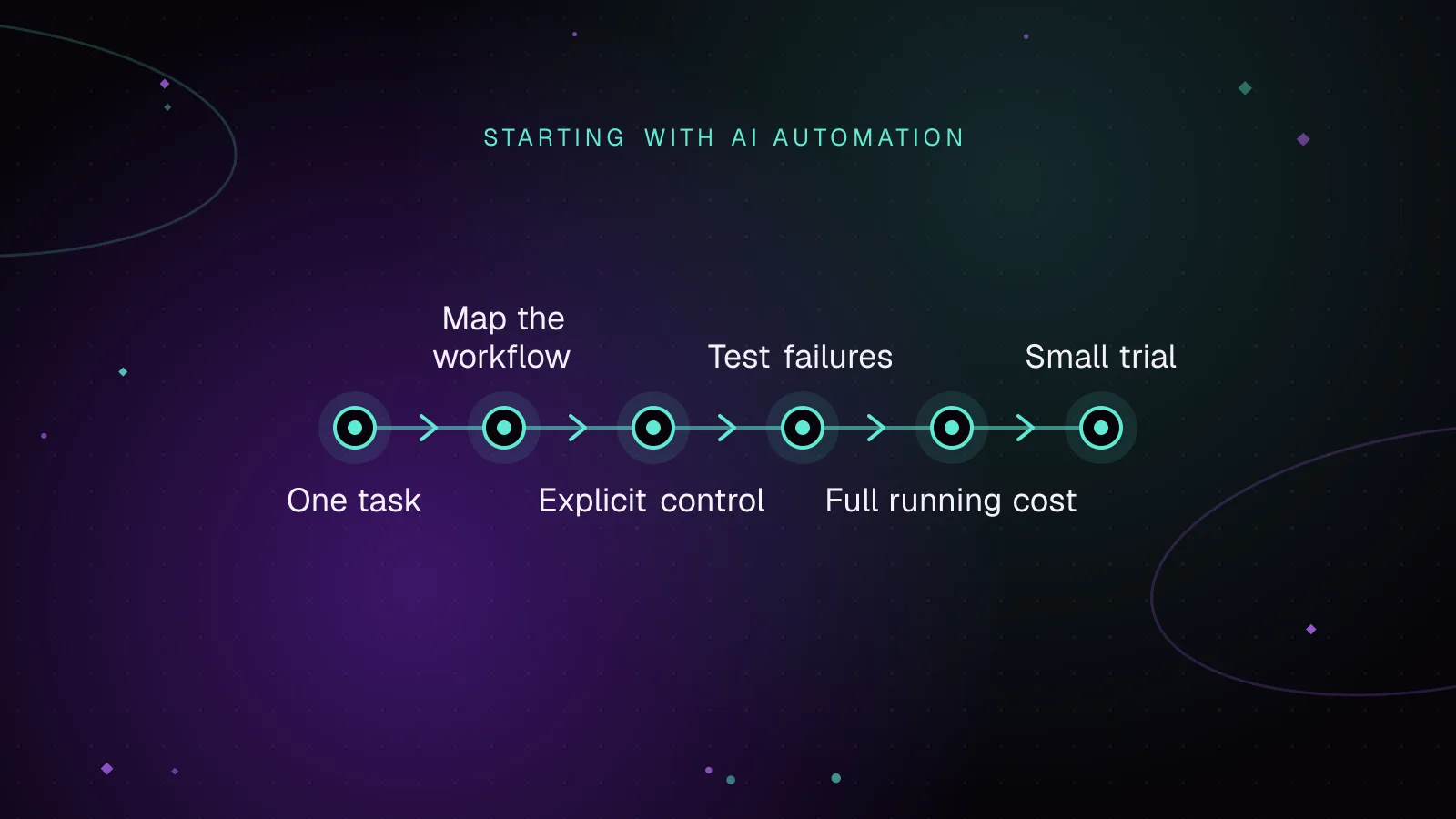
AI automation for small businesses: where to start
AI automation for small businesses is most useful when it handles a repeatable step that someone can check. Start with one workflow, such as sorting incoming enquiries or drafting a reply for review. Decide who owns the result, how mistakes will be caught and what happens when a connection fails.
- Automation
- Web Development
- Small Business
 Development
7 min read
End-to-end WordPress Playwright testing for editor, admin and checkout
WordPress Playwright testing lets a browser verify the editor, wp-admin, and checkout paths that a release depends on. Run those flows against wp-env, reuse a saved admin session, keep test data fixed, and save traces and screenshots when CI fails.
- WordPress
- Testing
- JavaScript
 Development
6 min read
How to write a custom WP-CLI command for your plugin
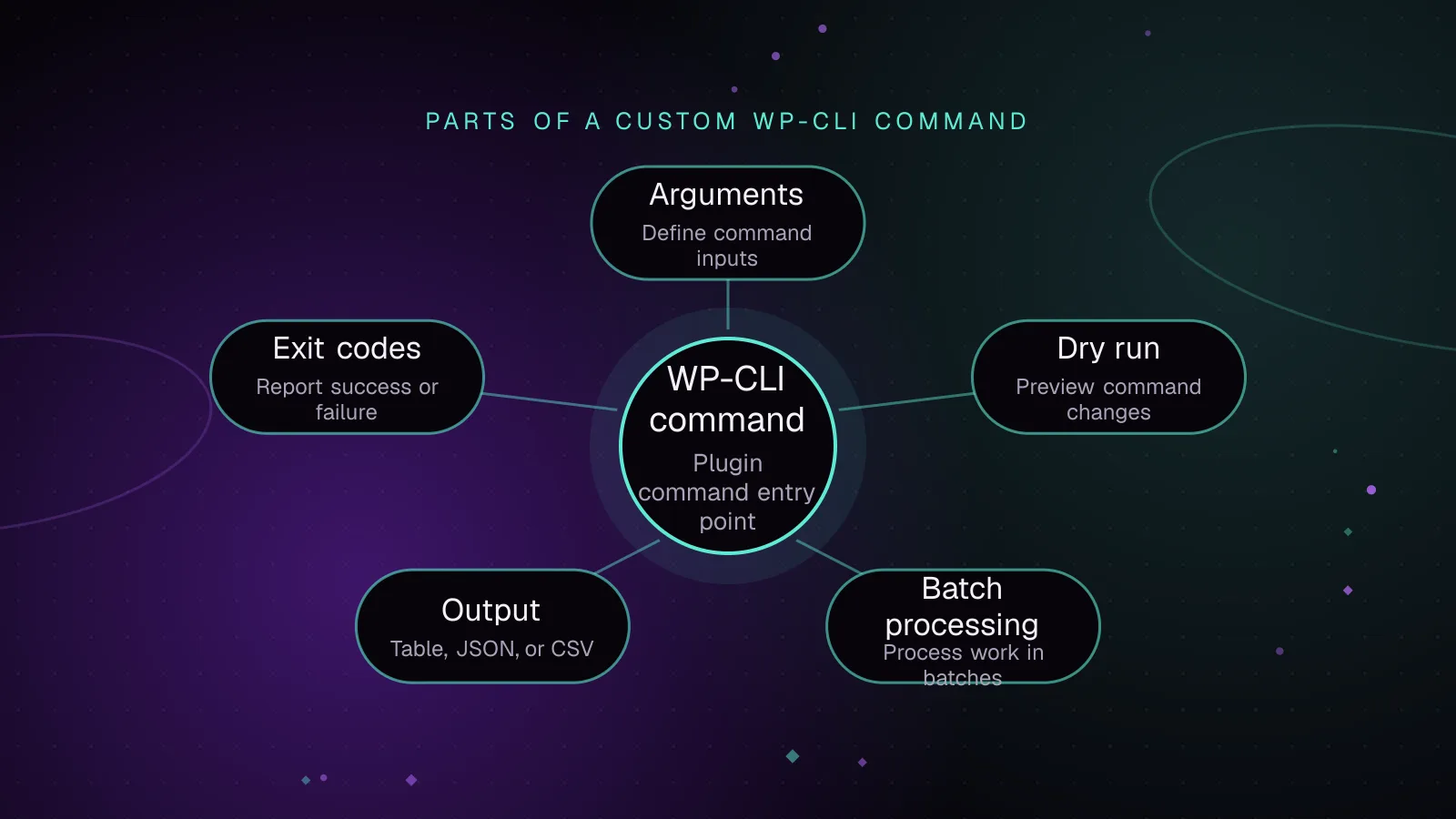
A WP CLI custom command belongs in your plugin when a maintenance or data task needs a repeatable command-line interface. Register a command class only when WP-CLI is running, describe its arguments in PHPDoc, then add dry-run handling, bounded batches, machine-readable output and exit codes.
- WP-CLI
- WordPress
- Plugins