Development8 min read
AI automation cost for small business: a workflow worksheet
Estimate AI automation cost for a small business with a worksheet covering setup, retries, review, maintenance, accepted results and break-even.
 By Hamza Ahmad AslamAI & WordPress Developer | Speed Optimization & Site Security
On this page
- What goes into AI automation cost for a small business
- Use billing units that match the provider
- Copy this workflow cost worksheet
- Three illustrative scenarios
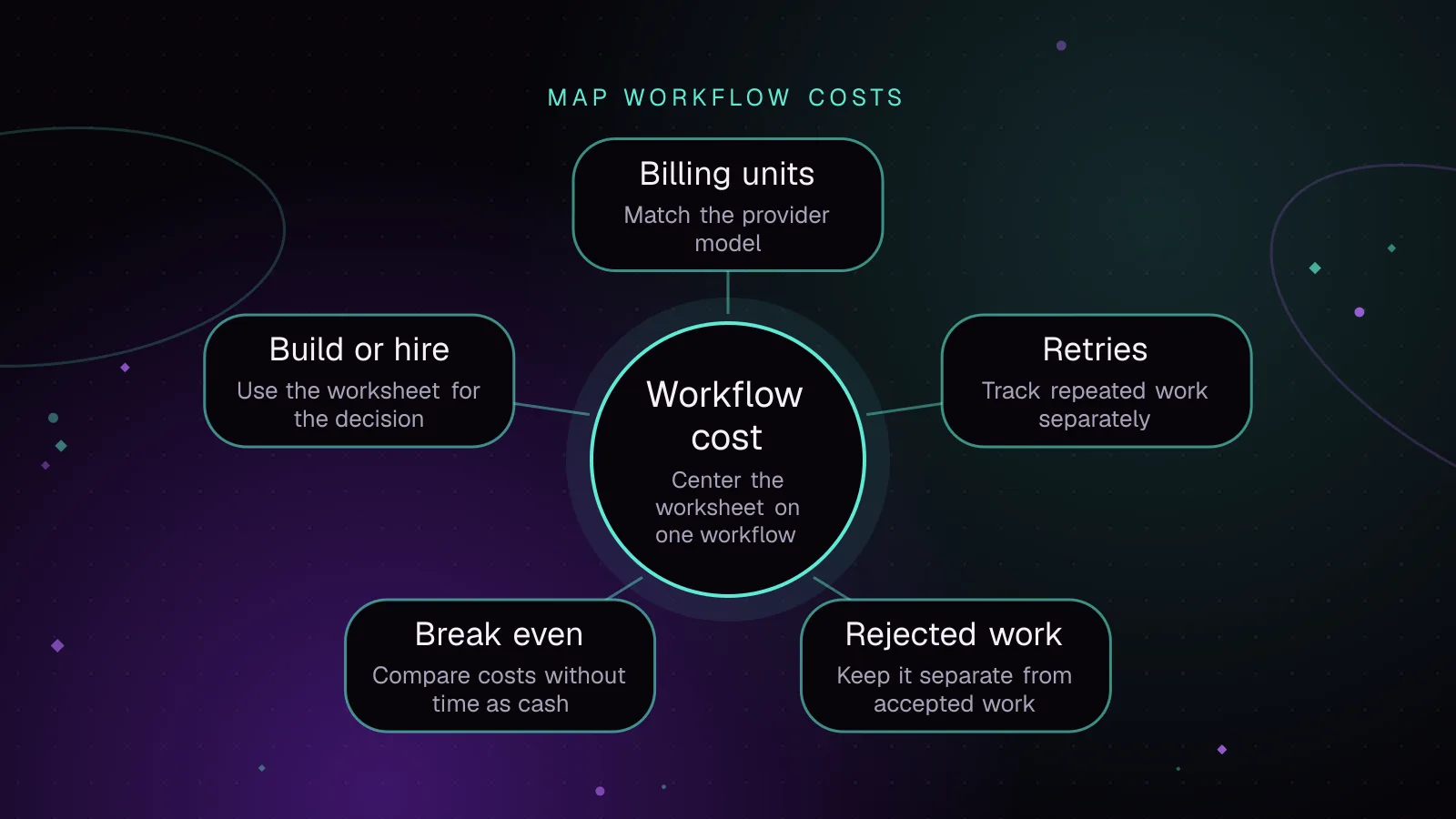
- Treat retries and rejected work as separate costs
- Calculate AI automation break-even without counting time as cash
- Check what may cost more than expected
- Decide whether to build it yourself or hire someone
- Use the worksheet for one next decision
- Frequently asked questions
To estimate AI automation cost for a small business, price one workflow in four layers: setup, recurring cash charges, usage and retries, and staff time for review and maintenance. Then divide the full monthly operating cost by accepted results and compare it with the manual cost of the same volume. If monthly savings are zero or negative, there is no break-even period to calculate.
What goes into AI automation cost for a small business
Keep cash expense and the value of time separate. A $40 software bill leaves your bank account. Two staff hours spent checking outputs may not, but those hours still have a business value.
Start with one workflow and one unit of work, such as one document, order note or report. Do not price an entire “AI system” as one lump.
Use these inputs:
| Input | What to enter |
|---|---|
| Monthly items | How many business items enter the workflow each month |
| Planning months | How many months the total-cost estimate should cover |
| Manual minutes per item | Time needed to finish one item without automation |
| Hourly time value | The internal value you assign to the person doing that work |
| Setup cash | Developer, contractor, migration or initial software charges |
| Internal setup hours | Staff time spent scoping, testing, training and approving the setup |
| Fixed monthly cash | Subscriptions, hosting and fixed support fees |
| Variable cash per attempt | AI/API charges and metered automation charges for one processing attempt |
| Retry rate | Extra attempts as a share of primary items |
| Accepted-result rate | Share of primary items that pass review and can be used |
| Review minutes per item | Human checking time for each primary item |
| Fallback minutes per rejected item | Time needed to finish an item manually after rejection |
| Maintenance hours per month | Time spent checking failures, updating prompts, credentials or integrations |
The setup cash figure is your AI automation setup cost. Fixed subscriptions, variable usage and paid support make up most of the recurring cash side of AI automation monthly cost. Internal review and maintenance belong in a separate time column so you do not mistake an opportunity-cost estimate for cash saved.
Use billing units that match the provider
Do not assume one customer item equals one billable unit. Normalize every provider charge into a cost per attempt before placing it in the worksheet.
The n8n documentation defines an execution as a single workflow run (opens in a new tab). Make uses credits as its billing unit, and its credits guide explains that AI features can consume credits differently depending on the connection type (opens in a new tab). OpenAI lists model usage in token-based prices on its API pricing page (opens in a new tab).
For each provider, calculate:
provider cost per attempt = expected billable units per attempt × current price per unit
If a subscription already includes usage, keep that allowance in fixed monthly cash and add variable cash only for incremental charges. Do not count the same usage twice.
If a workflow makes two model calls, triggers several paid modules or retries a failed call, include those units. Use the provider’s current pricing page when you fill the sheet. Provider pricing was checked on September 24, 2026, but the sample values below stay provider-neutral because list prices and metering rules can change.
Copy this workflow cost worksheet
The formulas below work as a small AI workflow cost calculator. In a spreadsheet, enter 10% as 0.10 if the formula expects a decimal. They use one simplifying retry assumption: a 10% retry rate means ten extra attempts for every 100 primary items. If an item can retry more than once, replace the retry formula with your expected total attempts.
manual_baseline =
  monthly_items × manual_minutes_per_item ÷ 60 × hourly_time_value

setup_time_value =
  internal_setup_hours × hourly_time_value

setup_investment =
  setup_cash + setup_time_value

attempts =
  monthly_items × (1 + retry_rate)

variable_cash =
  attempts × variable_cash_per_attempt

monthly_cash =
  fixed_monthly_cash + variable_cash

accepted_results =
  monthly_items × accepted_result_rate

review_time_value =
  monthly_items × review_minutes_per_item ÷ 60 × hourly_time_value

fallback_time_value =
  (monthly_items - accepted_results)
  × fallback_minutes_per_rejected_item ÷ 60
  × hourly_time_value

maintenance_time_value =
  maintenance_hours_per_month × hourly_time_value

monthly_time_value =
  review_time_value + fallback_time_value + maintenance_time_value

full_monthly_operating_cost =
  monthly_cash + monthly_time_value

cash_cost_per_accepted_result =
  monthly_cash ÷ accepted_results

full_cost_per_accepted_result =
  full_monthly_operating_cost ÷ accepted_results

cash_cost_over_period =
  setup_cash + (planning_months × monthly_cash)

full_cost_over_period =
  setup_investment + (planning_months × full_monthly_operating_cost)

full_cost_per_accepted_result_over_period =
  full_cost_over_period ÷ (planning_months × accepted_results)

net_monthly_savings =
  manual_baseline - full_monthly_operating_cost

break_even_months =
  setup_investment ÷ net_monthly_savings
  only when net_monthly_savings > 0
“Accepted result” should mean a result your business can use without more corrective work. A draft that still needs a manual rewrite is not accepted for this calculation. If accepted results are zero, stop: cost per accepted result is undefined.
Human review is a cost line, not a rounding error. n8n, for example, documents a human review step for AI tool actions (opens in a new tab). For workflows with more risk, reserve time for review and monitoring explicitly. NIST describes its AI Risk Management Framework (opens in a new tab) as voluntary guidance for managing AI risk across the design, development, use and evaluation of AI systems.
Three illustrative scenarios
Every name, number, rate and result in the next two tables is illustrative. Replace all of them with your own workflow data and current vendor charges.
| Illustrative input | Scenario A: high-volume document summary | Scenario B: moderate-volume internal note draft | Scenario C: low-volume report summary |
|---|---|---|---|
| Monthly items | 600 | 120 | 20 |
| Manual minutes per item | 6 | 12 | 10 |
| Hourly time value | $30 | $35 | $40 |
| Setup cash | $2,400 | $1,800 | $1,200 |
| Internal setup hours | 8 | 6 | 5 |
| Fixed monthly cash | $40 | $30 | $25 |
| Variable cash per attempt | $0.08 | $0.12 | $0.20 |
| Retry rate | 10% | 20% | 25% |
| Accepted-result rate | 92% | 85% | 80% |
| Review minutes per item | 1 | 3 | 6 |
| Fallback minutes per rejected item | 2 | 5 | 10 |
| Maintenance hours per month | 2 | 1.5 | 1 |
Applying the worksheet formulas gives these illustrative planning results:
| Illustrative result | Scenario A | Scenario B | Scenario C |
|---|---|---|---|
| Manual baseline | $1,800.00 | $840.00 | $133.33 |
| Setup time value | $240.00 | $210.00 | $200.00 |
| Setup investment | $2,640.00 | $2,010.00 | $1,400.00 |
| Attempts after retries | 660 | 144 | 25 |
| Monthly cash expense | $92.80 | $47.28 | $30.00 |
| Monthly review, fallback and maintenance time value | $408.00 | $315.00 | $146.67 |
| Full monthly operating cost | $500.80 | $362.28 | $176.67 |
| Accepted results | 552 | 102 | 16 |
| Cash cost per accepted result | $0.17 | $0.46 | $1.88 |
| Full cost per accepted result | $0.91 | $3.55 | $11.04 |
| Net monthly savings | $1,299.20 | $477.72 | -$43.33 |
| Break-even on setup investment | 2.03 months | 4.21 months | No break-even |
Scenario C is the check many small business AI automation pricing pages skip. Its software cash cost looks small, yet low volume, review time, fallback work and maintenance push the full operating cost above the manual baseline. Its monthly savings are negative before setup cost is even counted. Under these illustrative assumptions, the $1,400 setup investment is never recovered, so there is no break-even period.
Scenario A also shows why cost per accepted result matters. Dividing monthly cash by all attempted items would make the workflow look cheaper than it is. Accepted-result cost includes the outputs that survive the workflow’s quality gate.
Treat retries and rejected work as separate costs
A retry is another processing attempt. A rejection is a business result you still cannot use. They affect different parts of the sheet.
Retries raise API or platform usage. Rejections raise fallback labor and reduce the number of accepted results that share the monthly cost.
Do not hide review inside the acceptance rate. If every result needs two minutes of checking, charge those two minutes to every primary item. If rejected results need manual completion, add that time separately.
The lines that can cost more than expected are often outside the model call itself. A workflow may have cheap model calls but expensive human checking. Another may accept most outputs but require frequent maintenance because upstream fields or credentials change.
Calculate AI automation break-even without counting time as cash
Break-even starts with the manual baseline, but that baseline is the value of time, not automatically money you will save.
If an employee stays on payroll, saving five hours does not create five hours of cash. It may create capacity for other work. Keep that benefit as time value unless the workflow avoids overtime, contractor spend, new hiring or another cash expense you can identify.
The pre-buy decision is:
net monthly savings = manual baseline - full monthly operating cost
If the result is positive, divide setup investment by that monthly amount. If it is zero or negative, the worksheet has no break-even period under those assumptions. Call this a planning payback, not a cash payback, unless the saved time also removes an identifiable cash expense.
The worksheet can tell you whether the investment looks worth it before purchase. It does not prove realized savings. A later pilot should measure accepted work, rework and business outcomes against a baseline.
Check what may cost more than expected
Before approving a quote, inspect the lines that are easy to leave out:
- Add paid calls created by retries, branches and multi-step AI processing.
- Price review time for every item that needs approval.
- Add fallback work for rejected results.
- Include maintenance for broken credentials, changed fields, prompts and provider changes.
- Separate shared subscriptions from costs caused by this one workflow.
- Include internal setup time even when no contractor invoices for it.
“What is the cost to it?” becomes easier to answer once those lines are explicit. You have a one-time setup investment, a recurring cash expense and a recurring time value. Keep all three visible.
Decide whether to build it yourself or hire someone
DIY can make sense when the workflow is narrow, low-risk and reversible, and you already know the tools. The cost is then mostly your time plus subscriptions and usage.
Hiring a developer or technical freelancer can make sense when the workflow needs custom WordPress data access, authentication, error handling, admin controls or code that must be maintained. Compare the quote with the value of your own setup time, not with a software subscription alone.
A useful comparison is:
| Decision input | DIY | Hire |
|---|---|---|
| Setup cash | Tool and service charges | Project quote plus tool charges |
| Internal setup time | Learning, building and testing | Scoping, review and acceptance testing |
| Platform knowledge | You learn and operate it | Developer handles the agreed build |
| Custom WordPress code | You build and maintain it | Developer builds to the agreed scope |
| Ongoing maintenance | Your time | Your time or paid support |
Do not choose from the table alone. Put both options through the same worksheet. The cheaper-looking path can change once you price your own learning and maintenance time.
Use the worksheet for one next decision
If you have not chosen the first workflow yet, start with the small-business AI automation guide and bring one narrow task back to this worksheet.
If you are unsure whether that task needs a model at all, compare AI with rule-based automation for one business task before pricing model usage.
If the estimate points to custom WordPress code, review what custom WordPress plugin development covers before you compare a build quote with the DIY setup cost.
Frequently asked questions
What planning period should I use for an AI workflow cost estimate?
Use the period that matches the decision you are making, such as the length of a vendor commitment or your internal budget window. A short window and a longer window can produce very different cash_cost_over_period and full_cost_over_period figures because setup is included once while recurring costs accumulate each month. If you want a per-unit figure that also includes setup, use full_cost_per_accepted_result_over_period = full_cost_over_period ÷ (planning_months × accepted_results).
Can I use this worksheet for rule-based automation without AI?
Yes. Set AI-specific usage charges to zero and keep the platform, setup, retry, review, fallback and maintenance lines that still apply. This also gives you a consistent way to compare an AI design with deterministic automation.
Should an optional developer support retainer be included?
Put optional support in a separate scenario if the workflow can operate without it. If support is needed to keep the workflow running at the service level you expect, include that cost in the base case.
How should I allocate a software subscription shared by several workflows?
Keep the incremental cash cost caused by this workflow visible first. If you also allocate shared overhead for internal budgeting, state the allocation rule so a reader can distinguish allocated cost from new cash spend.
How this article was made: drafted with AI assistance from a researched brief, then checked against primary documentation before publishing.
Share this article
Enjoyed this? Get the next article by email.
Keep reading
 Development
8 min read
AI vs rule based automation: when a small business needs AI
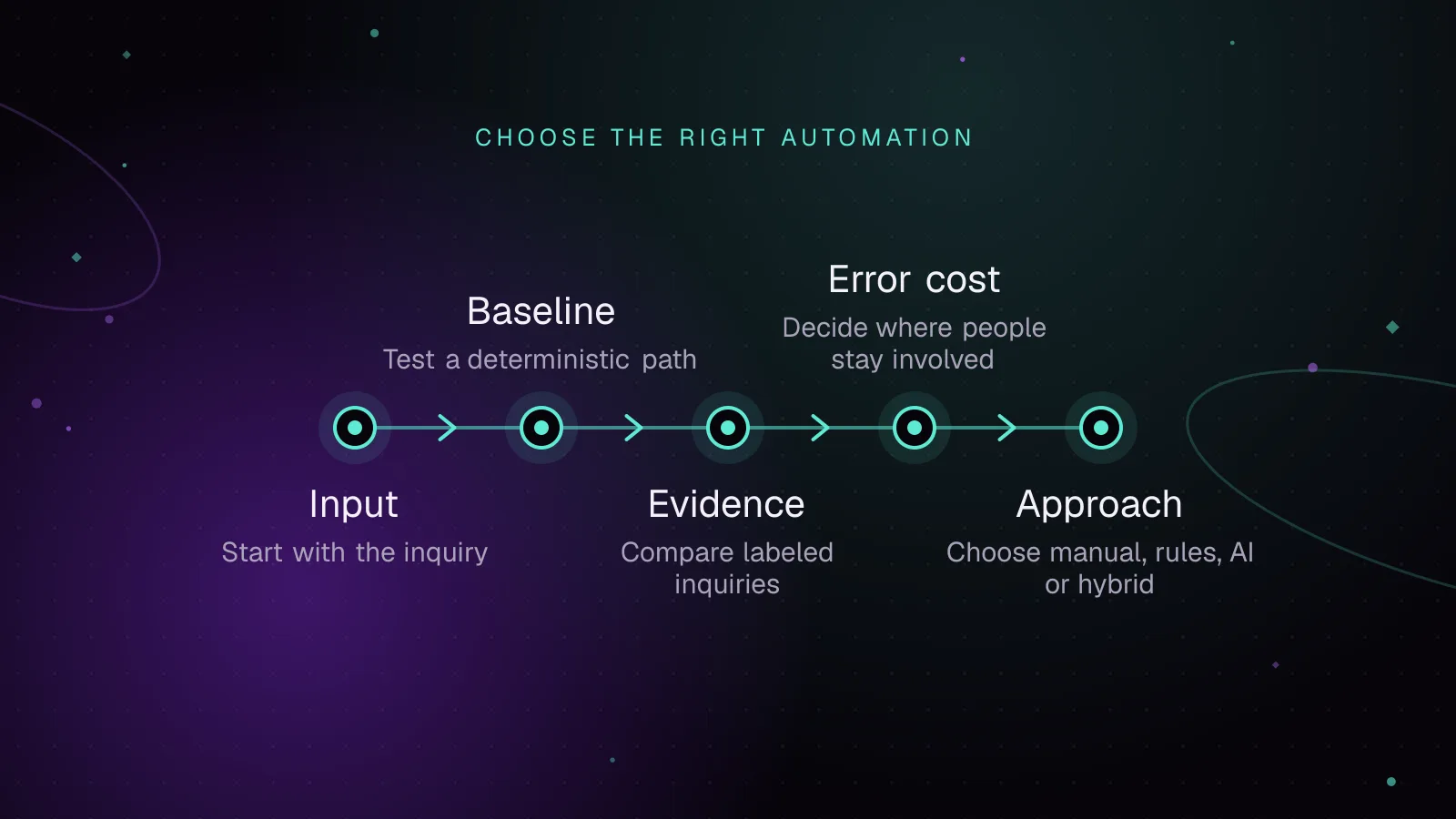
For AI vs rule based automation, use rules when the correct action follows fixed inputs, use AI when the task depends on meaning in messy text, and keep a person involved when a wrong action is costly or hard to reverse. Do not decide from a product label.
- AI
- Automation
- Small Business
 Development
4 min read
AI automation for small businesses: where to start
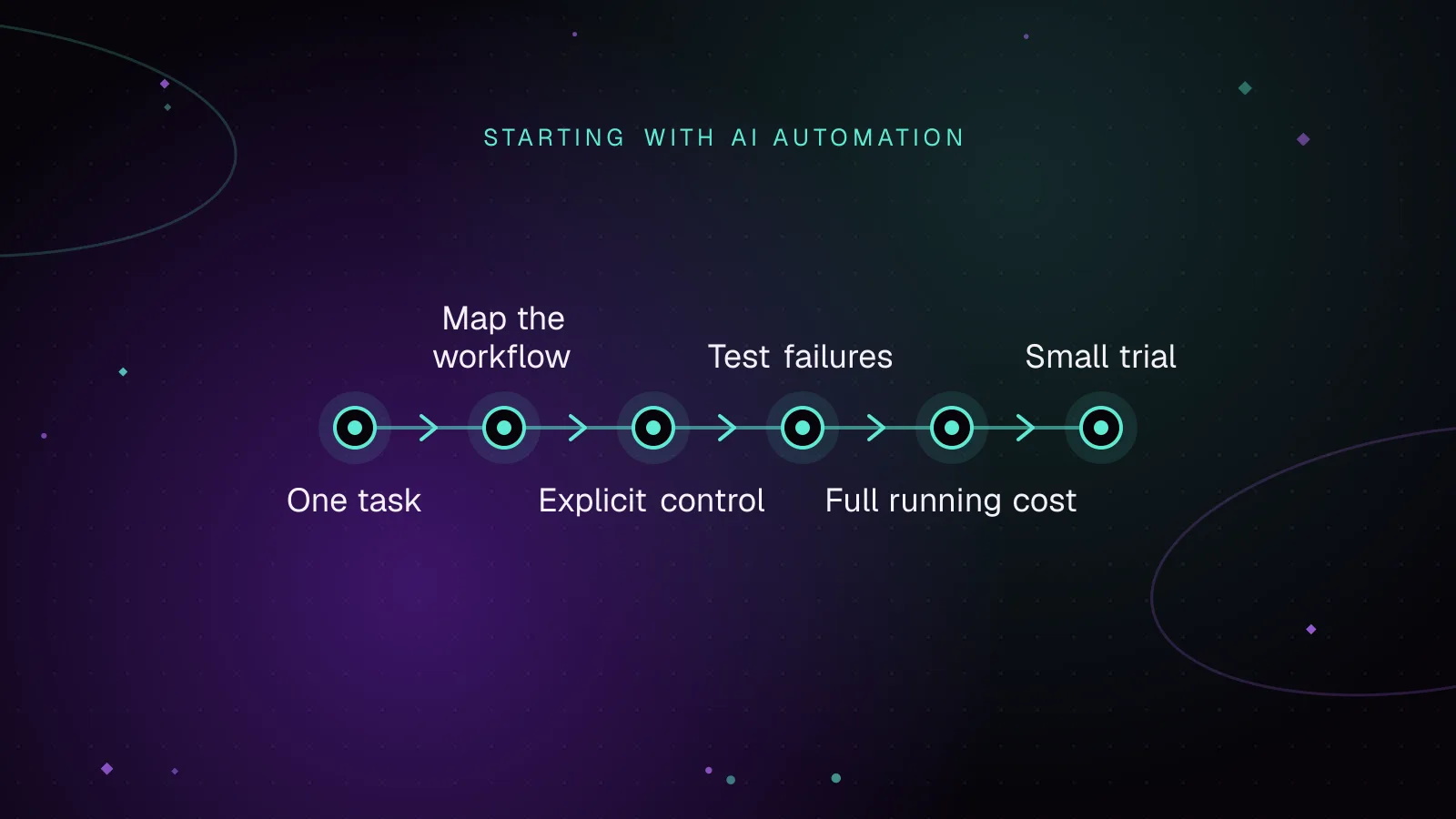
AI automation for small businesses is most useful when it handles a repeatable step that someone can check. Start with one workflow, such as sorting incoming enquiries or drafting a reply for review. Decide who owns the result, how mistakes will be caught and what happens when a connection fails.
- Automation
- Web Development
- Small Business
 Development
7 min read
End-to-end WordPress Playwright testing for editor, admin and checkout
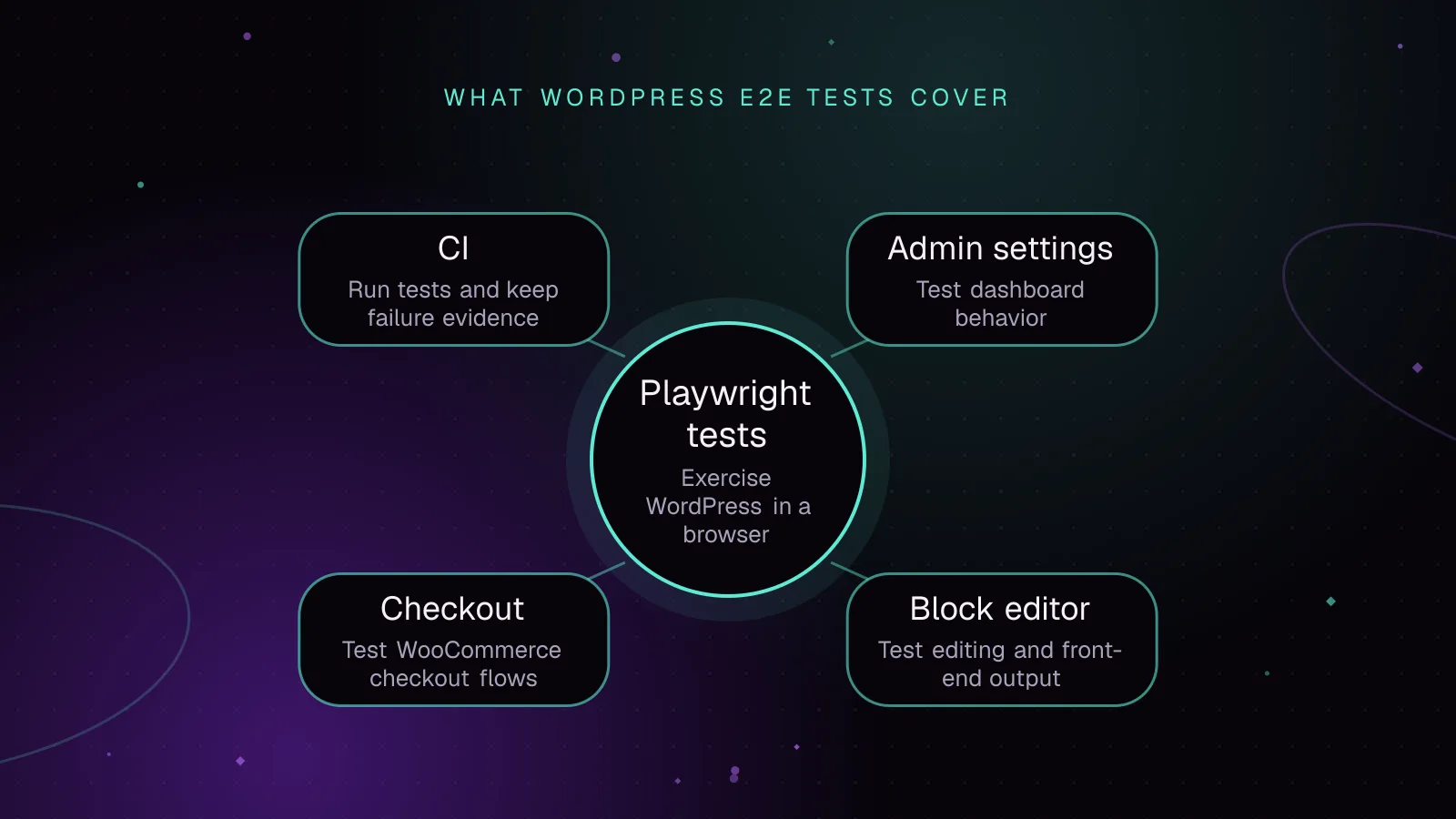
WordPress Playwright testing lets a browser verify the editor, wp-admin, and checkout paths that a release depends on. Run those flows against wp-env, reuse a saved admin session, keep test data fixed, and save traces and screenshots when CI fails.
- WordPress
- Testing
- JavaScript